
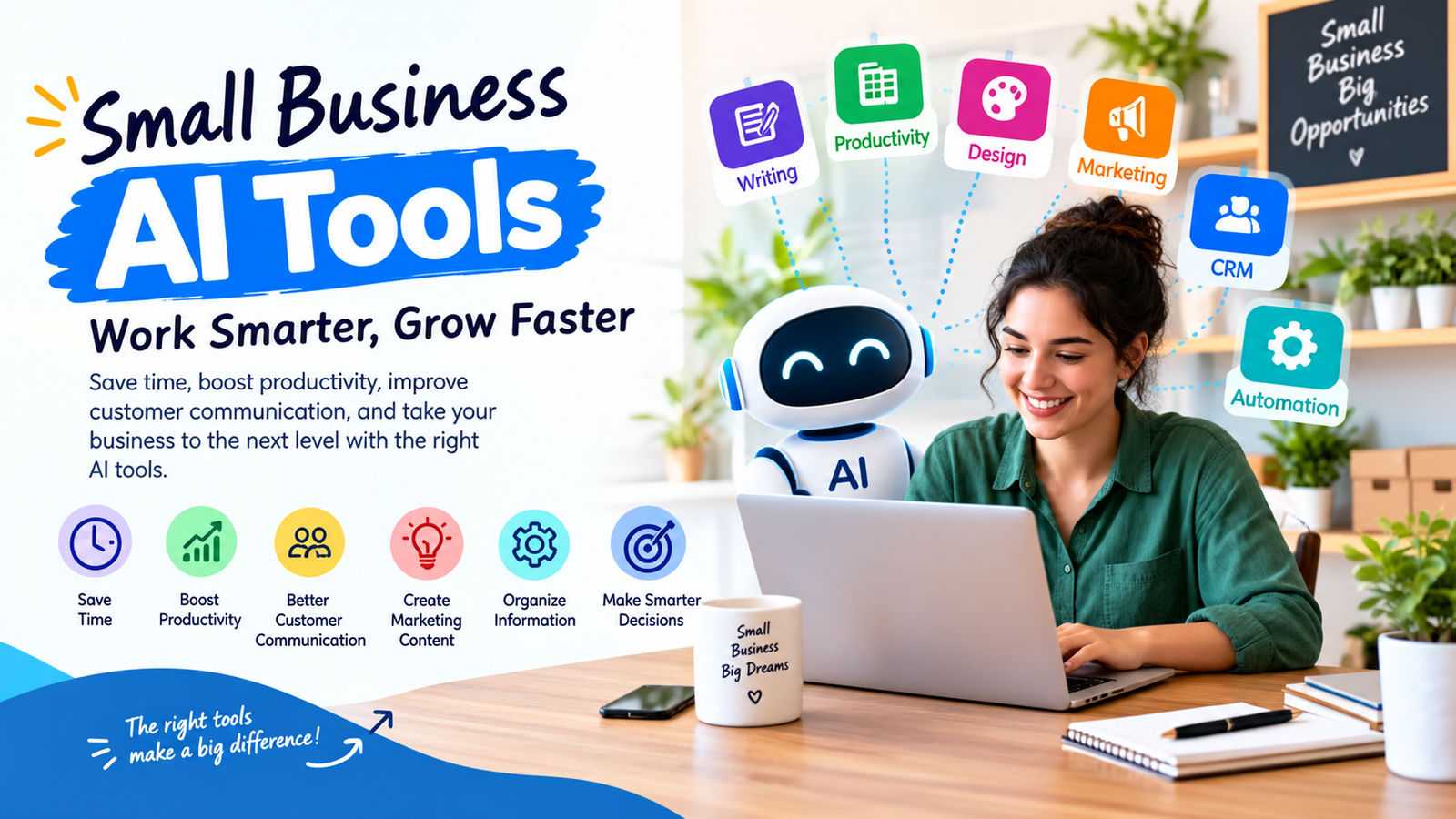
Small businesses often have to do more with limited time, staff, and resources. The right small business AI tools can help reduce repetitive work, improve customer communication, create marketing content, organize information, and support everyday decision-making.
AI is no longer limited to writing chat responses. Modern business tools can help with documents, spreadsheets, research, customer relationship management, design, marketing, and workflow automation. The key is choosing tools that solve real business problems rather than adding another complicated platform to the workflow.
For small teams, small business AI tools can simplify everyday work without requiring a large technology budget.
This guide explains how small businesses can use AI tools, which types of tools are useful for different tasks, what to consider before choosing one, and how to introduce AI without losing human oversight.
Quick Summary
The right small business AI tools can support different areas of a company, from marketing and customer service to administration and research.
- AI writing tools: Useful for emails, product descriptions, proposals, and drafts.
- AI productivity tools: Help with documents, meetings, research, and everyday office work.
- AI design tools: Help small teams create marketing graphics and visual content.
- AI marketing tools: Support content planning, customer engagement, and campaign work.
- AI CRM tools: Help organize customer information and sales activities.
- AI automation tools: Connect repetitive business processes and reduce manual work.
What Are Small Business AI Tools?
Small business AI tools are software applications that use artificial intelligence to help with tasks such as writing, research, data analysis, marketing, customer service, design, sales, and administration.
Some tools work mainly as assistants. Others can connect with business data or applications and help complete several steps in a workflow. For example, an AI tool might help turn meeting notes into a summary, create a first draft of an email campaign, analyze spreadsheet information, or organize customer data.
Modern small business AI tools can assist with both individual tasks and connected workflows, depending on the features and integrations available.
The most useful tool depends on the business problem. A local service company may benefit more from AI-assisted marketing and customer communication, while an online store may need tools for product content, customer support, analytics, and inventory-related workflows.
Why Should Small Businesses Use AI Tools?
Small businesses usually have fewer employees and less time to handle every operational task manually. AI can help increase the amount of work a small team can manage, provided the tools are used appropriately and their outputs are reviewed.
When selected carefully, small business AI tools can help employees spend less time on repetitive activities and more time on important business work.
OpenAI describes small-business use cases for ChatGPT that include marketing materials, financial reporting, customer-related work, and business operations.
The goal should not be to automate every part of a business. Instead, owners should identify repetitive or time-consuming tasks where AI can provide useful assistance while people remain responsible for important decisions.
Best Types of AI Tools for Small Businesses
1. AI Writing and Content Tools
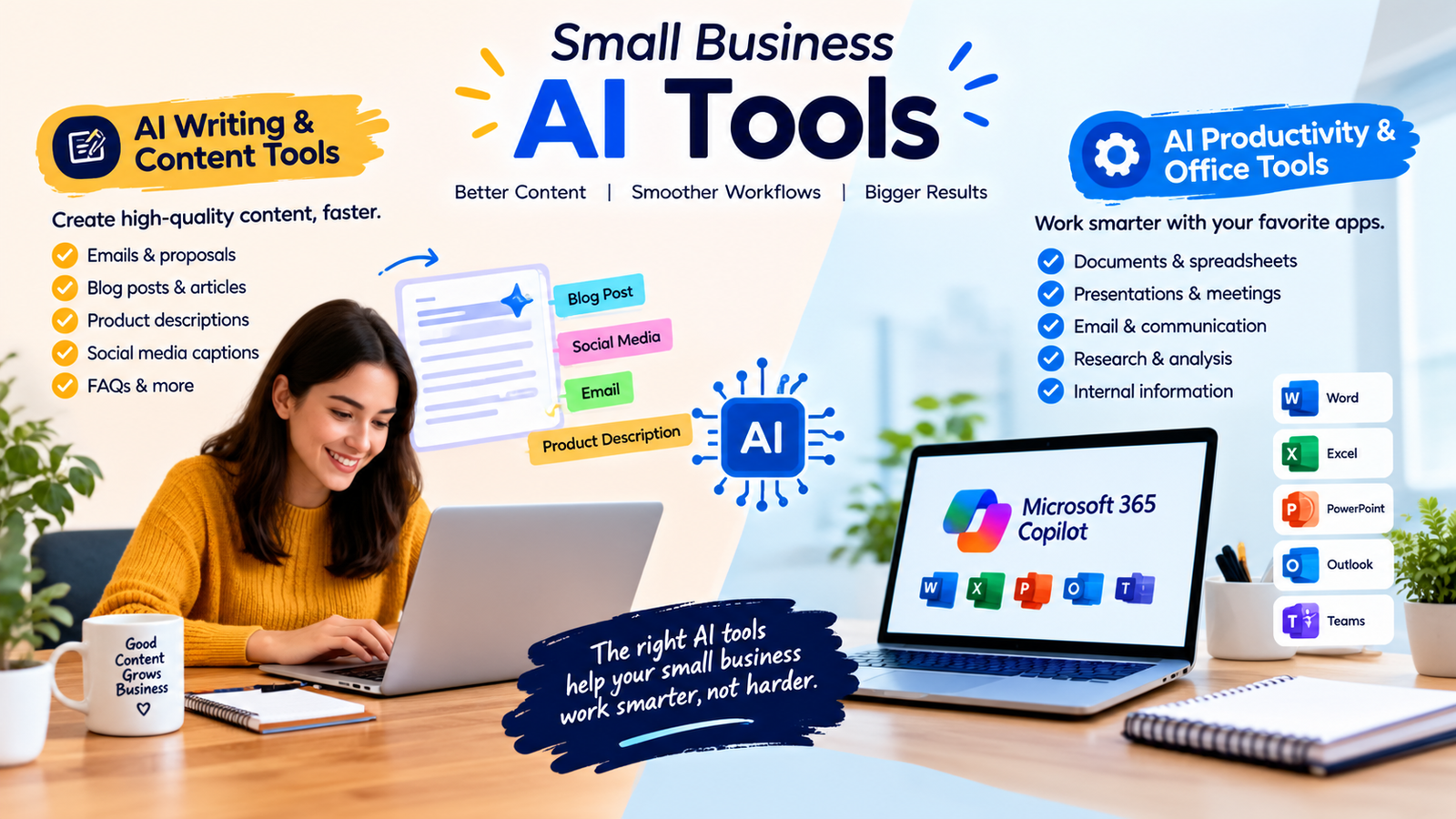
Writing is one of the easiest areas for a small business to improve with AI assistance. AI writing tools can help create first drafts for emails, blog posts, product descriptions, social media captions, proposals, FAQs, and other business content.
For content-heavy businesses, small businessAI tools can make it easier to create first drafts while allowing employees to maintain the final quality and brand voice.
These tools are particularly useful when a business needs to produce content regularly but does not have a large marketing team.
However, AI-generated content should not automatically be published without review. A business owner or editor should check facts, tone, brand messaging, originality, and customer relevance before publishing.
2. AI Productivity and Office Tools
Small businesses spend significant time working with documents, spreadsheets, presentations, email, meetings, and internal information. AI-powered productivity tools can help reduce some of this manual work.
Many small business AI tools are designed to work alongside everyday office applications, making them easier to introduce into existing processes.
For example, Microsoft 365 Copilot Business integrates AI capabilities into applications such as Word, Excel, PowerPoint, Outlook, and Teams. Microsoft also provides AI-powered research, analysis, and agents for business workflows.
This type of tool can be especially useful for businesses that already rely heavily on Microsoft 365 because the AI features can fit into existing workflows instead of requiring a completely separate system.
3. AI Design Tools
Professional design can be expensive or time-consuming for a small business. AI-assisted design platforms can help teams create social media graphics, presentations, promotional materials, flyers, and other visual assets.
Canva provides AI capabilities for small and medium businesses, including creating and adapting on-brand content across different formats.
With suitable small business AI tools, owners and small marketing teams can produce useful visual content without handling every design task manually.
For example, a small restaurant could create promotional graphics for a weekly offer, while an online store could adapt one product campaign into several social media formats.
4. AI Marketing Tools
Marketing teams can use AI to support research, content planning, email campaigns, customer segmentation, reporting, and campaign ideas.
Using small business AI tools for routine marketing tasks can give small teams more time to focus on strategy, customers, and campaign performance.
AI should support marketing strategy rather than replace it. Business owners still need to understand their customers, positioning, brand voice, pricing, and goals.
For small teams, the biggest advantage is often reducing the amount of time spent preparing routine marketing materials so more attention can go toward strategy and customer relationships.
5. AI CRM and Customer Management Tools
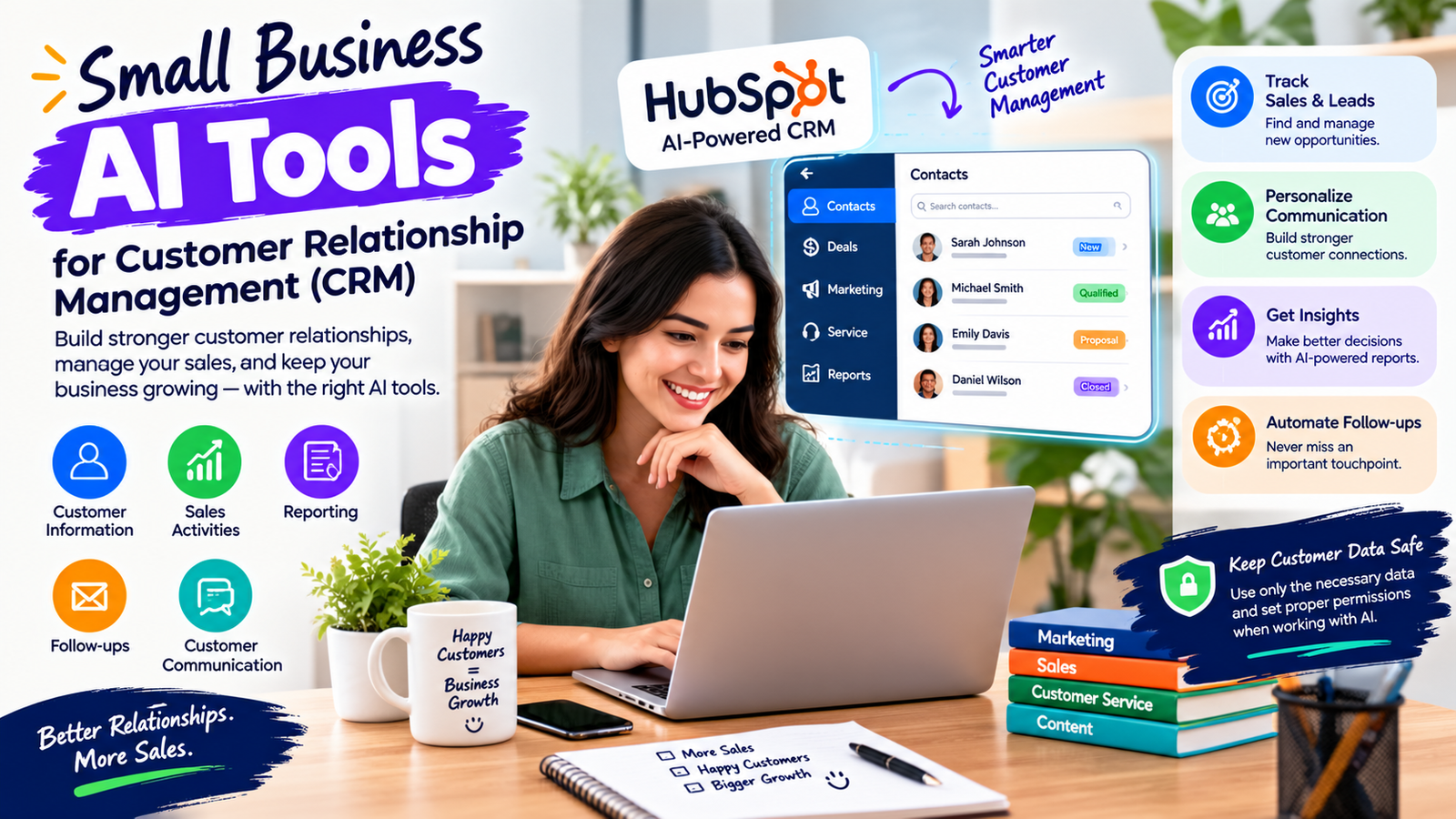
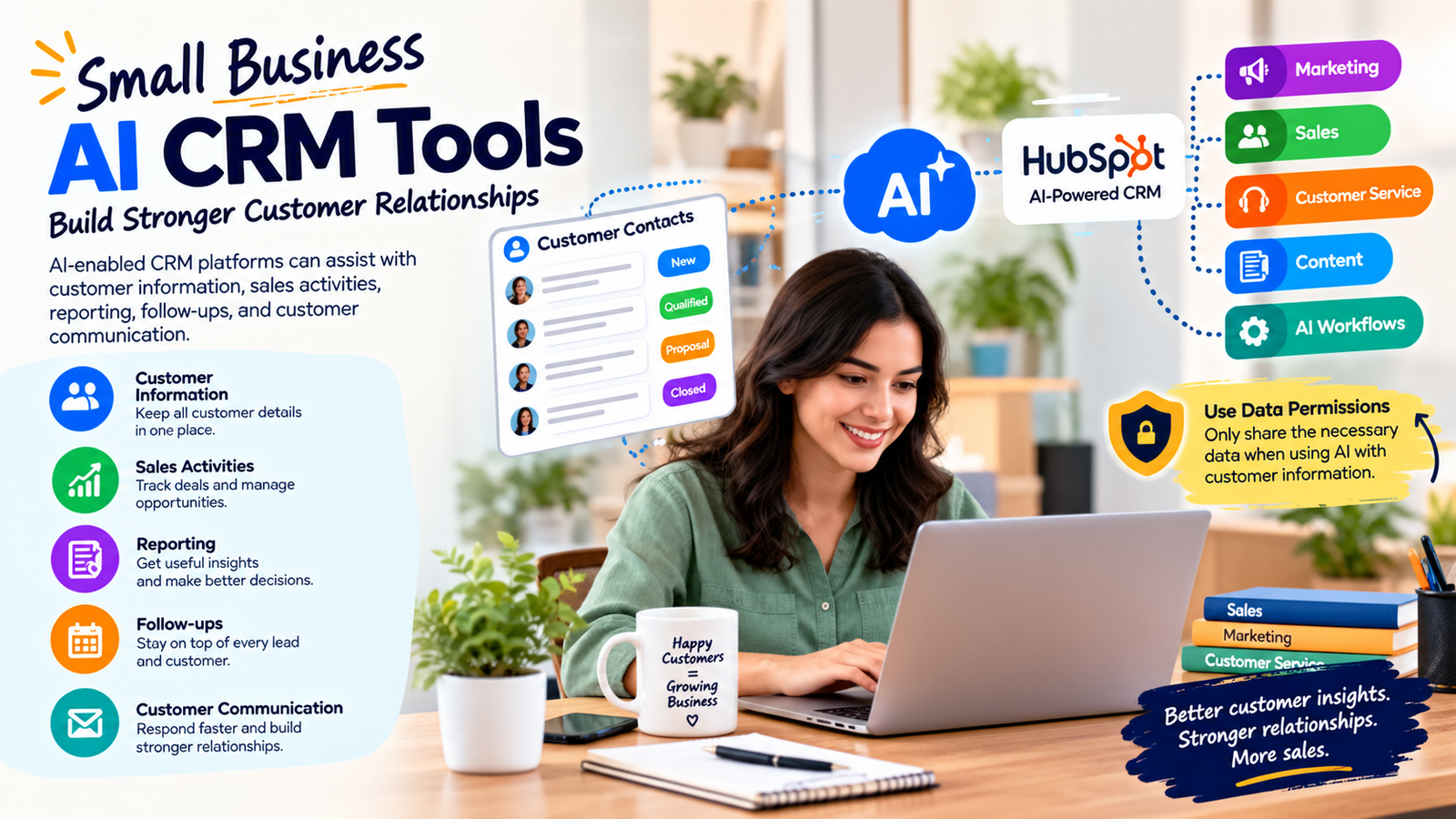
Customer relationship management is another area where AI can help small businesses. AI-enabled CRM platforms can assist with customer information, sales activities, reporting, follow-ups, and customer communication.
The right small business AI tools can also help organize customer information and make follow-up activities more consistent.
HubSpot, for example, offers AI capabilities connected to CRM information and provides tools for sales, marketing, customer service, content, and AI-assisted workflows.
Businesses should pay particular attention to data permissions when using AI with customer information. Only the necessary data should be made available to a tool or workflow.
6. AI Automation Tools
AI automation tools can help connect different steps in a business process. Instead of manually moving information from one application to another, businesses can automate selected parts of the workflow.
Businesses can use small business AI tools to support selected workflow steps while keeping human approval for important actions.
For example, a new customer inquiry could be recorded in a CRM, assigned to the appropriate team member, and followed by a prepared communication. The exact workflow depends on the tools and permissions available.
Automation is most useful when the underlying process is already clear. Automating a confusing or poorly designed process can simply make mistakes happen faster.
Popular AI Tools Small Businesses Can Consider
| Tool or Platform | Useful For | Why It May Help |
|---|---|---|
| ChatGPT | Writing, research, analysis, brainstorming, business workflows | Flexible general-purpose AI assistance for many business tasks |
| Microsoft 365 Copilot | Documents, spreadsheets, email, meetings, research | Works across familiar Microsoft 365 applications |
| Canva | Marketing graphics, presentations, social content | Useful for creating and adapting visual business content |
| HubSpot | CRM, marketing, sales, customer service | Combines customer data, business tools, and AI capabilities |
These examples show how small business AI tools can cover different areas of daily business operations rather than serving only one purpose.
This is not a ranking. Each platform addresses different business needs, so the right choice depends on the company’s existing software, budget, team size, data requirements, and workflow.
How to Choose the Right AI Tool
Choosing an AI tool should start with the business problem rather than the popularity of the software.
When evaluating small business AI tools, start by identifying the specific task you want to improve.
1. Identify the Repetitive Task
Look for tasks that happen frequently and consume significant staff time. Examples include drafting routine emails, summarizing documents, creating reports, organizing customer information, or preparing marketing materials.
This approach helps ensure that small business AI tools are solving a genuine operational problem instead of creating unnecessary complexity.
2. Check Existing Software
Before buying another platform, check whether your current software already includes AI features. This can reduce training requirements, subscription costs, and the number of systems employees need to learn.
3. Consider Data Requirements
Think carefully about what information the AI tool will access. Customer information, financial records, business documents, credentials, and other sensitive data require stronger privacy and access controls.
Data protection should be considered before giving small business AI tools access to customer, financial, or internal business information.
4. Evaluate Ease of Use
A powerful AI platform is not useful if employees cannot use it effectively. Choose tools that fit the team’s technical skills and existing workflow.
5. Compare the Total Cost
Do not evaluate software only by its subscription price. Consider setup time, employee training, integrations, usage limits, administration, and the cost of maintaining the workflow.
6. Test Before Expanding
Start with one practical use case. Measure whether the tool actually saves time or improves quality before introducing it across the entire business.
Testing one workflow first allows a business to determine whether small business AI tools provide measurable value before wider adoption.
Small Business AI Tools by Business Need
| Business Need | Useful AI Category | Example Tasks |
|---|---|---|
| Content creation | AI writing tools | Articles, emails, product descriptions, social posts |
| Visual marketing | AI design tools | Graphics, presentations, promotional materials |
| Customer management | AI CRM tools | Follow-ups, customer records, sales assistance |
| Office productivity | AI productivity tools | Documents, spreadsheets, summaries, meetings |
| Process automation | AI automation tools | Data transfer, notifications, workflow steps |
| Research and analysis | AI research tools | Summaries, information analysis, business research |
Different business needs may require different small business AI tools, so businesses should focus on practical requirements rather than trying to use every available AI feature.
How Small Businesses Can Use AI in Daily Work
Across daily operations, small business AI tools can assist employees with routine work while people remain responsible for important decisions.
Marketing
A small marketing team can use AI to brainstorm campaign ideas, create first drafts, summarize customer feedback, organize content calendars, and prepare variations of promotional messages.
Sales
Sales teams can use AI to summarize customer information, prepare meeting notes, draft follow-up messages, research prospects, and organize sales activities.
Customer Service
AI can help classify customer questions, draft routine responses, find relevant information, and summarize conversations. Human staff should handle sensitive complaints, unusual cases, and decisions that require judgment.
Finance and Administration
AI can help summarize business documents, organize information, prepare draft reports, and identify patterns in data. Financial decisions and important records should still receive appropriate human review.
E-Commerce
Online stores can use AI for product descriptions, customer communication, marketing content, product research, and internal organization. Human review is particularly important for product specifications, pricing, claims, and policies.
Benefits of Using AI Tools in a Small Business
One reason businesses explore small business AI tools is the potential to increase productivity without immediately adding more manual processes.
- Time savings: AI can reduce repetitive manual work.
- More consistent workflows: Standardized prompts and processes can help teams follow repeatable procedures.
- Faster content production: Teams can create initial drafts more quickly.
- Better access to information: AI can help summarize and organize large amounts of business information.
- Greater capacity: Small teams may be able to handle more routine work without immediately adding staff.
- Lower barriers to business tasks: Owners can get assistance with writing, research, design, and analysis without being specialists in every area.
Limitations and Risks of AI Tools
AI tools can improve productivity, but they are not automatically accurate or appropriate for every task.
Accuracy
AI can produce incorrect information, misunderstand instructions, or make assumptions. Important facts and business decisions should be verified.
Privacy
Businesses should understand how a tool handles submitted data before entering confidential information. Access should be limited to what the workflow actually requires.
Over-Automation
Not every task should be automated. Customer relationships, sensitive decisions, financial approvals, legal matters, and brand-critical communication may require human involvement.
Employee Adoption
Introducing AI without training can create inconsistent results. Employees need clear instructions about acceptable use, review procedures, and data handling.
Quality Control
AI-generated content can sound polished while still containing mistakes. Human review remains important for accuracy, originality, tone, and business context.
How to Start Using AI Without Overcomplicating Your Business
Starting with one simple workflow makes it easier to understand how small business AI tools perform in a real business environment.
- Choose one problem. Start with a task that is repetitive and easy to measure.
- Select one suitable tool. Avoid subscribing to several platforms before testing your first workflow.
- Create a simple process. Define the input, AI task, human review step, and final output.
- Test the results. Compare AI-assisted work with the existing process.
- Document what works. Save effective prompts and workflow instructions.
- Expand gradually. Add more AI-supported tasks only after the first workflow is reliable.
Common Mistakes Small Businesses Should Avoid
- Choosing a tool because it is popular: Popularity does not guarantee that a platform fits your business.
- Buying too many tools: A large collection of AI subscriptions can create unnecessary complexity.
- Uploading sensitive information without checking policies: Understand privacy and data controls first.
- Publishing AI content without review: Always check important business content before it reaches customers.
- Automating unclear processes: Improve the workflow before trying to automate it.
- Measuring only speed: Time savings are not valuable if accuracy or customer experience declines.
How to Measure Whether an AI Tool Is Actually Helping
Do not assume that an AI tool is valuable simply because employees use it. Measure the result.
Useful measurements can include:
- Time required to complete a task
- Number of manual steps removed
- Output quality
- Error rate
- Customer response time
- Employee adoption
- Cost per completed task
- Revenue or conversion impact where measurable
For example, if AI reduces the time needed to create a weekly report from two hours to 30 minutes without reducing accuracy, the business has a measurable productivity improvement.
What to Look for in an AI Tool
Before choosing a platform, consider these practical factors:
- Ease of use: Can employees learn it quickly?
- Integrations: Does it work with the software your business already uses?
- Data controls: Can you manage access and protect sensitive information?
- Output quality: Does it produce useful results for your specific tasks?
- Scalability: Can the tool support your business as it grows?
- Administration: Can you manage users, permissions, and settings?
- Cost: Does the value justify the total expense?
Frequently Asked Questions
What are the best AI tools for small businesses?
There is no single best tool for every small business. General-purpose assistants such as ChatGPT can support writing, research, analysis, and business workflows, while platforms such as Microsoft 365 Copilot, Canva, and HubSpot focus on different business needs. The right choice depends on your workflow, existing software, budget, and data requirements.
How can a small business use AI to save time?
Start with repetitive tasks such as drafting routine messages, summarizing documents, preparing marketing content, organizing information, and creating reports. Measure the time saved and review the quality before expanding the workflow.
Are AI tools expensive for small businesses?
Costs vary widely by platform, plan, usage, and business requirements. Some tools offer free or limited access, while business-focused features may require paid plans. Check the provider’s current pricing and usage limits before making a purchase.
Can AI replace employees in a small business?
AI can automate or assist with some tasks, but that does not mean every role can or should be replaced. Many business activities require communication, judgment, creativity, accountability, and relationships. AI is often more useful as a productivity tool than as a complete replacement for human responsibility.
What should small businesses avoid when using AI?
Businesses should avoid giving AI unnecessary access to sensitive information, publishing unreviewed output, automating unclear processes, and adopting multiple tools without a clear purpose. Human oversight should remain part of important workflows.
How should a small business start with AI?
Choose one repetitive, low-risk task, select one suitable tool, create a simple workflow, measure the results, and improve the process before expanding AI use to other parts of the business.
Conclusion
Small business AI tools can help lean teams work more efficiently by reducing repetitive tasks, speeding up content creation, organizing information, supporting customer communication, and improving everyday productivity.
As businesses gain experience, small business AI tools can become part of a practical digital workflow that supports productivity, customer service, and growth.
The most effective approach is not to adopt every new AI platform. Instead, identify specific business problems, choose tools that fit existing workflows, protect sensitive information, and keep people involved in important decisions.
Start with one measurable use case. If the tool saves time while maintaining quality and control, expand from there. Over time, a thoughtful AI strategy can help a small business spend less time on repetitive work and more time on customers, strategy, creativity, and growth.