
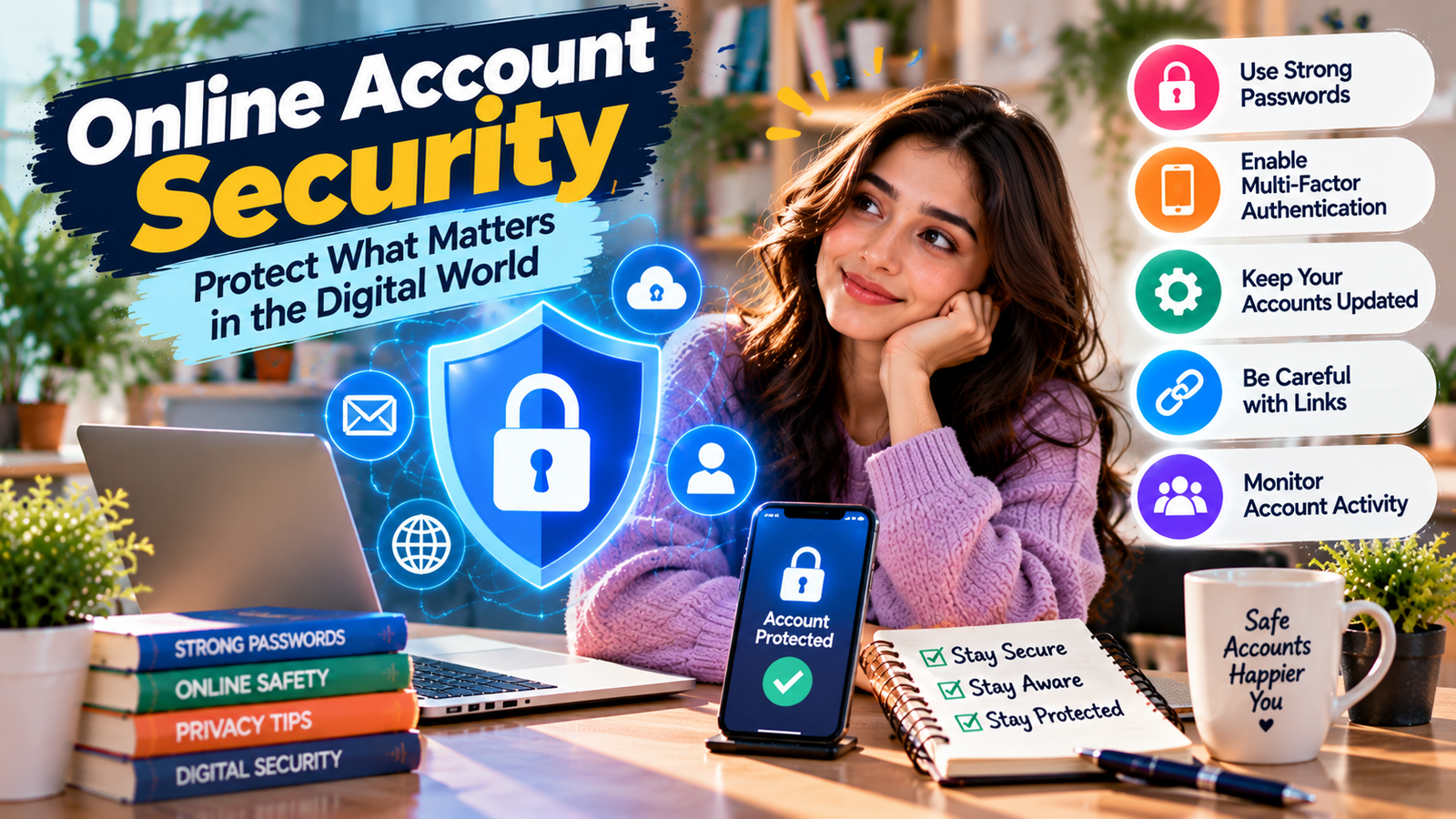
Online accounts contain some of your most valuable personal information, from email and social media to banking, shopping, and cloud storage. Strong Online Account Security helps protect this information from unauthorized access, phishing attacks, stolen passwords, and account takeovers. This guide explains practical ways to improve your digital protection, strengthen passwords, enable multi-factor authentication, recognize scams, and respond quickly if something goes wrong.
Why Online Account Security Matters
Most people use multiple online accounts every day. These accounts may contain personal messages, photos, payment details, saved addresses, documents, and other private information. If an attacker gains access to one important account, they may try to use it to reach other services.
Good Online Account Security does not mean making your digital life complicated. It means creating a few strong habits that make unauthorized access much harder.
Key Takeaways
- Use a unique, strong password for every important account.
- Turn on multi-factor authentication whenever it is available.
- Use a reputable password manager to manage unique passwords.
- Keep your operating system, browser, apps, and security software updated.
- Be careful with unexpected links, attachments, login requests, and messages.
- Review account activity and security settings regularly.
- Know what to do immediately if an account is compromised.
What Is Online Account Security?
Online Account Security refers to the practices and technologies used to protect digital accounts from unauthorized access, account takeover, data theft, scams, and other threats.
It includes passwords, multi-factor authentication, recovery methods, software updates, device security, privacy settings, phishing awareness, and monitoring for suspicious activity.
The goal is simple: make it difficult for someone else to access your account, even if they discover some of your information.
Use Strong and Unique Passwords
One of the most important parts of Online Account Security is using strong and unique passwords. A password should be difficult to guess and should not be reused across multiple services.
Password reuse creates a major problem. If one website suffers a data breach and your password is exposed, an attacker may try the same password on your email, shopping, social media, or other accounts.
What Makes a Password Strong?
- Use a long password or passphrase.
- Avoid obvious personal information.
- Do not use common passwords or predictable patterns.
- Use a different password for every important account.
- Avoid using the same password with small changes, such as adding a different number.
For important accounts, length and uniqueness are especially important. Your email account deserves particular attention because it may be connected to password-reset links for other accounts.

Use a Password Manager
Remembering a different strong password for every account can be difficult. A password manager can help by securely storing passwords and generating unique passwords when you create new accounts.
A password manager supports Online Account Security by reducing password reuse and making it easier to maintain long, unique credentials.
Benefits of a Password Manager
- Creates unique passwords.
- Stores passwords securely.
- Reduces password reuse.
- Makes long passwords easier to manage.
- Can help identify weak or reused passwords.
Turn On Multi-Factor Authentication
Multi-factor authentication, commonly called MFA, adds another verification step after your password. Depending on the service, this may involve an authentication app, security key, passkey, or another verification method.
MFA is an important part of Online Account Security because a stolen password alone may not be enough to access the account.
Whenever a service provides a strong MFA option, review the available choices and use one that fits your security needs. Keep backup or recovery methods protected as carefully as your primary login method.
Understand Passkeys
Passkeys are a newer sign-in method designed to reduce reliance on traditional passwords. They use cryptographic credentials and are typically unlocked using a device’s existing security method, such as a fingerprint, face recognition, or device PIN.
Where supported, passkeys can provide a convenient alternative to passwords and can reduce exposure to common password-based attacks such as phishing.
Protect Your Email Account
Your primary email account deserves extra protection because it may be used to reset passwords for other services.
Strong email protection is a central part of Online Account Security because an attacker who controls your email may attempt to reset passwords for connected accounts.
Steps to Protect Your Email
- Use a unique and strong password.
- Enable multi-factor authentication.
- Review recovery email addresses and phone numbers.
- Check recent login or account activity.
- Remove unfamiliar devices or sessions.
- Review connected applications and services.
Learn How to Recognize Phishing
Phishing is one of the most common ways attackers attempt to steal login information. A phishing message may pretend to come from a bank, social network, employer, delivery company, or another trusted organization.
Understanding phishing is essential for Online Account Security because attackers often target people rather than trying to break through technical defenses.
The message may create urgency and ask you to click a link, open an attachment, confirm your account, or provide sensitive information.
Common Phishing Warning Signs
- An unexpected request for your password or verification code.
- A message creating unnecessary urgency or fear.
- A suspicious or unfamiliar sender.
- A link that does not match the organization it claims to represent.
- Unexpected attachments.
- Requests for financial or personal information.
- Messages asking you to bypass normal security procedures.
If a message looks suspicious, do not use the link inside it. Instead, open the organization’s official website or app directly and check your account there.
Keep Your Devices Updated
Strong account credentials cannot fully protect you if the device you use has outdated software or known security weaknesses.
Keeping devices updated is another important part of Online Account Security. Updates often include security fixes as well as new features.
Keep your operating system, web browser, applications, and security tools updated. Whenever possible, enable automatic updates for supported software.

Secure Your Smartphone
Your smartphone can contain email accounts, authentication apps, banking applications, photos, contacts, and other sensitive information. Protecting the device therefore supports your overall Online Account Security.
- Use a strong PIN or other supported device lock.
- Install applications from trusted sources.
- Keep the operating system updated.
- Review application permissions.
- Enable device-finding and remote-lock features where available.
- Avoid leaving your phone unlocked in public places.
Be Careful on Public Wi-Fi
Public Wi-Fi can be useful, but users should avoid assuming that every public network is trustworthy. Be especially careful when entering sensitive information on unfamiliar networks.
Using secure websites and applications, keeping devices updated, and choosing trusted connections can support better Online Account Security.
Review Account Activity Regularly
Many online services provide security dashboards showing recent sign-ins, connected devices, active sessions, or unusual activity. Checking these settings can help you identify activity that you do not recognize.
Regular account reviews are a simple way to maintain Online Account Security over time.
If you see an unfamiliar login, review the service’s security guidance immediately. Change the password if appropriate, sign out of unknown sessions, remove unfamiliar devices, and enable stronger authentication.
Protect Your Account Recovery Options
Account recovery is useful when you forget a password, but recovery information can also become a target. Keep recovery email addresses and phone numbers current and secure.
Protecting recovery methods is an important part of Online Account Security because attackers may attempt to use weak recovery options to take control of an account.
Do not share verification codes with other people. A legitimate organization should not normally require you to reveal a one-time security code to a stranger who contacts you unexpectedly.
Limit What You Share Online
Information shared publicly can sometimes help attackers guess passwords, answer security questions, or create convincing social-engineering messages.
Limiting unnecessary personal information online can strengthen your overall Online Account Security and reduce the information available to potential attackers.
Review your social media privacy settings and consider limiting unnecessary public information such as your phone number, personal address, travel details, or other information that could be misused.
Secure Your Banking and Shopping Accounts
Financial accounts deserve additional protection. Use unique credentials and enable the strongest available authentication methods.
Banking and shopping accounts should receive special attention when reviewing your Online Account Security because they may contain financial and personal information.
When accessing financial services, use the official application or manually enter the known website address rather than following unexpected links in emails or text messages.
Regularly review account transactions and notifications. Report suspicious activity to the relevant financial institution as soon as possible.
Common Online Account Security Mistakes
Using One Password Everywhere
Reusing one password across many websites creates a single point of failure. If that password is exposed, multiple accounts may become vulnerable.
Ignoring Security Alerts
Security notifications should not automatically be dismissed. If an alert reports an unfamiliar login or password change, investigate it promptly.
Sharing Verification Codes
Never casually share one-time codes, authentication codes, or recovery codes. Treat them as sensitive credentials.
Clicking Links Without Checking Them
Do not assume a message is legitimate simply because it uses a familiar company name or logo. Check the sender and destination carefully.
Keeping Old Accounts Active
Unused accounts can become forgotten entry points. Close accounts you no longer need when practical, especially if they contain personal information.
A Simple Online Account Security Checklist
Use this checklist to review your current Online Account Security setup:
- Identify your most important accounts.
- Give your primary email account strong protection.
- Replace reused passwords with unique passwords.
- Use a password manager if it fits your needs.
- Enable MFA or passkeys where supported.
- Review account recovery options.
- Check recent account activity.
- Update your devices and applications.
- Review connected apps and third-party access.
- Learn to recognize phishing attempts.
- Review financial accounts for suspicious activity.
- Remove or close unnecessary old accounts.
What to Do If Your Account Is Hacked
If you believe someone has accessed your account, act quickly. A good Online Account Security response starts with securing the affected account and preventing further unauthorized access.
- Use the service’s official recovery or security page.
- Change the compromised password if you still have access.
- Sign out of unfamiliar sessions or devices.
- Enable MFA or another strong authentication method.
- Check recovery information for unauthorized changes.
- Review recent activity for suspicious actions.
- Check other accounts that reused the same password.
- Change reused passwords immediately.
- Contact the service provider if you cannot regain control.
- Monitor connected financial or sensitive accounts for unusual activity.
How to Build Better Security Habits
Good Online Account Security is easier when security becomes part of your normal routine. You do not need to change every setting at once.
Start with your most important accounts, especially email, financial services, cloud storage, and accounts containing sensitive information. Give each account a unique password, enable stronger authentication, and review its recovery settings.
After that, gradually review your other accounts. A small amount of regular maintenance can help reduce unnecessary security risks.
Frequently Asked Questions
What is the most important step for Online Account Security?
Use unique, strong passwords and enable multi-factor authentication on important accounts. These measures help reduce the risk of unauthorized access.
Should I use the same password for different accounts?
No. Reusing passwords increases the potential damage if one password is exposed. Use a unique password for each important account.
How can I improve Online Account Security quickly?
Start by protecting your primary email account, replacing reused passwords, enabling MFA, checking active sessions, and securing account recovery options.
Is a password manager safe to use?
A reputable password manager can make it easier to create and manage unique passwords. Choose a service carefully, protect the master account strongly, and enable available security features.
What should I do if I receive a suspicious login message?
Do not click links in the message. Open the service’s official website or app directly, review your account activity, and follow the provider’s security instructions.
Are passkeys useful for Online Account Security?
Passkeys are designed to provide a passwordless sign-in method that can reduce exposure to some password-related attacks. Their availability and exact implementation depend on the service and device.
Conclusion
Strong Online Account Security does not depend on one single tool. It comes from combining unique passwords, multi-factor authentication, secure recovery methods, updated devices, phishing awareness, and regular account monitoring.
Start with your most important accounts and improve them one by one. By building simple security habits and responding quickly to suspicious activity, you can make your digital accounts significantly harder for unauthorized users to access.
**Focus Keyword:** Online Account Security
**Keyword Usage:** Exactly 30 times, placed naturally throughout the article.