
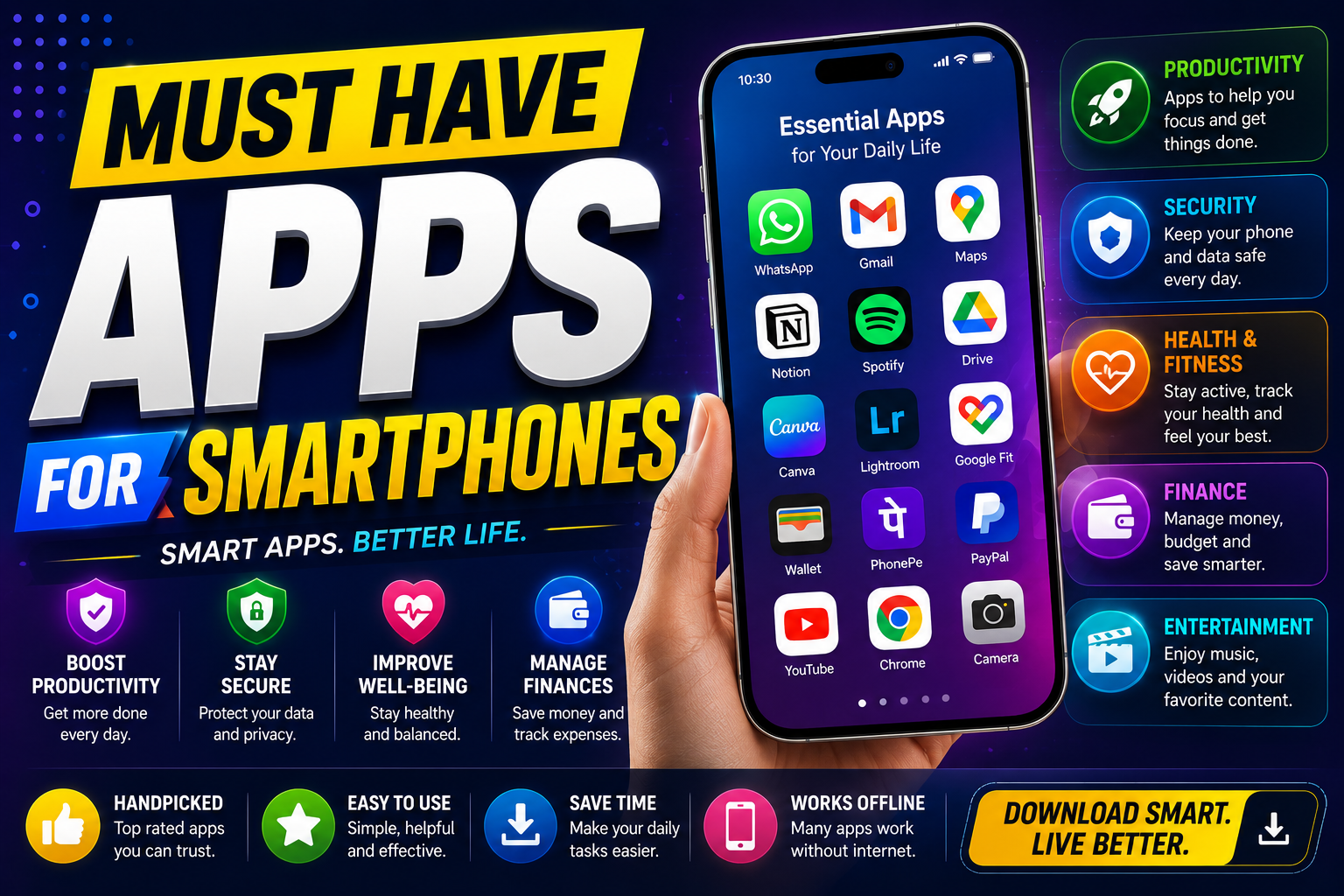
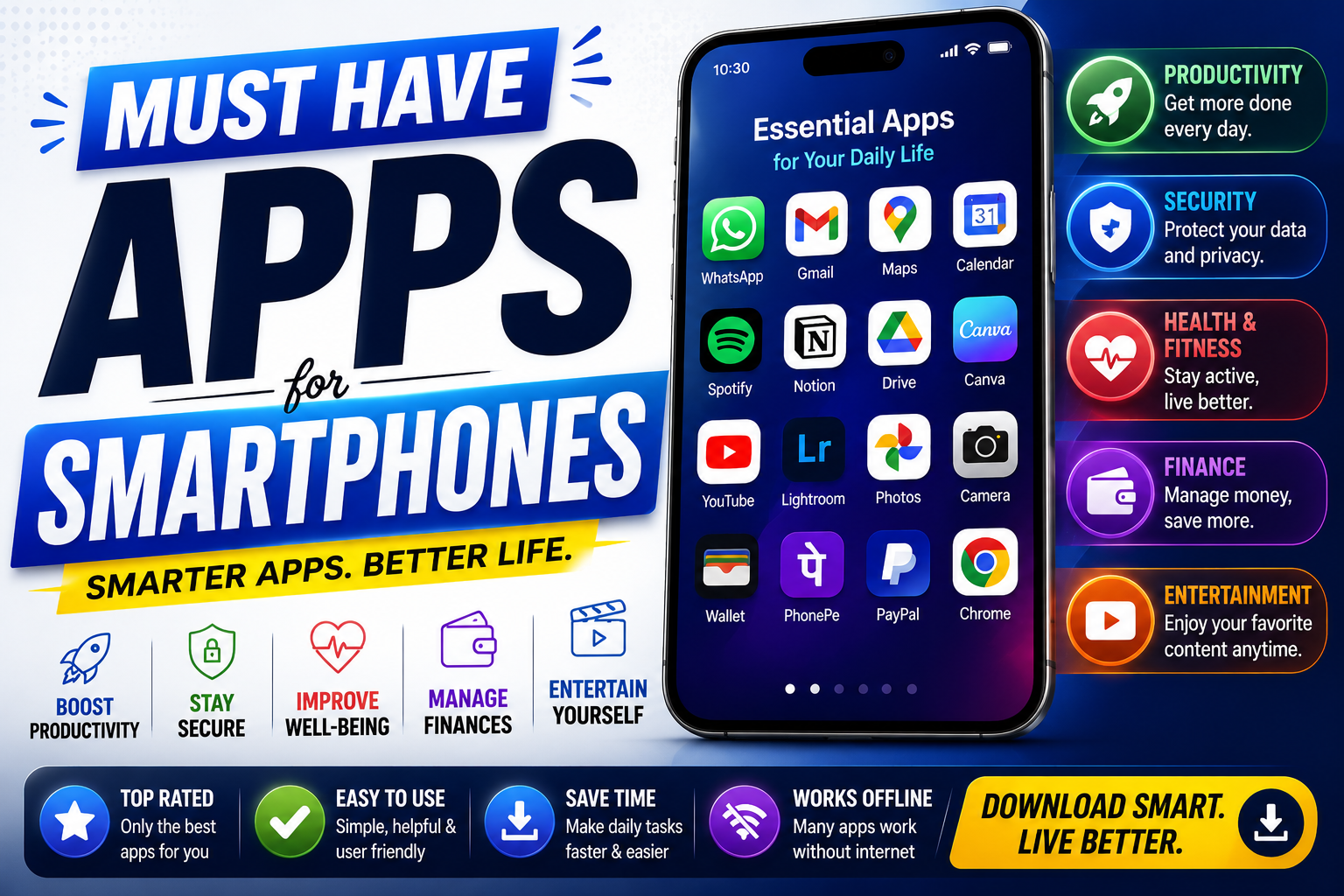
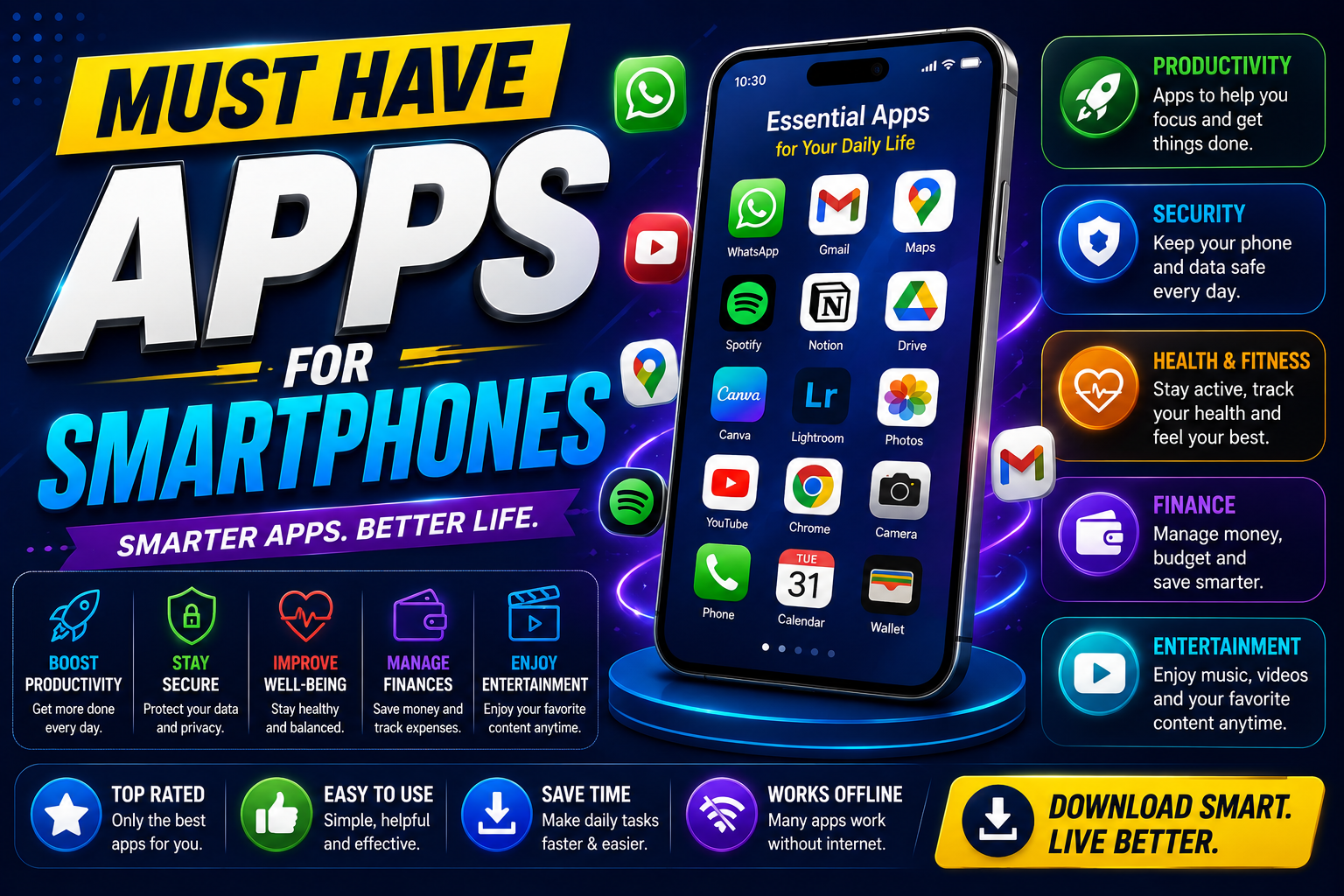
Must have apps for smartphones can make everyday activities easier by helping with communication, productivity, navigation, entertainment, file management, security, and personal organization. With thousands of apps available for Android and iPhone users, choosing the right ones can be challenging.
The best approach is not to install every popular application. Instead, focus on reliable tools that solve common everyday problems. This guide covers must have apps for smartphones across the most useful categories and explains what each type of app can do for you.
Quick List of Must Have Apps for Smartphones
The following must have apps for smartphones cover the basic needs of most users:
- Google Maps — Navigation
- WhatsApp — Communication
- Google Drive — Cloud Storage
- Google Calendar — Scheduling
- Google Keep — Notes
- Microsoft To Do — Tasks
- Google Photos — Photo Management
- Canva — Graphic Design
- VLC — Media Playback
- Adobe Acrobat Reader — PDFs
1. Google Maps — Best for Navigation
Google Maps is one of the most useful must have apps for smartphones because it can help you navigate unfamiliar locations, find businesses, explore places, and plan journeys.
The app can be useful for daily commuting as well as longer trips. You can search for locations, check routes, and discover nearby services without needing a separate navigation device.
Best for: Navigation, directions, travel, and discovering nearby places.
2. WhatsApp — Best for Communication
WhatsApp is a practical choice for messaging, group conversations, voice calls, video calls, and sharing files. For users whose friends, family, or coworkers already use the service, it can become an important everyday communication tool.
Keeping one reliable messaging platform on your phone can make communication simpler and reduce the need to switch between multiple apps.
Best for: Messages, voice calls, video calls, groups, and file sharing.
3. Google Drive — Best for Cloud Storage
Google Drive is among the must have apps for smartphones for users who regularly work with documents, PDFs, images, and other files.
Cloud storage allows you to access supported files from different devices. It can also make sharing documents easier when working with classmates, clients, coworkers, or family members.
Best for: Cloud storage, file access, document sharing, and collaboration.
4. Google Calendar — Best for Scheduling
Google Calendar can help you organize meetings, appointments, classes, birthdays, deadlines, and personal activities.
Instead of relying on memory for important events, you can create calendar entries and reminders. This makes it particularly useful for students, professionals, freelancers, and people with busy schedules.
Best for: Scheduling, appointments, reminders, and time management.
5. Google Keep — Best for Notes
Google Keep is a simple note-taking application that can be used for shopping lists, ideas, reminders, checklists, and quick information.
Its simple interface makes it useful when you need to record something quickly. You can organize notes with labels and checklists to make everyday information easier to manage.
Best for: Notes, lists, reminders, and quick ideas.
6. Microsoft To Do — Best for Task Management
Microsoft To Do can help you organize daily responsibilities and create task lists. You can add due dates, reminders, and separate lists for different areas of your life.
For people who want a straightforward task manager rather than a complicated project-management system, it can be a useful addition to a smartphone.
Best for: Daily tasks, reminders, planning, and organization.
7. Google Photos — Best for Photos
Google Photos can help organize, search, edit, and share photos and videos. A photo-management app becomes particularly useful when your smartphone contains years of pictures.
Before relying on any cloud photo service, check its current storage policies and available account space.
Best for: Photo organization, backups, searching, and sharing.
8. Canva — Best for Mobile Design
Canva is useful for creating social media posts, presentations, thumbnails, invitations, posters, and other visual content directly from a smartphone.
Templates make it possible for beginners to create professional-looking designs without advanced graphic-design skills. Some features and design elements may require a paid plan.
Best for: Social media graphics, presentations, thumbnails, and simple designs.
9. VLC — Best for Media Playback
VLC is a popular media player that supports a wide range of audio and video formats. It can be useful when your smartphone’s default player does not support a particular file.
Its broad format support makes it a practical option for users who frequently download or transfer media files.
Best for: Video and audio playback.
10. Adobe Acrobat Reader — Best for PDFs
Adobe Acrobat Reader can be useful when you need to open and read PDF documents on your phone. PDFs are commonly used for forms, invoices, manuals, applications, school documents, and business files.
The basic reader is useful for viewing documents, while advanced PDF features may be available through paid services.
Best for: Reading and managing PDF documents.
11. Password Manager — Best for Account Security
A trusted password manager is another important category when choosing must have apps for smartphones. Instead of remembering the same password for multiple accounts, you can use unique passwords and securely manage them through a password manager.
Look for a reputable provider with strong security practices, encryption, and multi-factor authentication options.
Best for: Password management, account security, and unique passwords.
12. Weather App — Best for Daily Planning
A reliable weather application can help you check current conditions and forecasts before leaving home, traveling, exercising outdoors, or planning an event.
Many smartphones include a built-in weather service, so you may not need to install another application unless you want additional features.
Best for: Weather forecasts and daily planning.

How to Choose Must Have Apps for Smartphones
The right must have apps for smartphones depend on your lifestyle, profession, interests, and daily routine. A student may need different tools from a freelancer, business owner, traveler, or content creator.
For Students
Students can benefit from calendar, notes, cloud storage, PDF, communication, and task-management applications. These tools can help organize assignments, documents, deadlines, and study materials.
For Professionals
Professionals may prioritize calendar, cloud storage, communication, task management, document, and security apps.
For Travelers
Navigation, weather, communication, translation, and travel-planning applications can be particularly useful when visiting unfamiliar locations.
For Content Creators
Design, photo editing, video editing, cloud storage, social media, and file-transfer applications can simplify mobile content creation.
Benefits of Installing the Right Apps
- Save time: Complete common tasks directly from your phone.
- Stay organized: Keep schedules, notes, and tasks accessible.
- Improve communication: Stay connected through messaging and calling apps.
- Protect information: Use security tools to protect important accounts.
- Access files anywhere: Cloud applications make important documents easier to reach.
- Increase productivity: Mobile tools can help you manage work and personal responsibilities.
Common Smartphone App Mistakes
Installing Too Many Apps
Installing multiple apps that perform the same function can consume storage and make your phone harder to manage. Choose reliable applications that meet your actual needs.
Ignoring App Permissions
Review permissions before granting an app access to contacts, location, camera, microphone, or files. Only provide permissions that are necessary for the app’s intended functionality.
Using Unofficial App Sources
Whenever possible, download applications from the official Google Play Store, Apple App Store, or the developer’s verified website. Avoid unknown download sources that may distribute modified or malicious applications.
Ignoring Updates
Keep your operating system and applications updated. Updates can include security fixes, compatibility improvements, and new functionality.
Free Apps vs Paid Apps
Many smartphone applications offer useful free versions. However, free plans can include advertisements, storage limits, premium features, or other restrictions.
Before paying for an application, determine whether the premium features are actually useful for your routine. A free app that solves your problem effectively may be all you need.
How Many Apps Should You Install?
There is no ideal number of smartphone apps. The goal should be to maintain a useful collection without creating unnecessary clutter.
A practical setup could include one navigation app, one primary messaging platform, one cloud storage service, one calendar, one notes app, one task manager, one security solution, and a few entertainment or creative apps based on your needs.
Frequently Asked Questions
What are the must have apps for smartphones?
The must have apps for smartphones can include Google Maps for navigation, WhatsApp for communication, Google Drive for storage, Google Calendar for scheduling, Google Keep for notes, Microsoft To Do for tasks, and a trusted password manager for security.
What apps should every smartphone have?
Most users can benefit from apps for navigation, communication, cloud storage, scheduling, notes, security, and file management. Additional apps should be selected according to personal needs.
Are free smartphone apps safe?
Free does not automatically mean safe. Check the developer, reviews, permissions, privacy information, update history, and download source before installing an unfamiliar app.
Should I install a separate app for everything?
No. Installing too many applications can create clutter and consume storage. Choose reliable apps that cover your most important everyday tasks.
What are the best smartphone apps for productivity?
Calendar, notes, task management, cloud storage, communication, and document applications can form a strong productivity setup for most users.
How can I keep my smartphone apps secure?
Download apps from trusted sources, keep them updated, review permissions, use strong account passwords, enable multi-factor authentication where available, and remove applications you no longer use.
Conclusion
The must have apps for smartphones are the ones that provide genuine value in your everyday routine. Navigation, communication, cloud storage, scheduling, notes, task management, security, and document tools can cover most essential smartphone needs.
You do not need hundreds of applications. Start with a small collection of reliable tools, review their permissions and privacy settings, and remove apps that you no longer use.
A well-organized smartphone can become a powerful everyday tool for communication, productivity, learning, travel, entertainment, and personal organization.