

The best free apps for daily use can make everyday tasks easier, from managing schedules and notes to communicating, storing files, navigating unfamiliar places, and creating simple designs. The right apps can save time without adding another monthly subscription to your budget.
With so many options available, choosing useful apps can be difficult. This guide covers the best free apps for daily use across common categories and explains what each app is best for, who should use it, and what to consider before relying on a free plan.
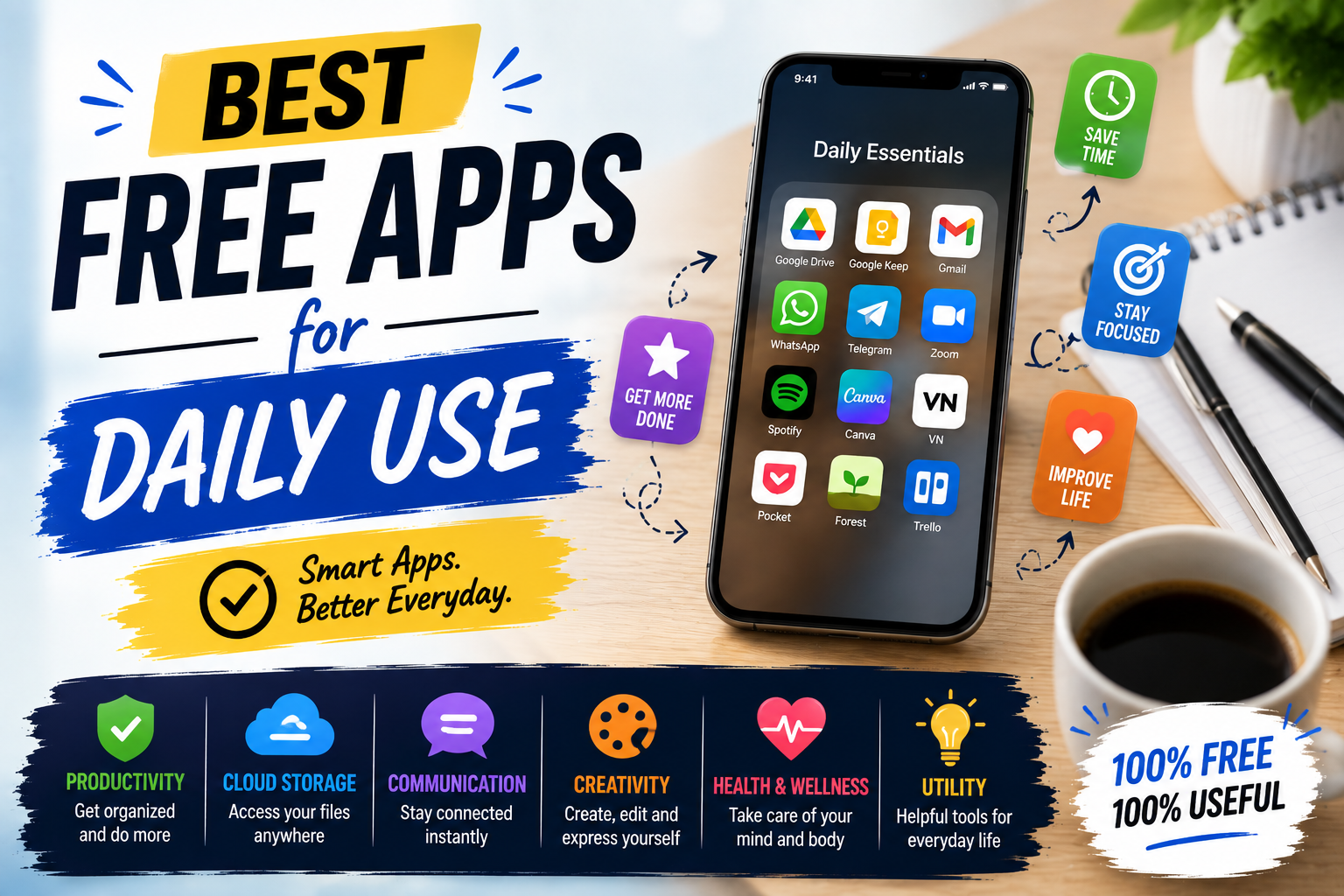
Quick List of the Best Free Apps for Daily Use
The best free apps for daily use do not have to be complicated. A small collection of reliable apps can cover most everyday digital needs.
- Google Calendar — Scheduling
- Google Keep — Notes and Lists
- Google Drive — Cloud Storage
- Google Maps — Navigation
- WhatsApp — Communication
- Microsoft To Do — Task Management
- Canva — Simple Design
- Google Photos — Photo Management
- VLC — Media Playback
- Adobe Acrobat Reader — PDF Documents
1. Google Calendar — Best for Scheduling
Google Calendar is one of the best free apps for daily use if you need to organize appointments, meetings, reminders, classes, or personal activities. You can create events, schedule recurring activities, and keep important dates in one place.
It is especially useful for students, professionals, freelancers, and anyone managing a busy schedule. A calendar can also help separate fixed commitments from flexible tasks, making daily planning easier.
Best for: Appointments, schedules, reminders, meetings, and time management.
2. Google Keep — Best for Quick Notes
Google Keep is a simple option for notes, checklists, shopping lists, ideas, and reminders. Its straightforward interface makes it easy to capture information quickly instead of opening a more complicated productivity system.
You can organize notes with labels and colors, create checklists, and access your information across supported devices. For people who prefer simplicity, it is a practical everyday note-taking tool.
Best for: Quick notes, checklists, ideas, and reminders.
3. Google Drive — Best for Cloud Storage
Google Drive is among the best free apps for daily use for people who regularly work with documents, images, spreadsheets, PDFs, and other files.
Cloud storage allows you to access files from different devices and share documents with other people. It can also work with other Google productivity services, making it useful for school, freelance work, business tasks, and personal documents.
Best for: File storage, document sharing, backups, and collaboration.
4. Google Maps — Best for Navigation
Google Maps is a practical navigation and location-discovery app. It can help you find routes, explore places, search for businesses, and plan journeys.
For everyday travel, having a reliable navigation app can save time and make unfamiliar locations easier to navigate. It can also be useful when searching for restaurants, shops, services, or other nearby places.
Best for: Navigation, directions, travel planning, and discovering places.
5. WhatsApp — Best for Communication
WhatsApp is one of the best free apps for daily use for staying connected with friends, family, coworkers, and customers. It supports messaging, group conversations, voice calls, video calls, and file sharing.
Its usefulness comes from putting several communication functions into one application. Whether you need to send a quick message or participate in a group conversation, it can reduce the need for separate communication services.
Best for: Messaging, calls, group communication, and file sharing.
6. Microsoft To Do — Best for Daily Tasks
Microsoft To Do is designed for organizing tasks and everyday responsibilities. You can create lists, add due dates, set reminders, and separate personal activities from work or school tasks.
For users who want a simple task manager without the complexity of a full project-management system, Microsoft To Do can be a useful choice.
Best for: To-do lists, reminders, daily planning, and personal organization.
7. Canva — Best for Simple Design
Canva is useful when you need to create social media graphics, presentations, posters, invitations, thumbnails, or simple business materials.
The platform provides templates and visual editing tools that make design accessible to people without professional graphic-design experience. Some elements and advanced features may require a paid plan, so check the available options before starting a project.
Best for: Social media graphics, presentations, thumbnails, and simple designs.
8. Google Photos — Best for Photo Organization
Google Photos can help you organize, search, edit, and share photos and videos. Its organization features are particularly useful for people who have thousands of images stored on their phones.
Before relying on cloud storage for your entire photo library, check the current storage allowance and account settings associated with your service.
Best for: Photo organization, sharing, searching, and basic editing.
9. VLC — Best for Media Playback
VLC is a popular media player that supports many audio and video formats. It can be useful when your device’s default media player cannot open a particular file.
Its cross-platform availability also makes it convenient for users who work with media files on different devices.
Best for: Playing local video and audio files.

10. Adobe Acrobat Reader — Best for PDFs
Adobe Acrobat Reader is useful for opening and reading PDF documents. PDFs are commonly used for forms, manuals, invoices, applications, school documents, and business files.
The free reader is suitable for basic PDF access, while advanced editing and document-management features may require additional paid services.
Best for: Reading, viewing, printing, and managing PDF documents.
How to Choose the Best Free Apps for Daily Use
The best free apps for daily use depend on your routine rather than the number of features an app offers. Start by identifying the tasks you perform regularly and choose one reliable app for each important category.
For Organization
Use a calendar for appointments and a task manager for things that need to be completed. Keeping these two functions separate can make daily planning easier.
For Notes
A simple notes app is usually enough for shopping lists, ideas, reminders, and information you need to access later.
For Files
A cloud storage service can keep important documents available across multiple devices while making sharing easier.
For Communication
Choose a communication platform that your friends, family, coworkers, or customers already use. This avoids maintaining several messaging apps unnecessarily.
For Creativity
If you occasionally create social media posts, presentations, or promotional graphics, a template-based design app can save considerable time.
Free Apps vs Paid Apps
Many applications provide useful free versions, but free plans can have limits on storage, advanced features, templates, collaboration, or usage.
Before upgrading, ask whether the premium feature solves a problem you actually have. If the free version already handles your everyday needs, there may be little reason to pay for additional functionality.
Benefits of Using Free Apps
The best free apps for daily use can provide several advantages without requiring a large software budget.
- Lower costs: Free plans can reduce recurring software expenses.
- Convenience: Many apps allow you to complete everyday tasks from your phone.
- Organization: Digital tools can keep schedules, tasks, notes, and files easier to manage.
- Accessibility: Many services synchronize information across supported devices.
- Easy testing: Free versions let you determine whether an app fits your workflow before upgrading.
Common Mistakes When Choosing Free Apps
Installing Too Many Apps
Having several apps that perform the same function can make your digital routine more complicated. Choose one primary app for each major task whenever possible.
Ignoring Privacy
Before using a free service, review its permissions and privacy settings. Understand what information the app collects and which features require access to your data.
Ignoring Free-Plan Limits
Some services offer free access but limit storage, features, exports, or usage. Check the current terms before moving important workflows entirely to a free service.
Paying for Features You Do Not Need
Premium subscriptions can be useful, but upgrading simply because additional features are available can increase monthly expenses without providing meaningful benefits.
A Simple Free App Setup
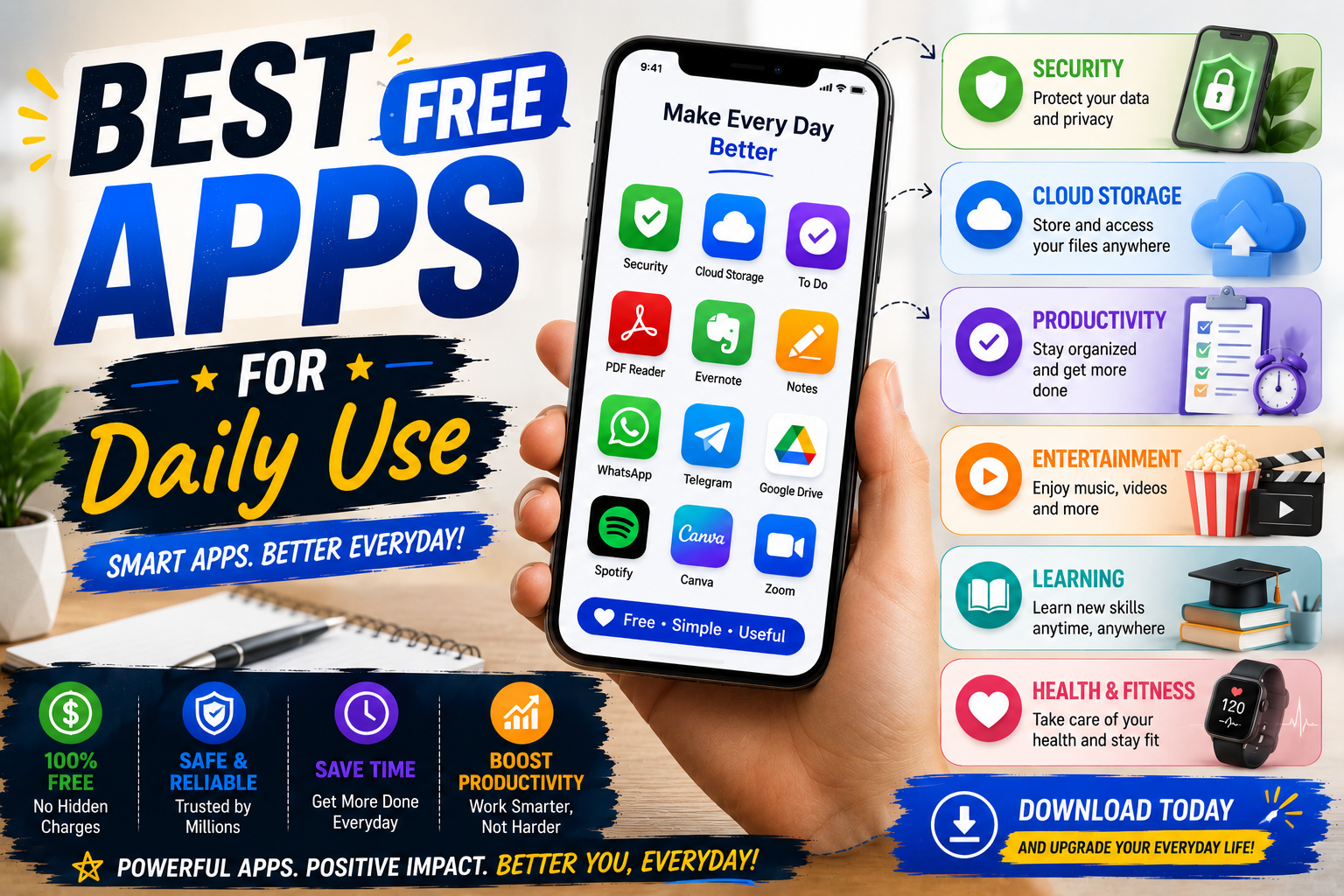
If you want to keep your digital life simple, you can start with a small collection of apps:
- Calendar: Use Google Calendar for appointments and schedules.
- Tasks: Use Microsoft To Do for daily responsibilities.
- Notes: Use Google Keep for quick information.
- Storage: Use Google Drive for important files.
- Communication: Use WhatsApp for everyday messaging.
- Navigation: Use Google Maps for directions and locations.
- Design: Use Canva for simple visual projects.
This setup covers many common needs without requiring dozens of separate applications.
Frequently Asked Questions
What are the best free apps for daily use?
The best free apps for daily use include Google Calendar for scheduling, Google Keep for notes, Google Drive for storage, Google Maps for navigation, WhatsApp for communication, and Microsoft To Do for tasks.
Are free apps really free?
Many apps provide free plans or free core features, but some also offer optional paid upgrades, advertising, storage limits, or premium features. Always check the current terms before relying on a specific feature.
What is the best free app for organizing daily tasks?
Microsoft To Do is a straightforward option for everyday task management. Users who need more advanced project features may want a dedicated project-management platform.
What are the best free apps for students?
Students can use Google Calendar for schedules, Google Keep for notes, Google Drive for documents, and Adobe Acrobat Reader for PDF files.
What are the best free apps for productivity?
Google Calendar, Microsoft To Do, Google Keep, and Google Drive provide a practical foundation for everyday productivity without requiring multiple paid subscriptions.
How many free apps do I really need?
You do not need a specific number. A small set of reliable applications is usually easier to maintain than many apps with overlapping features.
Conclusion
The best free apps for daily use are the ones that solve real problems without making your routine more complicated. You do not need dozens of applications to stay organized and productive.
Google Calendar can handle scheduling, Microsoft To Do can organize tasks, Google Keep can capture notes, Google Drive can store files, and WhatsApp can simplify communication. Google Maps, Canva, Google Photos, VLC, and Adobe Acrobat Reader can cover additional everyday needs.
Start with the categories that matter most to you and use free versions whenever they provide enough functionality. The goal is not to install more apps, but to build a simple collection of tools that genuinely makes daily tasks easier.