

Learning useful technology skills does not always require an expensive course, degree, or paid membership. With reliable resources and consistent practice, beginners can develop digital skills for free and use them for education, employment, freelancing, or everyday work.
The key is to avoid trying to learn everything at once. Choose one useful skill, practice it regularly, and create small projects that demonstrate what you can do. This guide explains which skills to learn, where to find free resources, and how to turn learning into practical experience.
What Are Digital Skills?
Digital skills are abilities that help you use computers, software, online platforms, communication tools, and technology effectively.
Basic skills include using email, managing files, working with documents, searching the internet, and using online collaboration tools. More advanced areas include data analysis, graphic design, coding, digital marketing, cybersecurity, artificial intelligence, and website development.
The right skill depends on your goals. Someone looking for an office job may need spreadsheets and productivity software, while a freelancer may benefit more from web design, content creation, or digital marketing.
Why Learn Digital Skills for Free?
Free learning can be a practical starting point for beginners who want to explore a career path before spending money on formal training.
- You can test different subjects before choosing a specialization.
- You can learn at your own pace.
- You can practice using real projects.
- You can reduce the cost of starting a new career path.
- You can combine several reputable learning resources.
- You can update your knowledge as technology changes.
The biggest challenge is usually not finding information. It is choosing reliable resources, following a structured path, and completing enough practical work to develop confidence.
Best Digital Skills for Free to Learn as a Beginner
1. Computer Basics
If you are new to technology, start with basic computer use. Learn how to manage files, organize folders, install software, use keyboard shortcuts, and troubleshoot simple problems.
These fundamentals make it easier to learn more advanced tools later and give you a strong foundation for digital skills for free.
2. Microsoft Office and Google Workspace
Word processors, spreadsheets, presentations, cloud storage, and collaboration tools are useful in many workplaces.
Focus on practical tasks such as creating professional documents, organizing spreadsheet data, preparing presentations, sharing files, and collaborating with others.
3. Digital Marketing
Digital marketing includes areas such as search engine optimization, social media, email marketing, content marketing, analytics, and online advertising.
Beginners should start with one area instead of trying to master the entire field. SEO, for example, can be practiced by creating and optimizing a small website or blog.
4. Graphic Design
Basic design skills can help with social media posts, presentations, websites, product listings, advertisements, and marketing materials.
Learn fundamental concepts such as typography, spacing, hierarchy, composition, image selection, and color usage before focusing heavily on specific software.
5. Content Creation
Writing, video editing, image editing, and social media content are useful skills for businesses and freelancers.
Start by creating sample blog posts, short videos, social graphics, or product descriptions. A small portfolio can demonstrate your ability better than simply saying you completed a course.
6. Data Analysis
Data skills are useful across marketing, finance, sales, operations, research, and business.
Beginners can start with spreadsheets and learn formulas, sorting, filtering, charts, basic calculations, and data organization. After that, you can explore SQL or specialized data tools.
7. Coding and Web Development
Coding can open paths into software development, website creation, automation, and technical freelancing.
Beginners can start with HTML and CSS to understand how websites are structured and styled. JavaScript can be added later to create interactive features.
8. Artificial Intelligence
AI literacy is becoming useful across many professions. Beginners can learn how generative AI works at a basic level, how to write effective prompts, how to evaluate AI output, and how to use AI responsibly.
You do not need to become an AI engineer to benefit from this knowledge. Learning how AI can support research, writing, analysis, planning, and repetitive tasks can be useful in many careers.
Where to Learn Digital Skills for Free
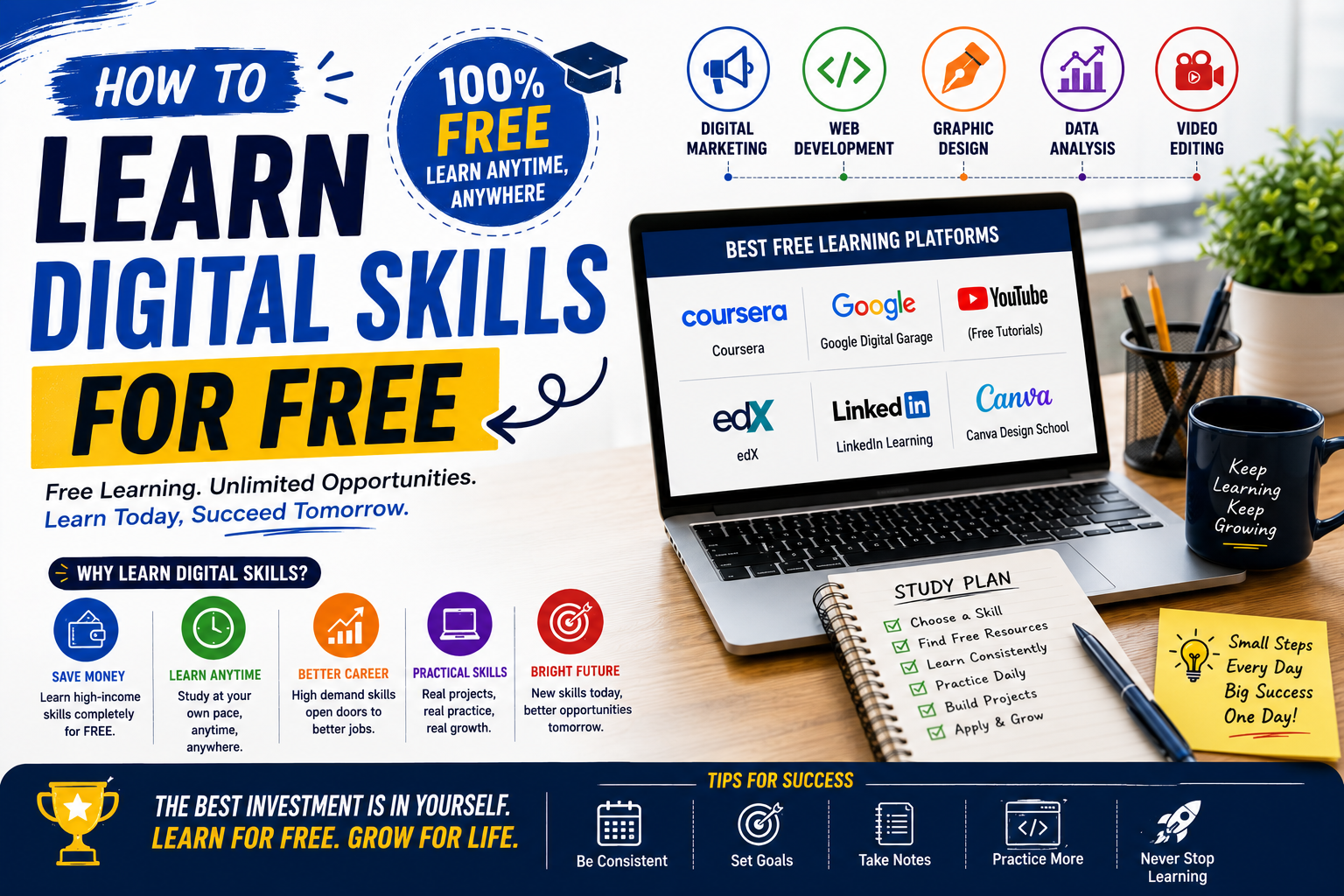
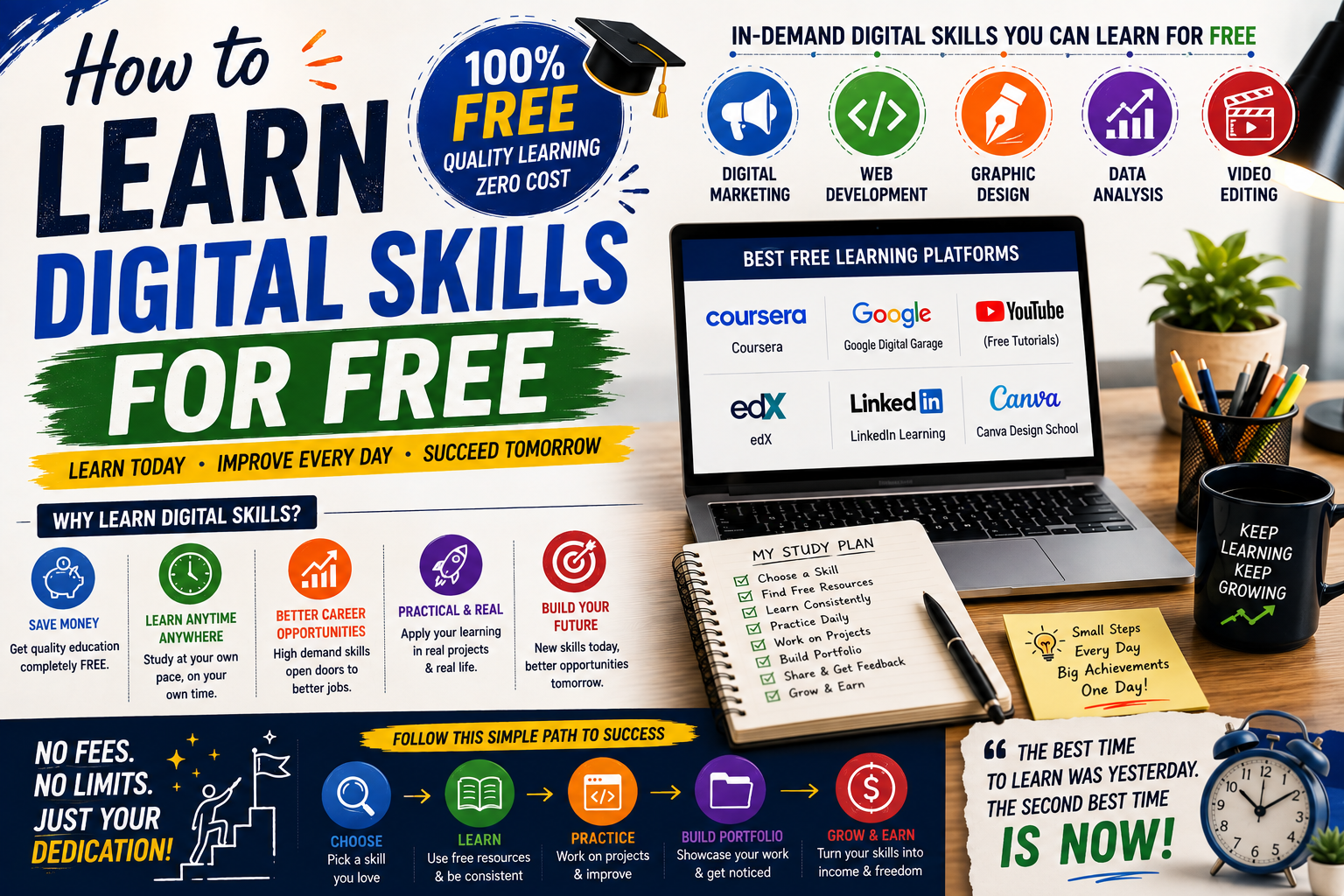
Several established organizations and technology companies provide free educational materials. Official documentation and recognized learning platforms are usually good places to begin.
Google Skillshop
Google Skillshop provides training related to several Google products and professional areas. It can be useful for learners interested in digital marketing, analytics, advertising, and Google’s business tools.
Microsoft Learn
Microsoft Learn provides free learning paths and documentation covering areas such as Azure, Microsoft 365, data, AI, security, and software development.
freeCodeCamp
freeCodeCamp provides free coding and web development lessons with hands-on exercises and projects. It can be a useful starting point for people interested in programming.
HubSpot Academy
HubSpot Academy offers educational resources in areas such as marketing, sales, customer service, and business-related technology.
Khan Academy
Khan Academy provides free educational content across several subjects. It can help learners strengthen foundational knowledge that supports technical and digital learning.
How to Choose the Right Skill
Before starting a course, decide what you want the skill to help you achieve. This makes digital skills for free easier to approach because you can focus on abilities connected to a specific goal.
- Want an office job? Start with spreadsheets, documents, presentations, communication tools, and data basics.
- Want to freelance? Consider web design, graphic design, writing, video editing, SEO, or digital marketing.
- Want a technology career? Explore programming, cloud computing, cybersecurity, databases, or AI.
- Want to start an online business? Learn digital marketing, content creation, analytics, ecommerce tools, and basic design.
- Want to improve your current job? Choose technology that directly improves your existing workflow.
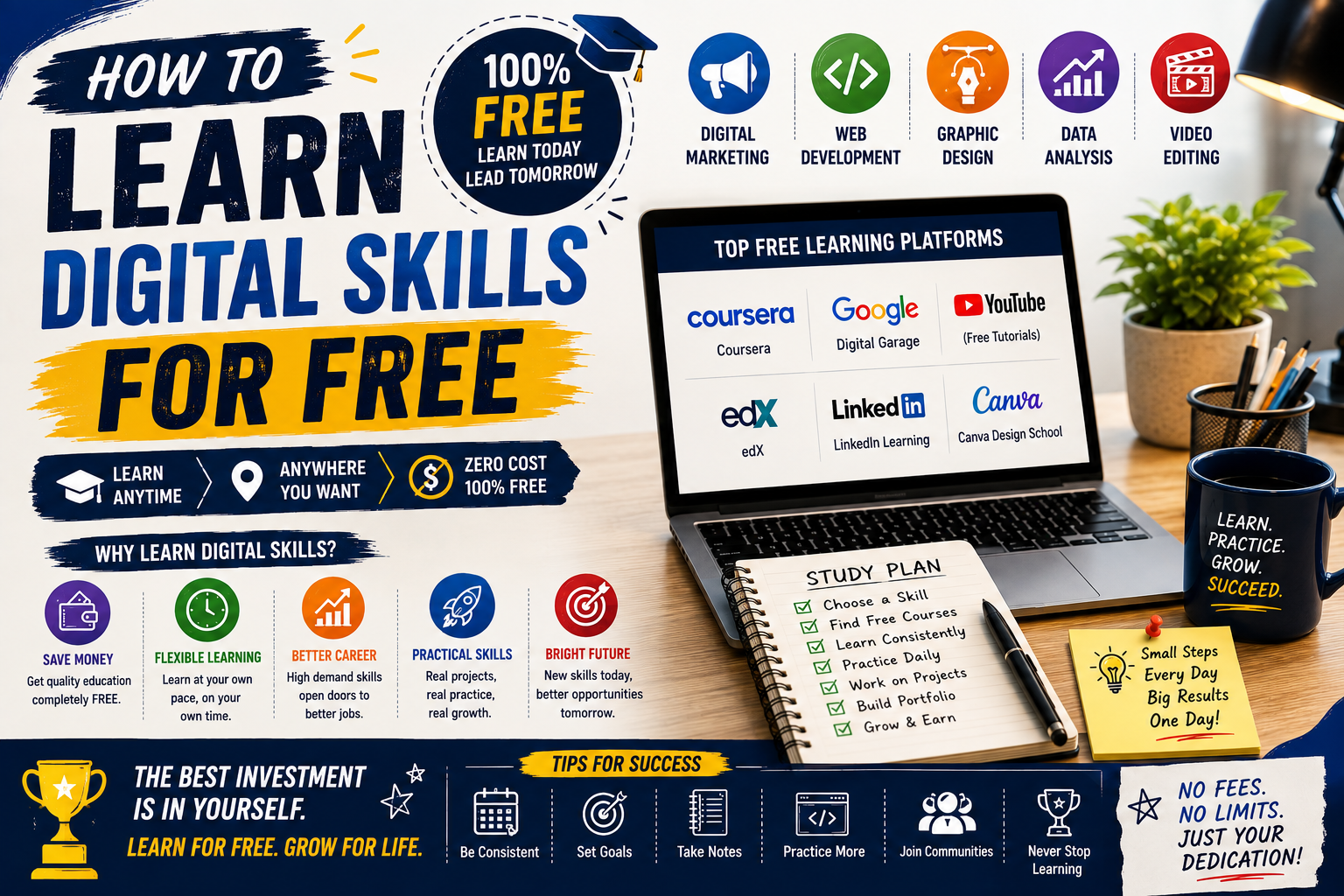
How to Build a Free Learning Plan
A structured plan can prevent you from jumping between unrelated tutorials and help you make steady progress with digital skills for free.
- Choose one skill: Pick something connected to your career or personal goal.
- Find one primary learning source: Avoid collecting dozens of courses before completing one.
- Set a weekly schedule: Even short, consistent sessions can build momentum.
- Practice after every lesson: Apply what you learned instead of only watching videos.
- Create a small project: Build something that demonstrates your ability.
- Review your mistakes: Identify weak areas and practice them again.
- Build a portfolio: Save your strongest work in an organized place.
How to Avoid Getting Overwhelmed
One common problem with online learning is having too many choices. You may find hundreds of videos, courses, tutorials, and articles covering the same subject.
Use a simple rule: choose one beginner course or learning path, complete the fundamentals, and then practice with a project.
Do not switch resources every time you find a different instructor. Changing resources repeatedly can create the feeling of progress without building enough practical experience.
Practice Is More Important Than Watching Tutorials
Watching a tutorial can help you understand a concept, but practical work shows whether you can actually use it.
If you are learning spreadsheets, create a budget tracker. If you are learning web development, build a simple webpage. If you are learning graphic design, create a small collection of social media graphics.
Projects turn digital skills for free into evidence that you can show to an employer or client.
How to Build a Portfolio Without Experience
You do not need paid clients to create your first portfolio. You can build sample projects based on realistic scenarios.
For example, someone learning digital marketing could create a sample content strategy for a fictional business. A web development learner could build a demonstration website. A graphic design learner could create sample product banners.
Clearly label sample work as practice projects. Do not present fictional clients or unpaid practice work as professional client experience.
How to Turn Free Learning Into Career Opportunities
Once you have basic knowledge and several practical projects, start connecting your abilities to real opportunities.
- Add relevant skills to your resume.
- Create a simple portfolio.
- Share useful projects on professional platforms.
- Apply for internships and entry-level positions.
- Offer small freelance services that match your ability.
- Continue improving based on feedback.
Free education is a starting point, not the final goal. The objective is to develop skills that solve real problems.
Common Mistakes to Avoid
- Learning Too Many Skills at Once
Trying to learn coding, design, marketing, data analysis, and video editing simultaneously can slow your progress. Start with one main skill and one supporting skill.
- Choosing Courses Only by Popularity
A popular course is not automatically the best choice for your goals. Look at the curriculum, exercises, projects, and learning outcomes.
- Collecting Certificates Without Practice
Certificates can demonstrate learning, but practical work gives employers and clients stronger evidence of what you can actually do.
- Ignoring Fundamentals
Beginners sometimes rush toward advanced tools without understanding basic concepts. Strong fundamentals make future learning easier.
- Using Outdated Tutorials
Technology changes quickly. Check publication or update dates and compare older tutorials with current official documentation when learning software or technical subjects.
digital skills for free vs Paid Learning
| Free Learning | Paid Learning |
|---|---|
| Low financial risk | May provide structured programs |
| Flexible schedule | May include instructor support |
| Large amount of material | Often organized around a specific outcome |
| Requires more self-discipline | Can provide accountability |
Paid education is not automatically better. Choose based on your learning style, career goal, available budget, and the quality of the specific program.
Practical Tips for Learning Faster
- Use one main course and one reference source instead of dozens of tutorials.
- Practice immediately after learning a new concept.
- Keep notes focused on concepts you repeatedly forget.
- Build projects that solve realistic problems.
- Ask for feedback from experienced people when possible.
- Update your learning resources when tools change.
- Teach a concept to someone else to test your understanding.
The most effective approach to digital skills for free is consistent practice combined with clear goals and reliable learning resources.
Frequently Asked Questions
Can I really learn digital skills for free?
Yes. Many organizations, educational platforms, technology companies, and open learning communities provide free courses, documentation, tutorials, and practice exercises. The main investment is your time and consistent effort.
What is the best digital skill to learn first?
There is no single best skill for everyone. Beginners should choose based on their career goal. Computer basics and productivity software are good foundations, while coding, data, design, marketing, and AI can lead toward more specialized paths.
How long does it take to learn a digital skill?
The time varies by subject and your starting level. Basic familiarity can take a few weeks, while becoming professionally capable may require several months or longer of consistent practice.
Can free online courses help me get a job?
They can help you build knowledge, but completing a course alone does not guarantee employment. Combine learning with practical projects, a portfolio, relevant applications, and interview preparation.
How many digital skills should I learn?
Start with one primary skill and one or two complementary skills. Depth and practical ability are usually more useful than having a long list of basic skills.
Do I need a certificate to prove my skills?
Not always. Certificates can be useful in some fields, but portfolios, projects, work samples, and demonstrated results can also provide strong evidence of ability.
Conclusion
Learning technology does not have to be expensive. With reliable resources, regular practice, and realistic projects, beginners can develop digital skills for free and gradually turn that knowledge into career opportunities.
Start with one skill that matches your goal, follow a structured learning path, practice through real projects, and keep evidence of your progress. Whether you want a job, freelance work, an online business, or better performance in your current role, focused learning can help you move forward without a large upfront investment.
The most important step is to start with one useful skill and consistently apply what you learn.