
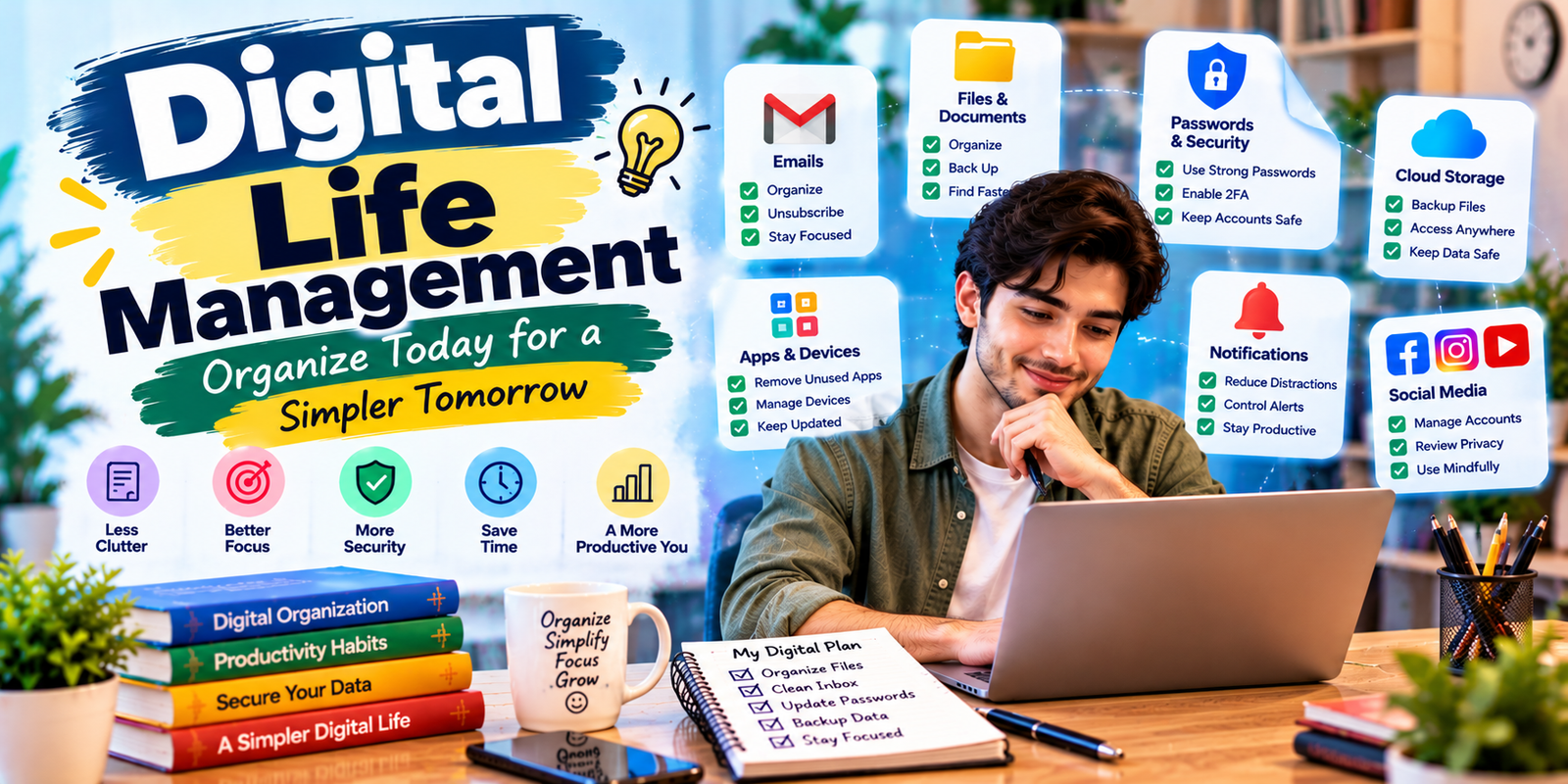
Managing your digital life becomes difficult when emails, passwords, files, photos, apps, notifications, and online accounts start piling up. A simple approach to digital life management can help you organize these areas, reduce unnecessary clutter, protect your information, and make everyday technology easier to handle.
This guide explains practical ways to manage your devices, files, passwords, accounts, notifications, digital communication, privacy, and backups. The goal of good digital life management is not to organize everything perfectly, but to build a system that is simple enough to maintain over time.
What Is Digital Life Management?
Digital life management is the process of organizing and maintaining the digital information, accounts, devices, files, communication, and online activities you use regularly.
It includes tasks such as organizing computer files, managing email, securing online accounts, controlling notifications, backing up important data, reviewing apps, and protecting personal information.
A good system should make digital tasks easier rather than creating another complicated routine to maintain.
Why Digital Life Management Matters
Digital clutter can make it harder to find important information and can increase the number of things competing for your attention. Disorganized accounts and weak security habits can also create avoidable privacy and security risks.
Effective digital life management gives you a clearer system for deciding what to keep, what to remove, what to secure, and what deserves your attention.
- Find important files faster.
- Keep online accounts organized.
- Reduce unnecessary notifications.
- Improve password security.
- Protect important photos and documents.
- Reduce digital distractions.
- Make devices easier to use.
Start With a Digital Audit
Before changing your digital habits, take a quick inventory of the services and devices you use. You do not need to create a complicated spreadsheet. A simple list can help you see where most of your digital activity happens.
Review your:
- Phone and computer
- Email accounts
- Cloud storage
- Social media accounts
- Banking and shopping accounts
- Streaming services
- Productivity apps
- Password manager
- Important documents
- Photo and video libraries
During this review, look for duplicate accounts, unused services, old applications, unnecessary subscriptions, and information you no longer need. This first audit gives your digital life management system a practical starting point.
Organize Your Digital Files
One of the most useful parts of digital life management is creating a simple file organization system. Your folders should make it obvious where a document belongs without requiring you to think about the structure every time you save something.
Create a Simple Folder Structure
A practical structure might include folders such as:
- Personal
- Work
- Finance
- Documents
- Photos
- Projects
- Archive
Inside each folder, create additional folders only when they are genuinely useful. Avoid creating dozens of nested folders that make files harder to locate.
Use Consistent File Names
File names should tell you what a document contains without requiring you to open it. For example, instead of naming a file document1.pdf, use a descriptive name such as 2026-September-Budget.pdf.
Consistent naming becomes especially useful when you have hundreds or thousands of files.
Manage Your Email Inbox
Email can quickly become one of the biggest sources of digital clutter. Instead of trying to keep every message in your inbox, create a simple system for deciding what needs action and what does not.
A useful approach is to separate messages into categories such as:
- Needs action
- Waiting for response
- Reference
- Receipts and records
- Archive
Unsubscribe from newsletters and promotional emails you no longer read. Use filters or rules when your email provider supports them so repetitive messages can be organized automatically.
The goal of digital life management is not necessarily to achieve a completely empty inbox. The goal is to make important messages easy to identify.
Improve Password Security
Your online accounts contain personal, financial, professional, and private information. Strong account security should therefore be an important part of your digital organization system.
Use unique passwords for important accounts rather than reusing the same password everywhere. A reputable password manager can help you create and store unique credentials without requiring you to remember every password manually.
Where available, enable multi-factor authentication. This adds another verification step beyond the password and can provide additional protection if a password is exposed.
Review Your Online Accounts
Over time, people often create accounts for services they stop using. These accounts can make your digital life harder to manage and may retain personal information.
Review your accounts periodically and consider closing services you no longer need. Before deleting an account, check whether it contains important files, purchase records, contacts, or other information you may need later.
Control Notifications
Notifications are useful when they alert you to something important, but too many alerts can interrupt your work and personal time.
Review notification settings on your phone, computer, browser, and individual apps. Keep alerts for genuinely important events and turn off notifications that do not require immediate attention.
For better digital life management, consider creating periods during the day when non-essential notifications are muted.
Clean Up Your Smartphone
Your phone is often the device you use most frequently, so keeping it organized can make a noticeable difference.
Start by reviewing installed applications. Remove apps you no longer use and check which applications have access to notifications, location, contacts, photos, microphone, or other device features.
Organize frequently used apps so they are easy to find. Move rarely used apps away from the main screen or remove them when they are unnecessary.
Organize Your Photos and Videos
Photo libraries can grow quickly, especially when you use a smartphone for everyday photography. Start by removing obvious duplicates, blurry images, accidental screenshots, and videos you no longer need.
Use albums for meaningful categories such as trips, family events, projects, or important documents. Avoid creating an excessive number of albums that make organization harder.
Most importantly, keep another copy of important photos rather than relying on one device as the only storage location.
Create a Reliable Backup System
Backups are an essential part of digital life management. Devices can be lost, damaged, stolen, or affected by technical problems. A backup gives you a way to recover important information when something goes wrong.
Consider which files would be difficult or impossible to replace. These may include:
- Family photos
- Important documents
- Work files
- Financial records
- Personal projects
- Contact information
Use an appropriate combination of cloud storage and physical storage based on your needs. Periodically check that important backups are actually available and usable.
Manage Cloud Storage
Cloud storage makes files accessible across devices, but it can also become cluttered. Review your cloud folders regularly and remove duplicate or outdated files.
Keep important folders clearly named and avoid storing multiple copies of the same document unless there is a specific reason to do so.
If you use multiple cloud services, decide which service is the primary location for each type of information. This reduces confusion about where a particular file should be stored.
Protect Your Privacy
Privacy is another important part of managing your digital life. Many websites and apps request access to information or device features that may not be necessary for their basic function.
Review privacy and permission settings periodically. Check which applications can access sensitive device features and adjust permissions where appropriate.
Be careful about sharing personal information publicly. Information such as your full address, private contact details, financial information, and account credentials should not be shared casually online.

Manage Social Media More Intentionally
Social media can become difficult to manage when you follow hundreds of accounts and receive constant updates.
Review the accounts, pages, groups, and newsletters you follow. Unfollow sources that no longer provide value and adjust notification settings for platforms you use regularly.
You can also review old posts and account privacy settings. A periodic social media review helps keep your online presence aligned with your current needs.
Organize Digital Notes
Notes can become difficult to find when information is scattered across several applications. Choose one primary note-taking system for information you need to access regularly.
Create simple categories such as:
- Ideas
- Tasks
- Projects
- Reference
- Personal
Use descriptive titles and avoid keeping important information in random temporary notes that you may forget later.
Build a Simple Digital Task System
Tasks should have a clear home. Whether you use a task-management app, calendar, or simple list, avoid keeping reminders in too many places.
Separate scheduled events from tasks. A calendar is generally useful for things that happen at a specific time, while a task list is better for actions that need to be completed but do not necessarily have a fixed appointment.
Review Digital Subscriptions
Subscriptions can accumulate quietly. Review recurring payments and services periodically to identify subscriptions you no longer use.
Check your email receipts, account settings, and payment records to identify recurring services. Cancel unnecessary subscriptions according to the provider’s cancellation process.
This simple review can reduce both financial waste and digital clutter.
Use Automation Carefully
Automation can reduce repetitive digital tasks. Examples include email filters, automatic backups, calendar reminders, file synchronization, and recurring task reminders.
However, automation should support a system you understand. Avoid creating complicated automated workflows that become difficult to maintain or troubleshoot.
Common Digital Life Management Mistakes
Even a good organization system can fail if it becomes too complicated. Avoid these common mistakes:
- Creating too many folders.
- Using the same password across multiple accounts.
- Keeping every notification enabled.
- Relying on one device for important files.
- Keeping unused apps and accounts indefinitely.
- Using multiple task systems without a clear purpose.
- Ignoring privacy and security settings.
- Creating an organization system that takes too much time to maintain.
The best approach is usually simple enough that you can maintain it even when you are busy. Simplicity is one of the most important principles of digital life management.
How to Maintain Your Digital Life
Digital life management works best as a routine rather than a one-time cleanup. You do not need to spend hours organizing your devices every week.
A short monthly review can include:
- Clean your downloads folder.
- Review unused apps.
- Check important backups.
- Unsubscribe from unwanted emails.
- Review account security.
- Delete unnecessary files.
- Check recurring subscriptions.
- Review notification settings.
A longer review every few months can cover your complete account list, cloud storage, photo library, privacy settings, and important documents.
How to Create Your Personal Digital System
There is no single organization method that works for everyone. Your system should reflect how you actually use technology.
Start with the areas causing the most frustration. If you cannot find files, organize your storage first. If notifications constantly interrupt you, start with notification settings. If account security concerns you, focus on passwords and multi-factor authentication.
Once the biggest problem is under control, move to the next one. This gradual approach is easier to maintain than trying to reorganize your entire digital life in one day.
A practical digital life management system should save time instead of becoming another task you have to maintain.
Expert Tips for Better Digital Organization
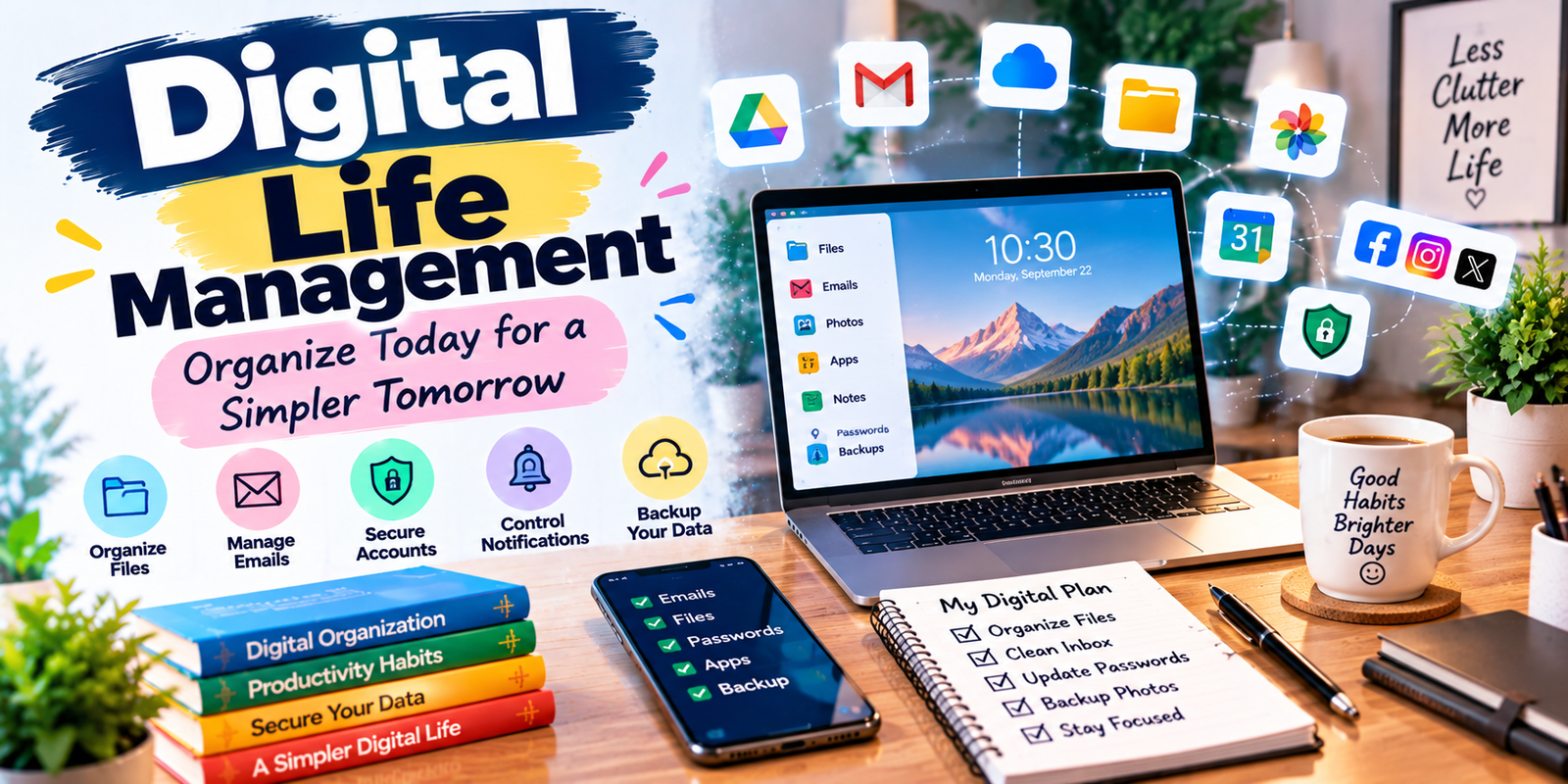
- Keep it simple: Use fewer systems and clearer categories.
- Make decisions once: Create rules for where new files and information belong.
- Reduce before organizing: Delete unnecessary information before creating new folders.
- Protect important information: Use strong authentication and reliable backups.
- Review regularly: Small maintenance sessions are easier than major cleanups.
- Separate important from temporary: Do not let temporary downloads become permanent storage.
Frequently Asked Questions
What is digital life management?
Digital life management is the practice of organizing and maintaining your digital files, accounts, devices, communication, passwords, privacy settings, and online activities.
How often should I organize my digital files?
A quick monthly review is enough for many people. You can also clean files whenever a project ends or a folder becomes difficult to navigate.
What is the best way to manage passwords?
Use unique passwords for important accounts and consider a reputable password manager. Enable multi-factor authentication where it is available and appropriate.
How can I reduce digital clutter?
Start by deleting unused apps, old files, duplicate photos, unnecessary emails, and accounts you no longer need. Then create a simple system for organizing what remains.
Should I back up my digital files?
Important files should have appropriate backups because devices and storage systems can fail. Choose a backup approach that fits the importance and size of your data.
How can I make digital organization easier?
Use fewer systems, clear file names, simple folders, controlled notifications, strong account security, and regular short maintenance sessions. These habits make digital life management easier to maintain over time.
Conclusion
Good digital life management is less about keeping every file, account, and device perfectly organized and more about creating a system that reduces friction. Start with the areas that cause the most problems, remove unnecessary digital clutter, protect important information, and create simple rules for managing new data.
Regular maintenance will keep your digital environment manageable. By organizing files, securing accounts, controlling notifications, managing subscriptions, protecting privacy, and maintaining reliable backups, you can make technology easier to use without turning organization itself into another complicated task.