
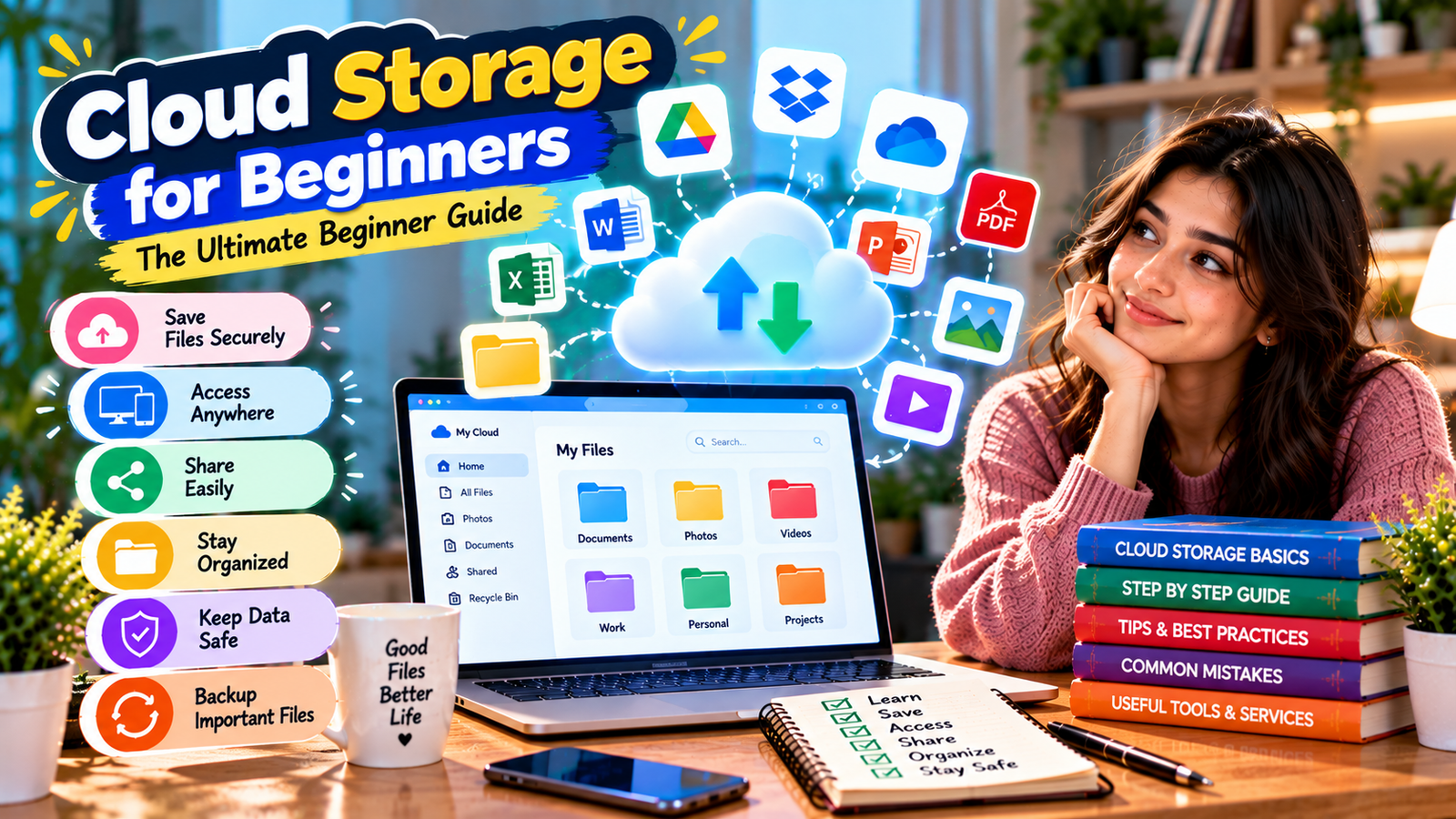
Cloud storage has become an important part of modern digital life. People use it to save photos, documents, videos, assignments, and other important files without depending entirely on the storage available on their computers or phones. Cloud Storage for Beginners is especially useful for understanding how online file storage works and how it can make everyday digital tasks easier.
Whether you are a student, professional, business owner, or casual internet user, learning the basics of cloud storage can help you manage your files more efficiently. In this guide, we will explain what cloud storage is, how it works, its benefits, security considerations, file sharing, backup, and how to choose the right service.
What Is Cloud Storage?
Cloud Storage for Beginners starts with understanding a simple idea: cloud storage allows you to save digital files on remote servers operated by a service provider instead of keeping those files only on your personal device.
When you upload a file to a cloud storage service, the file is stored on the provider’s servers. You can usually access it through an internet connection using a web browser, desktop application, or mobile app.
You can store many types of files, including documents, photographs, videos, presentations, spreadsheets, PDFs, and other digital content.
How Does Cloud Storage Work?
Understanding how cloud storage works is an important part of Cloud Storage for Beginners. Although the technology behind cloud services can be complex, the basic process is easy to understand.
- You create an account with a cloud storage provider.
- You upload files from your device.
- The provider stores those files on remote servers.
- Your files become available through supported devices and applications.
- You can download, organize, edit, or share the files depending on the service.
For example, if you take a photo on your smartphone and upload it to cloud storage, you may later access that same photo from your computer or another supported device.
Why Use Cloud Storage?
One of the biggest reasons people choose cloud services is convenience. Cloud Storage for Beginners can make it easier to access files from different locations and devices without transferring them manually using USB drives.
Cloud storage can also make file sharing and collaboration easier. Instead of sending large attachments through email, you can often share a file or folder using a link or account-based permission.
Key Benefits of Cloud Storage
- Access files from multiple devices.
- Reduce dependence on local storage.
- Keep files organized online.
- Share files more easily.
- Support collaboration.
- Synchronize selected files across devices.
- Keep additional copies of important data.
Cloud Storage vs Local Storage
A common question in Cloud Storage for Beginners is how cloud storage differs from local storage.
Local storage means keeping files directly on a computer, smartphone, USB drive, memory card, or external hard drive. Cloud storage keeps files on remote infrastructure that you access through an online service.
| Feature | Cloud Storage | Local Storage |
|---|---|---|
| Access | Usually available through the internet | Usually available directly from the device |
| Multiple Devices | Often supported | May require manual transfer |
| File Sharing | Usually convenient | Often requires file transfer |
| Hardware Management | Provider manages servers | User manages storage hardware |
| Internet Dependency | Usually needed for online access | Generally not required |
Many users do not need to choose only one option. Cloud and local storage can work together as part of a broader file-management and backup strategy.
Types of Cloud Storage
There are different types of cloud services, and knowing the differences makes Cloud Storage for Beginners easier to understand.
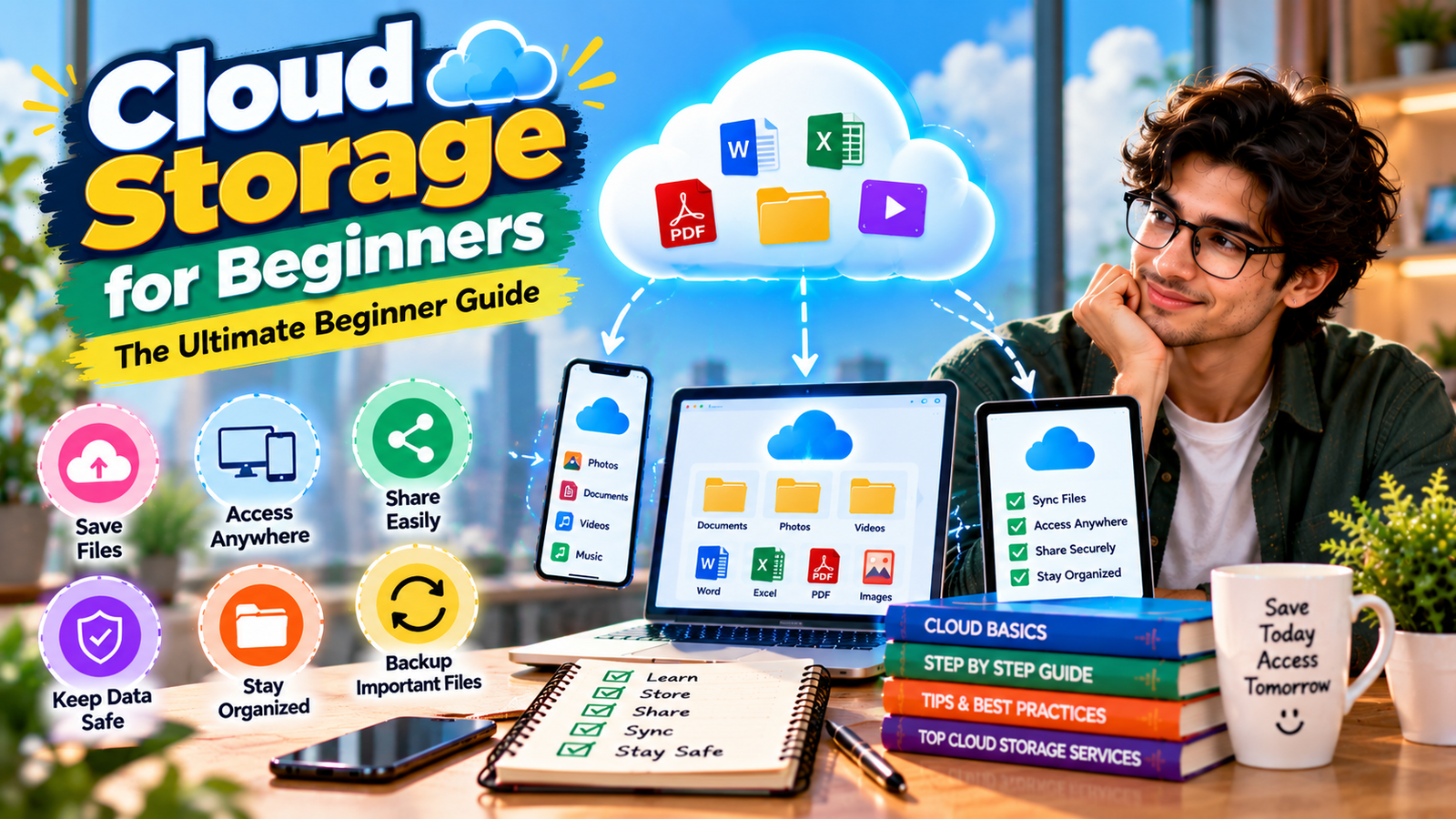
Personal Cloud Storage
Personal cloud storage is designed for individual users. It can be used for photographs, documents, videos, schoolwork, and personal files.
Business Cloud Storage
Business cloud storage is designed for teams and organizations. It may provide shared folders, permission management, collaboration features, and administrator controls.
Cloud Backup
Cloud backup focuses on keeping additional copies of data so that information can potentially be restored after accidental deletion, hardware failure, or another problem.
Cloud File Synchronization
Synchronization keeps selected files or folders available across connected devices. Changes made on one device may be synchronized with other devices.
Popular Cloud Storage Services
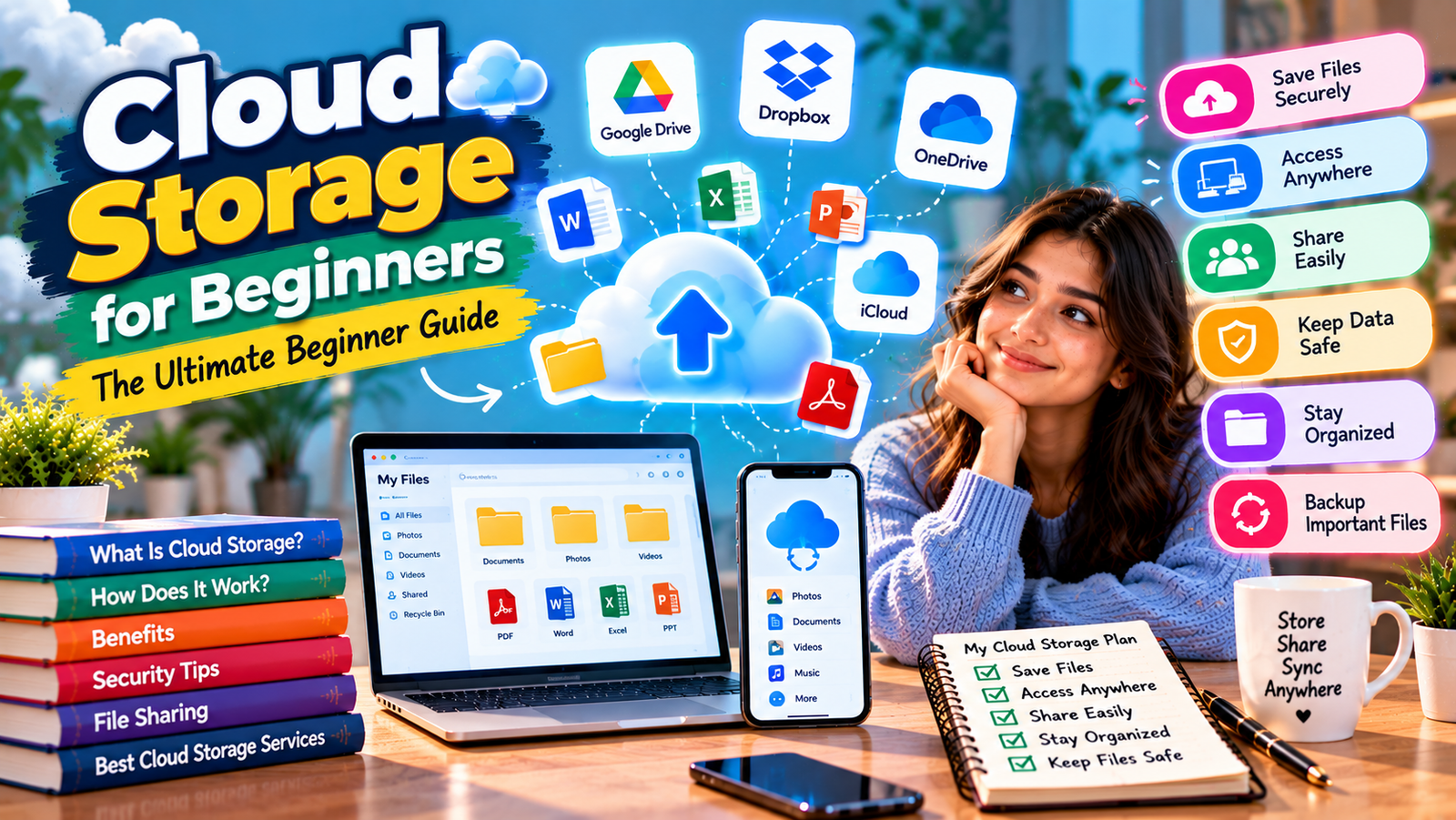
Several major technology companies offer cloud storage services for personal and professional use. Examples include Google Drive, Microsoft OneDrive, Dropbox, and Apple iCloud.
The right service depends on your devices, storage requirements, sharing needs, security preferences, and budget.
How Much Cloud Storage Do You Need?
Choosing the right amount of storage is another important topic in Cloud Storage for Beginners. Your storage requirements depend on the types and number of files you keep.
A person who mainly stores documents may need much less storage than someone who regularly saves high-resolution photographs and videos.
Consider These Factors
- How many files you currently have.
- How quickly your storage needs are growing.
- Whether you store large videos.
- Whether you store high-resolution photographs.
- Whether multiple devices will use the account.
- Whether you need storage for backups.
It is useful to think about your future storage needs instead of choosing a plan based only on your current files.
How to Choose Cloud Storage as a Beginner
Choosing a provider does not have to be complicated. The following factors can make Cloud Storage for Beginners much easier to evaluate.
Check Device Compatibility
Check whether the service supports the devices you use regularly, including computers, smartphones, and tablets.
Check Storage Capacity
Compare the amount of storage available with your current and expected future needs.
Review Sharing Features
If you regularly share files, check whether the service provides sharing links, folder sharing, permissions, and collaboration tools.
Check Security Features
Look for useful security features such as multi-factor authentication, access controls, account alerts, and other available protections.
Understand Pricing and Policies
Before purchasing a paid plan, review its current storage limits, pricing, renewal terms, and account policies.
How to Upload Files to Cloud Storage
Uploading files is generally simple, which is one reason Cloud Storage for Beginners is suitable even for people with limited technical experience.
- Sign in to your cloud storage account.
- Open the desired folder.
- Select the upload option.
- Choose the files or folders from your device.
- Wait for the upload to finish.
- Confirm that the files appear correctly.
Large files may take longer to upload, depending on your internet connection and the provider’s system.
How File Synchronization Works
File synchronization is another important concept in Cloud Storage for Beginners. It allows selected files or folders to remain available across supported devices.
For example, you might create a document on your laptop and later open the synchronized version on your smartphone or another computer.
However, synchronization should not automatically be considered a complete backup. Depending on the service, deleting a synchronized file may also affect the copy on other devices.
Cloud Storage Security Tips
Security is an important part of Cloud Storage for Beginners because your account may contain personal documents, photographs, financial information, and other sensitive data.
Use a Strong Password
Create a strong and unique password for your cloud account. Avoid using the same password on multiple websites.
Enable Multi-Factor Authentication
When available, multi-factor authentication adds another verification step to your login process and can provide additional protection if your password is exposed.
Review Shared Files
Regularly review files and folders you have shared. Remove access when someone no longer needs it.
Protect Your Devices
Use an appropriate device lock, such as a strong PIN, password, or supported biometric security.
Be Careful With Suspicious Messages
Attackers may send fake cloud-storage notifications designed to steal login credentials. Avoid entering passwords through unexpected links and access your provider directly instead.
Cloud Storage and Backup Are Not the Same
One of the most important lessons in Cloud Storage for Beginners is understanding the difference between storage and backup.
Cloud storage is primarily designed to store and access files online. Backup focuses on maintaining additional copies that can be restored if your original data is lost or damaged.
Some cloud services provide backup features, but not every storage service should automatically be considered a complete backup solution Cloud Storage for Beginner.
For particularly important files, maintaining more than one copy can provide additional protection.
How to Organize Cloud Files
Good organization can make Cloud Storage for Beginners much more useful because you can find important files quickly.
Create Clear Folders
Use simple folders such as Work, School, Photos, Documents, Projects, and Personal.
Use Descriptive File Names
Avoid confusing names such as “File1” or “Document2.” Use names that clearly explain what each file contains.
Delete Unnecessary Files
Review your account regularly and remove files you no longer need.
Archive Older Files
Files you rarely use but want to keep can be placed into clearly labeled archive folders.
How to Share Files Safely
Safe file sharing is an essential skill for Cloud Storage for Beginners. Sharing can be convenient, but sensitive files should not automatically be made public.
- Share files only with people who need access.
- Use specific permissions when available.
- Avoid public links for sensitive documents.
- Review shared links regularly.
- Remove access when collaboration ends.
Before sharing a document, check whether it contains personal, financial, academic, business, or confidential information. Cloud Storage for Beginner
Common Cloud Storage Mistakes
Assuming Synchronization Is a Complete Backup
Synchronization and backup are not necessarily the same. Understand how your provider handles deleted and modified files.
Sharing Files Publicly
Always check sharing permissions before sending a link to another person.
Ignoring Account Security
A cloud account containing important information should have strong credentials and available security features enabled.
Running Out of Storage
Photos, videos, and backups can consume storage quickly. Monitor your storage usage regularly.
Poor File Organization
Keeping everything in one folder can make files difficult to find. Use folders and consistent names from the beginning.
Cloud Storage for Students
Cloud Storage for Beginners can be especially useful for students who need to manage assignments, presentations, notes, research papers, and other academic files.
Cloud storage can allow students to continue working from different devices and keep important study materials available online.
Students should still maintain appropriate backup copies of important assignments rather than relying entirely on one storage location.
Cloud Storage for Small Businesses
Small businesses can use cloud storage to manage documents, spreadsheets, presentations, marketing materials, and project files.
For business users, permissions are particularly important. Employees should receive access based on what they actually need, and access should be reviewed when responsibilities change. Cloud Storage for Beginner
What Happens When You Delete a Cloud File?
Understanding file deletion is an important part of Cloud Storage for Beginners. The exact process depends on the provider and its policies.
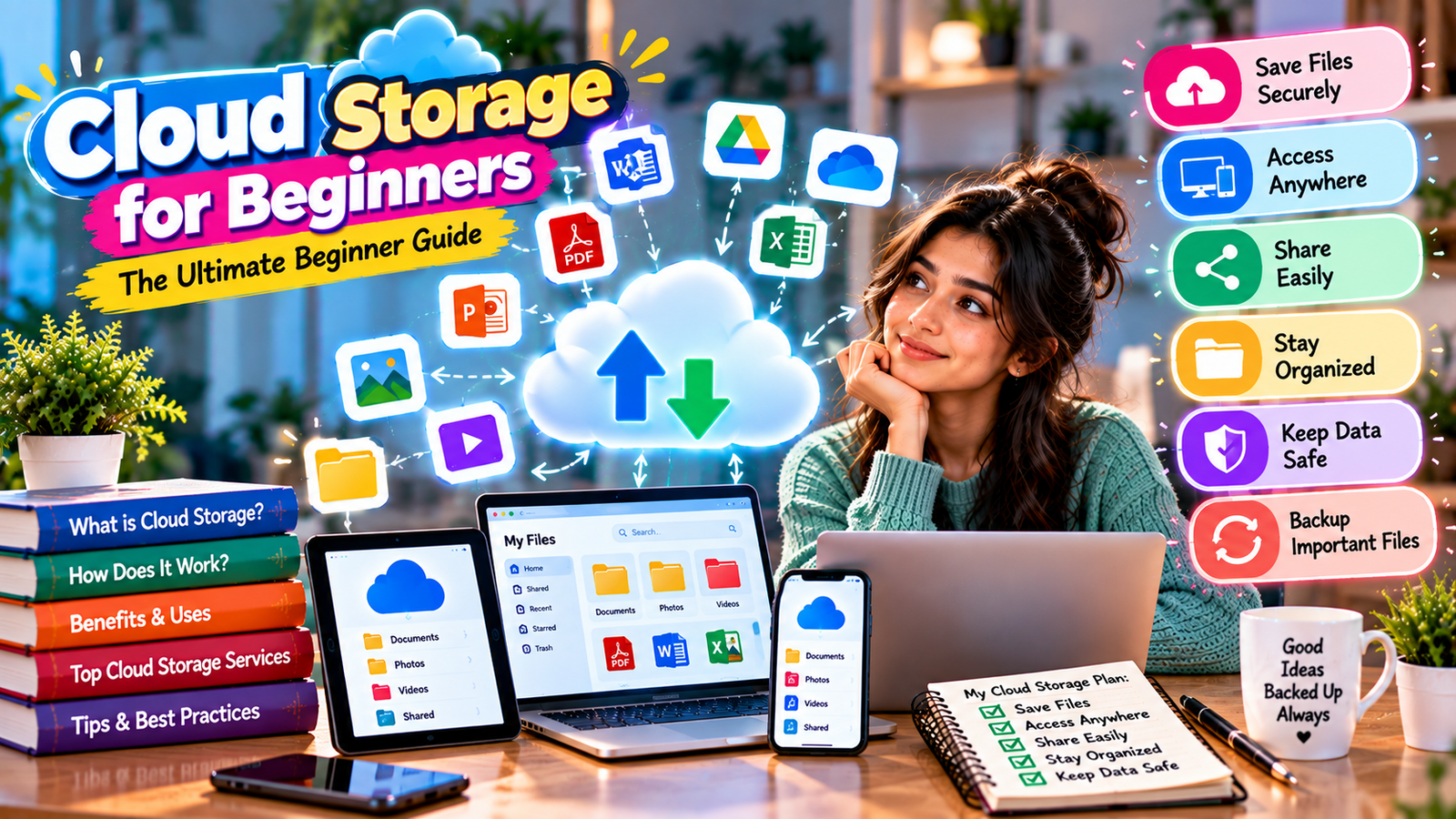
Many services place deleted files in a trash or recycle area for a limited period before permanent deletion. However, recovery rules and retention periods can vary.Cloud Storage for Beginner
Always check your provider’s current documentation if you need to recover an important deleted file.
Tips for Managing Cloud Storage Efficiently
- Review your storage usage regularly.
- Delete duplicate files.
- Organize folders consistently.
- Remove outdated shared links.
- Keep important files backed up appropriately.
- Synchronize only folders you need across devices.
- Review your security settings periodically.
Frequently Asked Questions
What is cloud storage in simple words?
Cloud storage is a way to save digital files on remote servers so they can be accessed through the internet instead of being stored only on your personal device.
Is cloud storage safe?
Cloud storage can provide useful security features, but users should still protect their accounts with strong passwords, multi-factor authentication, secure devices, and careful sharing permissions.
Do I need the internet to use cloud storage?
You generally need an internet connection to access files stored online. Some services also offer offline access for selected files.
Is cloud storage the same as backup?
No. Storage focuses on keeping and accessing files, while backup focuses on maintaining recoverable copies of data. Some services can provide both types of functionality.
How much cloud storage does a beginner need?
It depends on your files. Someone who mainly stores documents may need less storage, while users with large photo and video collections may need significantly more space.
Can I share files using cloud storage?
Yes. Most major cloud storage services provide file and folder sharing. Always review permissions before sharing sensitive information.
Conclusion
Cloud Storage for Beginners is ultimately about understanding a simple way to store, access, organize, and share digital files online.
Start by choosing a service that supports your devices and provides enough storage for your needs. Then create an organized folder system, use strong account security, review sharing permissions, and understand the difference between synchronization and backup.
With these basic habits, cloud storage can become a convenient part of your everyday digital workflow while helping you manage important files more efficiently.Cloud Storage for Beginner