
If you are new to artificial intelligence, knowing where to start can feel overwhelming. This AI tools guide explains how beginners can choose the right tools, write better prompts, check AI-generated information, and use artificial intelligence more effectively without needing advanced technical skills.
AI tools can help with writing, research, brainstorming, data analysis, image creation, coding, productivity, customer support, and many other everyday tasks. However, simply using an AI application does not guarantee a good result. The quality of your instructions, the information you provide, and the way you review the output all matter.
This beginner-friendly AI tools guide covers practical ways to get better results, common mistakes to avoid, privacy considerations, useful AI categories, and simple habits that can help you become more confident with artificial intelligence.
Quick Summary
- Start with a clear task instead of using AI without a specific goal.
- Choose an AI tool based on what you need it to accomplish.
- Give the AI enough context to understand your request.
- Use specific instructions instead of vague prompts.
- Review important AI-generated information before using it.
- Improve your prompt when the first result is not useful.
- Protect private, confidential, and sensitive information.
- Use AI as an assistant rather than blindly relying on it.
What Are AI Tools?
AI tools are software applications that use artificial intelligence to perform or assist with tasks that normally require human-like capabilities. Depending on the application, they can understand language, generate content, analyze information, recognize patterns, create images, assist with programming, or automate parts of a workflow.
Popular categories include AI writing assistants, chatbots, research tools, image generators, coding assistants, transcription tools, productivity applications, and business automation platforms.
The right choice depends on your specific goal. A writing assistant may be useful for drafting an article, while a coding assistant is better suited to software development. Choosing a tool based on the task is more effective than choosing one simply because it is popular.
Why Learning to Use AI Tools Effectively Matters
AI can save time, but effective use requires more than entering a short question and accepting the first answer. Beginners often get poor results because their instructions are too broad or because they do not provide enough context.
Learning how to communicate clearly with AI can help you produce more relevant results. It can also make it easier to identify mistakes, refine outputs, and decide when human judgment is necessary.
A practical AI tools guide should help you understand that AI is an assistant rather than a replacement for your own judgment. The goal is to use AI where it provides genuine value while keeping control over important decisions.
How to Start Using an AI Tools Guide
1. Choose One Simple Task
Start with a task you already understand. For example, you could use AI to summarize a document, create a first draft of an email, brainstorm ideas, explain a difficult concept, or organize notes.
Starting with a familiar task makes it easier to judge whether the AI output is actually useful.
2. Choose the Right AI Tool
Different tools are designed for different purposes. General-purpose AI assistants can handle many everyday requests, while specialized applications may offer better features for writing, research, images, coding, data analysis, or automation.
Before choosing a tool, consider:
- What task do I need help with?
- Does the tool support that type of task?
- Does it work with the files or software I already use?
- Do I need a free or paid plan?
- How does the service handle my information?
3. Give the AI Enough Context
Context helps an AI system understand what you actually want. Instead of writing, “Write something about marketing,” provide details about the audience, purpose, tone, format, and subject.
For example: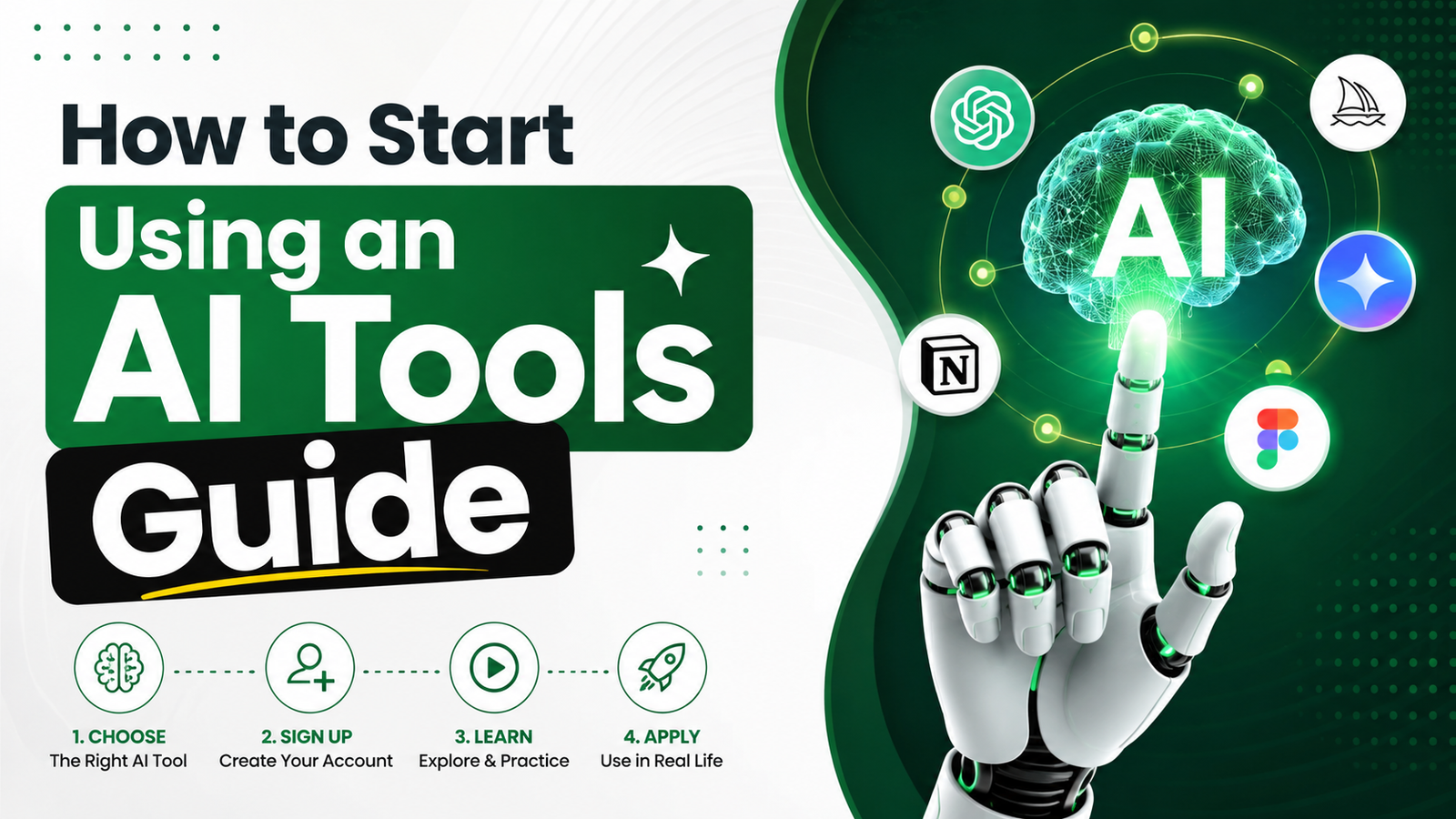
Vague prompt: Write a marketing article.
Better prompt: Write a 700-word beginner-friendly article about email marketing for small businesses. Use simple US English, include practical examples, and organize the article with clear headings.
The second instruction gives the AI a much clearer target and usually makes the output easier to review and edit.
How to Write Better AI Prompts
A prompt is the instruction or request you give to an AI system. Strong prompts usually explain the task, context, desired format, and important requirements. Learning this skill is one of the most useful steps covered in an effective AI tools guide.
Use a Clear Task
Tell the AI exactly what you want it to do. Instead of “Help me with this,” say, “Summarize these notes into five key points for a business presentation.”
Provide Relevant Context
Explain information that affects the answer. This might include your audience, industry, experience level, objective, or source material.
Specify the Format
If you want a table, bullet list, email, outline, report, or step-by-step explanation, say so directly. Clear formatting instructions can make the result much easier to use.
Set Useful Constraints
You can specify word count, tone, reading level, language, formatting, or topics to avoid. Useful constraints can make an AI response more focused and practical.
Refine the Result
You do not need to create a perfect prompt on the first attempt. If the answer is too long, too general, or missing important information, provide a follow-up instruction explaining exactly what should change.
A Simple Prompt Formula for Beginners
A useful beginner formula is:
Task + Context + Audience + Format + Requirements
For example:
“Create a beginner-friendly explanation of AI automation for small business owners. Use simple English, explain three practical examples, organize the answer with headings, and keep it under 800 words.”
This structure gives the AI enough information to produce a more targeted response and is a useful technique for anyone following an AI tools guide.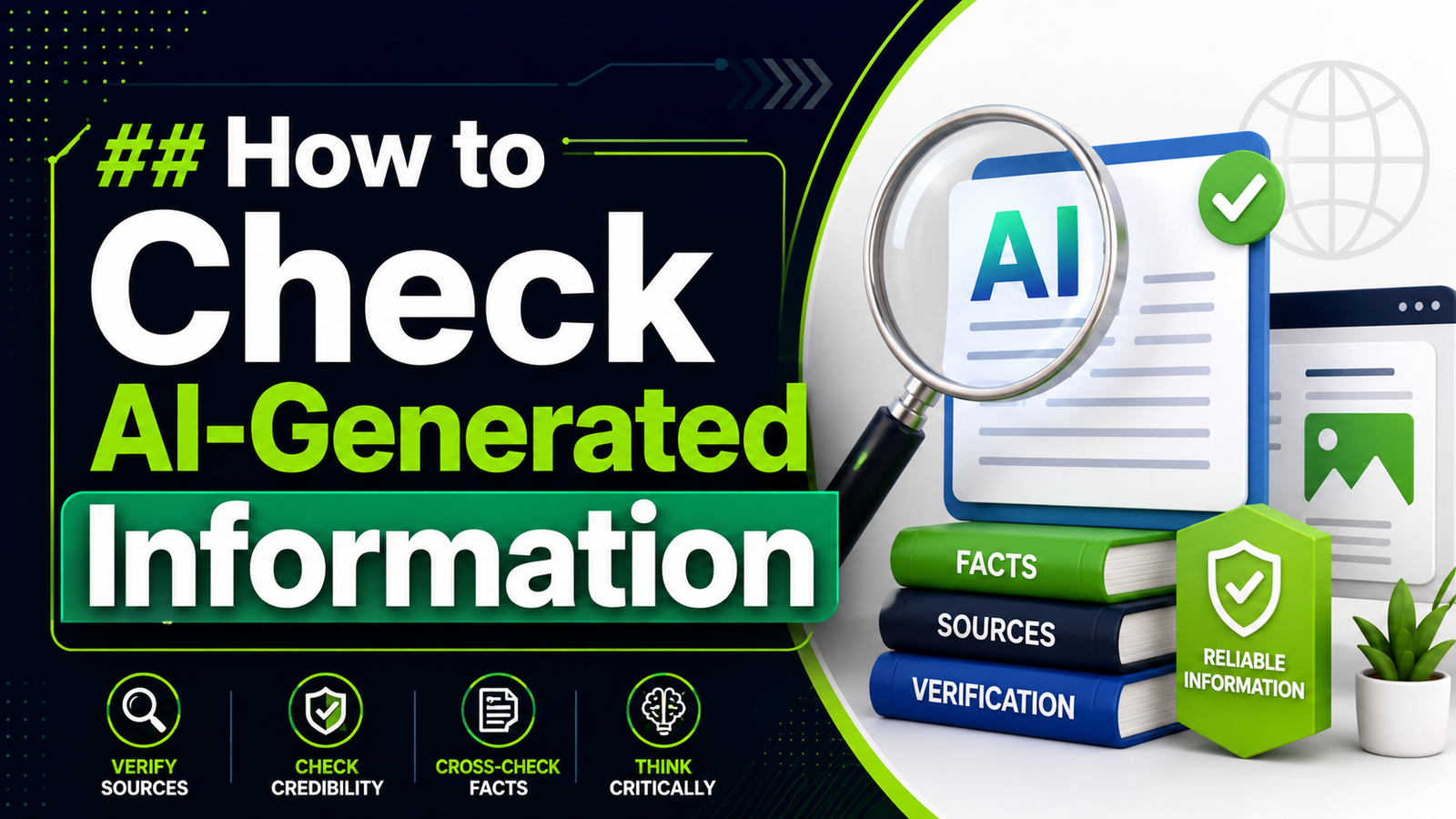
Best Ways to Use AI Tools
Writing and Editing
AI can help create outlines, improve clarity, rewrite sentences, summarize information, and generate first drafts. It can be useful for overcoming a blank page, but important content should still be reviewed for accuracy, originality, and tone.
Research and Learning
AI can explain unfamiliar concepts, create study questions, summarize supplied material, and help you explore a topic. When factual accuracy matters, verify important claims using reliable primary or authoritative sources.
Productivity
AI can help organize notes, create task lists, draft meeting summaries, prepare agendas, and turn unstructured information into a more useful format.
Programming
Coding assistants can explain code, suggest solutions, generate examples, and help identify potential problems. Beginners should understand that generated code still needs testing and review.
Business Tasks
Businesses can use AI for customer communication drafts, content planning, data organization, document summaries, brainstorming, and workflow support.
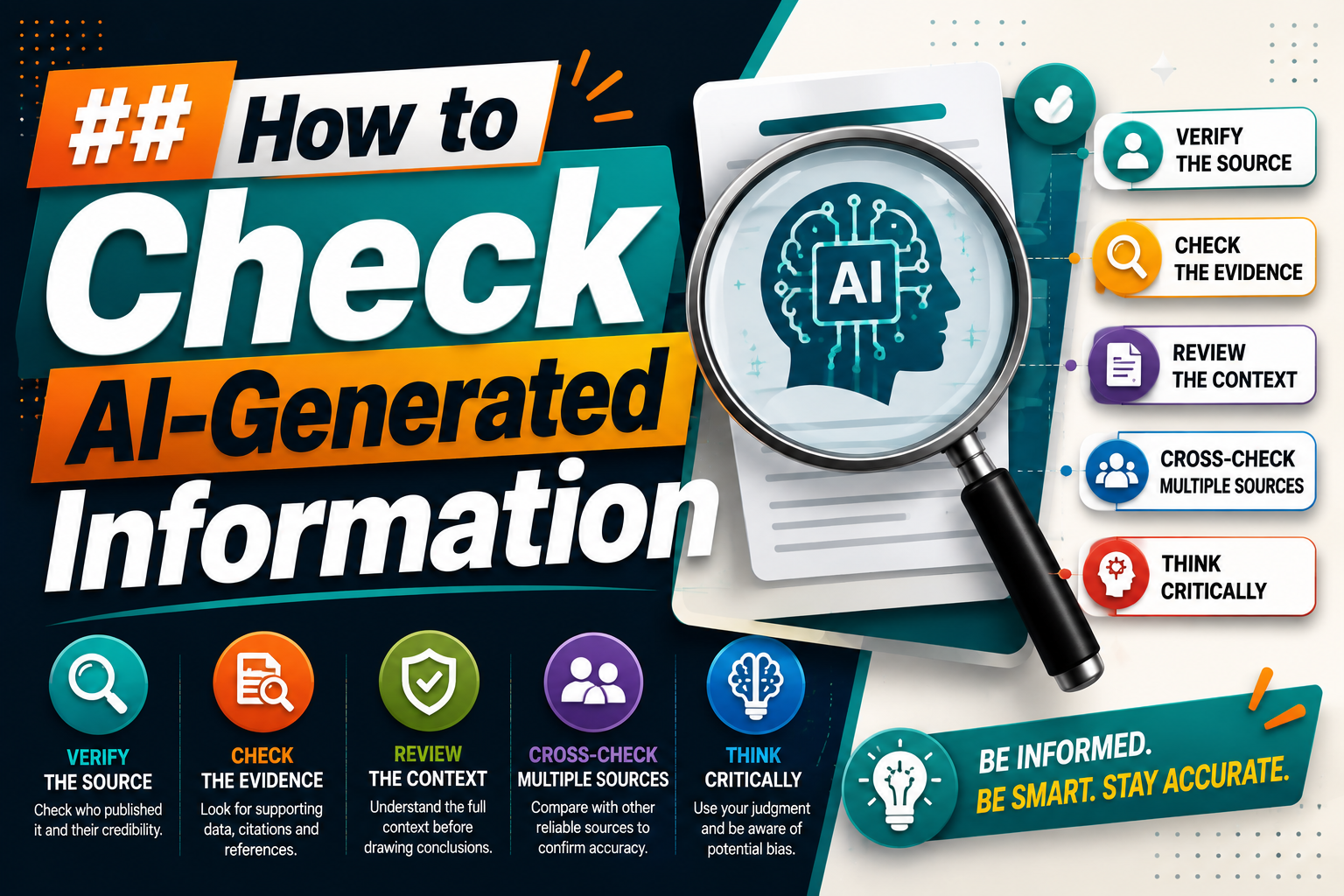
How to Check AI-Generated Information
One of the most important lessons in this AI tools guide is that AI output should not automatically be treated as fact.
Before using important information, ask:
- Does the claim make sense?
- Can I verify it using a reliable source?
- Is the information current?
- Does the AI provide enough context?
- Could the answer have misunderstood my question?
For medical, legal, financial, security, employment, or other high-impact topics, use appropriate professional or authoritative sources rather than relying solely on an AI-generated response.
Protect Your Privacy When Using AI Tools
Beginners should also understand that not every piece of information belongs in an AI prompt. Avoid sharing passwords, private credentials, confidential business documents, sensitive customer information, or other data unless you have confirmed that the service and your organization’s policies allow it.
Before using an AI service for work, review its privacy and data-handling information. Businesses should also establish clear internal rules for what employees can and cannot submit to AI systems.
Common Mistakes Beginners Make
Using Vague Prompts
A short prompt is not necessarily a good prompt. If the request lacks context, the AI has to make assumptions that may not match your needs.
Accepting the First Answer
The first response is often a starting point. If something is missing, explain what needs to change and ask for a revised version.
Trusting Every AI Answer
AI systems can make factual errors or misunderstand a request. Important information should be checked before publication, business use, or decision-making.
Giving Too Much Unnecessary Information
More context can help, but irrelevant details can make instructions harder to follow. Include information that actually affects the task.
Using the Wrong Tool
A general chatbot may not be the best option for every task. Specialized tools can be more appropriate when you need features designed for coding, design, research, automation, or data analysis.
Sharing Sensitive Information
Do not paste confidential or personal information into an AI service without understanding how that information is handled and whether you are permitted to share it.
How to Improve AI Results Step by Step
- Review the first result: Identify what is useful and what is missing.
- Point out the problem: Tell the AI exactly what should change.
- Add missing context: Provide relevant details that were not included in the original prompt.
- Specify the desired format: Ask for headings, bullets, a table, examples, or another structure.
- Verify important information: Check factual claims against reliable sources.
- Edit the final output: Make sure the result matches your purpose and personal or business standards.
AI Tools for Different Beginner Needs
| Need | Useful AI Category | Typical Use |
|---|---|---|
| Writing | AI writing assistant | Drafting, editing, rewriting |
| Research | AI research assistant | Explaining and organizing information |
| Images | AI image generator | Creating visual concepts |
| Coding | AI coding assistant | Code generation and explanation |
| Productivity | AI productivity assistant | Summaries, planning, organization |
| Automation | AI automation platform | Connecting repetitive workflows |
Practical Beginner Examples
Example 1: Writing an Email
Instead of asking an AI tool to “write an email,” explain who the recipient is, what you want to communicate, and what tone you prefer.
A better instruction could be: “Write a short professional email to a client explaining that the project deadline has moved by two days. Keep the tone polite and confident.”
Example 2: Learning a New Topic
Ask the AI to explain the topic at your current knowledge level. You can then request examples, a simpler explanation, practice questions, or a short quiz.
Example 3: Organizing Notes
Give the AI your non-sensitive notes and ask it to organize them into categories, action items, deadlines, and unanswered questions.
Example 4: Brainstorming
Tell the AI what you are trying to create and ask for several ideas with a short explanation of each. You can then select the strongest options and ask the AI to develop them further.
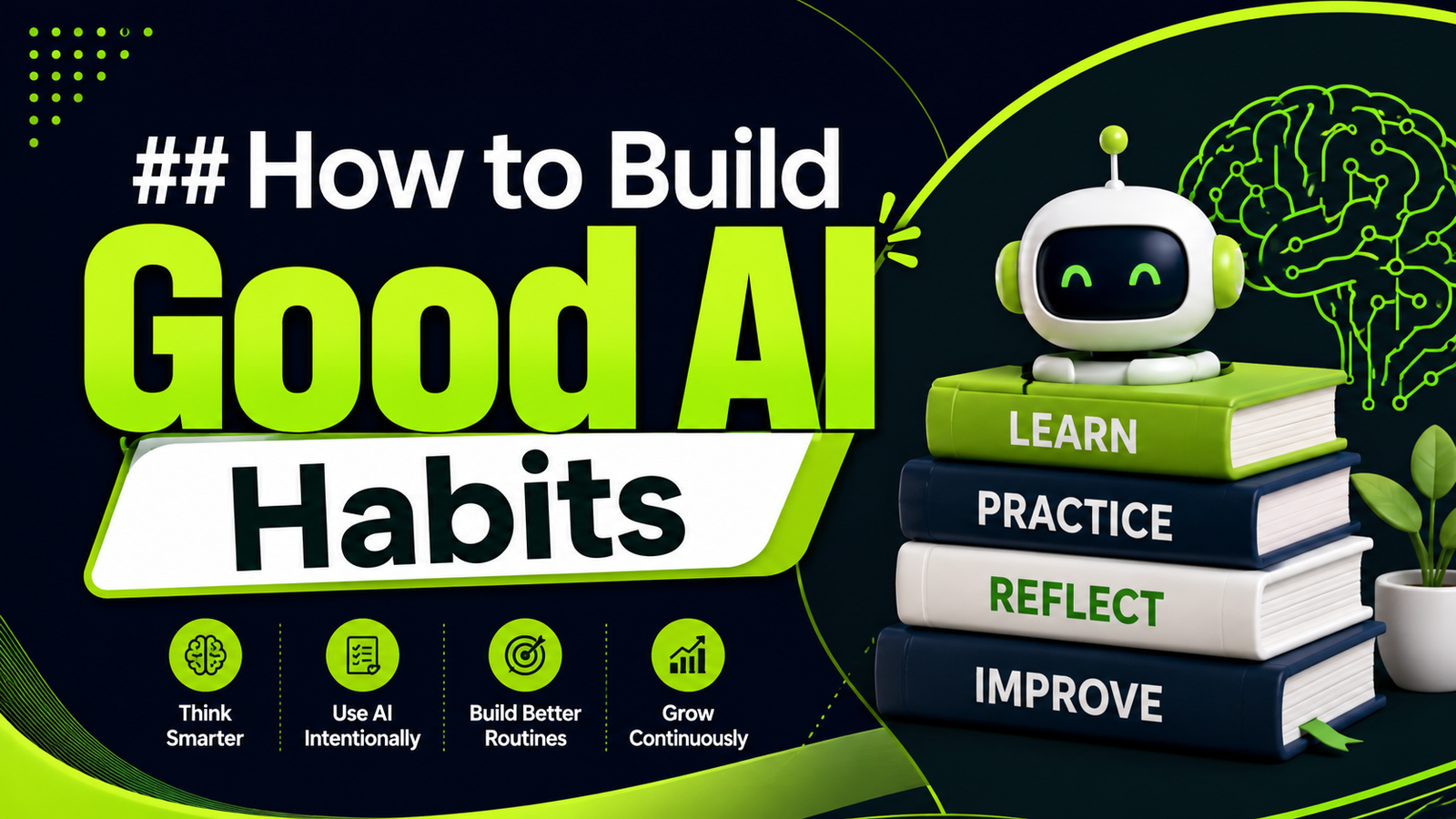
How to Build Good AI Habits
Using AI effectively is a skill that improves with practice. Start with low-risk tasks and gradually experiment with more advanced workflows.
Keep a small collection of prompts that work well for tasks you perform regularly. Review successful outputs to understand which instructions produced better results.
Most importantly, maintain ownership of the final result. AI can help with speed and ideas, but you remain responsible for deciding whether the output is accurate, appropriate, and useful.
Frequently Asked Questions
What is the best way for beginners to use an AI tools guide?
The best starting point is a simple, low-risk task you already understand. Use an AI tools guide to learn the basics, give the AI clear instructions, review the output, and improve your prompt based on the result.
How do beginners write effective AI prompts?
Include the task, relevant context, target audience, desired format, and important requirements. Clear instructions usually produce more useful results than vague requests.
Can I trust information generated by AI tools?
AI-generated information should be verified when accuracy matters. AI systems can produce incorrect, incomplete, or outdated information, so important claims should be checked against reliable sources.
Which AI tools should beginners start with?
Start with a general-purpose AI assistant if you need help with everyday tasks. Choose a specialized tool when your goal requires specific capabilities such as image generation, coding, research, data analysis, or workflow automation.
Are AI tools difficult to learn?
Many AI tools are designed to be accessible to beginners. The main learning curve is understanding how to describe tasks clearly, evaluate results, and refine instructions.
What should I avoid sharing with AI tools?
Avoid sharing passwords, private credentials, confidential business information, sensitive customer data, and other protected information unless you have verified that the service and applicable policies permit it.
Conclusion
Learning how to use AI does not require advanced technical knowledge. The most important skills are knowing what you want to accomplish, choosing an appropriate tool, providing useful context, writing clear instructions, and reviewing the result.
This AI tools guide provides a practical starting point for beginners who want to use artificial intelligence more effectively. Begin with simple tasks, experiment with better prompts, verify important information, and protect sensitive data.
As your experience grows, you can move from basic AI assistance to more advanced workflows and automation. The goal is not to let AI make every decision. It is to use AI intelligently so you can work more efficiently while keeping human judgment at the center of important decisions.
Featured Image: Beginner learning to use AI tools on a laptop with multiple artificial intelligence applications displayed on screen.
Featured Image ALT Text: AI tools guide for beginners learning how to use artificial intelligence effectively
Supporting Image ALT Text: AI tools guide showing a beginner using artificial intelligence for productivity