
Students today have access to more digital learning resources than ever before. From research and writing to revision and presentations, AI tools for students can help make everyday learning tasks faster and more organized. However, these tools work best when students use them as learning assistants rather than replacements for their own thinking.
This guide explores some of the most useful AI tools for students and online learners. It explains what each tool can do, how students can use it, and what to consider before relying on AI for academic work.
Quick Overview of AI Tools for Students
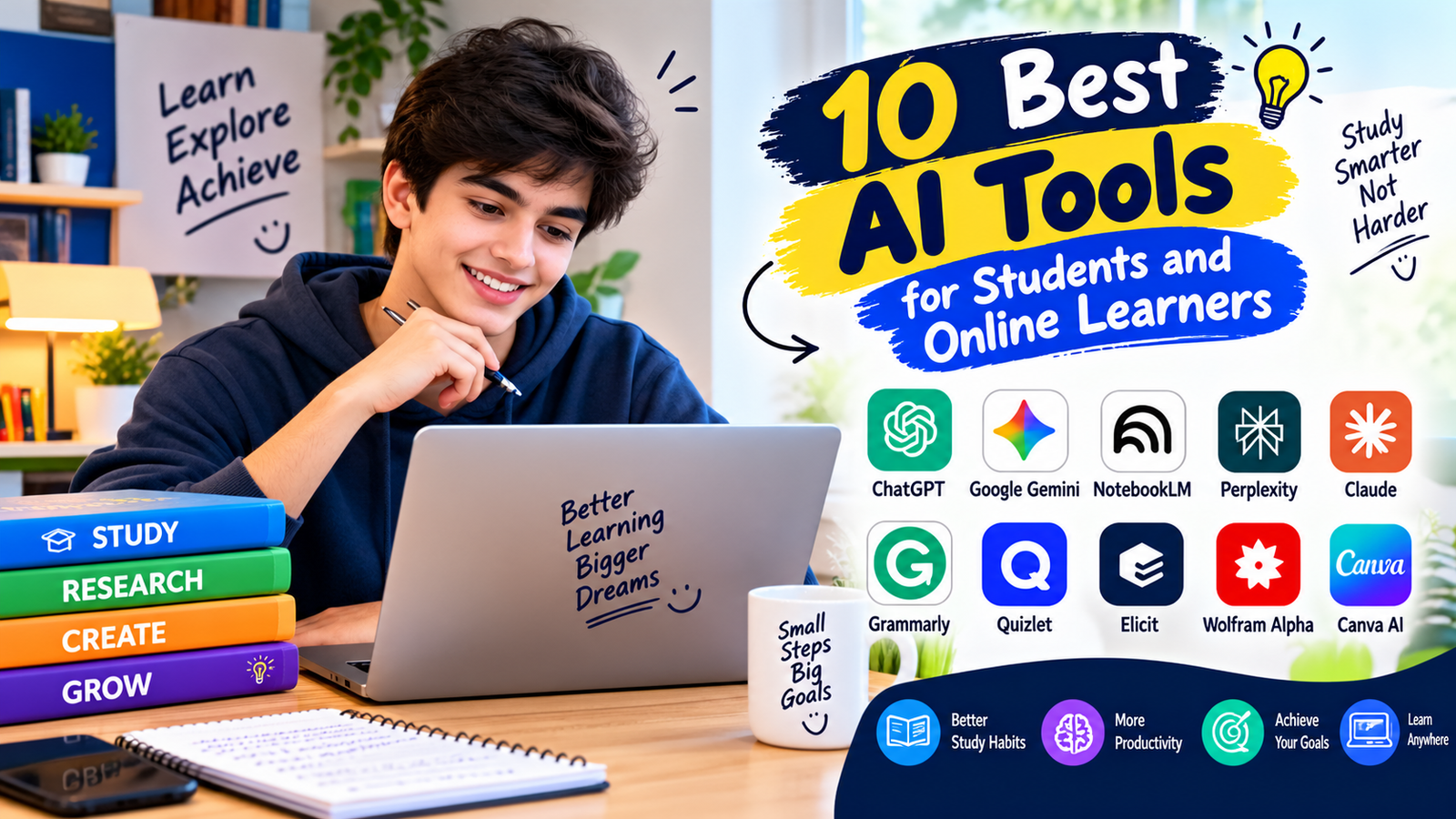
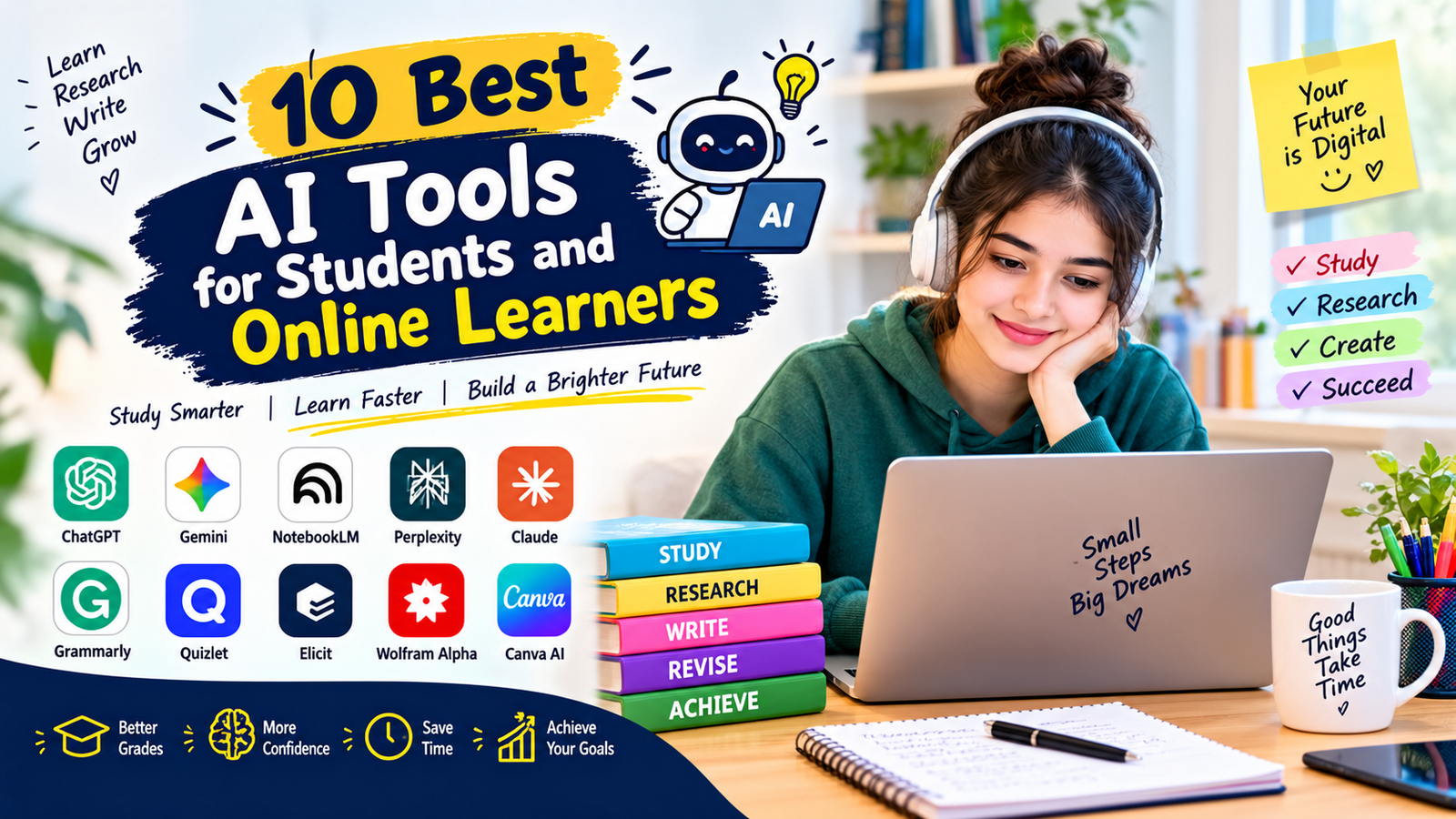
| Tool | Best For |
|---|---|
| ChatGPT | Explanations, brainstorming, study help, and writing support |
| Google Gemini | Research, explanations, and general learning tasks |
| NotebookLM | Working with uploaded study materials and documents |
| Perplexity | Research and finding information with sources |
| Claude | Writing, reasoning, and analyzing longer content |
| Grammarly | Grammar, spelling, and writing improvement |
| Quizlet | Flashcards, practice, and revision |
| Elicit | Academic research and literature discovery |
| Wolfram Alpha | Math, science, and computational questions |
| Canva AI | Presentations, visual projects, and design |
What Are AI Tools for Students?
AI tools for students are software applications that use artificial intelligence to help with learning-related tasks. Depending on the tool, students can use AI to explain difficult concepts, summarize information, generate practice questions, organize notes, improve writing, or support research.
These tools can be especially useful for online learners who often study independently. Instead of replacing teachers or textbooks, AI tools for students can provide another layer of support when a learner needs an explanation, example, study idea, or way to organize information.
1. ChatGPT for Learning
ChatGPT can be used as a flexible study assistant for many different subjects. Students can ask it to explain difficult concepts in simple language, create examples, brainstorm ideas, or generate practice questions.
For example, a student studying biology could ask for a simple explanation of photosynthesis and then request practice questions based on the explanation. A language learner could use it to practice conversations or improve sentence structure.
One of the most useful ways to use AI tools for students is to ask follow-up questions. Instead of accepting the first answer, students can ask why something is true, request an easier explanation, or ask for an example related to their course.
2. Google Gemini for Students
Google Gemini can support students with research, explanations, brainstorming, and general study tasks. It can help learners understand unfamiliar topics and organize ideas before starting an assignment.
Students can use Gemini to create study outlines, compare concepts, generate questions, or explain information at different difficulty levels. As with other AI tools for students, important information should be checked against reliable academic or educational sources.
3. NotebookLM for Study Materials
NotebookLM is designed to work with documents and other provided sources. This can make it useful when students have lecture notes, PDFs, course readings, or other study materials that they want to understand more easily.
A student can use the tool to ask questions about uploaded material, create summaries, or identify important ideas. This makes NotebookLM particularly useful for reviewing information before an exam.
For learners who have large amounts of reading material, AI tools for students such as NotebookLM can help organize information and make long documents easier to review.
4. Perplexity for Research
Perplexity is an AI-powered search and research tool that can help users explore questions and discover sources. It can be useful when a student wants to quickly understand a topic before doing deeper research.
Students can use it to explore a subject, identify useful sources, and develop research questions. However, students should still open and evaluate the original sources rather than relying only on an AI-generated summary.
Research-focused AI tools for students are most helpful when they speed up the discovery process while leaving the final evaluation to the student.
5. Claude for Writing and Reasoning
Claude can help students work with written material, organize ideas, and explore complex questions. It can also provide feedback on drafts and help learners understand difficult passages.
For example, students can provide their own outline and ask for suggestions to improve its organization. They can also ask the tool to explain a difficult paragraph in simpler language.
Like other AI tools for students, Claude should be used to support learning rather than produce work that a student submits without understanding or reviewing.
6. Grammarly for Better Writing
Grammarly is designed to help users improve their writing. It can identify issues related to grammar, spelling, punctuation, clarity, and style.
Students can use Grammarly when reviewing essays, emails, reports, and other written assignments. It can help learners notice repeated mistakes and improve their writing habits over time.
Writing-focused AI tools for students are especially useful when learners use the suggestions as feedback and make the final decisions themselves.

7. Quizlet for Revision
Quizlet can help students review information through flashcards and practice activities. Regular retrieval practice can make revision more active than simply reading notes repeatedly.
Students can create flashcards for vocabulary, definitions, formulas, historical dates, scientific terms, or other course information. They can then use practice sessions to identify topics that need more attention.
When combined with active recall, AI tools for students can make revision sessions more structured and easier to manage.
8. Elicit for Academic Research
Elicit is designed to support academic research and literature discovery. It can help students explore research questions and identify potentially relevant academic papers.
This can be useful for students working on research projects, literature reviews, or academic assignments. However, students should read the original papers and verify important claims before using them in academic work.
Research-oriented AI tools for students can save time during the early stages of a project, but source evaluation remains an important part of academic research.
9. Wolfram Alpha for Math and Science
Wolfram Alpha can be useful for mathematical calculations, scientific questions, and computational problems. Students can use it to check calculations and explore mathematical concepts.
Instead of using a computational tool only to get an answer, students can use it as a way to check their own work. They should understand the method used to solve a problem, especially when preparing for an exam.
For math and science learners, AI tools for students can provide additional support when used alongside textbooks, teachers, and practice exercises.
10. Canva AI for Presentations
Canva includes AI-powered features that can help students create presentations, graphics, and visual learning materials. These features can be useful for class presentations and project work.
Students can use AI-assisted design features to brainstorm layouts, organize visual content, and create presentation elements. The final presentation should still reflect the student’s own understanding of the topic.
How to Choose the Right AI Tool
There is no single AI tool that is perfect for every learning task. The right option depends on what the student needs to accomplish.
- For explanations: Choose a conversational AI assistant.
- For research: Use tools that help discover and review sources.
- For writing: Choose tools that provide useful language and editing feedback.
- For revision: Flashcards and practice-question tools can be helpful.
- For mathematics: Computational tools can help check calculations.
- For presentations: Design tools can help organize visual projects.
Before choosing among AI tools for students, learners should consider accuracy, ease of use, privacy, available features, and whether the tool fits their school’s academic rules.

AI Study Tools: Free vs Paid
Many AI services offer free options, while some features may require a paid subscription. A free tool may be enough for simple explanations, brainstorming, and basic study tasks.
Paid plans may provide additional features such as higher usage limits, larger context windows, advanced models, or extra research capabilities. Students should compare the features they actually need before paying for a subscription.
The most expensive option is not automatically the most useful. A simple tool that fits a student’s study routine can be more practical than a service with many features that are rarely used.
How to Use AI for Studying Effectively
The best results usually come when students actively participate in the learning process. Instead of asking AI to complete an entire assignment, students can use it to support individual parts of their study routine.
- Identify the topic you need to understand.
- Ask for a simple explanation.
- Review the explanation using your course materials.
- Ask for examples or practice questions.
- Try solving the questions yourself.
- Use AI to identify mistakes or areas that need review.
- Verify important information with reliable sources.
This approach allows AI tools for students to function as learning assistants instead of shortcuts that reduce understanding.
Useful AI Prompts for Students
The quality of an AI response often depends on how clearly the student explains the task. Specific prompts can make study sessions more productive.
- “Explain this concept in simple language.”
- “Give me three examples of this concept.”
- “Create five practice questions about this topic.”
- “Explain why this answer is correct.”
- “Quiz me on these notes one question at a time.”
- “Help me identify the main ideas in this passage.”
- “Review my outline and suggest ways to improve its structure.”
These prompts show how AI tools for students can encourage active learning instead of simply generating finished answers.
Common Mistakes Students Make With AI
AI can be useful, but students can also misuse it. Understanding common problems can help learners get better results.
Relying on AI Without Checking Facts
AI systems can sometimes provide incorrect or incomplete information. Important facts should be checked against textbooks, academic sources, official websites, or instructor-provided materials.
Copying AI-Generated Assignments
Submitting AI-generated work without understanding or following course rules can create academic problems. Students should check their institution’s policies and use AI only in permitted ways.
Using Vague Prompts
A vague question often produces a generic response. Adding the subject, learning level, assignment context, and desired format can make the response more useful.
Skipping Personal Practice
Reading an AI explanation is not the same as learning the material. Students should still solve problems, write answers, recall information, and practice independently.
How AI Can Support Online Learners
Online learners often have to manage their own schedules and study routines. AI can help organize this process by generating study plans, explaining unfamiliar concepts, and creating practice material.
For example, a learner taking an online course can use an AI assistant to break a large topic into smaller study sessions. They can then use practice questions to check their understanding.
This makes AI tools for students particularly useful for learners who need flexible study support outside regular classroom hours.
AI and Academic Integrity
Academic integrity is an important consideration when using AI for education. Different schools, universities, teachers, and courses may have different rules about acceptable AI use.
Students should understand these rules before using AI for assignments, essays, coding projects, or examinations. If AI use is permitted, students should follow the required disclosure or citation rules.
The goal of AI tools for students should be to improve understanding and productivity while maintaining honest academic work.
Tips for Safer and Smarter AI Learning
- Check important facts before using them.
- Use original academic sources when research requires them.
- Do not share sensitive personal information with AI tools.
- Follow your school’s AI and academic-integrity policies.
- Use AI explanations as a starting point for learning.
- Practice independently after receiving an explanation.
- Keep your own notes and develop your own understanding.
- Compare important information across reliable sources.
Following these habits can help students get more value from AI tools for students without becoming overly dependent on automated answers.
Frequently Asked Questions
What are the best AI tools for students?
The most useful option depends on the student’s goal. ChatGPT and Gemini can help with explanations and brainstorming, NotebookLM can work with study materials, Perplexity can support research, Grammarly can improve writing, and tools such as Quizlet can support revision.
Can students use AI for studying?
Yes. Students can use AI for explanations, practice questions, brainstorming, revision, and research support. They should follow their school’s policies and verify important information.
Are AI tools free for students?
Some AI tools offer free versions, while others provide additional features through paid plans. Students should check the current pricing and feature limits before choosing a service.
Can AI help students with research?
Yes. AI can help students discover topics, generate research questions, summarize provided information, and locate potentially useful sources. Original sources should still be reviewed before being used in academic work.
Can AI tools replace teachers?
AI tools are not a replacement for teachers, instructors, or qualified academic support. Teachers provide context, feedback, assessment, and subject-specific guidance that automated tools cannot fully replace.
How should students use AI responsibly?
Students should use AI tools for students as learning support, verify important information, protect private information, complete their own thinking and practice, and follow their institution’s rules for AI use.
Conclusion
AI tools for students can make studying, research, writing, revision, and online learning more organized and efficient. Tools such as ChatGPT, Gemini, NotebookLM, Perplexity, Claude, Grammarly, Quizlet, Elicit, Wolfram Alpha, and Canva can each support different parts of the learning process.
The most effective approach is to use AI as a study assistant rather than a replacement for independent thinking. Students who combine AI support with reliable sources, active practice, critical thinking, and their own work can make better use of these technologies while maintaining strong learning habits.