

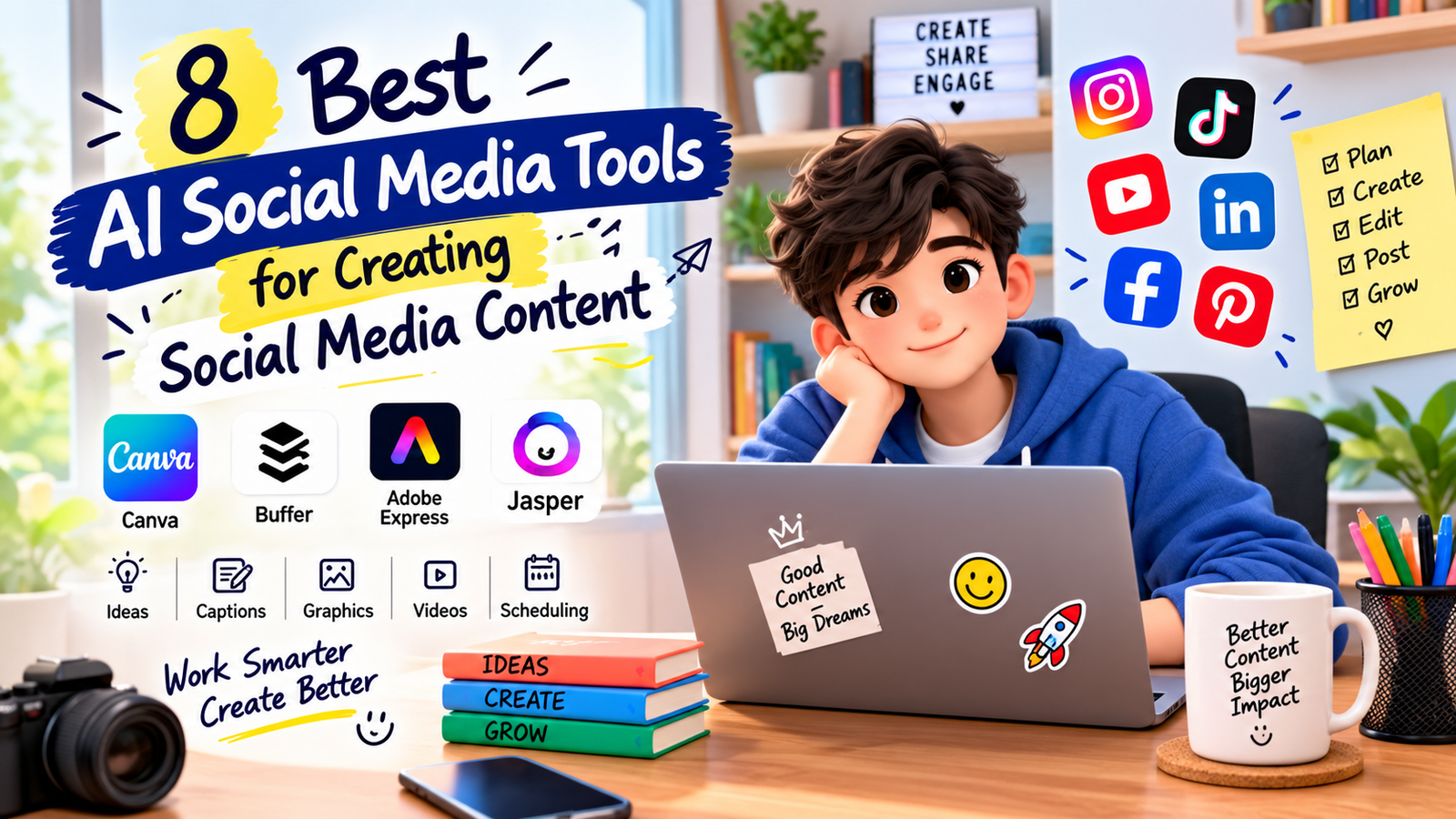
Creating social media content consistently can take hours, especially when you need ideas, captions, graphics, videos, hashtags, and platform-specific posts. The right AI social media tools can reduce repetitive work while helping you turn one idea into several useful pieces of content.
However, AI should support your content strategy rather than replace your judgment. The best results usually come from combining AI-generated drafts with your brand voice, original ideas, fact-checking, editing, and human creativity. Modern AI social media tools can make this process faster when they are used as assistants rather than replacements for human input.
This guide covers some of the most useful AI-powered tools for social media content, what each tool does best, their advantages and limitations, and how to choose the right option for your workflow.
Quick Summary
| Tool | Best For | Key Strength |
|---|---|---|
| Canva | Social graphics and copy | AI writing and visual design in one platform |
| Buffer | Writing, repurposing, and publishing | AI-assisted social content and scheduling |
| Adobe Express | Visual social content | Templates, design tools, and Firefly-powered AI |
| Jasper | Marketing teams and brand content | Brand voice and content repurposing |
There is no single tool that is ideal for every creator or business. Your choice should depend on whether your biggest need is writing, design, video repurposing, scheduling, brand consistency, or a combination of these tasks. Comparing different AI social media tools based on these needs can help you build a more efficient workflow.
What Are AI Social Media Tools?
AI social media tools are software applications that use artificial intelligence to assist with tasks such as generating captions, brainstorming content ideas, rewriting posts, creating visuals, repurposing existing content, and planning or scheduling social posts.
Some AI social media tools focus mainly on writing, while others combine AI with graphic design, video editing, publishing, analytics, or content management.
For example, Canva’s Magic Write can help generate and refine social copy, while Canva also provides design capabilities for creating visual posts.
Buffer combines AI-assisted writing and content repurposing with social media planning and publishing features. Its AI Assistant can generate ideas, rewrite content, adjust tone, and tailor content for different channels.
Best AI Social Media Tools
Canva
Best for: Creators, small businesses, marketers, and anyone who wants to combine AI writing with visual design.
Canva is particularly useful when your social media workflow involves both copy and graphics. its the Magic Write AI writing assistant can brainstorm ideas, create drafts, refine wording, proofread text, and help generate social content such as captions and hashtags. This combination makes Canva one of the more practical AI social media tools for users who want to create both written and visual content in one place.
The major advantage is that you do not have to move between a separate writing application and a design application for every post. You can create written content and then use Canva’s design tools to build the accompanying social graphic.
Key Features
- AI-assisted caption and copy generation
- Brainstorming and rewriting
- Social media design templates
- Brand voice support through Brand Kit features on supported plans
- Visual content creation
- Collaboration features
Pros
- Combines writing and visual design.
- Useful for beginners and experienced creators.
- Large selection of social media templates.
- Suitable for many types of social content.
Limitations
- AI-generated copy may still require editing.
- Advanced features can depend on the plan you use.
- It may not replace specialized social media management software for larger publishing workflows.
Buffer
Best for: Creators and businesses that want AI-assisted writing combined with social media planning and publishing.
Buffer’s AI Assistant can generate social media ideas, create post drafts, repurpose existing content, and adjust tone and length. It also supports platform-specific content creation, which can be useful when one message needs to be adapted for different networks. For creators who need content creation and scheduling together, Buffer is among the useful AI social media tools to consider.
Buffer also offers scheduling and publishing capabilities across major social platforms, allowing creators to move from content creation toward publication within the same workflow.

Key Features
- AI-generated post ideas
- Caption and post drafting
- Content repurposing
- Tone adjustment
- Platform-specific content adaptation
- Social media scheduling and publishing
Pros
- Useful for both content creation and publishing.
- Strong content repurposing workflow.
- Can help adapt posts to different social channels.
- Useful for maintaining a regular publishing schedule.
Limitations
- AI-generated content should be reviewed before publication.
- Some AI features may depend on the current Buffer plan.
- It is more focused on social workflows than advanced graphic design.
Buffer itself recommends reviewing AI-generated suggestions because AI output can be inaccurate or misleading. This is an important consideration when evaluating AI social media tools for regular publishing.
Adobe Express
Best for: Users who want to create social graphics, videos, templates, and other visual assets with AI-assisted features.
Adobe Express provides social media creation tools for formats such as Instagram Stories, social posts, TikTok videos, and Instagram Reels. Its tools include customizable templates and AI capabilities powered by Adobe Firefly for supported creative tasks.
This makes Adobe Express useful when visual quality is a major part of your social media strategy. It is especially relevant for users who want AI social media tools that support graphics and short-form visual content.
Key Features
- Social media templates
- AI-assisted image and text effects
- Social video creation tools
- Instagram and other social formats
- Brand-oriented design workflows
- Adobe Firefly-powered generative features
Pros
- Strong focus on visual content.
- Useful templates for different social formats.
- Combines design tools with AI features.
- Good option for creators who already use Adobe products.
Limitations
- Users mainly looking for caption generation may prefer a writing-focused tool.
- Some advanced capabilities may depend on the plan or current product availability.
- AI-generated visual content still needs brand and quality review.
Jasper
Best for: Marketing teams and businesses that need scalable social copy and stronger brand consistency.
Jasper provides AI-powered social media features for creating captions, repurposing long-form content, and developing social assets at scale. Its social media tools also include Brand Voice capabilities designed to help content follow established tone and formatting rules.
This makes it particularly relevant for marketing teams that produce content across several campaigns and channels. Jasper can be useful for organizations looking for AI social media tools that fit into a broader marketing workflow.
Key Features
- Social media caption generation
- Content repurposing
- Brand Voice
- Marketing-focused AI workflows
- Campaign collaboration
- Browser-based workflow support
Pros
- Strong focus on marketing use cases.
- Useful for content repurposing.
- Brand Voice can support consistency.
- Designed for broader marketing workflows.
Limitations
- May be more than an individual creator needs.
- AI output still requires human review.
- Users primarily looking for visual design may need another tool.
How to Choose AI Social Media Tools
The best tool depends on the part of your workflow that consumes the most time. Instead of choosing an application simply because it has many AI features, identify the task you want to improve first. The most useful AI social media tools are those that solve a real problem in your content process.
Choose Based on Your Main Task
- Need graphics and captions? Canva can combine both tasks in one workflow.
- Need writing and scheduling? Buffer is useful for connecting content creation with publishing.
- Need visual social content? Adobe Express provides templates and AI-assisted creative tools.
- Need marketing copy at scale? Jasper is designed around broader marketing workflows and brand consistency.
Consider Your Content Volume
A solo creator producing several posts per week may not need the same setup as an agency managing multiple brands. Before choosing a tool, consider how many posts you create, how many platforms you manage, and how much collaboration your workflow requires. Your content volume can determine which AI social media tools are practical for your needs.
Check Platform Support
Social networks have different formats, audiences, character limits, and content expectations. A tool that helps create a post is more useful when it can also help you adapt that content to the platform where it will appear.
Buffer, for example, describes its AI Assistant as channel-aware within its publishing composer and provides options for adapting content to different social networks.
Review Brand Voice Features
AI can produce grammatically correct content that still sounds unlike your business. Look for features that allow you to define tone, audience, style, or brand guidelines.
Canva supports brand voice through its Brand Kit on supported plans, while Jasper offers a dedicated Brand Voice feature for social and marketing content. These capabilities can make AI social media tools more useful for businesses that need consistent messaging.
How to Use AI for Better Social Content
AI works best when you provide useful context instead of asking for a generic post. A clear workflow can help you get more useful results from AI social media tools.
1. Define the Audience
Tell the tool who the post is for. Include information such as the audience’s experience level, interests, needs, and relationship with your brand.
2. Explain the Goal
Specify whether you want to educate, promote a product, generate discussion, encourage website visits, announce something, or build brand awareness.
3. Give the AI Your Main Points
Instead of asking for a post from nothing, provide the facts and ideas you want included. This gives the model better material to work with and reduces the risk of irrelevant content.
4. Request Platform-Specific Versions
One message should not always be copied word-for-word across every platform. Ask the AI to adapt the same idea for LinkedIn, Instagram, Facebook, TikTok, Threads, or another relevant channel.
5. Edit Before Publishing
Read every AI-generated post before publishing it. Check names, dates, statistics, product information, links, claims, tone, and calls to action. Human review remains important even when using advanced AI social media tools.
AI-generated content can sound polished while still containing incorrect information. Buffer specifically recommends reviewing and fact-checking AI suggestions before using them.
How to Create More Content From One Idea
One of the most useful applications of AI is content repurposing. Instead of creating every social post from scratch, start with one strong piece of content and turn it into multiple formats. Many AI social media tools can help with this process.
- Start with a blog post, video, podcast, product update, or original idea.
- Identify three to five useful points from the source.
- Turn each point into a short social post.
- Create a longer educational version for a platform such as LinkedIn.
- Create short captions for visual posts or videos.
- Turn frequently asked questions into additional posts.
- Review every version for accuracy and brand voice.
Both Buffer and Jasper highlight content repurposing as an important social media use case. Buffer can transform existing content into platform-specific posts, while Jasper provides remixing capabilities for turning existing content into new marketing assets.
Common Mistakes to Avoid
Publishing AI Output Without Editing
AI-generated content is a draft, not automatically a finished post. Editing adds your experience, perspective, examples, and brand personality.
Using the Same Post Everywhere
Different platforms have different formats and audience expectations. Adapt the message instead of copying identical text everywhere.
Adding Unverified Claims
Do not publish statistics, product claims, quotes, dates, or factual statements simply because an AI tool generated them. Verify important information first.
Removing Human Personality
If every post sounds perfectly polished but generic, your audience may have difficulty connecting with it. Add your own stories, opinions, examples, customer insights, and practical knowledge where appropriate.
Using AI for Strategy Instead of Judgment
AI can suggest content ideas, but your audience data and business goals should determine what you actually publish. Use AI to accelerate execution rather than automatically deciding what matters to your audience.
Can AI Replace a Social Media Content Creator?
AI can automate or accelerate many repetitive parts of social media work, but it does not eliminate the need for human judgment. Even the most advanced AI social media tools still depend on clear instructions and human review for strong results.
A creator or marketer still needs to understand the audience, establish the brand voice, decide which ideas are worth publishing, verify information, respond to real customers, and evaluate content performance.
The strongest workflow is usually human-led and AI-assisted: the person provides strategy and context, AI helps with drafting and repurposing, and the person reviews and improves the final content.

Are Free AI Tools Enough?
Free tools can be enough for individuals who create a relatively small amount of content. They can help with brainstorming, captions, basic designs, and occasional content repurposing. For beginners, free AI social media tools can be a practical way to learn how AI fits into a content workflow.
Paid plans become more relevant when you need higher usage limits, advanced brand features, collaboration, publishing workflows, additional creative capabilities, or more extensive marketing tools.
Because features and plans can change, check the official product page before purchasing a subscription.
Frequently Asked Questions
What are the best AI social media tools?
The right choice depends on your workflow. Canva is useful for combining AI writing with visual design, Buffer is useful for AI-assisted content and publishing, Adobe Express is focused strongly on visual social content, and Jasper is designed around marketing content and brand consistency.
Can AI social media tools create captions?
Yes. Many AI social media tools can generate captions from a topic, product description, content brief, or existing text. The strongest results come from giving the tool audience, platform, tone, and goal information.
Can AI create images for social media?
Yes. Some platforms combine generative AI with social design templates and editing tools. Adobe Express, for example, provides AI-powered creative capabilities alongside social media design tools.
Are AI-generated social media posts safe to publish?
They should be reviewed before publication. AI can generate inaccurate facts, inappropriate wording, or content that does not match your brand. Check important claims and edit the final post before sharing it.
How can I use AI without making my content sound generic?
Give AI social media tools specific information about your audience, brand voice, experience, examples, and key points. Then edit the draft with your own perspective. AI should help express your ideas rather than replace them.
Can one AI tool manage my entire social media workflow?
Some platforms combine several functions, but no single tool is necessarily the best at writing, design, video editing, scheduling, analytics, and community management at the same time. Choose AI social media tools based on the tasks that matter most to your workflow.
Conclusion
The right AI social media tools can solve specific content problems without taking away your brand’s personality or judgment. Canva is useful for combining copy and design, Buffer connects AI-assisted writing with social publishing, Adobe Express focuses on visual content, and Jasper supports marketing-focused content and brand consistency.
Start with the part of your workflow that takes the most time. Use AI social media tools to brainstorm, draft, repurpose, design, or organize content, but keep human review at the center of the process. With the right workflow, AI can help you create social media content more efficiently while keeping the final message accurate, useful, and genuinely yours.