
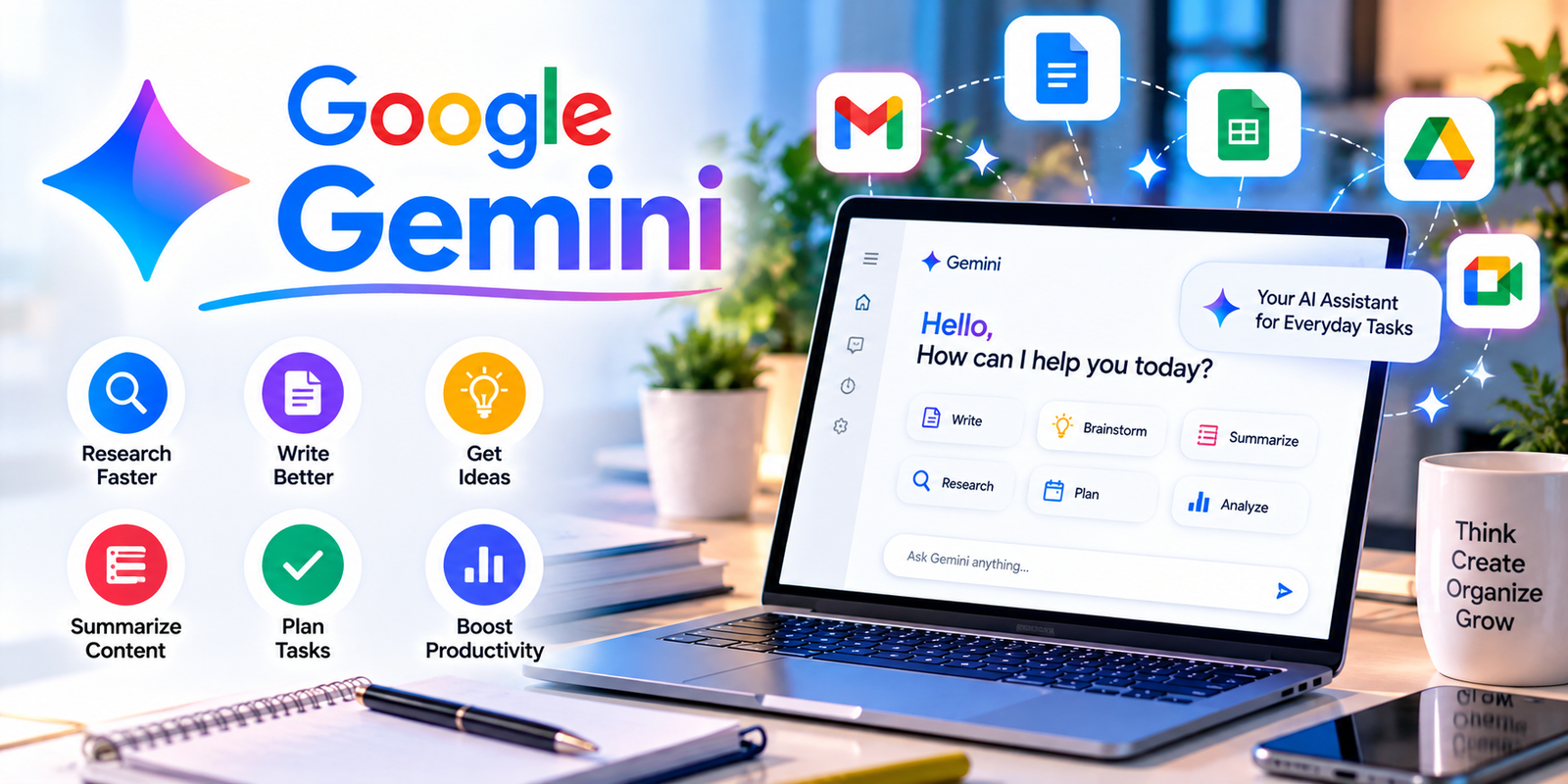
Finding the right AI productivity tools can make everyday work faster, easier, and more organized. In 2026, artificial intelligence is no longer limited to answering questions or generating simple text. Modern AI platforms can help with research, writing, meeting notes, project management, scheduling, data analysis, presentations, automation, and repetitive business tasks.
The challenge is not finding an AI tool. There are now hundreds of options available, and each one is designed for different types of work. Some are excellent for writing, while others are better for research, automation, organization, coding, or teamwork.
This guide explores some of the most useful AI productivity tools available in 2026 and explains what each tool is best suited for. It also covers their key features, practical use cases, advantages, limitations, and how to choose the right solution for your workflow.
Quick Overview
Here are some of the major AI productivity tools worth considering in 2026:
- ChatGPT — General-purpose productivity, writing, research, analysis, and planning
- Microsoft Copilot — Productivity inside Microsoft 365 and workplace workflows
- Notion AI — Notes, knowledge management, documentation, and project organization
- Zapier — AI-powered automation and connected workflows
- Google Gemini — Research, writing, productivity, and Google Workspace tasks
- Claude — Long-form writing, analysis, reasoning, and document work
- Perplexity — AI-powered web research and source discovery
The right option depends on what you actually need to accomplish. A student, freelancer, marketer, manager, developer, and business owner may all require different AI features.
What Are AI Productivity Tools?
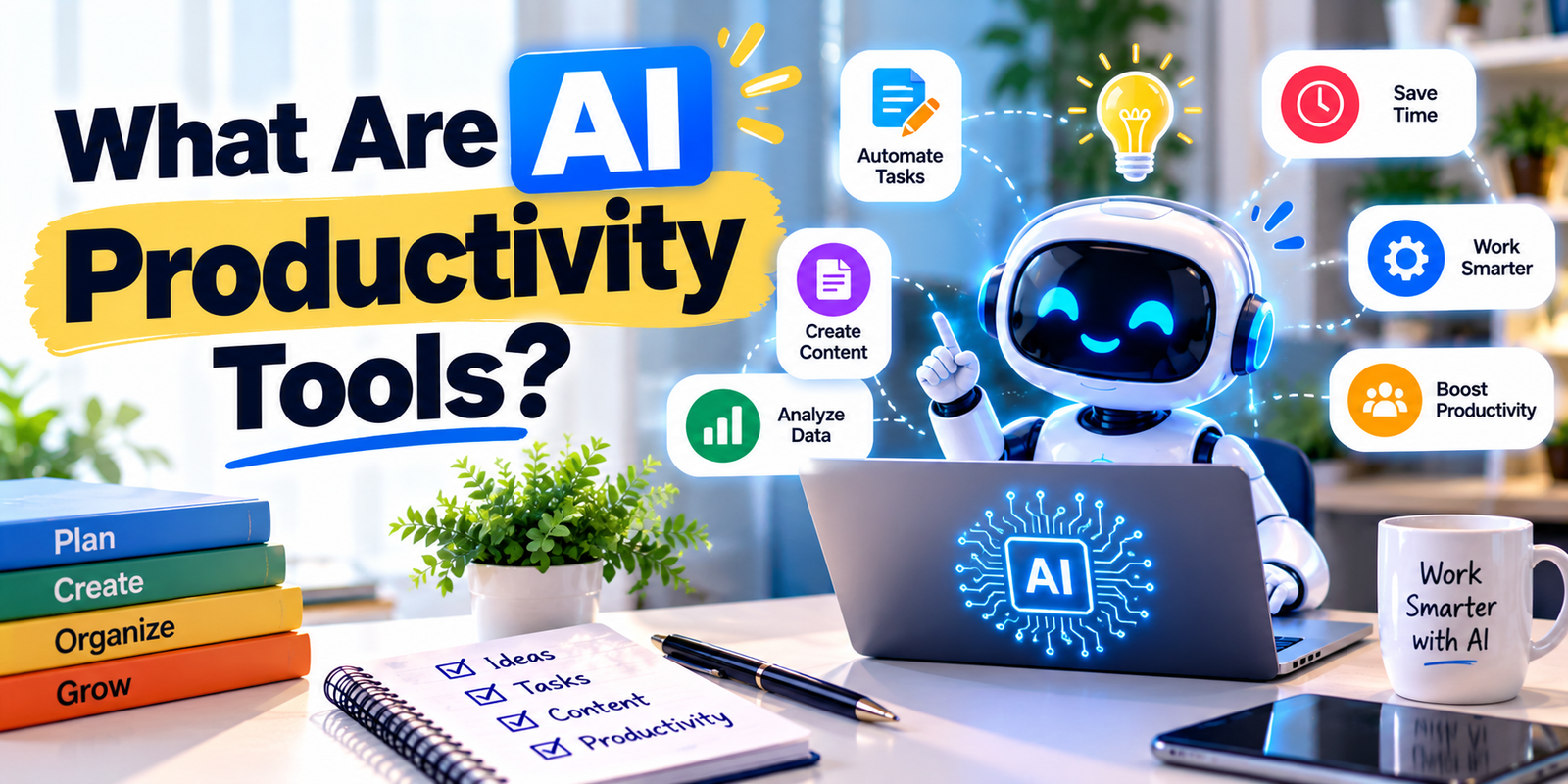
AI productivity tools are software applications that use artificial intelligence to help people complete tasks more efficiently. Instead of manually performing every step, users can give instructions in natural language and let AI assist with parts of the workflow.
For example, an AI assistant can summarize a long document, create an outline, rewrite an email, analyze information, organize notes, generate ideas, or help create a project plan.
The biggest advantage is not simply producing content faster. The more important benefit is reducing repetitive work and giving people more time to focus on tasks that require judgment, creativity, communication, and decision-making.
1. ChatGPT
ChatGPT is one of the most flexible AI productivity tools for general-purpose work. It can be used for writing, brainstorming, research, learning, planning, coding, document analysis, and many other tasks.
OpenAI describes ChatGPT as an assistant for everyday activities such as writing, studying, planning, mathematics, coding, and analyzing uploaded images and files. Its research capabilities can also help users gather and synthesize information from multiple sources.
Best For
- Writing and editing
- Research
- Brainstorming
- Learning
- Summarizing documents
- Creating plans
- Data and file analysis
- Coding assistance
One useful feature is Projects, which allows users to keep chats, files, instructions, and related context together for ongoing work.
For research-heavy tasks, ChatGPT can search information and create structured outputs with citations, making it useful for reports, briefs, comparisons, and research projects.
Pros
- Versatile
- Easy to use
- Useful across many professions
- Supports files and images
- Helpful for both simple and complex tasks
Limitation
AI-generated information should still be checked, particularly when the task involves important facts, financial decisions, legal information, or current events.
2. Microsoft Copilot
Microsoft Copilot is particularly useful for people who already work with Microsoft products. It connects AI assistance with applications such as Word, Excel, PowerPoint, Outlook, and Teams.
This makes Copilot different from standalone AI chatbots. Instead of constantly copying information between different applications, users can work with AI within familiar Microsoft workflows.
Microsoft’s 2026 Copilot updates introduced Home, Code, and Autopilot experiences. The company says Home brings Chat and Cowork together, while Office capabilities bring Word, Excel, and PowerPoint into the Copilot experience.
Best For
- Microsoft 365 users
- Business professionals
- Word documents
- Excel analysis
- PowerPoint presentations
- Outlook productivity
- Workplace collaboration
For organizations already using Microsoft 365, Copilot can be one of the most practical AI productivity tools because it fits directly into existing work environments.
Pros
- Strong Microsoft 365 integration
- Useful for workplace tasks
- Supports documents, spreadsheets, and presentations
- Designed around business workflows
Limitation
Its value is greatest when you already depend heavily on the Microsoft ecosystem.
3. Notion AI
Notion AI combines artificial intelligence with notes, databases, documentation, project management, and team knowledge.
Notion’s current feature set includes AI Meeting Notes, Enterprise Search, AI writing and editing, Notion Agent, custom agents, database automation, and reusable AI skills.
This makes Notion useful for people who want one central workspace rather than several separate applications.
Best For
- Students
- Project managers
- Teams
- Content creators
- Startups
- Knowledge management
- Meeting documentation
A major benefit is that AI works inside the workspace where your information is already stored. Notion says its AI can search connected information and help users complete tasks without constantly switching between applications.
Pros
- Combines notes and AI
- Strong project organization
- Useful databases
- Meeting notes
- Team knowledge management
- Automation features
Limitation
Some advanced AI functionality is tied to paid plans and usage allowances, so users should check the current plan structure before choosing it for a large team.
4. Zapier
Zapier takes AI productivity tools beyond chat and content generation by connecting applications and automating workflows.
Zapier describes its platform as infrastructure for AI-powered automation and says it connects thousands of applications with AI models and workflows.
For example, a business could create a workflow where a new form submission triggers an AI step, categorizes the request, creates a record, sends a notification, and starts another process.

Best For
- Business automation
- Marketing workflows
- Lead management
- Repetitive tasks
- Connecting multiple applications
- AI agents and workflows
Zapier’s AI capabilities can perform tasks such as summarizing, classifying, drafting, and making decisions inside automated workflows.
The platform has also been moving agent functionality directly into its AI workflow infrastructure, allowing AI reasoning and autonomous task execution to work alongside traditional triggers, actions, filters, and automation logic.
Pros
- Large app ecosystem
- Powerful automation
- No-code and low-code options
- Useful for businesses
- Can combine AI with traditional workflows
Limitation
Advanced automation can become complicated, and poorly designed workflows may create errors or unnecessary costs.
5. Google Gemini
Google Gemini is another important option among modern AI productivity tools. It is particularly relevant for users who already depend on Google’s ecosystem.
Gemini can assist with writing, brainstorming, research, summarization, and other general-purpose tasks. Its value can increase when AI capabilities are integrated with Google’s broader productivity environment.
Best For
- Google Workspace users
- Research
- Writing
- Brainstorming
- Summarization
- General productivity
6. Claude
Claude is another useful choice for people who need assistance with writing, analysis, reasoning, and working with long documents. It can help users organize complex information and turn large amounts of text into clearer summaries.
For writers and researchers, Claude can be useful for creating outlines, reviewing documents, improving clarity, comparing information, and developing detailed written material.
Best For
- Long-form writing
- Document analysis
- Research assistance
- Brainstorming
- Complex explanations
- Content editing
Claude can be especially helpful when the task requires careful organization of large amounts of text rather than simply generating a short answer.
Pros
- Strong writing assistance
- Useful for long documents
- Good for analysis and reasoning
- Simple conversational interface
Limitation
As with other AI assistants, users should verify important information instead of treating generated answers as automatically correct.
7. Perplexity
Perplexity focuses heavily on AI-powered search and research. It can be useful when users want answers that are connected to online sources rather than relying only on a general conversational response.
Researchers, students, writers, and professionals can use it to explore topics, discover sources, compare information, and build an initial understanding of unfamiliar subjects.
Best For
- Online research
- Source discovery
- Fact finding
- Topic exploration
- Research summaries
For people who spend a large amount of time searching the web, research-focused AI productivity tools can reduce the time required to find and organize relevant information.
How to Choose the Right AI Productivity Tool
Choosing between different AI productivity tools should start with your actual workflow rather than the popularity of a particular application.
1. Identify Your Main Problem
First, decide what is taking the most time. Is it writing emails, researching information, managing projects, taking meeting notes, analyzing data, or performing repetitive tasks?
2. Check Integrations
An AI tool becomes more useful when it works with the applications you already use. Microsoft users may benefit from Microsoft-focused integrations, while Google users may prefer tools that work naturally with Google Workspace.
3. Consider Your Budget
Many AI platforms offer free access with limitations, while advanced features may require a subscription. Before paying, identify whether the premium features actually solve a problem in your workflow.
4. Check Privacy and Data Policies
Before uploading confidential business documents, customer information, financial records, or sensitive personal data, review the platform’s privacy and data-handling policies.
5. Test Before Committing
When possible, start with a free plan or trial. Test the tool using realistic tasks from your daily workflow instead of judging it only through demonstrations.
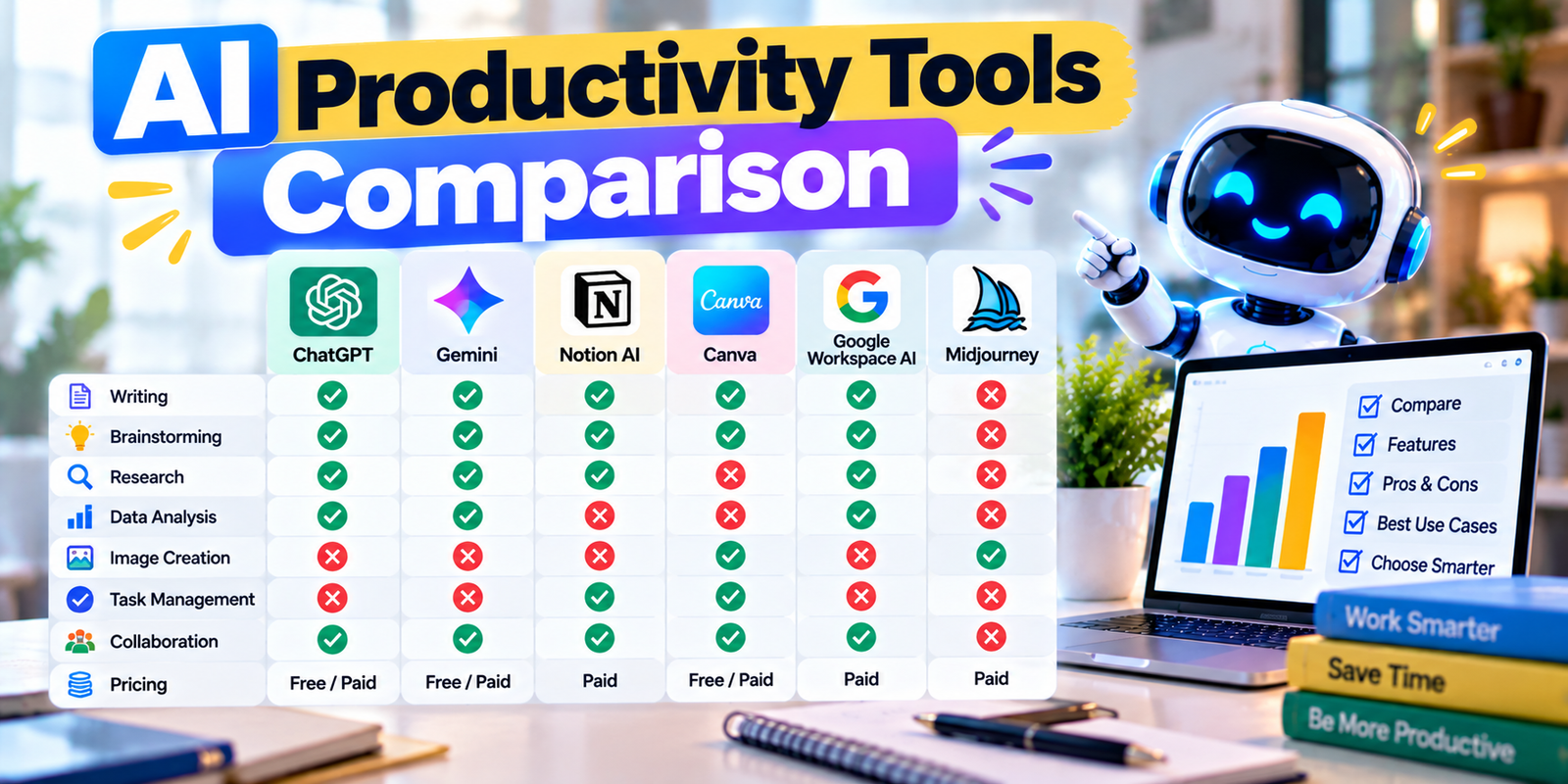
AI Productivity Tools Comparison
| Tool | Best For | Main Strength |
|---|---|---|
| ChatGPT | General productivity | Versatile AI assistance |
| Microsoft Copilot | Microsoft users | Microsoft 365 integration |
| Notion AI | Organization | Notes and knowledge management |
| Zapier | Automation | Connecting workflows |
| Google Gemini | Google users | Google ecosystem integration |
| Claude | Writing and analysis | Long-form document work |
| Perplexity | Research | AI-powered web search |
Practical Ways to Use AI for Productivity
The value of AI productivity tools comes from how they are incorporated into everyday work. Instead of asking AI to handle everything, use it where it can remove repetitive or time-consuming steps.
- Turn meeting transcripts into action items.
- Create first drafts of routine emails.
- Summarize long reports.
- Generate project outlines.
- Organize research notes.
- Convert ideas into task lists.
- Analyze spreadsheets and datasets.
- Create presentation outlines.
- Automate repetitive administrative work.
- Improve grammar and clarity.
Common Mistakes to Avoid
Using too many AI productivity tools at the same time can actually make a workflow more complicated. Switching between multiple platforms can create duplicated information, inconsistent processes, and unnecessary subscriptions.
Using AI Without Reviewing the Output
AI can produce incorrect or incomplete information. Always review important outputs before sending, publishing, or using them for important decisions.
Automating Everything
Automation is useful when a task is predictable. However, tasks involving sensitive information, complex judgment, or unusual situations may still require human review.
Ignoring Privacy
Do not automatically upload confidential information simply because an AI tool accepts file uploads. Understand how information is processed and stored first.
Choosing Features Instead of Needs
A tool with dozens of features is not necessarily useful for your specific workflow. Focus on the problems you need to solve.
Tips for Getting Better Results From AI
Better prompts usually produce better results. Instead of writing a vague request, explain the task, provide relevant context, describe the desired format, and identify the audience.
For example, instead of asking an AI assistant to “write an article,” you could specify the topic, target audience, tone, approximate length, structure, and information that must be included.
Another useful strategy is to divide large projects into smaller steps. Ask the AI to research or organize information first, then create an outline, and finally produce the finished material.
This approach makes AI productivity tools more useful because the user remains involved in the workflow and can review each important stage.
Are AI Productivity Tools Useful for Students?
Yes. Students can use AI productivity tools for brainstorming, study planning, summarizing difficult concepts, creating practice questions, organizing notes, and improving writing.
However, students should use AI as a learning assistant rather than simply submitting AI-generated work. Reviewing explanations, checking facts, and completing practice activities independently can make the technology much more educational.
Are AI Productivity Tools Useful for Businesses?
Businesses can use AI productivity tools to support communication, research, customer service, documentation, marketing, project management, data analysis, and automation.
The most useful applications are usually those that reduce repetitive work while keeping appropriate human oversight. Businesses should also consider security, privacy, employee access, and data governance before introducing AI into important workflows.
Frequently Asked Questions
What are the best AI productivity tools in 2026?
The most useful options depend on the user’s needs. ChatGPT, Microsoft Copilot, Notion AI, Zapier, Google Gemini, Claude, and Perplexity cover different productivity requirements including writing, research, organization, automation, and workplace tasks.
Can AI tools really improve productivity?
Yes. AI can reduce repetitive work, speed up drafting and research, summarize information, organize tasks, and assist with routine workflows. The actual benefit depends on how well the tool fits the user’s work.
Are AI productivity tools free?
Some platforms provide free plans or free access with limitations. Advanced capabilities may require paid subscriptions. Pricing and available features can change, so users should check the official pricing pages before subscribing.
Which AI tool is best for research?
Research needs vary. Perplexity is designed around AI-powered search and source discovery, while ChatGPT and other general AI assistants can also support research, organization, analysis, and writing.
Can students use AI productivity tools?
Yes. Students can use them for studying, brainstorming, note organization, practice questions, research support, and writing assistance. They should still follow their school’s academic-integrity rules.
How many AI productivity tools should I use?
There is no fixed number. Start with the smallest set of tools that solves your main problems. Adding more platforms is useful only when they provide a clear benefit that your existing workflow does not already provide.
Conclusion
The best AI productivity tools are not necessarily the ones with the largest number of features. The right choice is the tool that fits naturally into your workflow and helps you complete meaningful work with less repetitive effort.
ChatGPT can support general-purpose tasks, Microsoft Copilot is closely connected with Microsoft 365, Notion AI focuses on knowledge and organization, Zapier specializes in automation, Google Gemini fits naturally into Google’s ecosystem, Claude supports writing and analysis, and Perplexity is particularly useful for research and web discovery.
Rather than adopting every new AI application, identify your biggest productivity problem first. Choose one suitable tool, test it with real tasks, review its results, and expand your workflow only when there is a clear need.
Used thoughtfully, AI productivity tools can help individuals and organizations save time, organize information, reduce repetitive work, and spend more attention on creative and high-value activities.