

Creating a presentation can take hours when you have to plan an outline, write slide content, choose visuals, and keep the design consistent. AI presentation tools can speed up this process by helping you turn a topic or prompt into a structured presentation in minutes. They are useful for students, teachers, marketers, business teams, and anyone who needs clear slides without starting from a blank page.
Modern AI presentation tools can assist with brainstorming, slide structure, wording, visual organization, and editing. However, the best results still require human review because AI-generated content may need fact-checking, better examples, and changes to match the audience.
What Are AI Presentation Tools?
AI presentation tools are software platforms that use artificial intelligence to help create or improve presentation slides. Depending on the platform, you may be able to enter a topic, describe your goal, provide source material, or start with a template. The tool can then help organize ideas into slides and suggest layouts or visual elements.
The main purpose of AI presentation tools is not to replace the presenter. Instead, they reduce repetitive work so you can spend more time checking information, improving the story, and preparing what you will say.
Why Use AI Presentation Tools?
One reason people use AI presentation tools is speed. Creating a first draft manually often involves many small decisions. AI can help produce a starting structure quickly, which makes it easier to move from an idea to an editable deck.
- Build a starting outline quickly.
- Turn notes into organized slides.
- Suggest concise slide text.
- Support visual and layout decisions.
- Help revise an existing presentation.
Another advantage of AI presentation tools is that they can help beginners overcome the blank-page problem. Instead of wondering what the first slide should contain, you can provide a clear prompt and refine the generated draft.
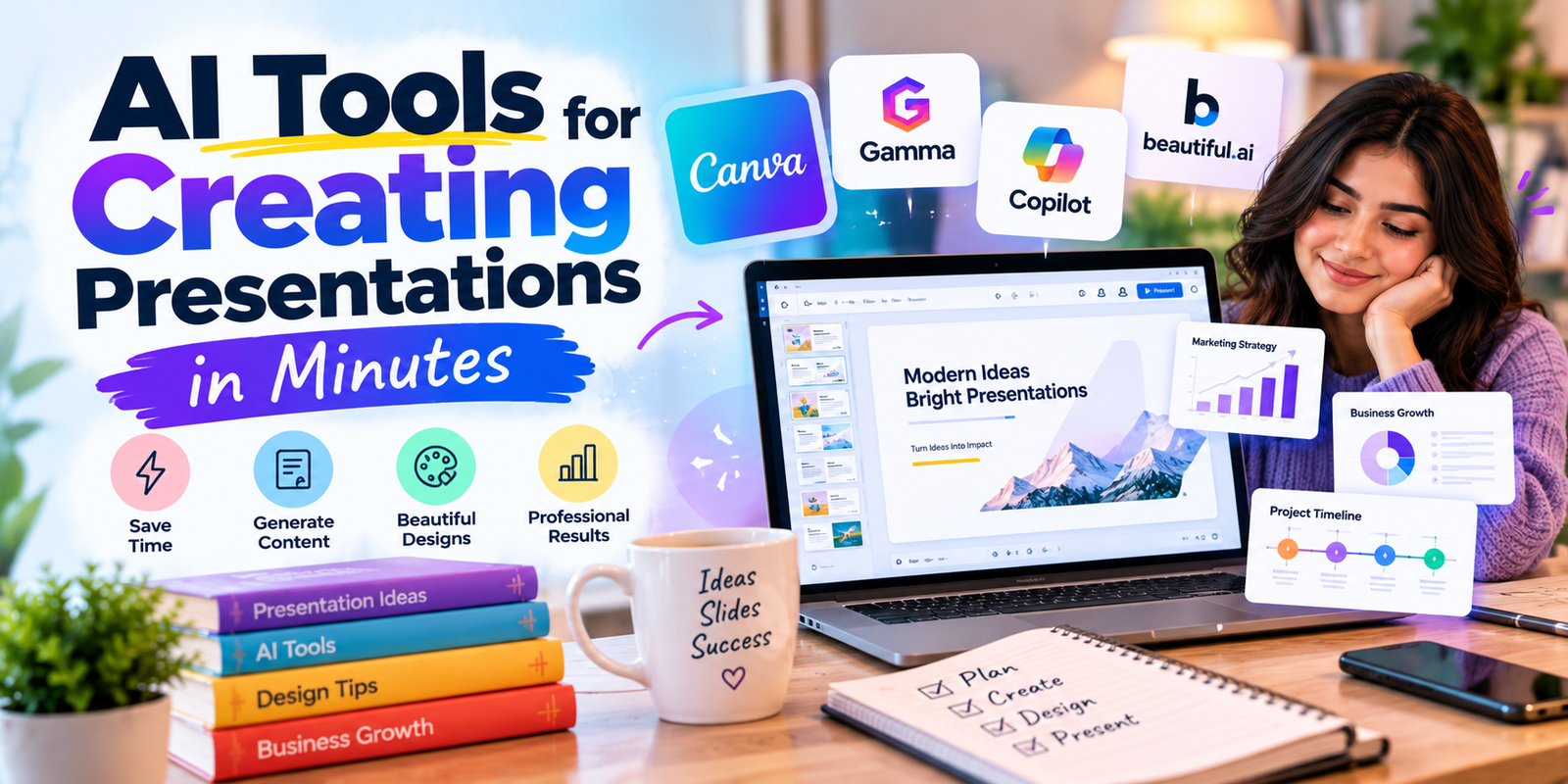
Popular AI Presentation Tools
| Tool | Useful For | Key Point |
|---|---|---|
| Canva | Visual presentations | AI-assisted presentation creation and design workflows |
| Gamma | Fast slide and deck creation | Generates structured presentations from prompts |
| Microsoft PowerPoint with Copilot | PowerPoint users | Can help create, edit, and refine presentations |
| Beautiful.ai | Automated presentation design | Focuses on layouts and consistent visual design |
These AI presentation tools are not identical. Their interfaces, editing controls, templates, export options, and AI features can differ, so the right choice depends on your workflow.
Canva for AI Presentations
Canva is useful when presentation design and visual content are important. Its presentation workflow can help users plan a story, organize ideas, and generate slides with AI assistance.
For users who already work with Canva, AI presentation tools inside the platform can make it easier to move from a written idea to a visual deck without switching between multiple design applications.
Gamma for Fast Presentation Creation
Gamma is designed around fast creation of visual documents and presentations. You can start from a topic or prompt and then edit the generated structure and content.
Gamma can be especially useful when you want one of the AI presentation tools to create a first draft quickly, while you focus on refining the message and removing unnecessary slides.
Microsoft PowerPoint with Copilot
Microsoft PowerPoint with Copilot can help eligible users create and edit presenttion
ations using AI. It can work from prompts or supporting material and can assist with presentation development inside the PowerPoint workflow.
This makes PowerPoint with Copilot a practical option for people who already use Microsoft 365 and want AI presentation tools within a familiar presentation environment.
Beautiful.ai for Automated Design
Beautiful.ai focuses on presentation design and layouts that help keep slides visually consistent. It can be useful for people who want design assistance while building a professional-looking deck.
When comparing AI presentation tools, look beyond the number of templates. Consider how much control you have over editing, branding, layouts, collaboration, and final presentation quality.
How AI Presentation Tools Work
Most AI presentation tools follow a simple workflow: you provide an instruction or source, the system creates a draft, and you edit the result. Some platforms can also help rewrite text, reorganize slides, create visuals, or improve the overall structure.
- Choose your presentation topic.
- Define the audience and goal.
- Write a detailed prompt.
- Generate the first draft.
- Check facts and sources.
- Edit the slides and visuals.
- Practice the final presentation.
How to Create a Presentation with AI
Start by deciding what the audience should understand or do after the presentation. Then give the tool enough context to create a useful first draft. Good AI presentation tools work best when the prompt includes the topic, audience, purpose, tone, approximate length, and important information that must be included.
After generation, do not publish the draft immediately. Review every important claim, replace generic wording, add relevant examples, and make sure the slide sequence supports one clear story.
Best Prompt for an AI Presentation
A useful prompt can tell the tool to create a presentation for a specific audience and purpose. For example, ask for a 10-slide presentation about a topic, explain who will view it, request short slide text, and ask for a clear introduction, main points, examples, and conclusion.
Detailed prompts help AI presentation tools produce a more focused first draft because the system has clearer instructions about the desired outcome.
Tips for Better AI-Generated Slides
- Keep one main idea per slide.
- Use short sentences instead of large paragraphs.
- Check facts, statistics, names, and dates.
- Use visuals only when they support the message.
- Keep fonts and layouts consistent.
- Remove repeated or low-value slides.
- Make the final deck match your audience.
The strongest AI-generated output still needs human editing. A polished presentation should sound like it was created for a real audience rather than copied directly from an AI generator.
AI Presentation Tools for Students
Students can use AI presentation tools to turn research notes into an initial slide structure, organize key ideas, and create a starting point for class presentations. Students should still verify information against reliable sources and follow their school’s rules for AI use.
AI Presentation Tools for Business
Business users can use AI presentation tools for proposals, reports, training decks, project updates, and brainstorming. The biggest time savings often come from creating a first draft and then improving it with company-specific information.
Free vs Paid AI Presentation Tools
Free plans can be useful for testing a workflow, but limits may apply to features, exports, templates, collaboration, or usage. Paid plans may provide additional capabilities depending on the platform and plan. Check the current pricing and feature details before choosing a subscription.
When comparing AI presentation tools, compare the features you actually need rather than choosing based only on the plan name.
Common Mistakes When Using AI for Presentations
- Accepting AI-generated facts without checking them.
- Putting too much text on each slide.
- Using generic examples that do not fit the audience.
- Keeping every generated slide instead of editing.
- Using visuals that distract from the main message.
AI is most useful when it supports your judgment. Treat AI presentation tools as drafting and editing assistants rather than automatic replacements for research, design decisions, and presentation practice.
How to Make AI Presentations Look More Professional
Professional slides usually have a clear hierarchy, consistent spacing, readable typography, and a focused visual style. Use a simple structure and make sure every slide contributes to the main message.
Even the best AI-generated deck cannot automatically understand every detail of your brand, audience, or speaking style. Review the deck from the audience’s perspective before presenting it.
How to Choose the Right AI Presentation Tool
Choose AI presentation tools based on your existing workflow and the type of presentation you create most often. If you need strong visual design, look at design-focused platforms. If you already use PowerPoint, an AI feature inside that environment may fit your workflow better.
Also consider editing control, collaboration, templates, export formats, source handling, privacy requirements, and the amount of manual work required after generation.
How to Improve an AI-Generated Presentation
First, remove anything that does not support the presentation goal. Next, replace generic statements with specific evidence, examples, or explanations. Then simplify crowded slides and improve transitions between sections.
A useful final step is to read the slides aloud. This helps identify awkward wording and reveals where the deck feels repetitive. With AI presentation tools, the first draft is only the beginning of the editing process.
ChatGPT Image Sep 24, 2026, 11_32_40 AM
AI Presentation Tools and Academic Integrity
Students should check their school’s or instructor’s rules before using AI for assignments. AI-generated content may need attribution, verification, or disclosure depending on the assignment requirements.
Using AI presentation tools responsibly means understanding what the tool generated, verifying important information, and ensuring that the final work follows the applicable academic rules.
Frequently Asked Questions
What are AI presentation tools?
AI presentation tools are software tools that use artificial intelligence to help users plan, create, edit, or design presentation slides.
Can AI create a full presentation?
Many AI presentation platforms can create a first-draft presentation from a prompt or source material. You should review and edit the result before using it.
Are AI presentation tools free?
Some platforms offer free access or limited free features, while others require a paid plan for certain capabilities. Current plans vary by provider.
Can students use AI presentation tools?
Yes, students can use AI presentation tools for brainstorming and drafting where their school or instructor permits AI assistance. Important information should still be checked against reliable sources.
How do I write a good AI presentation prompt?
Include the topic, audience, purpose, desired length, tone, key points, and any required source material. Clear instructions help the tool produce a more useful first draft.
Which AI presentation tool should I choose?
The right option depends on your workflow, design needs, editing preferences, collaboration requirements, and the presentation software you already use.
Conclusion
AI presentation tools can make presentation creation faster by helping with outlines, slide drafts, wording, and design. They are most effective when you use them as assistants rather than treating the first generated deck as finished work.
Choose a tool that fits your workflow, write clear prompts, verify important information, and edit every slide for your audience. With the right process, you can use AI to create presentations faster while keeping the final result accurate, useful, and personal.