
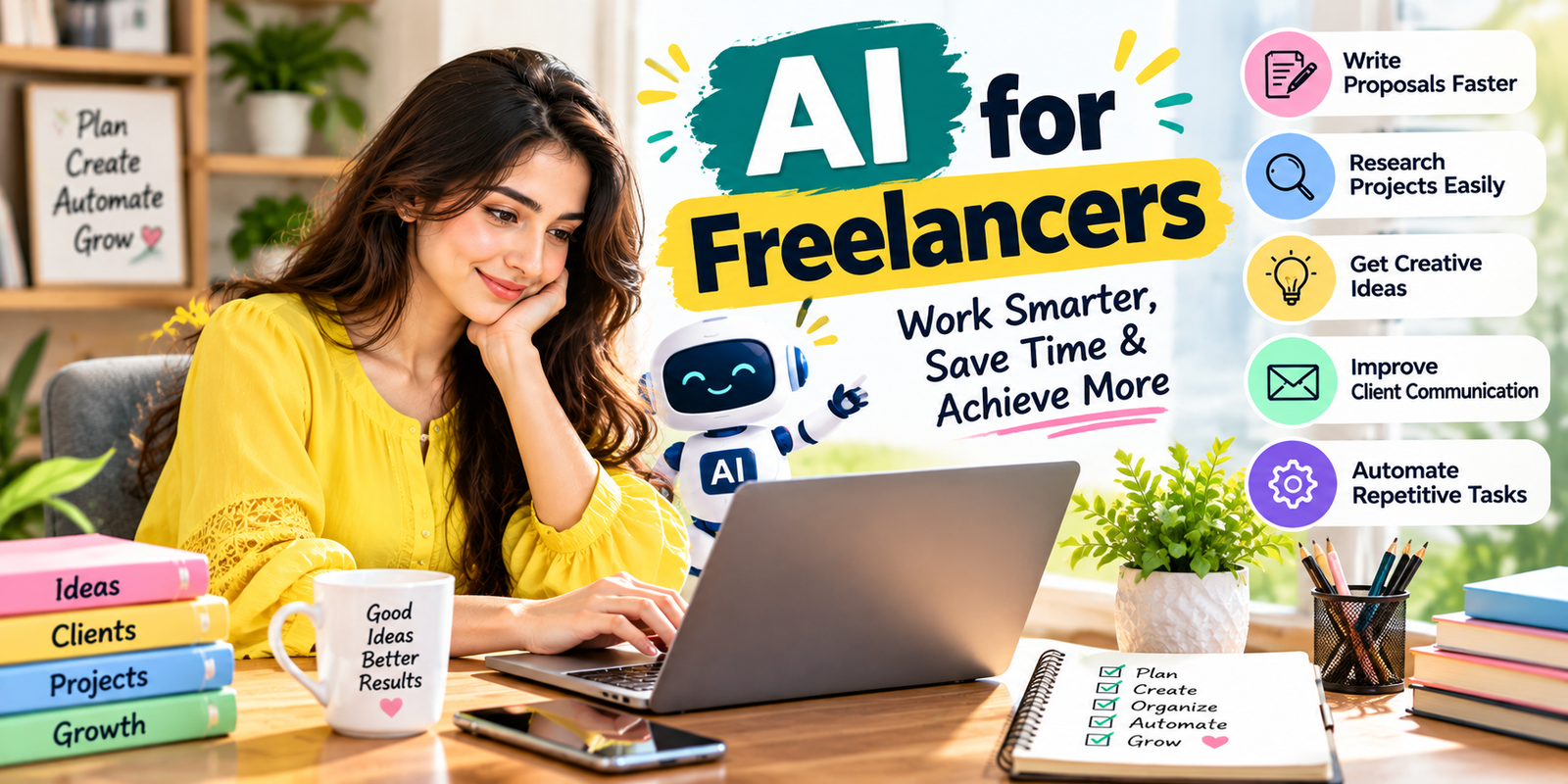
Freelancing often requires you to handle much more than the actual work. You may need to research projects, communicate with clients, write proposals, organize tasks, create content, prepare reports, manage revisions, and meet deadlines. Learning how to use AI for freelancers can help reduce time spent on repetitive tasks while giving you more time to focus on valuable work.
AI for freelancers can support writing, research, brainstorming, project planning, customer communication, data organization, and workflow automation. However, the goal is not to let AI replace your skills. The most useful approach is to combine AI assistance with your own experience, judgment, creativity, and quality control.
This guide explains practical ways to use AI for freelancers, which tasks are suitable for AI assistance, how to build an efficient workflow, common mistakes to avoid, and how to maintain quality while working faster.
Why AI for Freelancers Can Improve Productivity
Freelancers are usually responsible for managing both client work and business operations. Even when a project is relatively small, administrative tasks can consume valuable hours. AI for freelancers can help reduce the amount of manual work involved in many of these activities.
For example, a freelancer can use AI to turn rough notes into a structured outline, summarize research material, create a first draft of a client message, generate ideas, organize information, or create a project checklist. These tasks may take only a few minutes individually, but saving time repeatedly can make a significant difference over a week or month.
The biggest benefit of AI for freelancers is not simply producing content faster. It is creating a more organized workflow in which repetitive steps require less manual effort.
1. Use AI to Research Freelance Projects
Research is an important part of freelancing. Before accepting a project, you may need to understand the client’s industry, target audience, competitors, project requirements, and expected deliverables.
AI for freelancers can help organize research questions and identify areas that deserve further investigation. You can ask an AI assistant to create a research framework based on a project brief, summarize information you provide, or suggest questions to ask the client.
For example, if a client wants a Shopify store, you can ask AI to help organize research into categories such as product type, target customers, required pages, design requirements, integrations, and possible technical questions.
Remember that AI-generated research should not automatically be treated as fact. Verify important information using reliable sources, especially when the information could affect pricing, legal requirements, technical decisions, or business strategy.
2. Create Better Proposals in Less Time
Writing proposals repeatedly can become a major time-consuming task for freelancers. Many proposals contain similar information, but every client still needs a personalized response.
AI for freelancers can help create a first draft based on the client’s requirements. Instead of sending a generic proposal, provide the job description, your relevant experience, the services you offer, and the specific problem the client wants to solve.
A useful workflow is:
- Read the complete project description yourself.
- Identify the client’s main problem.
- List the skills relevant to that problem.
- Give these details to your AI assistant.
- Ask for a concise proposal draft.
- Rewrite and personalize the final version yourself.
This approach allows AI to handle the initial writing work while you remain responsible for the final message. The result should sound like you, not like a template.
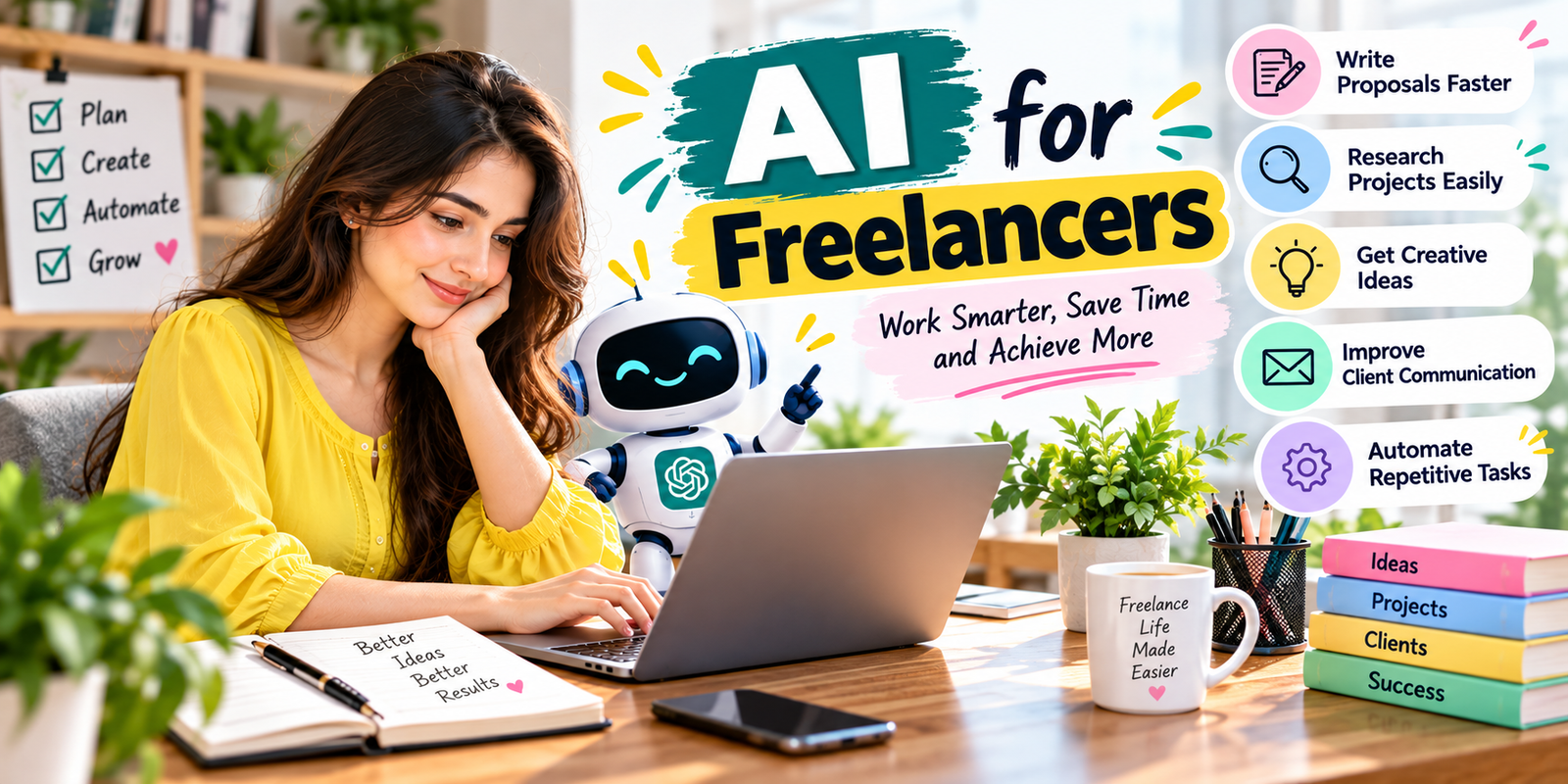
3. Use AI for Client Communication
Freelancers spend considerable time writing emails, messages, project updates, follow-ups, and explanations. AI for freelancers can help make these communications clearer and more professional.
You can provide rough notes such as, “I finished the product uploads, but I need the client to confirm the pricing before I continue,” and ask AI to turn them into a professional message.
AI can also help adjust tone. A message can be rewritten to sound friendly, professional, concise, confident, or more suitable for a difficult conversation.
However, always review client communication before sending it. A message should accurately reflect what you actually completed, what you need from the client, and what you can realistically deliver.
4. Speed Up Content Creation
Content-related freelancers can use AI for brainstorming, outlines, drafts, editing, summaries, headlines, descriptions, and content variations. AI for freelancers is especially useful when a project requires multiple drafts or repetitive content formats.
For example, a content writer can provide the target audience and topic and ask AI to generate possible article structures. A product listing specialist can use AI to create a first draft of a product description from verified specifications.
The important distinction is between creating a draft and publishing automatically. AI-generated content may contain inaccurate information, repetitive language, or statements that are not supported by the available information. Human editing remains essential.
5. Automate Repetitive Freelance Tasks
Many freelance workflows contain repetitive actions. Examples include organizing files, creating task lists, formatting information, summarizing meetings, preparing standard reports, and categorizing data.
AI automation tools can help connect different steps in a workflow. Depending on the tools you use, an automated process may move information between applications, create tasks, generate summaries, or notify you when something needs attention.
For freelancers, AI for freelancers can be particularly useful when the same administrative task appears across many projects. Before automating a task, ask whether it happens frequently enough to justify setting up the workflow.
6. Use AI for Project Planning
Project planning becomes easier when large assignments are divided into smaller tasks. AI can help convert a project brief into a basic task structure.
For example, a website project might be divided into research, planning, design, development, content entry, testing, revisions, and final delivery. You can then estimate the time required for each stage.
AI for freelancers is particularly useful during the planning stage because it can help identify tasks that may otherwise be forgotten. You should still adjust the plan according to your own experience and the actual project requirements.
7. Track Your Time More Effectively
Time tracking is important for freelancers who charge hourly rates and for those working on fixed-price projects. Even when a client does not require detailed time reports, tracking your hours can help you understand whether your pricing is sustainable.
Record the time spent on research, communication, production, revisions, meetings, administration, and delivery. After completing several projects, compare estimated hours with actual hours.
This information can help you create more realistic future estimates. AI for freelancers can assist by organizing your records and helping you identify recurring time-consuming activities.
8. Improve Your Freelance Workflow
Instead of using AI randomly, create a repeatable workflow. Start by identifying tasks that take time but do not require your full creative or professional judgment.
A simple workflow could look like this:
- Client brief → AI-assisted task breakdown
- Research → AI-assisted organization and summarization
- Drafting → AI-assisted first draft
- Editing → Human review and improvement
- Quality control → Manual verification
- Delivery → Personalized client communication
This structure makes AI for freelancers more useful because the technology becomes part of a defined process instead of another tool that creates additional work.
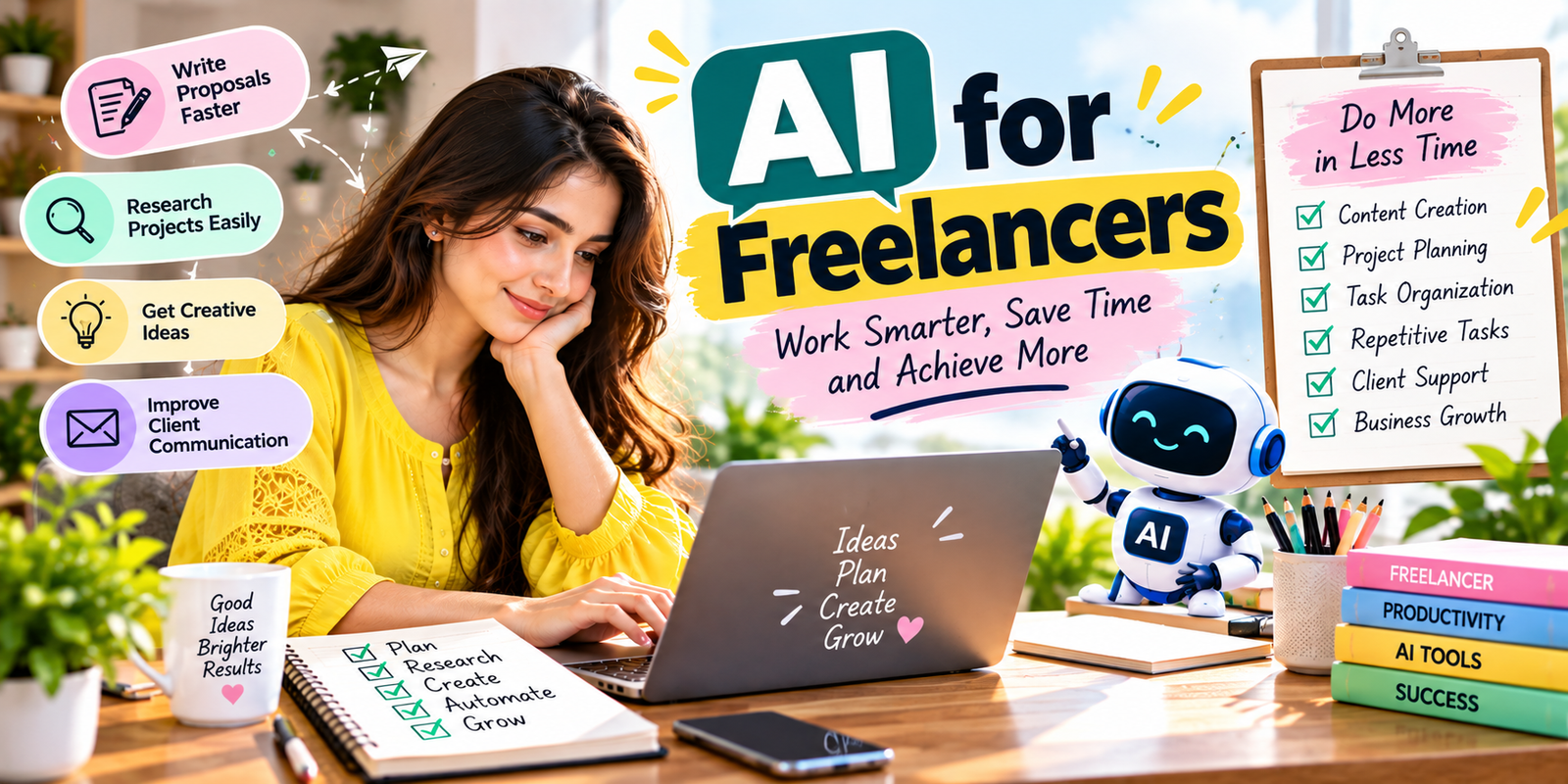
9. Use AI for Brainstorming and Idea Generation
Freelancers sometimes spend more time deciding what to create than actually creating it. AI can help overcome this problem by generating different approaches to a project.
You can ask for headline ideas, design concepts, content topics, product description angles, social media ideas, business names, presentation structures, or possible solutions to a specific problem.
Do not accept the first idea automatically. Treat AI as a brainstorming partner. Review the suggestions, combine useful ideas, reject weak ones, and develop the final concept using your own expertise. This is an important part of using AI for freelancers responsibly.
10. Improve Writing and Editing
AI can be useful for proofreading and improving clarity. Freelancers who communicate with international clients may especially benefit from tools such as Grammarly’s AI writing assistant, which can help identify grammar problems, unclear sentences, and awkward phrasi
You can ask AI to preserve your original meaning while making a message clearer. This is particularly helpful for proposals, project updates, instructions, reports, product descriptions, and website copy.
Good editing should improve communication rather than remove your personal voice. Always review the final version before sending or publishing it. AI for freelancers should support your communication skills rather than replace them.
11. Use AI to Summarize Long Information
Freelancers often receive long client briefs, meeting notes, documentation, research material, and feedback messages. Reading everything carefully is necessary, but AI can help organize the information afterward.
For example, you can use AI to turn provided notes into a list of requirements, deadlines, questions, action items, and pending decisions. This can make complex projects easier to manage.
Never use a summary as a substitute for reviewing critical source information. Important instructions can sometimes be missed or misunderstood during summarization. A careful review is therefore an essential part of AI for freelancers.
12. Create Reusable AI Prompts
One of the easiest ways to save time is to create reusable prompts for tasks you perform frequently.
For example, if you regularly write product descriptions, create a prompt that specifies the product information, target customer, tone, structure, length, and information that must not be invented.
Similarly, you can create templates for client updates, proposals, research summaries, task breakdowns, and proofreading. Reusable prompts make AI for freelancers more consistent and easier to integrate into everyday work.
The goal is not to use exactly the same output every time. Instead, reusable prompts give you a consistent starting point that can be customized for each project.
13. Maintain Human Quality Control
Speed should never become more important than accuracy. AI can generate convincing text that contains incorrect details, so freelancers need a quality-control process.
Before delivering AI-assisted work, check:
- Facts and numbers
- Names and technical specifications
- Client requirements
- Links and references
- Grammar and formatting
- Brand voice
- Privacy-sensitive information
- Final deliverables
AI for freelancers works best when the freelancer remains responsible for the final result. Your professional judgment is still the most important quality-control layer.
14. Protect Client Confidentiality
Freelancers may work with private business information, customer information, unpublished product details, financial information, passwords, contracts, or internal documents.
Do not paste confidential information into an AI tool unless you understand the tool’s privacy settings, terms, and your client’s requirements. When possible, remove unnecessary personal or confidential information before using AI for assistance.
It is also important to follow any confidentiality agreement or client instruction that applies to your project. Responsible use of AI for freelancers includes protecting client information throughout the workflow.
15. Choose AI Tools Based on the Task
There is no need to use one AI application for every freelance activity. Different tools may be designed for writing, research, design, transcription, coding, automation, or data analysis.
Choose tools based on the actual problem you want to solve. Consider factors such as output quality, ease of use, privacy, integration options, reliability, and whether the tool fits your workflow.
Free tools can be useful for basic tasks, while paid tools may offer additional capabilities. Always check the provider’s current features and pricing before making a purchasing decision. The right approach to AI for freelancers depends on your specific work rather than simply choosing the most popular tool.
16. Use AI Without Losing Your Skills
A major risk of overusing AI is becoming dependent on generated answers. Freelancers should continue developing the skills that make their services valuable.
If you are a designer, continue learning design. If you are a developer, continue improving your technical skills. If you are a writer, continue learning research, editing, and communication. AI should support your professional ability rather than become a replacement for it.
The strongest workflow combines human expertise with machine assistance. AI for freelancers can help with speed, while the freelancer provides context, judgment, creativity, accountability, and final quality.
17. Measure Whether AI Is Actually Saving Time
Do not assume that using AI automatically makes a workflow faster. Sometimes generating and correcting AI output can take longer than completing a task manually.
Track the time required before and after introducing an AI-assisted workflow. For example, if writing a product description previously took 15 minutes and an AI-assisted process takes 8 minutes after editing, you have a measurable time saving.
Also track quality. A faster workflow is not useful if it creates more revisions, client complaints, or corrections. Measuring these factors helps you determine whether AI for freelancers is genuinely improving your productivity.
Common Mistakes Freelancers Make With AI
AI can improve productivity, but poor implementation can create new problems.
Publishing AI Output Without Reviewing It
AI-generated content should be checked for accuracy, clarity, originality, and relevance before delivery.
Using Generic Prompts
Weak prompts often produce generic results. Include the audience, objective, context, tone, required format, and verified information to improve the quality of the response.
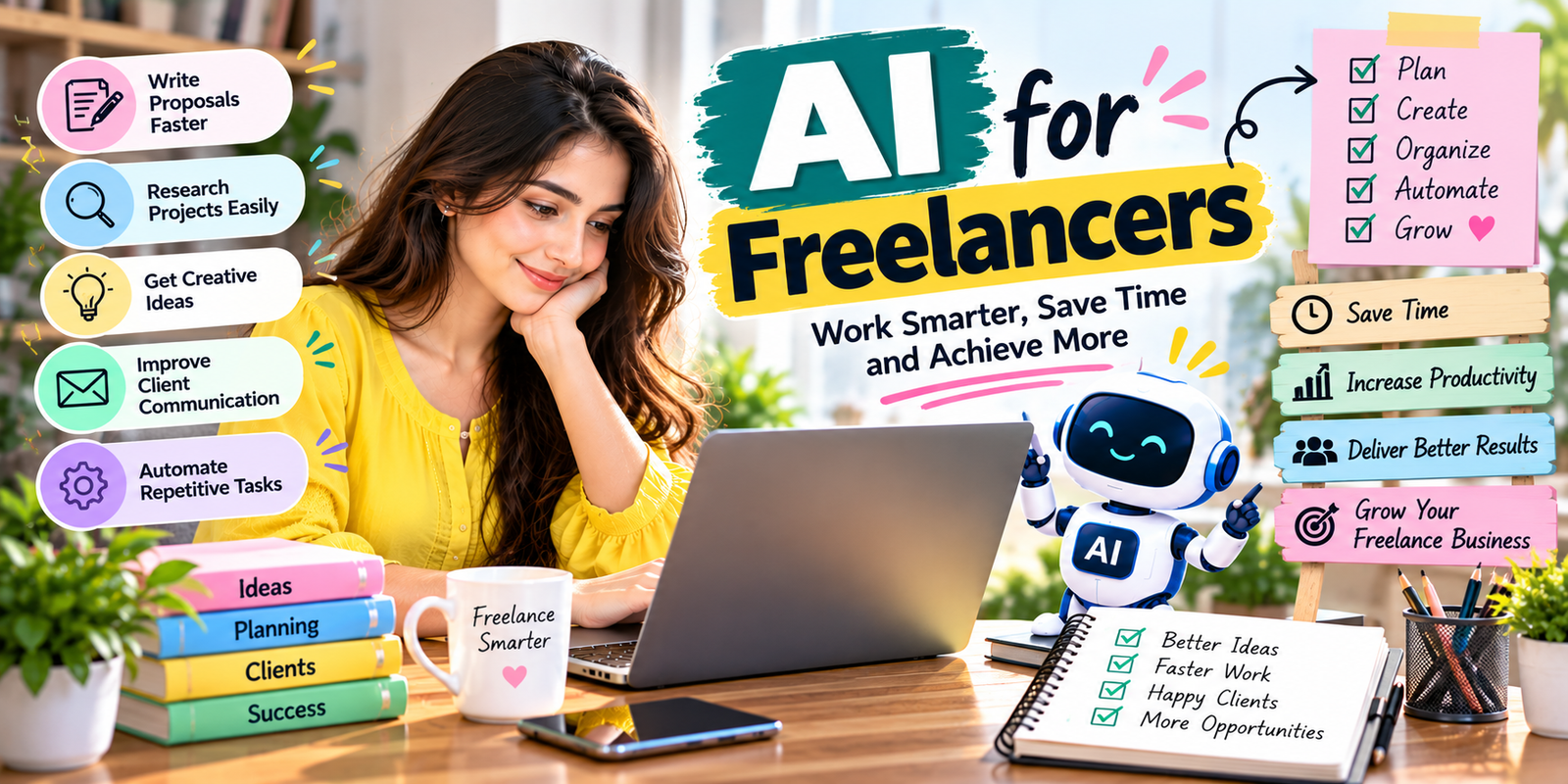
Trying to Automate Everything
Not every task should be automated. Tasks involving strategy, sensitive information, complex judgment, or important client decisions may require direct human involvement.
Ignoring Client Requirements
A client may have specific rules about AI-generated content, privacy, originality, or data handling. Follow those requirements before incorporating AI into a project.
Focusing Only on Speed
The purpose of AI for freelancers is to improve productivity, not simply increase the number of tasks completed. Accuracy, client satisfaction, and sustainable work quality still matter.
How to Build an AI-Powered Freelance Workflow
A practical workflow can be built in five stages:
- Audit your tasks: Write down the activities you perform during a typical project.
- Find repetitive work: Identify tasks that frequently consume time without requiring unique expertise.
- Select suitable AI assistance: Choose an AI tool or workflow based on the specific task.
- Create a review step: Check every important output before sending it to a client.
- Measure the results: Compare time, quality, revisions, and client feedback before and after using AI.
This process helps you identify where AI for freelancers genuinely adds value instead of adopting technology simply because it is popular.
How AI Can Help You Take on More Freelance Work
When repetitive work takes less time, freelancers may have more capacity for higher-value activities. That could mean spending more time communicating with clients, improving existing projects, learning new skills, developing a portfolio, or accepting additional work when appropriate.
However, taking on more projects should not mean sacrificing quality. Use productivity gains to create a sustainable workload rather than continuously filling every available hour. Used carefully, AI for freelancers can help you manage your workload more efficiently.
Frequently Asked Questions
How can AI help freelancers work faster?
AI for freelancers can help with research, brainstorming, writing drafts, proofreading, task planning, summarization, communication, and repetitive workflow tasks. The freelancer should review important outputs before delivery.
What are the best tasks for AI for freelancers?
Tasks that are repetitive, structured, and easy to review are often suitable for AI assistance. Examples include brainstorming, summarization, first drafts, formatting, task breakdowns, and routine communication.
Can freelancers use AI to write client proposals?
Yes. AI can create a first draft from a project description and your relevant experience. The final proposal should be personalized so that it accurately represents your skills and directly addresses the client’s requirements.
Should freelancers tell clients when they use AI?
It depends on the project, client agreement, and type of work. Some clients have specific AI policies. Follow the client’s requirements and avoid making misleading claims about how the work was produced.
Can AI replace freelance skills?
AI can automate or assist with certain tasks, but freelancers still provide professional judgment, context, creativity, communication, accountability, and quality control. Developing strong skills remains important.
How can I measure whether AI is improving my productivity?
Track the time spent on a task before and after introducing AI assistance. Also compare revision rates, quality, client feedback, and the amount of manual correction required. This helps determine whether AI for freelancers is actually saving time.
Conclusion
Learning how to use AI for freelancers can make everyday freelance work more organized and efficient. AI can assist with research, proposals, communication, writing, planning, brainstorming, summaries, and repetitive tasks.
The most effective approach is not to hand every task over to AI. Instead, identify repetitive activities, use AI to create a faster starting point, review the output carefully, and apply your own professional expertise before delivering the final work.
Start with one time-consuming task and measure the result. If the process saves time without reducing quality, gradually expand it to other parts of your workflow. Used thoughtfully, AI for freelancers can give you more time to focus on the skills, client relationships, and creative work that matter most.