

Analyzing spreadsheets and business data can feel complicated when you do not know
make this process easier by allowing users to upload data, ask questions in plain
English, identify patterns, create summaries, and generate charts without writing code.This guide explains how AI can support data analysis without coding, which tasks it
can handle, how to choose the right tool, how to check AI-generated results, and how
to build a practical no-code data analysis workflow.
What Is AI Data Analysis Without Coding?
AI data analysis without coding means using artificial intelligence to examine,
organize, summarize, visualize, or interpret data without manually writing
programming code. Instead of building scripts, users can often describe what they
want in natural language or use visual interfaces.
For example, you might upload a spreadsheet and ask an AI tool to:
- Summarize monthly sales.
- Find the products with the highest revenue.
- Identify unusual changes in the data.
- Compare two periods.
- Create a chart showing a trend.
- Explain a table in simple language.
- Suggest questions worth investigating.
The important point is that AI does not remove the need to understand your data.
It can reduce technical work, but users still need to check whether the source data
is complete, the calculations are appropriate, and the conclusions make sense.
Why Use AI Data Analysis Tools Without Coding?
Traditional data analysis can involve spreadsheets, formulas, databases, statistical
methods, SQL queries, or programming languages. These skills remain valuable, but
they are not always necessary for every basic analysis task.
AI data analysis tools can help non-technical users move from raw
information to useful insights more quickly.
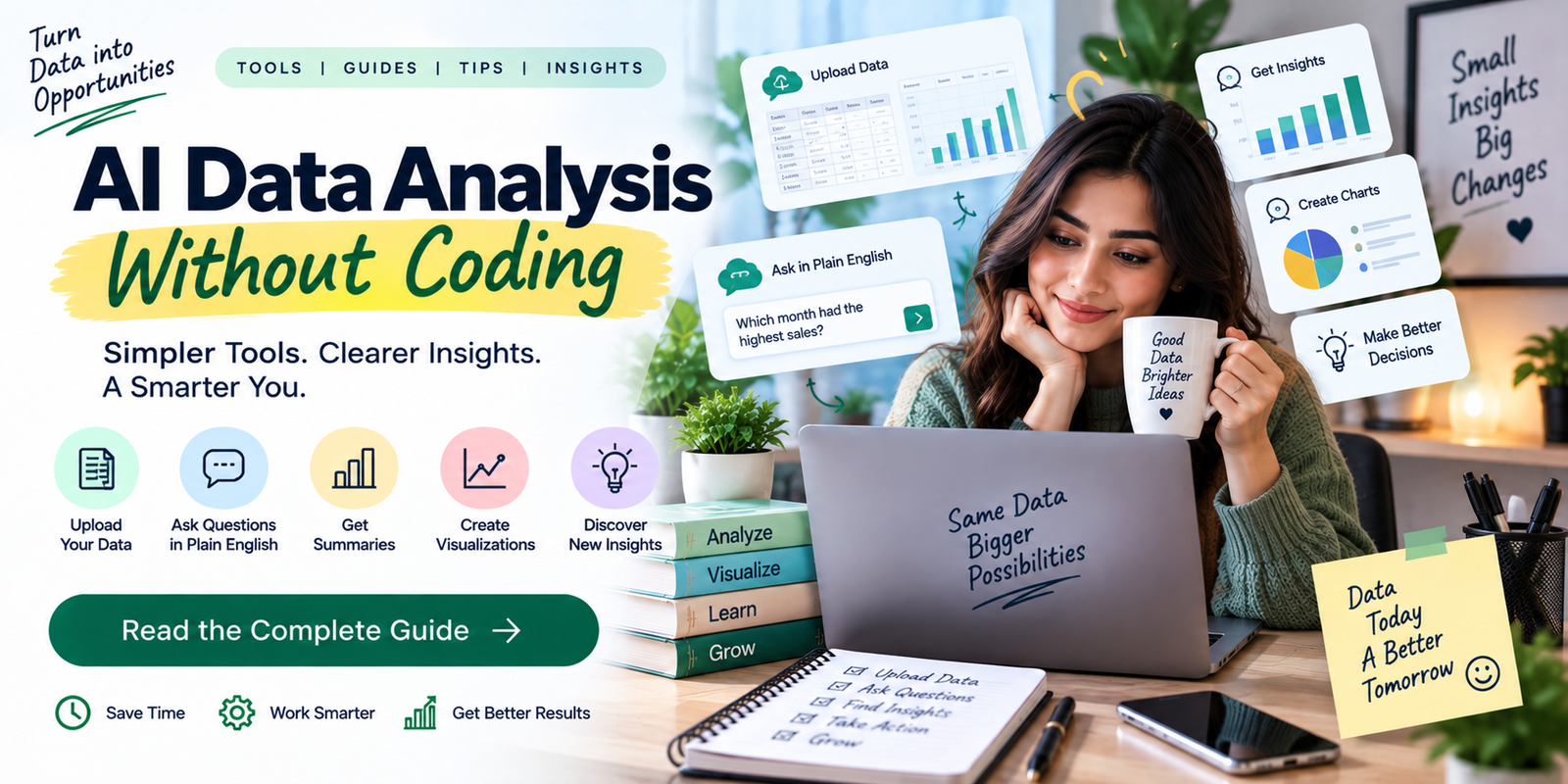
1. Ask Questions in Plain English
Instead of writing a formula or query, you can describe the question you want to
answer. For example, you could ask, “Which month had the highest sales?” or
“Which products experienced the largest decline?”
2. Reduce Repetitive Spreadsheet Work
AI can assist with tasks such as summarizing columns, grouping information,
identifying trends, and preparing basic calculations. This can reduce repetitive
manual work.
3. Create Easier Data Visualizations
Charts can make patterns easier to understand. Depending on the platform, AI may
help recommend or create suitable visualizations based on the data and question.
4. Make Data More Accessible
A business owner, marketer, student, or operations employee may need to analyze
data without becoming a professional data analyst. Natural-language interfaces
can lower the technical barrier.
5. Speed Up Initial Exploration
AI can help you explore a dataset before performing deeper analysis. It may identify
possible trends, missing values, unusual records, or questions that deserve further
investigation.
What Can AI Analyze Without Coding?
AI data analysis tools can help users move from raw tables to
practical insights without building formulas or scripts.
The exact capabilities depend on the tool and the type of data, but no-code AI
analysis can support many common tasks.
| Analysis Task | What AI Can Help With |
|---|---|
| Data cleaning | Finding missing values, duplicates, and inconsistent entries |
| Data summaries | Explaining totals, averages, trends, and important changes |
| Trend analysis | Identifying increases, decreases, and recurring patterns |
| Comparisons | Comparing products, periods, regions, categories, or other groups |
| Visualization | Creating or recommending charts for selected questions |
| Exploratory analysis | Finding possible relationships and questions for further review |
| Reporting | Turning analysis into readable summaries and reports |
Popular Types of AI Data Analysis Tools
Different AI data analysis tools are designed for different
workflows, from simple spreadsheet exploration to business reporting.
There is no single type of tool for every analysis task. The right option depends
on your data, workflow, technical experience, and the level of analysis you need.
AI Spreadsheet Assistants
AI features inside spreadsheet applications can help users understand tables,
generate formulas, summarize information, and explore data. These tools are useful
when your organization already works heavily with spreadsheets.
General-Purpose AI Assistants
General AI assistants can help users analyze uploaded files, ask questions about
structured data, create summaries, and explore patterns. They can be useful when
you want a conversational interface instead of a traditional analytics dashboard.
Business Intelligence Platforms
Business intelligence platforms are designed for reporting, dashboards,
visualization, and organizational analytics. Some now include natural-language
or AI-assisted features that make it easier to interact with business data.
No-Code Analytics Platforms
No-code analytics platforms provide visual workflows for importing, preparing,
analyzing, and presenting data. They can be useful for users who need repeatable
analysis without writing traditional code.
How to Use AI for Data Analysis Without Coding
Using AI data analysis tools effectively starts with a clear
question, prepared data, and a repeatable review process.
A reliable workflow is more important than simply choosing an AI tool. The following
process can help you move from raw data to a useful result.
1. Define the Question
Start with the business or research question you want to answer. A specific
question produces a more useful analysis than a vague request such as
“Analyze this spreadsheet.”
Instead, ask questions such as:
- Which product generated the most revenue this quarter?
- Which sales region changed the most compared with last year?
- What are the main patterns in customer orders?
- Which categories have unusually high return rates?
2. Prepare the Data
AI cannot reliably analyze information that is incomplete, inconsistent, or
incorrectly structured. Before uploading a file, check column names, dates,
duplicates, missing values, and obvious formatting problems.
3. Upload or Connect the Data
Depending on the platform, you may be able to upload a spreadsheet, CSV file,
or other supported dataset. Some business platforms can also connect to databases
or other data sources.
Only provide the data the workflow actually needs. Business and customer
information may require appropriate privacy and access controls.
4. Ask for an Initial Summary
Modern AI data analysis tools can quickly describe columns,
highlight key metrics, and flag possible data-quality issues.
Start with a high-level summary before asking complex questions. Ask the AI
to describe the columns, identify important metrics, and highlight possible
data-quality issues.
5. Ask Specific Follow-Up Questions
Once you understand the dataset, move to targeted questions. You can ask the
tool to compare groups, identify trends, calculate changes, or create visualizations.
6. Check the Calculations
Do not assume that an AI-generated answer is correct simply because it sounds
confident. Check important calculations against the original spreadsheet or
another reliable method.
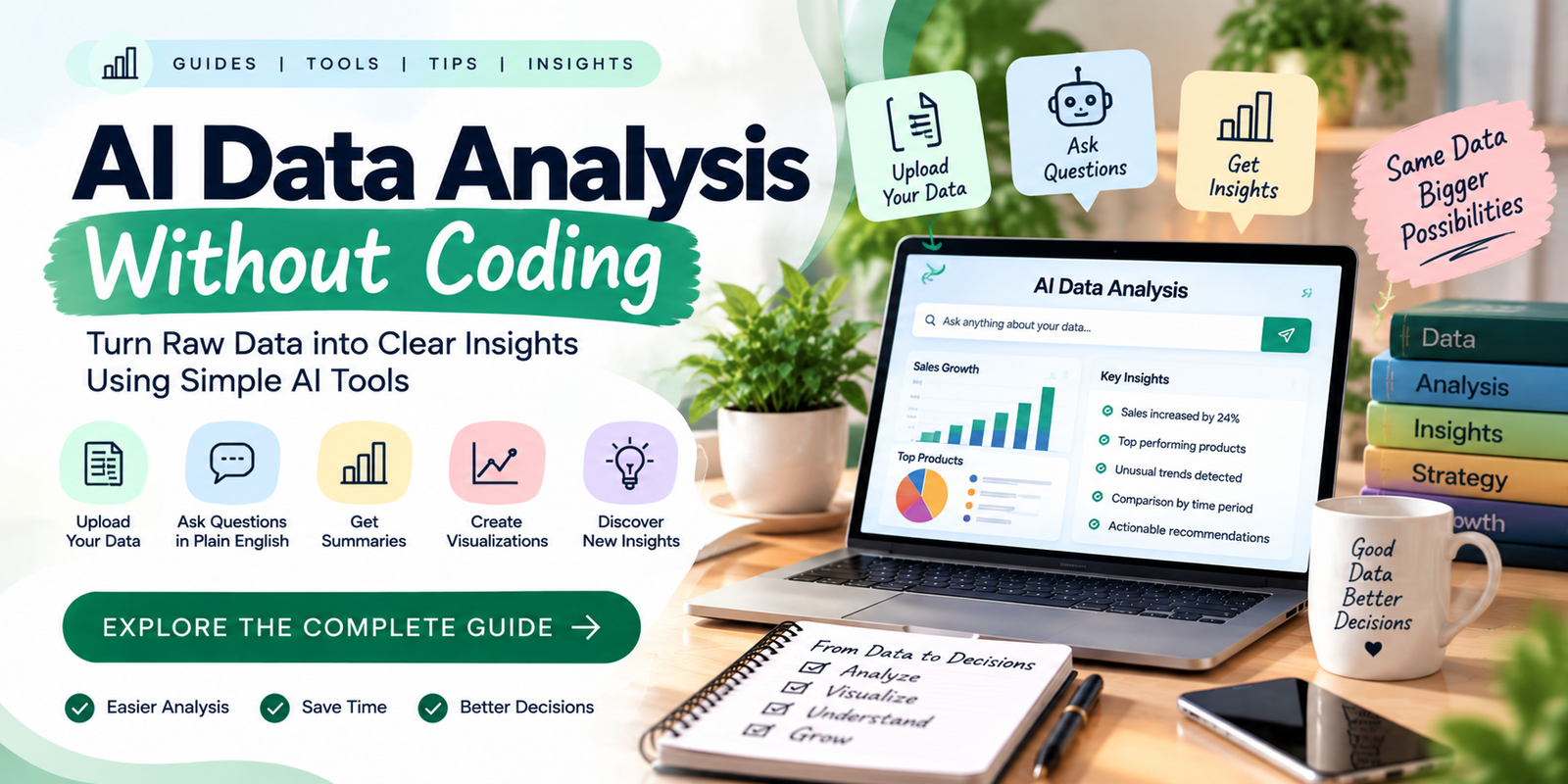
7. Turn the Findings Into a Report
After validating the results, AI can help turn the findings into a short business
summary, presentation outline, dashboard explanation, or management report.
Best Use Cases for AI Data Analysis
AI data analysis tools can be useful across many industries
because the underlying workflow is similar: collect information, identify
patterns, answer questions, and communicate findings.
Sales Analysis
AI data analysis tools can help sales teams review revenue,
orders, product performance, and changes over time. Sales teams can analyze
regional sales and identify areas that deserve further investigation.
Marketing Analysis
Marketing teams can use AI data analysis tools to organize
campaign data, engagement metrics, traffic, lead sources, and conversion trends.
AI can help explain patterns and summarize campaign results.
Customer Analysis
Businesses can analyze customer orders, support records, survey responses,
or other structured information. When customer data is involved, privacy and
access controls should be considered carefully.
Financial Reporting
AI can assist with organizing financial spreadsheets, summarizing expenses,
comparing periods, and preparing draft reports. Important financial decisions
and records should receive appropriate human review.
Inventory Analysis
Online stores and other businesses can examine inventory levels, sales patterns,
product movement, and stock-related trends. AI can help identify products that
may require closer attention.
Research and Survey Analysis
Researchers and teams can use AI to organize structured survey results,
summarize categories, and identify patterns. The analysis should still follow
appropriate research methods and validation procedures.
How to Write Better AI Prompts for Data Analysis
The quality of an AI analysis often depends on how clearly you describe the task.
A useful prompt should explain the dataset, the question, the desired output,
and any important limitations.
A practical prompt might look like this:
“Analyze this sales dataset. First identify the columns and any obvious
data-quality issues. Then summarize total sales by month, identify the three
products with the highest revenue, compare this quarter with the previous
quarter, and present the main findings in a short table. Do not make assumptions
about missing data.”
You can improve prompts by specifying:
- The business question.
- The date range.
- The columns that matter.
- The calculation or comparison you need.
- The preferred output format.
- Any assumptions the AI should avoid.
- Which findings require additional verification.
How to Check AI-Generated Data Analysis
AI can make mistakes in calculations, interpretation, categorization, or data
handling. Verification is especially important when the result will influence
financial, operational, legal, medical, or other high-impact decisions.
Use this basic verification process:
- Check the source data.
Make sure the AI used the correct file, columns, rows, and date range. - Verify important calculations.
Recheck totals, averages, percentages, and comparisons. - Review assumptions.
Make sure the analysis did not fill missing information with unsupported assumptions. - Inspect unusual results.
Large changes or unexpected patterns may be caused by data errors. - Compare with another method.
For important findings, confirm the result using a spreadsheet formula,
trusted analytics system, or another appropriate method. - Review the conclusion.
A real numerical relationship does not automatically prove why that relationship exists.
Common Mistakes When Using AI for Data Analysis
Trusting the First Answer
An AI system may produce a convincing explanation that contains an error.
Treat the first response as a starting point rather than unquestionable proof.
Using Poor-Quality Data
Incorrect, incomplete, or duplicated data can lead to misleading results.
Data preparation remains an important part of analysis even when AI handles
the technical work.
Asking Vague Questions
“Tell me everything about this data” is less useful than a clear question
with a defined outcome. Break complicated analysis into smaller steps.
Confusing Correlation With Cause
If two variables change at the same time, that does not automatically mean
one caused the other. AI can identify relationships, but causal conclusions
require appropriate evidence and methods.
Ignoring Privacy
Do not upload confidential customer, employee, financial, or business information
without understanding how the platform handles data and what controls are available.
Using AI for High-Stakes Decisions Without Review
AI-assisted analysis can support decision-making, but important decisions should
have appropriate human oversight and independent verification.
Benefits and Limitations of No-Code AI Analysis
For everyday spreadsheet work, AI data analysis tools can reduce
repetitive steps while leaving final interpretation and validation to the user.
| Benefits | Limitations |
|---|---|
| Reduces technical barriers | AI can make calculation or interpretation errors |
| Allows natural-language questions | Vague prompts can produce weak results |
| Speeds up initial exploration | Complex analysis may require specialist methods |
| Can help create summaries and charts | Visualizations still need interpretation |
| Useful for non-technical teams | Privacy and data governance still matter |
How to Choose AI Data Analysis Tools
When comparing AI data analysis tools, consider compatibility,
usability, visualization, privacy, integrations, and human review.
Choosing a platform should begin with your actual data and workflow rather
than the popularity of a particular product.
Data Compatibility
Check whether the tool supports the file types, spreadsheet formats, databases,
or other data sources you use.
Ease of Use
If non-technical employees will use the platform, a clear natural-language
interface may be more useful than a system designed mainly for technical analysts.
Visualization Features
Look for tools that can produce charts and summaries appropriate for the type
of information you analyze.
Privacy and Security
Review data handling, permissions, retention policies, and organizational
controls before using sensitive business information.
Integration
A tool becomes more useful when it fits the systems your team already uses.
Consider integrations with spreadsheets, databases, business intelligence
platforms, CRM systems, or other applications.
Human Review
Choose workflows that allow employees to inspect the underlying data and
verify important results rather than relying entirely on automated conclusions.
AI Data Analysis

AI Data Analysis Tools vs Traditional Analysis
In a practical workflow, AI data analysis tools can handle
early exploration and summaries while traditional methods provide additional control.
AI does not necessarily replace traditional analytics. The two approaches can work together.
| Approach | Useful When |
|---|---|
| AI-assisted analysis | Fast exploration, summaries, natural-language questions, or initial insights. |
| Spreadsheet analysis | Familiar formulas, manual checks, and structured calculations. |
| Business intelligence | Recurring dashboards, reporting, and organization-wide analytics. |
| SQL or programming | Advanced, repeatable, highly customized, or large-scale analysis. |
For many teams, the practical approach is to use AI for exploration and
communication while using established analytical methods for validation
and more complex work.
Tips for More Reliable AI Data Analysis
Reliable results depend on using AI data analysis tools
with clean inputs, specific questions, and a clear verification process.
- Start with clean data. Better inputs usually produce more useful analysis.
- Ask one clear question at a time. Break complex requests into manageable stages.
- Request the calculation method. Ask the AI to explain how an important number was obtained.
- Ask for uncertainty. If the data does not support a conclusion, the tool should say so.
- Use visual checks. Charts can reveal patterns that are difficult to notice in a table.
- Keep the original dataset. Always retain a reliable source for comparison.
- Document important decisions. Record the data source, analysis method, and assumptions behind major findings.
Frequently Asked Questions
Before choosing AI data analysis tools, consider the type of
data you have, the questions you need to answer, and how much human review is required.
Can I analyze data with AI without knowing how to code?
Yes. Many modern AI data analysis tools allow users to upload
supported data and ask questions in natural language. However, you still need
basic data literacy to understand the dataset, evaluate the results, and identify
possible errors.
What types of data can AI analyze without coding?
Depending on the platform, AI can work with spreadsheets, CSV files, tables,
business reports, survey results, and other structured datasets. Supported
formats and capabilities vary by tool.
Are AI data analysis results always accurate?
No. AI can make mistakes in calculations, data interpretation, assumptions,
and summaries. Important results should be checked against the original data
or another reliable analytical method.
Can AI create charts from spreadsheet data?
Many AI-enabled data tools can help create or recommend charts based on a
dataset and the question being analyzed. The resulting visualization should
still be reviewed to ensure that it represents the data correctly.
Is AI data analysis suitable for business decisions?
AI can support business decisions by helping teams explore information and
identify patterns. For important decisions, however, the underlying data,
calculations, assumptions, and conclusions should receive appropriate human review.
Do I still need Excel or other data analysis software?
AI does not necessarily replace spreadsheets or analytics platforms. In many
workflows, AI works alongside tools such as spreadsheets and business intelligence
software to make analysis faster while traditional methods provide additional
control and verification.
Conclusion
Used thoughtfully, AI data analysis tools can lower the technical
barrier while helping individuals and small teams understand information more efficiently.
The right AI data analysis tools can make everyday exploration
easier while keeping important conclusions subject to human verification.
AI data analysis tools can make data analysis more accessible
to people who do not know programming languages. They can help users explore
spreadsheets, summarize information, identify patterns, create visualizations,
and turn raw data into understandable insights.
The best results come from treating AI as an analysis assistant rather than
an unquestionable authority. Start with a clear question, use clean data,
ask specific prompts, verify important calculations, and keep human judgment
involved in significant decisions.
When used this way, AI can reduce the technical barrier to data analysis while
helping individuals and small teams spend more time understanding their
information and acting on useful findings.