
Technology skills are no longer limited to programmers, IT professionals, or software developers. In 2026, students, employees, freelancers, business owners, and job seekers all benefit from understanding how modern digital tools work. Learning the right technology skills can improve productivity, communication, online safety, career opportunities, and everyday problem-solving.
The most useful skills are not necessarily advanced programming skills. They include artificial intelligence, cybersecurity, digital communication, cloud computing, data literacy, automation, online research, and the ability to learn new software quickly. This guide explains the most important technology skills to develop in 2026, why they matter, and how you can start building them.
Why Technology Skills Matter in 2026
Workplaces are increasingly dependent on digital platforms, cloud applications, artificial intelligence, collaboration software, and automated workflows. Even jobs that do not require coding often involve spreadsheets, online communication, customer-management systems, digital documents, or AI-assisted tools.
Technology skills can also help people work more efficiently. Instead of spending hours performing repetitive tasks manually, a person who understands automation can identify tasks that software can handle. Similarly, someone with basic cybersecurity knowledge can recognize suspicious messages and protect important accounts.
The goal is not to learn every new application. The more useful approach is to develop transferable skills that remain valuable when individual platforms change.
Key Technology Skills to Learn in 2026
- Artificial intelligence literacy
- Cybersecurity and online safety
- Data literacy
- Cloud computing basics
- Digital communication
- Automation and workflow management
- Online research and information verification
- Basic coding and technical problem-solving
- Digital content creation
- Privacy and data management
- Adaptability and continuous learning
1. Artificial Intelligence Literacy
Artificial intelligence is one of the most important areas of modern technology. People do not necessarily need to become AI engineers, but they should understand what AI systems can do, where they can make mistakes, and how to use them responsibly.
AI tools can assist with writing, summarization, brainstorming, research, coding, image generation, data analysis, customer support, and many other tasks. Understanding how to communicate effectively with AI systems can make these tools more useful.
AI literacy also means knowing that AI-generated information should not automatically be treated as correct. Important facts, calculations, legal information, financial information, and other sensitive content should be checked against reliable sources.
Useful AI Skills
- Writing clear prompts
- Checking AI-generated information
- Using AI for brainstorming and organization
- Understanding AI limitations
- Protecting confidential information when using AI tools
- Combining AI assistance with human judgment
Developing practical technology skills around AI can help people save time while maintaining control over the final result.
2. Cybersecurity and Online Safety
Cybersecurity is another essential area of digital knowledge. People regularly use online banking, email, social media, cloud storage, shopping platforms, and workplace applications. Each account can become a target for phishing, credential theft, malware, or unauthorized access.
Basic cybersecurity does not require advanced technical knowledge. Everyone should understand how to create strong, unique passwords, use multifactor authentication when available, recognize suspicious links, update software, and avoid sharing sensitive information unnecessarily.
Important Cybersecurity Habits
- Use unique passwords for important accounts.
- Use a reputable password manager when appropriate.
- Enable multifactor authentication.
- Keep operating systems and applications updated.
- Be careful with unexpected email attachments and links.
- Check website addresses before entering sensitive information.
- Back up important files.
- Review account recovery options regularly.
These basic technology skills can reduce common security risks and make digital accounts safer.
3. Data Literacy
Data is used across almost every industry. Businesses use data to understand customers, monitor performance, manage inventory, identify trends, and make decisions.
Data literacy means being able to understand, organize, interpret, and communicate information presented through numbers, tables, charts, and reports.
You do not have to become a data scientist to develop this skill. Start with spreadsheets such as Microsoft Excel or Google Sheets. Learn how to sort and filter information, use basic formulas, create charts, and identify unusual values.
Basic Data Skills to Learn
- Spreadsheet formatting
- Sorting and filtering
- Basic formulas
- Charts and graphs
- Data organization
- Basic statistical concepts
- Understanding percentages and averages
- Checking data for errors
Strong technology skills in data handling can help professionals make better-informed decisions and communicate results more clearly.
4. Cloud Computing Basics
Cloud computing allows users and organizations to access computing resources, applications, storage, and services through internet-connected systems. Many familiar services rely on cloud infrastructure.
For everyday users, cloud skills can include understanding cloud storage, file sharing, online collaboration, permissions, synchronization, and backups.
Popular workplace platforms may include services such as Google Workspace, Microsoft 365, Dropbox, and other cloud-based systems.
What to Understand About Cloud Technology
- Cloud storage and synchronization
- File-sharing permissions
- Online collaboration
- Cloud backups
- Account security
- Version history
- Basic cloud service concepts
Learning these technology skills can make remote work and digital collaboration much easier.
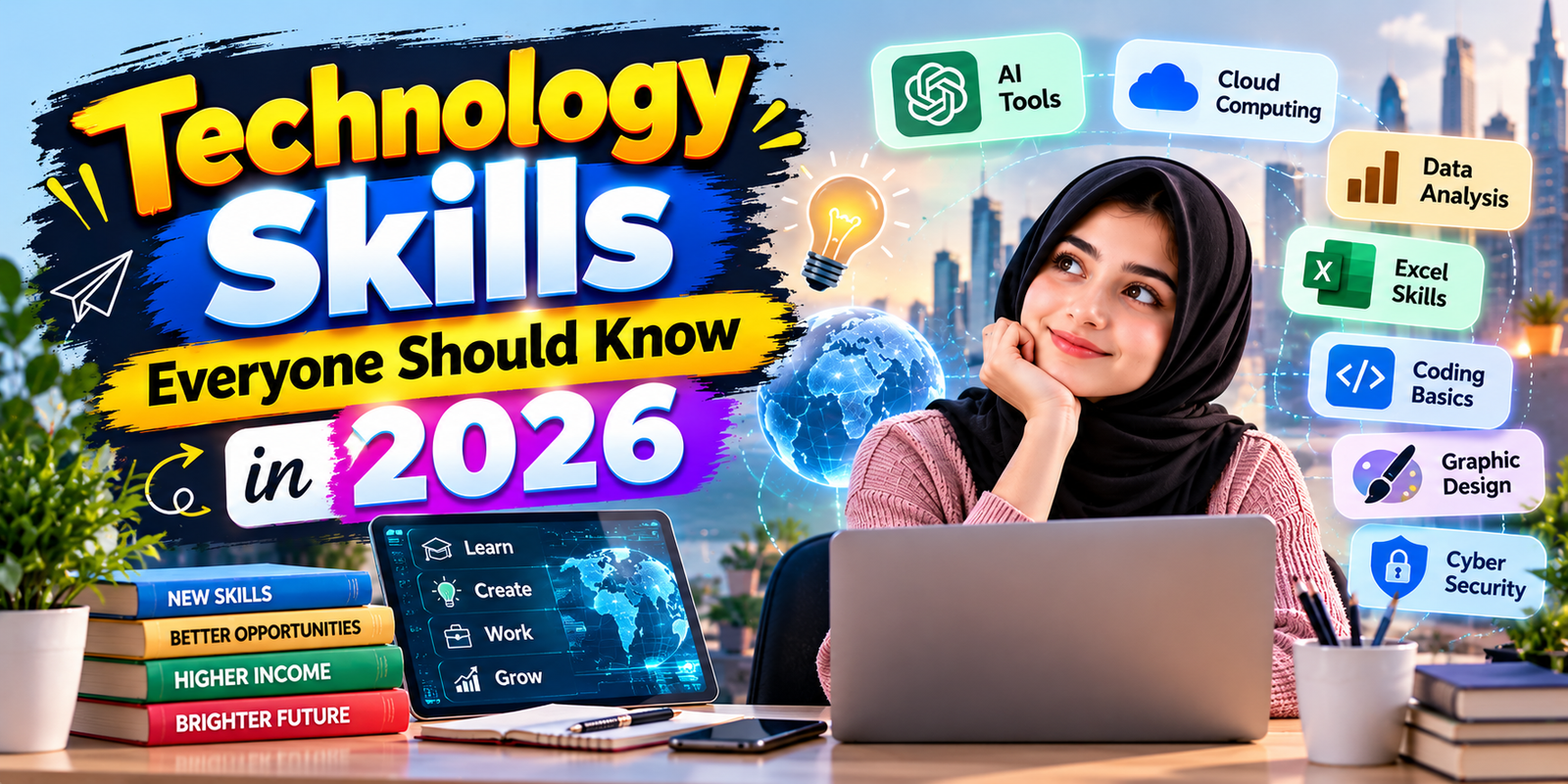
5. Digital Communication
Professional communication increasingly happens through email, messaging applications, video meetings, project-management platforms, and collaborative documents.
Digital communication is more than knowing how to send a message. It involves choosing the right communication channel, writing clearly, organizing information, responding professionally, and understanding digital etiquette.
A strong digital communicator knows when a short message is enough and when a detailed document or meeting is more appropriate.
Digital Communication Skills
- Writing professional emails
- Using workplace messaging tools
- Participating in video meetings
- Sharing documents correctly
- Organizing information clearly
- Understanding online etiquette
- Communicating across time zones
These technology skills are especially useful for remote workers, freelancers, students, and international teams.
6. Automation and Workflow Skills
Automation allows software to perform repetitive tasks with limited manual intervention. It can be useful for organizing information, sending notifications, processing routine data, and connecting different applications.
You do not need to become a professional developer to understand automation. Platforms such as workflow automation services can connect applications and trigger actions based on specific events.
Examples of Simple Automation
- Saving email attachments to cloud storage
- Creating task reminders automatically
- Moving information between applications
- Sending notifications when a form is submitted
- Organizing recurring administrative tasks
Learning automation as part of your technology skills can help reduce repetitive work and create more efficient workflows.
7. Online Research and Information Verification
The internet provides enormous amounts of information, but not everything online is accurate. Being able to search effectively and evaluate sources is therefore an important digital skill.
Good online research involves identifying the original source, checking publication dates, comparing reliable sources, distinguishing evidence from opinions, and looking for supporting documentation.
When researching an important subject, avoid relying on a single social media post or an unattributed article. Official organizations, universities, recognized professional bodies, government websites, and primary documentation can often provide stronger evidence.
Better Online Research Habits
- Use specific search terms.
- Check the date of information.
- Look for the original source.
- Compare multiple reliable sources.
- Separate facts from opinions.
- Be cautious with sensational claims.
- Verify important information before sharing it.
These technology skills are valuable for education, business, journalism, research, and everyday decision-making.
8. Basic Coding and Technical Problem-Solving
Not everyone needs to become a software developer, but basic programming knowledge can improve logical thinking and help people understand how digital systems work.
Beginners can explore languages such as Python, JavaScript, HTML, and CSS depending on their goals. HTML and CSS are useful for understanding web pages, while Python can introduce programming concepts and automation.
More important than memorizing syntax is learning how to break a problem into smaller steps. This type of structured thinking can be useful even when a person never becomes a professional programmer.
Beginner Coding Concepts
- Variables
- Conditions
- Loops
- Functions
- Basic data structures
- Debugging
- Problem decomposition
Basic coding knowledge can complement other technology skills and make it easier to communicate with technical teams.
9. Digital Content Creation
Digital content creation is useful for students, businesses, freelancers, educators, and professionals. Content may include presentations, documents, images, videos, graphics, social media posts, or websites.
Modern content tools make it easier to produce professional-looking material without advanced design experience. However, effective content still depends on clear communication, good structure, accuracy, and an understanding of the intended audience.
Useful Content Skills
- Basic graphic design
- Image editing
- Presentation design
- Video editing fundamentals
- Document formatting
- Basic web publishing
- Accessibility awareness
Strong technology skills in content creation can help professionals communicate ideas more effectively online.
10. Privacy and Data Management
Privacy awareness is increasingly important because digital services collect and process significant amounts of information. Users should understand what information they share, which permissions applications request, and how accounts can be secured.
Review privacy settings on important services regularly. Avoid sharing unnecessary personal information, especially when an application or website does not require it.
Data management also includes organizing digital files, removing unnecessary duplicates, maintaining backups, and using appropriate access permissions.
Practical Privacy Habits
- Review application permissions.
- Limit unnecessary personal information sharing.
- Secure important accounts.
- Delete old accounts when appropriate.
- Keep important files organized.
- Use backups for important documents and photos.
Privacy awareness is an important part of responsible technology skills in 2026.
11. Digital Collaboration
Modern teams often work across different locations. Digital collaboration tools allow people to share documents, assign tasks, conduct meetings, and communicate without being in the same physical office.
Useful collaboration skills include managing shared documents, tracking tasks, understanding permissions, communicating updates, and keeping project information organized.
Employees who understand collaboration platforms can often participate more effectively in distributed teams.
12. Technical Troubleshooting
Basic troubleshooting can save time and reduce dependence on technical support for simple problems. A useful troubleshooting process starts with identifying the problem, checking recent changes, testing simple solutions, and documenting what happened.
Basic Troubleshooting Process
- Clearly identify the problem.
- Check whether the issue affects one device or multiple users.
- Restart the affected application or device when appropriate.
- Check internet and account connections.
- Review recent updates or configuration changes.
- Look for official help documentation.
- Record the solution for future reference.
These practical technology skills can help users solve common digital problems without immediately requiring specialist assistance.
13. Digital Project Management
Project-management software is widely used to organize tasks, deadlines, responsibilities, and progress. Understanding basic project-management concepts can help people work more effectively even if project management is not their primary job.
Learn how to create tasks, set deadlines, assign responsibilities, track progress, and organize priorities. Tools can vary, but the underlying concepts remain useful.
14. Adaptability and Continuous Learning
Technology changes quickly. A tool that is popular today may be replaced, redesigned, or integrated into another platform later. For this reason, one of the most valuable technology skills is the ability to learn unfamiliar tools.
Instead of trying to memorize every software feature, focus on understanding fundamental concepts. Learn how to navigate documentation, search for reliable solutions, test features safely, and transfer existing knowledge to new platforms.
Continuous learning makes it easier to adapt when workplaces introduce new software or when familiar tools change.
Technology Skills for Students
Students can benefit from building a balanced digital skill set before entering the workforce. Basic productivity software, online research, cybersecurity, AI literacy, presentations, spreadsheets, and communication are useful across many fields.
Students should also learn how to evaluate information instead of copying content from online sources without verification. AI tools can support learning, but students should understand their school’s or institution’s rules regarding AI-assisted work.
Technology Skills for Professionals
Professionals should focus on the technology used directly in their industry while also developing transferable digital skills. For example, a finance professional may benefit from advanced spreadsheet knowledge, while a designer may focus more heavily on creative software and digital collaboration.
Regardless of the profession, AI literacy, cybersecurity awareness, data handling, communication, and adaptability can provide a useful foundation.
Technology Skills for Freelancers and Remote Workers
Freelancers and remote workers often need a broader combination of digital abilities. They may use video conferencing, cloud storage, project-management platforms, payment systems, spreadsheets, design tools, communication applications, and AI assistants.
Time management and digital organization are particularly important because remote work can involve multiple clients, projects, deadlines, and communication channels.
How to Build Technology Skills Step by Step
- Choose one skill. Start with a practical skill that matches your work, studies, or career goals.
- Learn the fundamentals. Use official documentation, reputable courses, tutorials, and structured learning materials.
- Practice with a real project. Apply the skill to something useful rather than only watching tutorials.
- Document what you learn. Keep notes, examples, or a small portfolio.
- Review your mistakes. Troubleshooting is an important part of technical learning.
- Build gradually. Once the basics become comfortable, move to more advanced concepts.
Building technology skills through practical projects is often more useful than collecting certificates without applying the knowledge.
Common Mistakes When Learning Technology
- Trying to learn everything at once: Focus on one or two relevant skills first.
- Following outdated tutorials: Check whether software interfaces and features have changed.
- Ignoring security: Do not sacrifice account security while experimenting with new tools.
- Only watching tutorials: Practice is necessary to turn information into a usable skill.
- Relying completely on AI: Understand and verify important outputs rather than accepting them automatically.
- Ignoring documentation: Official documentation can often provide more accurate information than random online posts.
How to Choose Which Technology Skills to Learn First
The right learning order depends on your goals. Someone preparing for an office job may begin with spreadsheets, digital communication, cloud collaboration, cybersecurity, and AI literacy. A future developer may prioritize programming, databases, version control, and software development concepts.
A freelancer may focus on the software used in their service, online communication, file management, cybersecurity, automation, and digital productivity.
The important point is to connect learning with a real objective. A skill becomes more valuable when you can demonstrate how you use it to solve a problem.
Frequently Asked Questions
What technology skills should everyone learn in 2026?
Everyone can benefit from basic AI literacy, cybersecurity, data literacy, cloud computing, digital communication, online research, privacy awareness, and technical problem-solving.
Are technology skills necessary for non-technical jobs?
Yes. Many non-technical jobs use digital communication, spreadsheets, cloud applications, databases, online platforms, or AI-assisted tools. The required level depends on the specific role.
Is coding still an important technology skill in 2026?
Coding remains valuable for people working in software, automation, data, web development, and technical fields. For non-technical users, basic programming concepts can still improve problem-solving and digital understanding.
How can beginners learn technology skills?
Beginners can choose one practical skill, study reliable learning materials, practice through small projects, and gradually increase the difficulty. Regular hands-on practice is more useful than trying to memorize everything at once.
How can AI help people develop technology skills?
AI can help explain concepts, generate practice exercises, provide examples, assist with brainstorming, and help identify possible errors. Important information should still be verified, and users should understand the material rather than relying entirely on AI-generated answers.
Which technology skills are useful for remote work?
Remote workers commonly benefit from digital communication, cloud collaboration, cybersecurity, project management, file organization, video conferencing, automation, and basic troubleshooting.
Conclusion
The most valuable technology skills in 2026 are not limited to advanced programming or highly technical careers. AI literacy, cybersecurity, data awareness, cloud computing, digital communication, automation, online research, privacy, troubleshooting, and continuous learning can help people work and study more effectively.
You do not need to master everything at once. Start with the skills that match your current goals, practice them through real tasks, and gradually expand your knowledge. Technology will continue to change, but the ability to learn, evaluate information, solve problems, and use digital tools responsibly can remain useful across different careers and industries.