
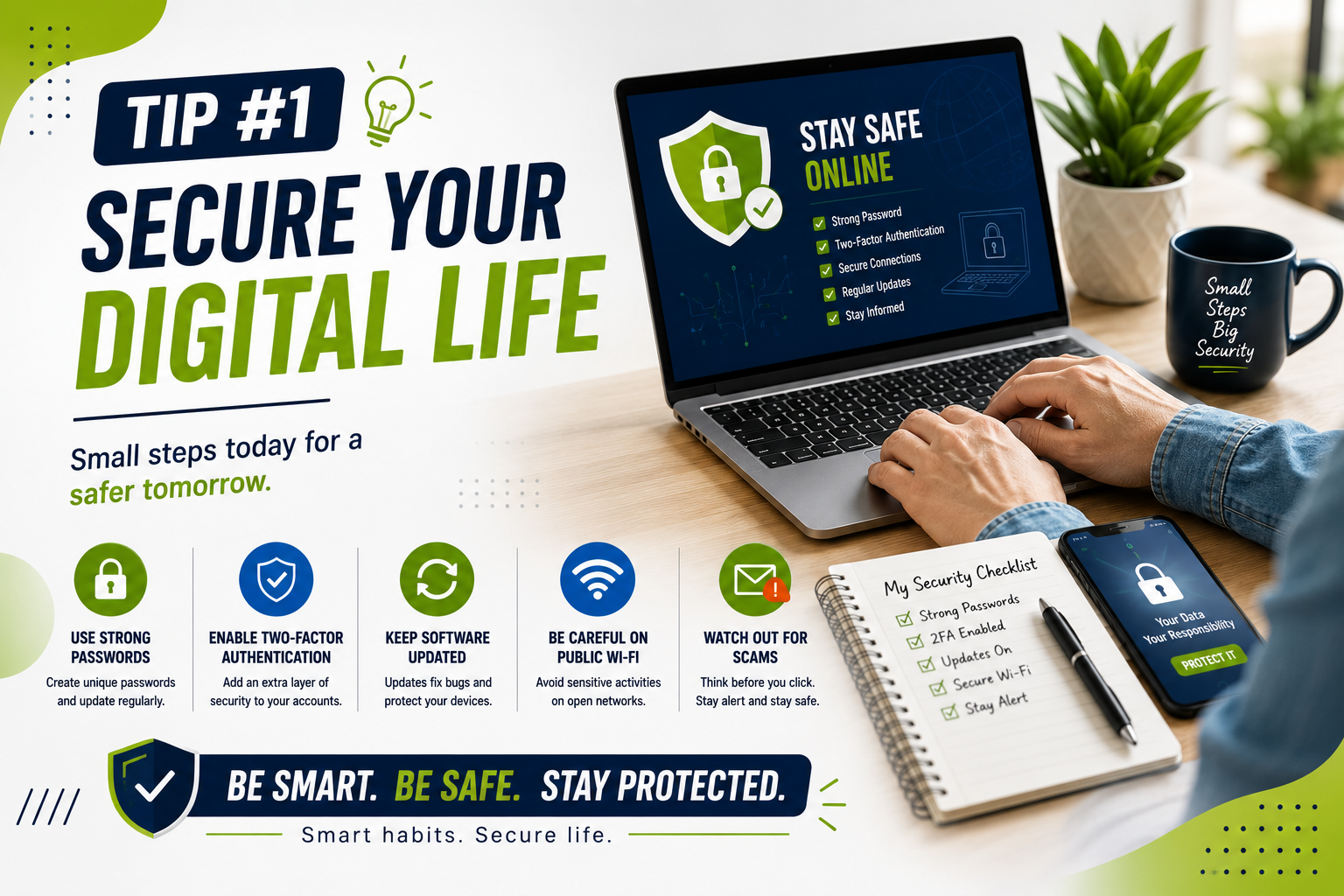
 You do not need to be a technology expert to use your devices more safely, efficiently, and comfortably. A few simple changes can improve your phone, computer, internet connection, online accounts, and everyday digital habits.
These tech tips for everyday users focus on practical improvements that beginners can apply without advanced technical knowledge. From organizing files and updating software to protecting accounts and improving device performance, these steps can make daily technology easier to manage.
Whether you use technology for work, study, communication, shopping, or entertainment, these tech tips for everyday users can help you build better digital habits without making technology complicated.
Quick Tech Tips for Everyday Users
The following tech tips for everyday users cover some of the simplest ways to improve security, organization, privacy, and productivity.
- Keep your operating system and apps updated.
- Use strong, unique passwords for important accounts.
- Enable multifactor authentication whenever available.
- Back up important files regularly.
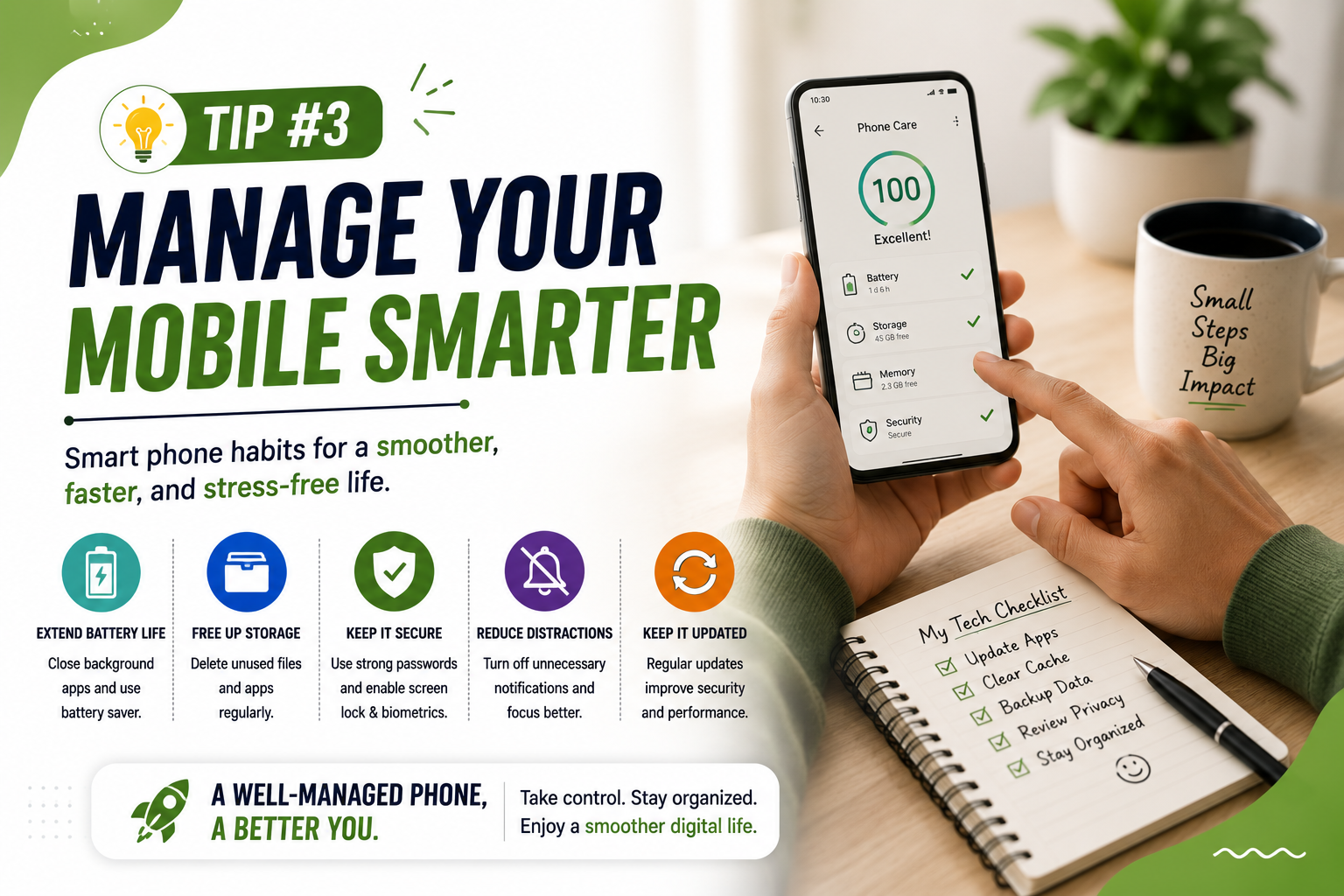
- Remove apps and programs you no longer use.
- Be careful when clicking unfamiliar links or attachments.
- Use cloud storage or another reliable backup method for important files.
- Review app permissions and privacy settings.
- Restart devices when they become slow or behave unexpectedly.
- Learn keyboard shortcuts and other features you use frequently.
1. Keep Your Devices Updated
One of the easiest tech tips for everyday users is to keep your phone, computer, browser, and applications updated.
Software updates can include security fixes, bug fixes, compatibility improvements, and new features. Delaying updates for too long can leave devices running older software that may have known security weaknesses.
What Should You Update?
- Windows, macOS, Android, or iOS
- Web browsers
- Mobile applications
- Computer software
- Router firmware when appropriate
Whenever possible, enable automatic updates for operating systems and trusted applications. For major updates, make sure important files are backed up first.
2. Use Strong and Unique Passwords
Password security is another important part of tech tips for everyday users. Using the same password across multiple websites creates unnecessary risk. If one service experiences a security incident and your password is exposed, attackers may try the same credentials on other accounts.
Create a different password for important accounts such as email, banking, shopping, and social media.
How to Create Better Passwords
- Use long passwords or passphrases.
- Avoid obvious personal information.
- Do not reuse passwords across important accounts.
- Consider using a reputable password manager.
- Change compromised passwords immediately.
A password manager can make it easier to maintain unique passwords without requiring you to memorize every password individually.
3. Turn On Multifactor Authentication
Multifactor authentication, often called MFA or two-factor authentication, adds another verification step when you sign in.
Enabling MFA is one of the most practical tech tips for everyday users because it adds another layer of protection to important online accounts.
Depending on the service, this can involve an authentication app, security key, or another verification method. If someone obtains your password, the additional authentication requirement can provide another layer of account protection.
Prioritize MFA for your email, financial accounts, cloud storage, and other accounts containing sensitive information.
4. Back Up Important Files
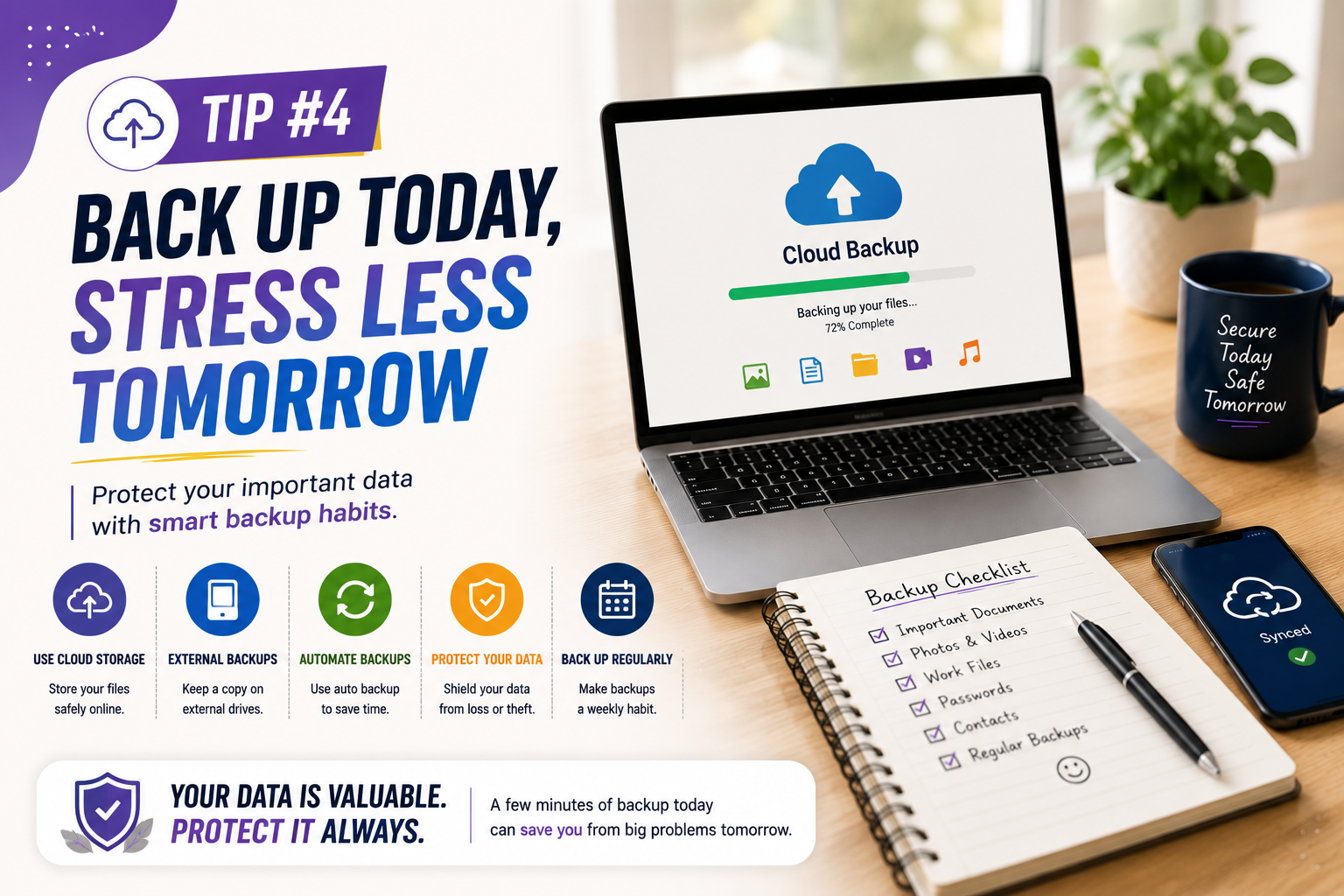
Regular backups are another essential part of tech tips for everyday users. Important photos, documents, work files, and personal records should not exist in only one location.
A backup gives you another copy if your device is lost, damaged, stolen, infected with malware, or accidentally reset.
Simple Backup Options
- External storage drives
- Cloud storage
- Automatic device backups
- Multiple backup locations for especially important files
Do not assume that syncing and backup are always the same thing. Some synchronization systems mirror changes or deletions across devices, while a proper backup may provide historical copies that can be restored later.
5. Clean Up Your Phone and Computer
Keeping your devices organized is one of the easiest tech tips for everyday users to apply regularly. Unused applications, downloads, duplicate files, and unnecessary media can make your digital life harder to manage.
Every few months, review the files and applications stored on your devices.
What You Can Remove
- Apps you no longer use
- Old downloads
- Duplicate photos
- Temporary files
- Unused browser extensions
- Large files you have already backed up
Before deleting anything, confirm that the file is not important and that you have a backup if necessary.
6. Be Careful With Emails and Links
Safe browsing habits are among the most important tech tips for everyday users. Phishing messages can appear to come from banks, delivery companies, employers, social networks, or other familiar organizations.
Do not automatically trust a message because it looks professional. Check the sender, destination of links, spelling, context, and the type of information being requested.
If an email claims that your account has a problem, consider opening the organization’s official website directly instead of clicking the link in the message.
7. Review App Permissions
Apps often request access to information or device features such as your location, camera, microphone, contacts, photos, or files.
Reviewing permissions is another useful part of tech tips for everyday users because it helps you understand what your applications can access.
For example, a simple calculator may not need access to your contacts or microphone. Removing unnecessary permissions can reduce the amount of information an app can access.
8. Improve Your Wi-Fi Security
Basic Wi-Fi security should also be part of your tech tips for everyday users routine. Your home router is an important part of your digital environment.
Use the router’s current security options and replace default administrator credentials when necessary. Keep the router firmware updated when updates are provided by the manufacturer.
If your router supports a modern wireless security standard, use it instead of outdated security methods. You should also avoid sharing your primary Wi-Fi password widely. A guest network can be useful when your router supports one.
9. Learn a Few Useful Keyboard Shortcuts
Keyboard shortcuts can save time when performing common actions on a computer. Learning a few shortcuts is a simple productivity-focused addition to these tech tips for everyday users.
Useful Windows Shortcuts
- Ctrl + C: Copy
- Ctrl + V: Paste
- Ctrl + X: Cut
- Ctrl + Z: Undo
- Ctrl + F: Find
- Alt + Tab: Switch between open windows
Mac users can usually use the Command key for many common shortcuts instead of Ctrl.
Learning just five or six shortcuts you use regularly can make everyday computer tasks noticeably faster.
10. Organize Your Digital Files
A simple folder structure can save time when you need to find an old document, image, invoice, or project file. File organization is one of the practical tech tips for everyday users that can improve productivity immediately.
You could organize files by year, project, client, or document type. Choose a system that matches how you actually work rather than creating dozens of complicated folders.
Simple File Organization Example
- Work
- Personal
- Finance
- Photos
- Documents
- Projects
Use descriptive filenames instead of names such as “Document1” or “Final2.” A filename such as “Client-Invoice-August-2026” is much easier to find later.
11. Manage Browser Tabs and Extensions
Having dozens of open browser tabs can make it difficult to find information and may use additional system resources. Managing tabs and extensions is another useful habit included in tech tips for everyday users.
Close tabs you no longer need and bookmark pages that you want to revisit. Browser reading lists can also help you save useful pages without keeping them open permanently.
Review browser extensions regularly. Remove extensions you no longer use, particularly those that request unnecessary permissions.
12. Use Search More Effectively
Better searches can save significant time. Instead of entering a vague question, include specific terms that describe what you need.
For example, instead of searching for “phone problem,” search for the exact issue, device model, and relevant software version.
When researching important topics, compare information from multiple reliable sources instead of relying on the first result. This is one of the simplest tech tips for everyday users for finding better information online.
13. Protect Your Personal Information
Think carefully before sharing personal information online. Not every website or application needs your full name, location, phone number, contacts, or other personal details.
Review privacy settings on social media platforms and other services. Avoid publicly sharing information that could be used to guess security questions, impersonate you, or target you with scams.
Being selective about the information you share is one of the most valuable tech tips for everyday users for improving online privacy.
14. Know When to Restart Your Device
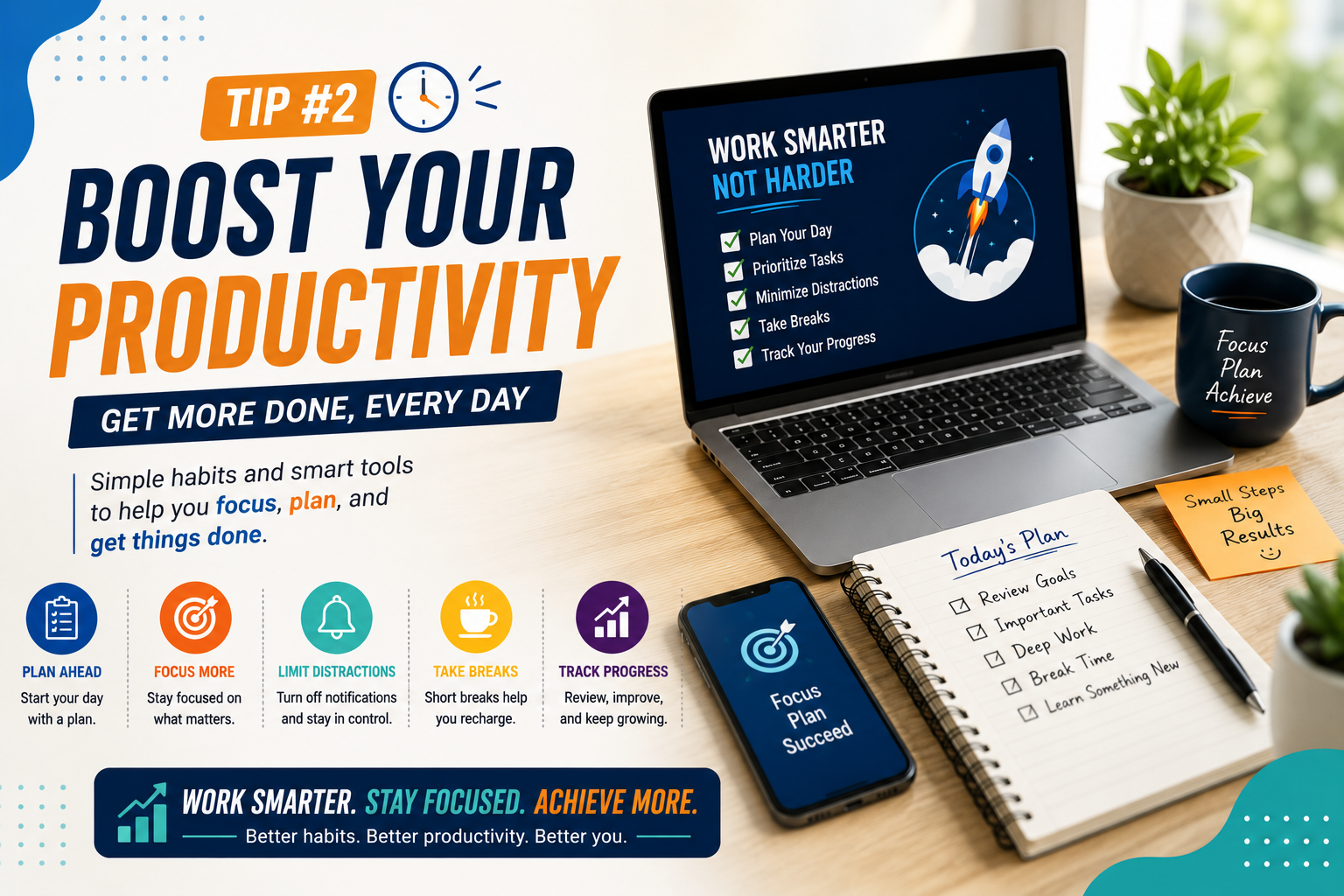
Restarting a phone or computer is a simple troubleshooting step that can resolve certain temporary software problems.
If an application freezes, a device becomes unusually slow, or a temporary system problem appears, try closing the application first. If the issue continues, restarting the device can sometimes clear temporary processes and restore normal operation.
Restarting is not a solution for every technical problem, but it is a useful first step for many minor issues.
15. Use Technology Tools That Actually Help You
Installing more apps does not automatically make you more productive. Choose tools based on the problem you are trying to solve.
For example, a calendar can help with scheduling, a task manager can organize responsibilities, cloud storage can simplify file access, and note-taking software can keep information in one place.
Choosing simple tools that solve real problems is one of the most practical tech tips for everyday users. The best tools are usually the ones you can use consistently without creating unnecessary complexity.
Tech Tips for Everyday Users: A Simple Weekly Routine
You do not need to spend hours managing your devices. A short weekly routine can help you apply these tech tips for everyday users and keep your digital environment organized.
- Check updates: Install important operating system and app updates.
- Review downloads: Remove files you no longer need.
- Check backups: Confirm that important files are being backed up.
- Review account alerts: Look for unfamiliar login or security notifications.
- Clean your browser: Close unnecessary tabs and remove unused extensions.
- Check storage: Remove unnecessary large files after confirming they are safe to delete.
Common Technology Mistakes to Avoid
Using One Password Everywhere
One compromised password can put multiple accounts at risk. Use unique passwords for important services.
Ignoring Updates
Repeatedly postponing updates can leave software outdated. Enable automatic updates where practical.
Clicking Links Without Checking Them
Unexpected messages deserve extra attention. Verify suspicious requests through an official website or trusted contact method.
Keeping Everything on One Device
A device can fail or become inaccessible. Maintain backups of important information.
Installing Too Many Apps
More software means more accounts, notifications, permissions, and maintenance. Install applications because they solve a real need.
How Beginners Can Become More Comfortable With Technology
Technology becomes easier when you learn one useful skill at a time. Instead of trying to understand every feature on a device, focus on tasks that you perform regularly.
Start by learning how to manage files, search effectively, adjust basic settings, install updates, protect accounts, and troubleshoot simple problems.
As your confidence improves, you can explore more advanced tools such as automation, cloud services, productivity software, and AI applications.
Frequently Asked Questions
What are the most useful tech tips for everyday users?
The most useful habits include keeping software updated, using unique passwords, enabling multifactor authentication, backing up important files, reviewing permissions, avoiding suspicious links, and keeping devices organized.
How can I make my computer or phone safer?
Keep the operating system and apps updated, use strong passwords, enable multifactor authentication, install software from trusted sources, review permissions, and maintain reliable backups.
Do I need technical knowledge to improve my digital security?
No. Many important security improvements are simple settings and habits. You can significantly improve account and device security without knowing how to program.
How often should I back up important files?
The right schedule depends on how frequently your files change. Files that change often should be backed up regularly or through an automatic backup system.
What should I do if my device becomes slow?
Check available storage, close unnecessary applications, remove unused software, install pending updates, and restart the device. If the problem continues, investigate whether a specific application or hardware issue is responsible.
How can beginners learn technology faster?
Focus on practical tasks rather than trying to learn everything at once. Pick one problem, learn the relevant feature, practice it, and then move to the next skill.
Conclusion
Good technology habits do not require advanced technical knowledge. Small improvements such as updating devices, protecting accounts, backing up files, organizing information, and checking links can make everyday digital life safer and easier.
The most useful tech tips for everyday users are the ones you can turn into regular habits. Start with a few changes that solve your biggest problems, then gradually build your digital skills.
As technology continues to evolve, learning how to use your devices confidently and responsibly will remain one of the most practical skills you can develop.