

A Personal Productivity System helps you organize tasks, manage priorities, and make steady progress without keeping everything in your head. You do not need a complicated app, dozens of productivity rules, or a strict schedule. A simple Personal Productivity System can be built around a few practical habits: capture what needs to be done, decide what matters most, schedule important work, and review your progress regularly.
The goal of a Personal Productivity System is not to keep you busy all day. It is to make it easier to know what deserves your attention and what can wait. This guide explains how to create a simple productivity workflow that works for work, study, personal projects, and everyday responsibilities.
What Is a Personal Productivity System?
A Personal Productivity System is a repeatable method for deciding what you need to do, when you should do it, and how you will keep track of your commitments. It combines tasks, priorities, schedules, notes, and review habits into one manageable workflow.
A useful Personal Productivity System should answer four basic questions:
- What do I need to do?
- What is most important?
- When will I do it?
- What should I review or adjust?
The best Personal Productivity System is usually the one you can understand and maintain consistently. A simple notebook can work just as well as a digital task manager if it helps you stay organized.
Why Keep Your Productivity System Simple?
A Personal Productivity System can become counterproductive when managing the system takes more effort than completing the work. Too many categories, complicated workflows, excessive notifications, and constant tool switching can create unnecessary friction.
A simple approach gives you fewer decisions to make. Instead of constantly asking which app, label, or method to use, you can focus on the actual task.
A simple system can help you:
- Reduce mental clutter
- See your most important tasks clearly
- Remember commitments more reliably
- Plan your day with realistic expectations
- Protect time for focused work
- Review unfinished tasks without losing track of them
How to Build a Simple Productivity System
1. Capture Everything in One Place
Start your Personal Productivity System by creating one trusted place for tasks and commitments. This could be a notes app, task manager, paper notebook, or simple document.
Whenever something important comes to mind, capture it instead of relying on memory. Add work tasks, errands, ideas, appointments, study assignments, and personal commitments as needed.
The capture system does not need to be perfectly organized. Its first purpose is simply to prevent important items from being forgotten.
2. Separate Tasks From Ideas and Information
A strong Personal Productivity System keeps actionable tasks separate from random notes, reference information, and future ideas. Mixing everything together can make your list difficult to use.
A task should describe an action. For example, instead of writing “website”, write “Review the website homepage copy.” Instead of “taxes”, write “Collect receipts for tax records.”
Clear action-based tasks make it easier to understand what needs to happen next.
3. Choose Your Priorities
Once you have a list of tasks, decide which ones actually matter. A long task list does not automatically create a productive day.
A practical approach is to identify one to three important outcomes for the day. These are the tasks that would make the day meaningful even if everything else had to wait.
For example:
- Finish the client proposal
- Study one chapter for an upcoming exam
- Complete the most important project milestone
Priority setting is an important part of a Personal Productivity System because it helps you focus limited time and attention on meaningful work.
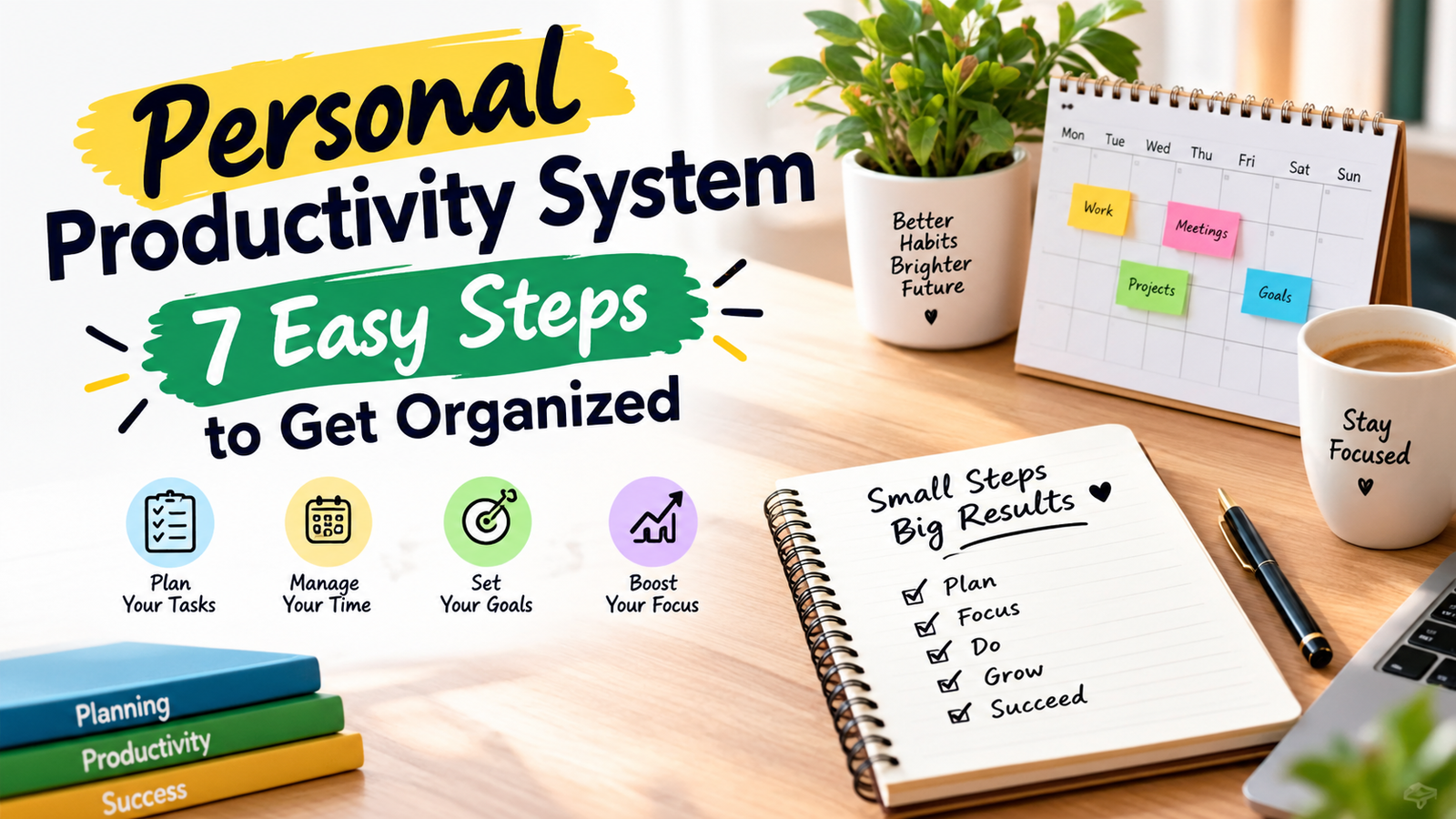
4. Use a Daily Task List
At the beginning of the day, create a short list of tasks you realistically expect to complete. Avoid copying your entire master task list into your daily list.
A useful daily list might contain:
- 1–3 priority tasks
- A few smaller tasks
- Appointments or fixed commitments
- One optional task if time allows
Keeping the list short makes your Personal Productivity System easier to follow and reduces the temptation to constantly reorganize your workload.
5. Schedule Important Work
A task on a list does not guarantee that you will have time to complete it. For important work, reserve a specific period on your calendar.
For example, instead of writing “work on report”, schedule a focused session from 10:00 to 11:00. This turns an intention into a concrete plan.
Calendar planning gives your Personal Productivity System a practical time-management layer while leaving some open time for unexpected work.
6. Break Large Tasks Into Smaller Actions
Large tasks often feel difficult because the next action is unclear. Break them into steps that can be started without much preparation.
For example, replace “Create a website” with:
- Choose the website structure
- List the required pages
- Write the homepage content
- Collect images
- Review the page layout
Smaller actions reduce uncertainty and make it easier to begin. They also make your Personal Productivity System more useful for larger projects.
7. Create a Weekly Review
A weekly review keeps your Personal Productivity System from becoming an abandoned list of unfinished tasks. Choose a consistent time each week to look at your commitments and reset your priorities.
During the review, ask:
- What did I complete this week?
- Which important tasks are still unfinished?
- What deadlines are approaching?
- Which tasks are no longer necessary?
- What are my most important priorities for next week?
Move unfinished tasks forward only when they still matter. If a task repeatedly moves from one day to another, reconsider whether it should be completed, delegated, simplified, scheduled differently, or removed.
A Simple Productivity System Example
You can build a basic Personal Productivity System using four components:
| Component | Purpose | Example |
|---|---|---|
| Inbox | Capture new tasks and ideas | “Call supplier” |
| Task List | Store actionable work | “Send updated proposal” |
| Calendar | Manage time-specific commitments | “Team meeting at 2 PM” |
| Weekly Review | Reset and prioritize | “Choose next week’s top priorities” |
This setup is enough for many people. You can add more features later if a real problem requires them. The goal is to keep your Personal Productivity System practical rather than complicated.
Choose the Right Productivity Tool
Your Personal Productivity System does not depend on using a particular app. The important thing is that your chosen tool makes capturing, organizing, and reviewing information easy.
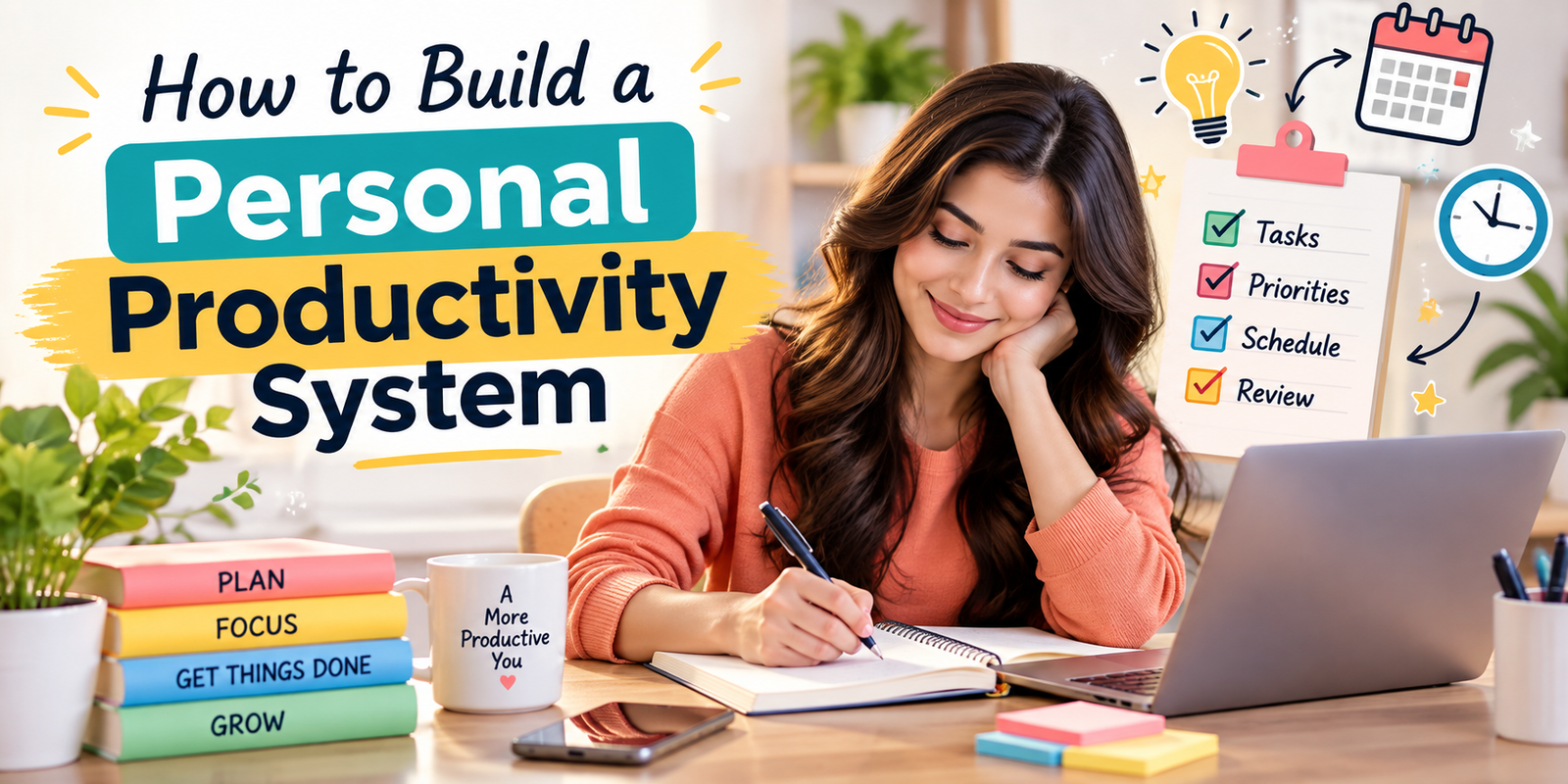
Paper Notebook
A notebook is useful if you enjoy writing by hand and want a distraction-free system. It is simple and requires little setup, but searching and reorganizing information can be harder.
Notes App
A notes app can work well for a lightweight system. It is convenient for capturing ideas quickly and keeping information accessible across devices.
Task Management App
A dedicated task manager may be useful when you have many projects, deadlines, recurring tasks, or responsibilities. Features such as due dates, reminders, projects, and recurring tasks can reduce manual organization.
Calendar
A calendar is best for commitments that happen at a specific time. Meetings, appointments, classes, and scheduled focus sessions belong here rather than only on a general task list.
You can also combine tools. For example, use a task manager for actions and a calendar for time-specific commitments. The key is to avoid creating several disconnected systems that make information difficult to find.
How to Plan Your Day
A simple daily planning routine can make your Personal Productivity System easier to use and maintain.
- Review your calendar.
- Check your task list.
- Choose one to three important priorities.
- Schedule focused work when necessary.
- Add a few smaller tasks that fit around your priorities.
- Leave room for unexpected work.
At the end of the day, quickly check what was completed and move important unfinished work to an appropriate future point. Avoid treating every unfinished task as an emergency.
How to Avoid Overplanning
Planning should make work easier, not become another form of procrastination. Spending a long time designing the perfect system can create the feeling of progress without producing meaningful results.
Keep planning proportional to the complexity of your work. If your responsibilities are simple, a short daily list may be enough. If you manage several projects, you may need project lists, deadlines, and regular reviews.
Use the minimum structure that solves your current problems. A Personal Productivity System should support your work rather than become another task you have to manage.
Common Productivity Mistakes
Trying to Do Everything
A task list can contain more work than one person can reasonably complete. Prioritization is necessary because time and attention are limited.
Making Every Task Urgent
If everything is labeled as urgent, the priority system stops being useful. Reserve high priority for work that genuinely has significant consequences or deadlines.
Ignoring the Calendar
A task list shows what needs to happen, but a calendar shows when your available time actually exists. Important work may need both.
Keeping Tasks Too Vague
Vague tasks create uncertainty. Use clear action words so you know exactly what to do when you return to the task.
Never Reviewing the System
Without regular reviews, old tasks accumulate and priorities become outdated. A short weekly review keeps your Personal Productivity System useful.
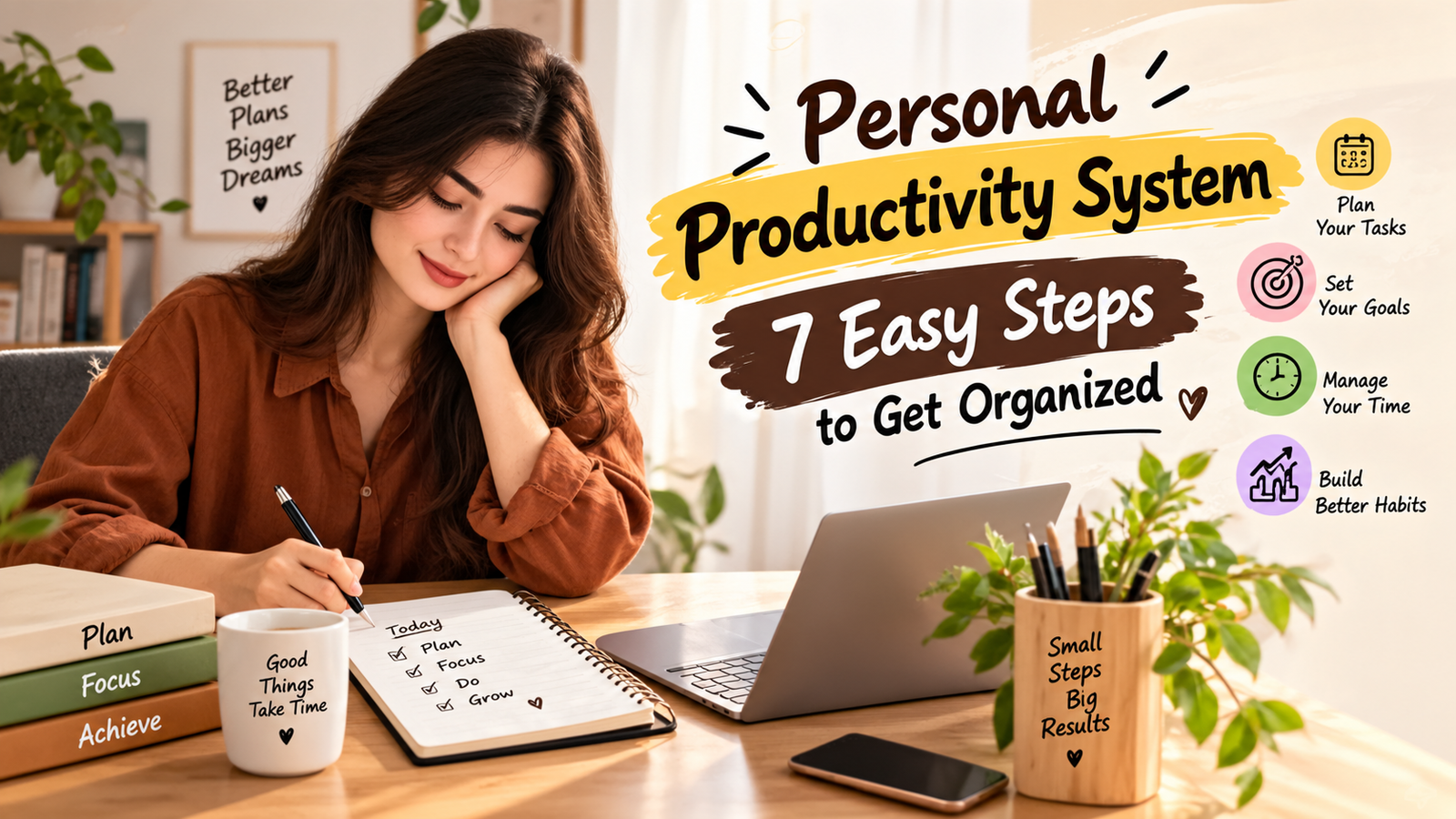
Expert Tips for Maintaining Your System
- Keep one trusted task inbox: Avoid scattering new tasks across multiple unrelated places.
- Use realistic daily limits: A shorter list is easier to complete than an overloaded one.
- Protect focused time: Schedule demanding work when you can give it uninterrupted attention.
- Review before adding complexity: Fix problems with your workflow before adding another tool.
- Remove unnecessary tasks: Productivity also means deciding what does not need to be done.
- Adjust the system as your responsibilities change: Your workflow should support your current life rather than an old routine.
Frequently Asked Questions
What is the simplest Personal Productivity System?
A simple Personal Productivity System can consist of one task list, a calendar, and a short weekly review. Capture tasks in one place, choose your priorities, schedule important work, and review unfinished items regularly.
How many tasks should I plan for one day?
There is no universal number because workloads vary. A practical starting point is to choose one to three important priorities and then add smaller tasks that fit around them.
Should I use a productivity app or notebook?
Either can work. Choose the option that makes it easy for you to capture tasks, review priorities, and keep information organized. The method matters more than the specific tool.
How often should I review my productivity system?
A weekly review is a useful starting point. You can also make a brief daily check at the beginning or end of the day to keep priorities current.
Why do productivity systems stop working?
They often become too complicated, contain unrealistic task lists, or stop reflecting current responsibilities. Simplifying the workflow and reviewing it regularly can help keep your Personal Productivity System practical.
Conclusion
Creating a Personal Productivity System does not require a complicated method. Start with one trusted place for tasks, clear action items, a short list of daily priorities, a calendar for time-specific commitments, and a weekly review.
The purpose of a Personal Productivity System is to reduce mental clutter and make important work easier to manage. Start small, use the simplest tools that solve your needs, and adjust the system when your responsibilities change. A productivity system becomes useful when it supports consistent action rather than becoming another project to manage.