

Choosing the right laptop processor can make a noticeable difference in speed, battery life, heat, and how smoothly your everyday tasks run. This Laptop Processor Guide helps you focus on the specifications that matter most. The best laptop processor is not necessarily the one with the highest number of cores or the most expensive model. It is the processor that fits what you do, how long you use your laptop, and what you can comfortably spend.
This Laptop Processor Guide explains the main processor specifications in plain language, compares common processor families, and shows how to choose a CPU for studying, office work, gaming, creative projects, and travel.
Quick Answer: Which Laptop Processor Should You Choose?
Use this Laptop Processor Guide as a starting point, then compare complete laptop models before buying.
- Everyday use and study: Choose a recent entry-level or midrange processor for browsing, video calls, documents, and streaming.
- Office work and multitasking: Look for a modern midrange processor with enough memory and a fast SSD.
- Programming and demanding applications: Consider a higher-performance processor with more cores, especially if you compile code, run virtual machines, or use large development tools.
- Photo and video editing: Choose a capable processor and check the laptop’s graphics hardware, memory, cooling, and display as well.
- Gaming: Balance the processor with a dedicated or sufficiently powerful integrated GPU. For many games, graphics performance matters more than buying the most expensive CPU.
- Travel and long battery life: Prioritize efficient processor designs, a well-reviewed laptop, and a battery capacity that suits your routine.
What Is a Laptop Processor?
A laptop processor, also called a central processing unit (CPU), carries out instructions and coordinates many of the tasks your computer performs. It helps run applications, manage files, handle calculations, and keep the operating system responsive.
The CPU is important, but it is only one part of a laptop’s performance. A useful Laptop Processor Guide considers the whole system rather than the CPU alone. Memory (RAM), storage, graphics hardware, cooling, software, and battery design also affect how a laptop feels in daily use. A balanced laptop often performs better for your needs than a model with a powerful processor but too little memory or poor cooling.
Understand the Main Processor Specifications
These checks form the core of a practical Laptop Processor Guide for everyday buyers.
1. Processor Family and Generation
Processor names often include a family, model number, and generation or series. Brands such as Intel and AMD use different naming systems, and those systems can change over time. Apple’s Mac processors use a different naming structure again.
Do not judge a CPU by its name alone. This is one of the most important lessons in any Laptop Processor Guide. Compare the exact processor model, its release period, power class, benchmark results, and the laptop it is installed in. Two laptops with processors that look similar on paper can behave differently because of cooling, power settings, and design.
2. Cores and Threads
A core is a processing unit inside the CPU. Threads are the streams of work a processor can manage at once. More cores can help with workloads that run several tasks in parallel, such as video rendering, compiling code, or working with large datasets.
However, a higher core count does not automatically make every task faster. A reliable Laptop Processor Guide matches cores to the software you actually use. Browsing, writing documents, and many everyday applications may depend more on responsive individual cores, efficient software, and adequate memory. Choose the core count based on your workload rather than treating it as a score.
3. Clock Speed
Clock speed, usually shown in gigahertz (GHz), describes how quickly a processor’s clock cycles run. A CPU may list a base speed and a higher boost speed. Boost speeds can be reached for short periods when temperature, power, and workload allow.

Clock speed is not a reliable way to compare processors from different families on its own. Keep this in mind when using a Laptop Processor Guide to compare specifications. Architecture and efficiency matter too, so use real-world reviews and benchmarks for the applications you care about.
4. Power Use and Processor Class
Laptop processors are designed around different power and performance goals. Thin-and-light laptops generally prioritize efficiency, while gaming and workstation laptops often allow more power for sustained performance. The exact behavior depends on the laptop’s cooling and manufacturer settings.
Efficient processors are useful for travel, classes, meetings, and working away from a charger. A good Laptop Processor Guide weighs efficiency against sustained performance. Higher-power designs may be better for long rendering sessions or other demanding work, but they can require larger cooling systems and may reduce battery life under heavy loads.
5. Integrated Graphics
Many processors include integrated graphics that handle the display, video playback, everyday creative work, and some games. Integrated graphics can be a good fit for general use and light gaming, depending on the chip and memory configuration.
For modern demanding games, complex 3D work, or certain GPU-accelerated creative applications, a laptop with a dedicated graphics processor may be more suitable. This Laptop Processor Guide explains why graphics hardware matters too. Remember that dedicated graphics can add cost, weight, fan noise, and power consumption.
6. Cache and Other Technical Details
Processor cache is a small, fast memory that keeps frequently used data close to the CPU. Cache size can affect performance in some workloads, but it is rarely the first specification most buyers should focus on.
For most shoppers, start with the exact CPU model, performance reviews for the intended tasks, battery tests, RAM, storage, graphics, and the overall laptop design. Fine-grained specifications are most useful when comparing otherwise similar systems.

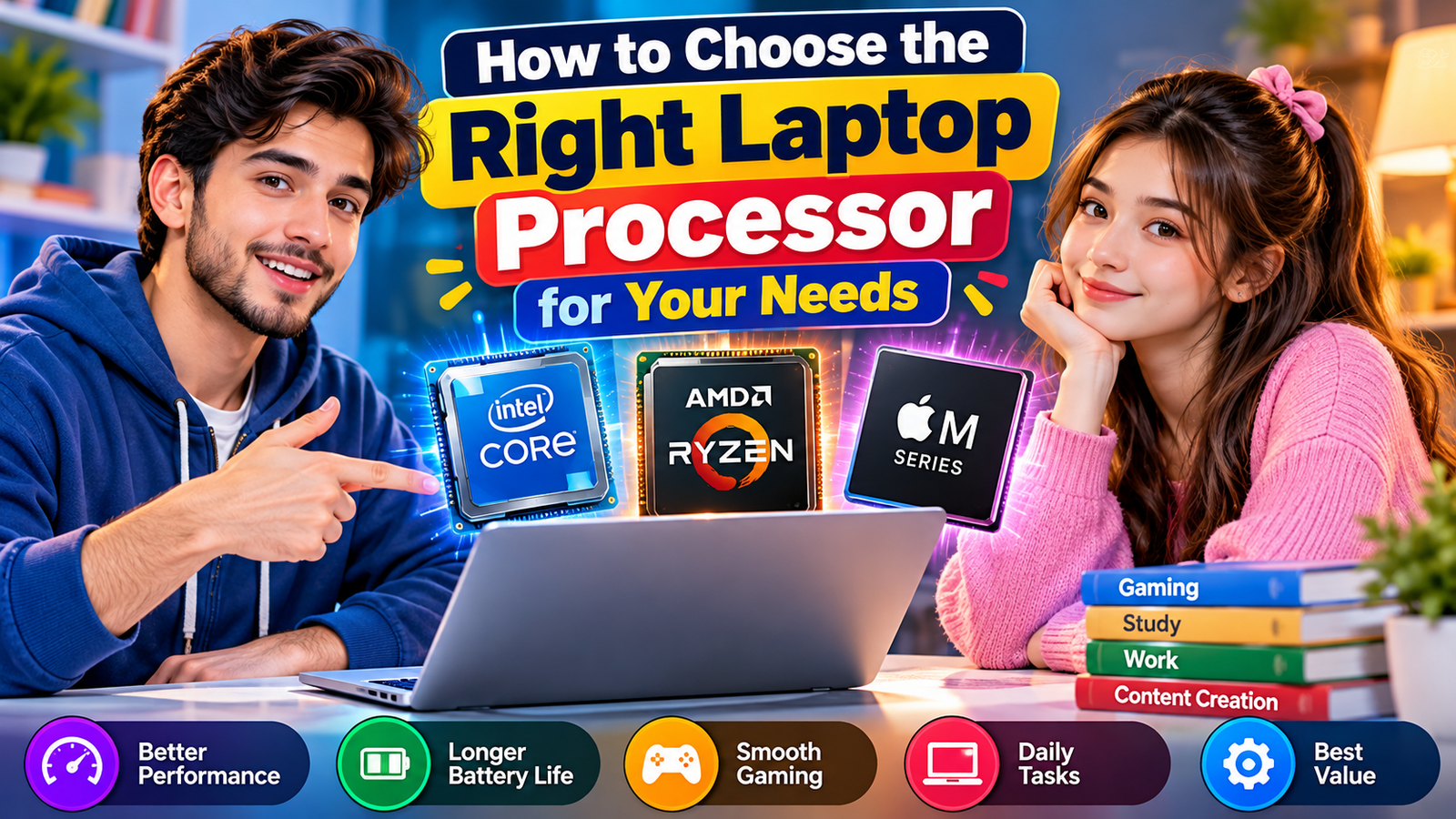
Intel, AMD, or Apple: Which Processor Should You Pick?
This section of the Laptop Processor Guide compares broad platform choices without assuming one brand wins every category.
There is no universally best processor brand. The right Laptop Processor Guide approach is to compare exact models and the full laptop. The right choice depends on the laptop platform you prefer, the applications you need, performance requirements, and the value of the complete laptop.
| Processor platform | Often worth considering for | What to check |
|---|---|---|
| Intel Core and Core Ultra families | Windows laptops across everyday, business, and performance categories | Exact model, power class, graphics, battery tests, and laptop cooling |
| AMD Ryzen families | Windows laptops ranging from efficient everyday systems to powerful gaming and creator models | Exact generation and model, integrated graphics capability, sustained performance, and battery life |
| Apple M-series chips | MacBook users who want macOS integration and efficient performance in supported applications | Software compatibility, memory configuration, external display needs, and the specific MacBook model |
Processor families contain several performance levels, and results vary by model and laptop. Keep this point in mind while using the Laptop Processor Guide to compare options. Compare independent reviews of the exact devices rather than assuming every chip from one brand is faster or more efficient than every chip from another.
Choose a Processor Based on What You Do
The most useful Laptop Processor Guide starts with your real tasks, not a specification list.
For Students and Everyday Use
If you mainly use a browser, word processor, video meetings, online learning platforms, and streaming services, a recent entry-level or midrange CPU is usually sufficient. Prioritize a responsive system, comfortable keyboard, good screen, webcam quality, and reliable battery life.
For a laptop you plan to keep for several years, avoid choosing solely by the lowest price. A forward-looking Laptop Processor Guide considers future needs as well. This Laptop Processor Guide recommends balancing value with useful headroom. A balanced configuration with enough RAM and an SSD can help it stay useful as applications and browser tabs become more demanding.
For Office Work and Remote Jobs
For spreadsheets, presentations, email, business software, and frequent video calls, a modern midrange processor is a practical starting point. If you routinely keep many applications open or work with large spreadsheets, pay close attention to RAM as well as CPU performance.
For remote work, consider fan noise, Wi-Fi reliability, camera and microphone quality, ports, and battery life. A complete Laptop Processor Guide looks beyond raw CPU speed. A faster processor cannot compensate for a poor webcam or an uncomfortable keyboard during a full day of meetings.
For Programming and Software Development
Web development, scripting, and learning to code can run well on many modern midrange laptops. More demanding development workflows—such as large code builds, multiple containers, virtual machines, mobile emulators, or complex data projects—can benefit from more CPU cores and additional memory.
Check operating-system requirements and compatibility with your tools before buying. These checks are essential in a Laptop Processor Guide for developers. Developers who use virtualization or several local services should usually treat memory capacity and storage space as major priorities, not afterthoughts.
For Gaming
Gaming performance depends heavily on the graphics processor, the game’s requirements, cooling, and the laptop’s power limits. A strong CPU can help with simulation-heavy games, high frame rates, and games that rely on many background calculations, but it does not replace a capable GPU.
Compare tests from the exact laptop model at the resolution and settings you expect to use. This step makes a Laptop Processor Guide more practical for gamers. Also check fan noise, temperatures, screen refresh rate, and performance when plugged in. Gaming laptops can be heavier and have shorter battery life during demanding play.
For Photo Editing, Video Editing, and Design
Creative workloads vary widely. Photo editing, graphic design, and short-form video projects may work well on a modern midrange system, while high-resolution video editing, effects, animation, and 3D rendering can benefit from a stronger CPU and GPU.
Look at application-specific reviews, recommended system requirements, RAM, storage speed and capacity, graphics acceleration, and display quality. The Laptop Processor Guide approach is to evaluate the complete creative setup. A color-accurate screen and enough space for project files may matter as much as a small difference in CPU speed.
For Frequent Travel
If you carry your laptop every day, choose a system designed for efficiency and portability. Processor efficiency matters, but real battery life also depends on screen brightness, display type, battery size, wireless use, and your applications.
Look for independent battery tests that resemble your typical workload. A thoughtful Laptop Processor Guide gives battery evidence more weight than marketing claims. A laptop’s advertised battery life is often measured under specific conditions and may not match intensive work, video calls, or high screen brightness.
How Much RAM and Storage Do You Need?
RAM and SSD choices belong in every practical Laptop Processor Guide because they affect everyday responsiveness.
The processor should be considered alongside memory and storage. This Laptop Processor Guide treats them as parts of one balanced system. Insufficient RAM can cause slowdowns when many applications are open, while a nearly full or slow drive can affect updates, file transfers, and application loading.
- RAM: 8 GB can cover basic tasks on some systems, but 16 GB is a more comfortable target for many current general-use and multitasking laptops. Demanding creative work, development, and virtual machines may need 32 GB or more.
- Storage: An SSD is preferable for responsive everyday use. Choose capacity based on applications, documents, games, photos, and video files; 512 GB is a useful starting point for many users, while larger libraries may require more.
- Upgrade options: Some laptops have soldered memory or limited upgrade paths. Check the exact configuration before purchase because it may not be possible to add RAM later.
These are general guidelines, not fixed requirements. Treat this Laptop Processor Guide as a starting point, then confirm your software needs. Use this Laptop Processor Guide alongside the requirements of your own applications. Check the software you plan to use and remember that operating systems and applications have different memory needs.
How to Compare Laptop Processors Before Buying
Follow these steps to turn a Laptop Processor Guide into a clear buying decision.
- List your main tasks. Write down the applications you use and whether you do demanding work regularly or only occasionally.
- Identify the exact CPU model. Avoid comparing only brand names or broad labels such as “Core,” “Ryzen,” or “M-series.”
- Read reviews of the full laptop. Check sustained performance, battery life, temperatures, fan noise, and performance on battery power.
- Compare the whole configuration. Review RAM, SSD capacity, graphics, display, ports, keyboard, and wireless connectivity.
- Check software compatibility. Confirm that your work applications, games, accessories, and required operating system are supported.
- Set a realistic budget. Spend on improvements you will notice. A better display, more memory, or a larger SSD may offer more value than a small CPU upgrade.
- Think about future use. If your work is likely to become more demanding, choose enough performance and memory headroom without paying for capabilities you will not use.
Common Laptop Processor Buying Mistakes
Use this part of the Laptop Processor Guide to avoid paying for specifications that do not help your workload.
- Choosing by GHz alone: Clock speed does not tell the whole performance story. Compare the exact CPU and real-world results.
- Assuming more cores always means faster: Some applications do not use many cores effectively. Match the processor to your workload.
- Ignoring cooling: A thin laptop may not sustain the same performance as a larger system using a similar chip.
- Forgetting the GPU: Gaming, 3D work, and some creative applications depend heavily on graphics hardware.
- Buying too little RAM or storage: A capable CPU may still feel constrained if the rest of the system is undersized.
- Trusting advertised battery life without context: Look for independent tests and consider how you actually use the laptop.
- Paying for unnecessary power: High-end processors can increase cost, heat, and power use without making basic tasks meaningfully better.
Frequently Asked Questions
These quick answers address common questions readers have after using a Laptop Processor Guide.
Which laptop processor is best for everyday use?
A recent entry-level or midrange processor is usually enough for browsing, documents, streaming, online classes, and video calls. Choose a balanced laptop with sufficient RAM, SSD storage, a good screen, and battery life that suits your routine.
Is Intel better than AMD for laptops?
Neither brand is always better. Performance and efficiency vary by exact model, laptop design, and workload. Compare reviews of the specific laptops you are considering, including battery life and sustained performance.
How many processor cores do I need?
Everyday tasks can run well on many modern processors, while video rendering, large software builds, and heavy multitasking can benefit from additional cores. Check the requirements and benchmarks for your main applications instead of selecting by core count alone.
Does the processor affect laptop battery life?
Yes, processor efficiency can affect power use, but it is only one factor. The display, battery capacity, cooling, software, brightness, and workload also influence how long a laptop lasts between charges.
Is a dedicated graphics card more important than the CPU?
For many modern games and GPU-heavy creative tasks, graphics performance can be more important than a small CPU upgrade. Other workloads, such as compiling code or CPU-based rendering, may benefit more from processor performance. Choose according to the applications you use.
Should I buy the most powerful processor I can afford?
Not necessarily. A high-end CPU is useful when your workload can take advantage of it. For everyday use, a balanced laptop with enough RAM, a good display, reliable battery life, and suitable storage may be a better value.
Conclusion
The right laptop processor is the one that fits your daily workload, budget, and portability needs. This Laptop Processor Guide is designed to help you compare those priorities clearly. Start by deciding whether you mainly browse and study, handle office work, develop software, create media, or play demanding games. Then compare the exact processor model alongside RAM, storage, graphics, cooling, battery tests, and software compatibility.
Rather than buying based on a brand name or a single specification, use this Laptop Processor Guide to compare the full laptop and the tasks it needs to handle. Review the complete laptop and look for evidence from reliable tests. A balanced choice will help you get the performance you need without paying extra for power you are unlikely to use.