
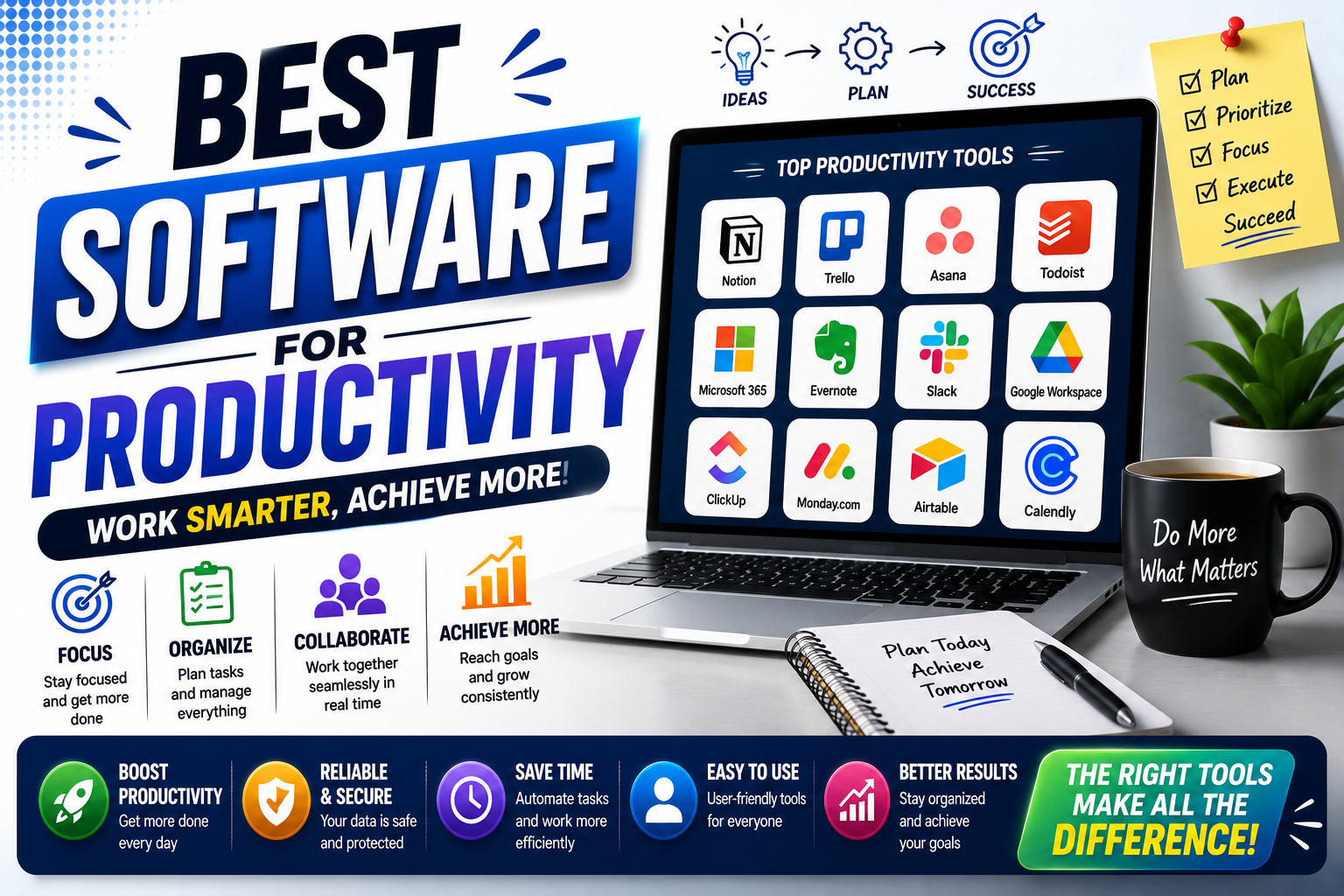
Finding the best software for productivity can make everyday work easier, but choosing the right tools is not always simple. There are thousands of productivity apps for task management, note-taking, communication, project planning, time tracking, file storage, and automation.
The right productivity software should solve a specific problem rather than add another complicated system to your workflow. In this guide, you will find practical categories of productivity software, what each type is best for, key features to look for, and how to choose tools that actually help you get more done.
Quick Summary of best software for productivity
| Software Type | Best For | Key Benefit |
|---|---|---|
| Task Management | Organizing daily work | Clear priorities and deadlines |
| Project Management | Teams and complex projects | Centralized project organization |
| Note-Taking | Ideas and information | Easy knowledge organization |
| Calendar | Scheduling | Better time management |
| Communication | Team collaboration | Faster communication |
| Cloud Storage | Files and documents | Access from multiple devices |
| Automation | Repetitive tasks | Less manual work |
| AI Productivity | Research and content tasks | Faster drafting and analysis |
What Is Productivity Software?
Productivity software is a digital tool designed to help individuals or teams organize work, manage information, communicate, complete tasks, or reduce repetitive activities.
Examples include task managers, calendars, project management platforms, note-taking apps, document tools, cloud storage services, communication platforms, time trackers, and automation software.
The best software for productivity depends on what is slowing you down. Someone managing a freelance business may need task management and invoicing tools, while a large team may need project management, communication, file sharing, and workflow automation.
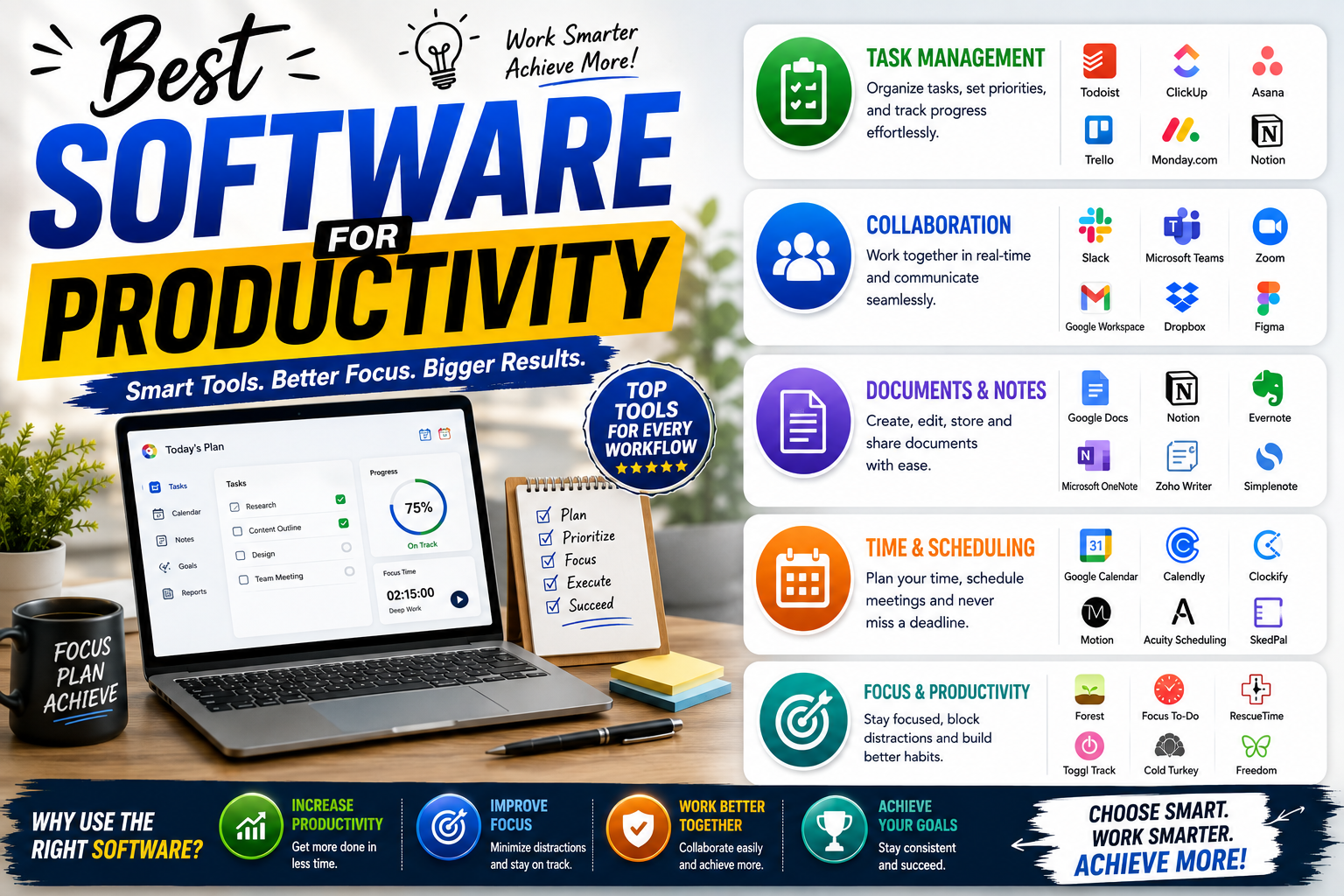
Best Productivity Software Categories
1. Task Management Software
Task management software is useful when you need a clear way to capture, organize, prioritize, and complete tasks.
Instead of keeping tasks across scattered notes, messages, and browser tabs, you can create a central list of work and assign deadlines or priorities.
Useful Features
- Task lists
- Due dates
- Priority levels
- Recurring tasks
- Reminders
- Subtasks
- Task assignments
Best for: Students, freelancers, professionals, and small teams that need better daily organization.
2. Project Management Software
Project management platforms are designed for work that involves multiple tasks, people, deadlines, and stages.
These tools can provide boards, timelines, task assignments, project documentation, progress tracking, and team collaboration features.
When Should You Use Project Management Software?
Use it when a simple to-do list is no longer enough. For example, a website redesign may involve designers, developers, content writers, clients, deadlines, approvals, and multiple project stages.
Best for: Teams, agencies, businesses, freelancers managing client projects, and complex workflows.
3. Note-Taking Software
Note-taking tools help you capture ideas, meeting notes, research, checklists, documents, and reference information.
A good note-taking system can reduce the time spent searching through emails, notebooks, screenshots, and random text files.
Useful Features
- Folders or workspaces
- Search
- Tags
- Templates
- Document sharing
- Cross-device synchronization
- File attachments
Best for: Researchers, students, writers, designers, developers, and anyone who regularly collects information.

4. Calendar and Scheduling Software
Calendar software helps you manage appointments, meetings, deadlines, and time blocks.
However, a calendar becomes more useful when you use it for more than meetings. You can also reserve specific periods for focused work, learning, exercise, planning, or administrative tasks.
Simple Productivity Strategy
Instead of filling every available hour, leave some open time for unexpected tasks. A realistic calendar is usually more useful than a schedule with no flexibility.
Best for: Professionals, business owners, students, remote workers, and people with busy schedules.
5. Team Communication Software
Communication platforms help teams exchange messages, share files, discuss projects, and stay connected without relying entirely on email.
They are particularly useful for remote and distributed teams, but they can also improve communication in traditional workplaces.
Look for These Features
- Direct messaging
- Channels or organized conversations
- File sharing
- Searchable message history
- Audio and video meetings
- Integrations
Best for: Remote teams, agencies, businesses, and organizations with frequent collaboration.
6. Cloud Storage and Document Software
Cloud storage makes it easier to store, access, share, and collaborate on files from different devices.
Instead of keeping important documents on a single computer, cloud-based storage can provide centralized access and collaboration features. Businesses should still review security, permissions, backup, and data-retention policies before selecting a service.
Best for: Anyone who works with documents, presentations, spreadsheets, images, or shared files.
7. Time Tracking Software
Time tracking tools help you understand where your working hours go. This can be especially useful for freelancers who bill clients by time or professionals who want to identify inefficient workflows.
Time tracking can also reveal how much time is spent on meetings, administration, deep work, communication, and repetitive tasks.
Who Benefits Most?
- Freelancers
- Consultants
- Agencies
- Remote workers
- Project teams
- Professionals managing billable work
8. Automation Software
Automation tools can connect different applications and reduce repetitive manual work.
For example, an automation workflow might transfer information from a form into a spreadsheet, send a notification when a task changes, or create a new task after a specific event.
The goal is not to automate everything. Start with repetitive processes that follow predictable rules and take enough time to justify automation.
Best for: Business owners, marketers, operations teams, freelancers, and professionals who repeat the same digital tasks frequently.
9. AI best software for productivity
AI-powered productivity software can assist with tasks such as drafting, summarizing, brainstorming, research, data analysis, transcription, and content organization.
AI can save time, but it should complement human judgment rather than replace it. Important information should be reviewed before it is published, shared, or used for business decisions.
Common AI Productivity Uses
- Summarizing long documents
- Creating first drafts
- Generating ideas
- Organizing information
- Analyzing text or data
- Creating meeting summaries
- Automating routine workflows
Best for: Professionals, writers, researchers, marketers, students, and teams looking to reduce repetitive knowledge-work tasks.
10. Password and Security Software
Security tools are an often-overlooked part of digital productivity. Losing access to an account or repeatedly resetting passwords can waste time and create unnecessary risk.
A reputable password manager can help users generate, store, and manage unique passwords. Businesses may also need additional security tools depending on their size, industry, and compliance requirements.
Best for: Anyone managing multiple online accounts, particularly professionals and businesses.
How to Choose the Best Software for Productivity
Do not choose software simply because it has the largest feature list. More features can create more complexity.
Instead, start by identifying the specific problem you want to solve.
1. Identify Your Biggest Productivity Problem
Ask yourself what is currently wasting the most time. Is it forgotten tasks, scattered information, excessive meetings, repetitive work, poor communication, or difficulty managing projects?
2. Choose the Right Category
Once you identify the problem, choose the software category that addresses it directly. A task manager will not solve every communication problem, and a project management platform may be unnecessary for a simple personal to-do list.
3. Check Ease of Use
A powerful application is not useful if you avoid using it. Look for a system that you and your team can understand quickly.
4. Review Integrations
If you already use email, calendars, cloud storage, accounting software, or communication tools, check whether the new platform integrates with your existing workflow.
5. Consider Security and Privacy
Review the provider’s security practices, account controls, permissions, data handling, and backup options, particularly when the software will store business or customer information.
6. Compare Free and Paid Plans
Many productivity tools offer free versions with limitations. A free plan may be enough for an individual, while a growing team may need additional storage, automation, administration, collaboration, or reporting features.
Best Software for Productivity by User Type
| User | Most Useful Software Types |
|---|---|
| Students | Notes, calendars, task management, cloud documents |
| Freelancers | Task management, time tracking, project management, invoicing |
| Small Businesses | Project management, communication, cloud storage, automation |
| Remote Workers | Communication, calendars, task management, cloud storage |
| Content Creators | Notes, project management, AI tools, cloud storage |
| Marketing Teams | Project management, analytics, communication, automation |
| Large Teams | Project management, communication, documentation, security tools |
How Many Productivity Apps Do You Actually Need?
You probably need fewer productivity apps than you think.
A simple workflow might require only a calendar, task manager, notes application, cloud storage service, and communication platform. Add specialized tools only when they solve a clear problem.
Using too many disconnected apps can create duplicate information, additional notifications, and more administrative work. The goal of productivity software is to simplify your workflow, not turn managing the workflow into another job.
Common Productivity Software Mistakes
Using Too Many Tools
Switching between several applications can make work harder. Try to keep related information centralized where practical.
Choosing Features Over Simplicity
A long feature list does not automatically make software better. Choose features that support your actual workflow.
Ignoring Notifications
Constant notifications can interrupt focused work. Review notification settings and disable alerts that are not important.
Failing to Organize Information
Even the best software for productivity becomes difficult to use when files, tasks, and notes are poorly organized. Create simple naming and organization rules.
Not Reviewing the Workflow
Your productivity system should change as your work changes. Review your tools occasionally and remove software that no longer provides enough value.
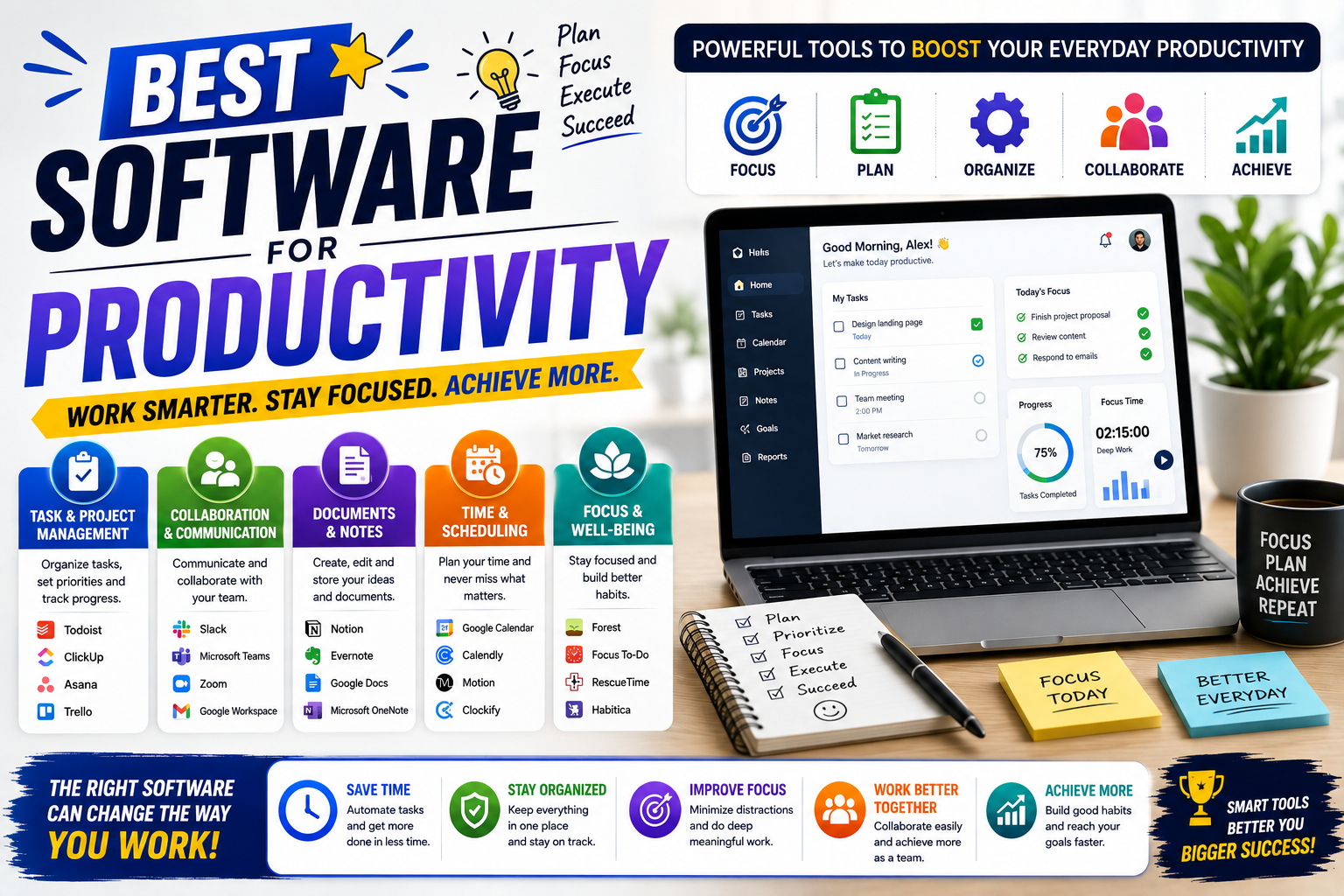
Expert Tips for Getting More From Productivity Software
- Start small: Introduce one new tool at a time.
- Use templates: Create repeatable structures for common tasks and projects.
- Automate repetitive actions: Focus first on processes that occur frequently.
- Protect focus time: Reduce unnecessary notifications during important work.
- Review your system weekly: Remove outdated tasks and reorganize priorities.
- Keep one source of truth: Avoid storing the same important information in several disconnected places.
Frequently Asked Questions
What is the best software for productivity?
The best software for productivity depends on your specific needs. Task managers are useful for organizing work, project management platforms help with complex projects, note-taking tools organize information, and automation software reduces repetitive tasks.
What productivity software should beginners use?
Beginners should start with a simple combination such as a calendar, task manager, notes application, and cloud storage. Add more specialized tools only when a clear need appears.
Is free productivity software good enough?
Free software can be enough for many individual users and small workflows. Paid plans become more useful when you need advanced collaboration, larger storage, automation, administration, or specialized features.
Can AI improve productivity?
AI can help with drafting, summarization, research, brainstorming, data analysis, and routine tasks. However, users should verify important AI-generated information before relying on it.
How many productivity apps should I use?
There is no ideal number. Use the smallest set of tools that covers your important workflows. Adding more applications can create unnecessary complexity if they overlap.
What should I look for in productivity software?
Focus on ease of use, relevant features, integrations, security, reliability, collaboration options, pricing, and whether the software solves a real problem in your workflow.
Conclusion
The best software for productivity is not necessarily the platform with the most features. It is the tool that solves a real problem, fits naturally into your workflow, and is simple enough to use consistently.
Start by identifying your biggest productivity challenge. Then choose the appropriate category, test a suitable tool, and measure whether it actually saves time or improves organization. Avoid building a complicated system when a simple one will work.
Whether you are a student, freelancer, remote worker, creator, or business owner, the right combination of productivity software can help you organize work, reduce repetitive tasks, and spend more time on activities that matter.