
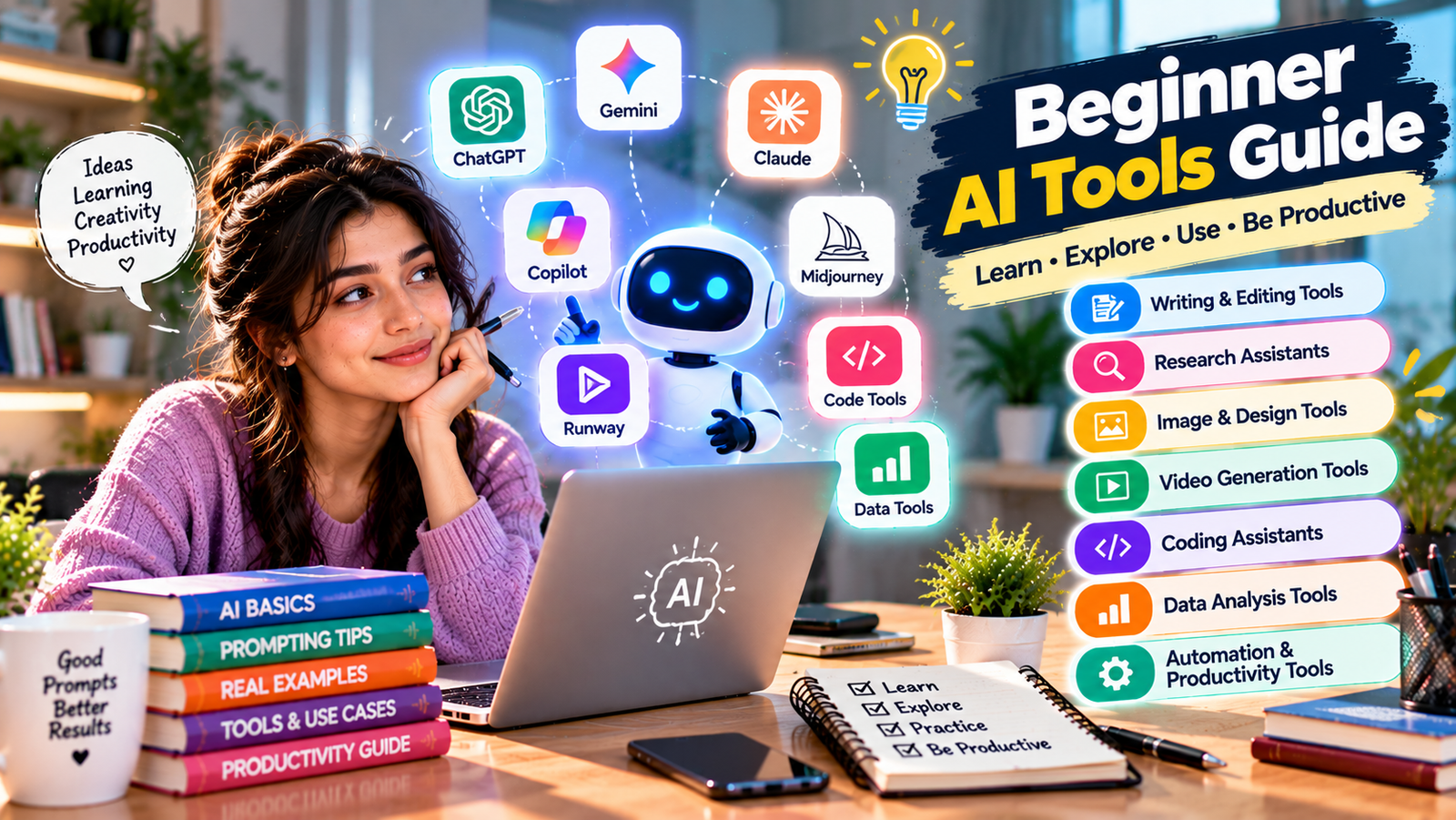
Artificial intelligence tools can help with writing, research, studying, coding, design, data analysis, planning, productivity, and many everyday tasks. However, beginners often face a different problem: there are so many platforms that it can be difficult to know where to start. This Beginner AI Tools Guide explains the main types of AI tools, what they can realistically do, how to choose the right one, and how to use AI safely.
You do not need programming knowledge or technical expertise to start using most modern AI assistants. A practical Beginner AI Tools Guide should focus on choosing useful tools, writing clear prompts, checking results, and integrating AI into real tasks instead of trying every new platform.
What Is a Beginner AI Tools Guide?
A Beginner AI Tools Guide helps new users understand software powered by artificial intelligence and shows how different tools can support writing, research, images, video, coding, data, productivity, and automation.
Some AI tools mainly work with text. Others can process documents, images, spreadsheets, audio, video, or computer code. Modern multimodal systems may handle several types of information in one application.
Common AI tool categories include:
- AI chat assistants
- Writing and editing tools
- Research assistants
- Image generation tools
- AI design platforms
- Video generation tools
- Coding assistants
- Data analysis tools
- Transcription tools
- Automation platforms
- AI productivity assistants
Why Beginners Should Learn AI Tools
The purpose of learning AI is not simply to follow a technology trend. The Beginner AI Tools Guide approach is to identify tasks where AI can genuinely save time, improve understanding, or support better work.
A student might use AI to explain a difficult concept. A business owner might brainstorm marketing ideas. A developer might ask for help understanding code. A writer could improve structure and clarity, while an analyst might explore a dataset.
You do not need to understand every technical detail behind machine learning before learning how to use an AI assistant responsibly.
How AI Tools Work in Simple Terms
Many modern AI assistants use large language models, commonly called LLMs. These systems learn patterns from large amounts of information and use those patterns, your instructions, and available context to generate responses.
Some platforms also support capabilities such as web search, image understanding, file analysis, code assistance, data analysis, image generation, and connected applications.
Features vary between providers, account plans, regions, and product versions, so official documentation should be checked when a particular capability is important.
1. AI Chat Assistants
AI chat assistants are usually the easiest starting point for anyone following a Beginner AI Tools Guide. They allow you to communicate using normal language instead of learning programming commands.
Common uses include:
- Explaining concepts
- Brainstorming ideas
- Summarizing information
- Planning projects
- Writing drafts
- Studying
- Research support
- Problem-solving
- Coding assistance
Popular general-purpose AI assistants include ChatGPT, Google Gemini, Microsoft Copilot, and Anthropic Claude.
2. ChatGPT
ChatGPT is a general-purpose AI assistant that can support writing, explanations, brainstorming, planning, coding, working with files, and other productivity tasks depending on the features available to the user. For many people using a Beginner AI Tools Guide, a general chat assistant is a practical place to start because one interface can support several types of work.
Useful Tasks
- Writing and rewriting
- Learning concepts
- Creating outlines
- Planning projects
- Analyzing information
- Coding support
- Brainstorming
One advantage of conversational AI is that you can improve a result through follow-up instructions instead of trying to create a perfect prompt immediately.
3. Google Gemini
Google Gemini is another general-purpose AI assistant. A Beginner AI Tools Guide may include Gemini for users who want conversational assistance alongside tools and services within Google’s broader ecosystem.
Potential uses include research support, learning, writing, document-related tasks, creative work, and general questions. Available features can depend on account type, location, product version, and subscription.
4. Microsoft Copilot
Microsoft Copilot is particularly relevant to workplace productivity. In a Beginner AI Tools Guide, it may be useful for people who already work heavily with Microsoft products and want AI assistance connected with familiar professional workflows.
Common use areas can include document work, business information, workplace productivity, writing assistance, summaries, and other Microsoft ecosystem tasks.
5. Claude
Claude is Anthropic’s AI assistant and can support writing, reasoning, coding, analysis, document work, and other knowledge tasks. Including it in a Beginner AI Tools Guide gives beginners another general-purpose option to compare with other assistants.
You do not need to use every platform. Testing one or two tools with the same practical task can help you understand which interface and response style fits your needs.
6. AI Writing Tools
Writing is one of the most common applications covered by a Beginner AI Tools Guide. AI can assist with first drafts, editing, structure, tone, idea generation, and summarization.
Possible uses include:
- Emails
- Blog outlines
- Product descriptions
- Reports
- Social media drafts
- Meeting summaries
- Headlines
- Presentation outlines
AI-generated writing should still be checked for accuracy, tone, repetition, originality, and factual claims before publication.
7. AI Research Tools
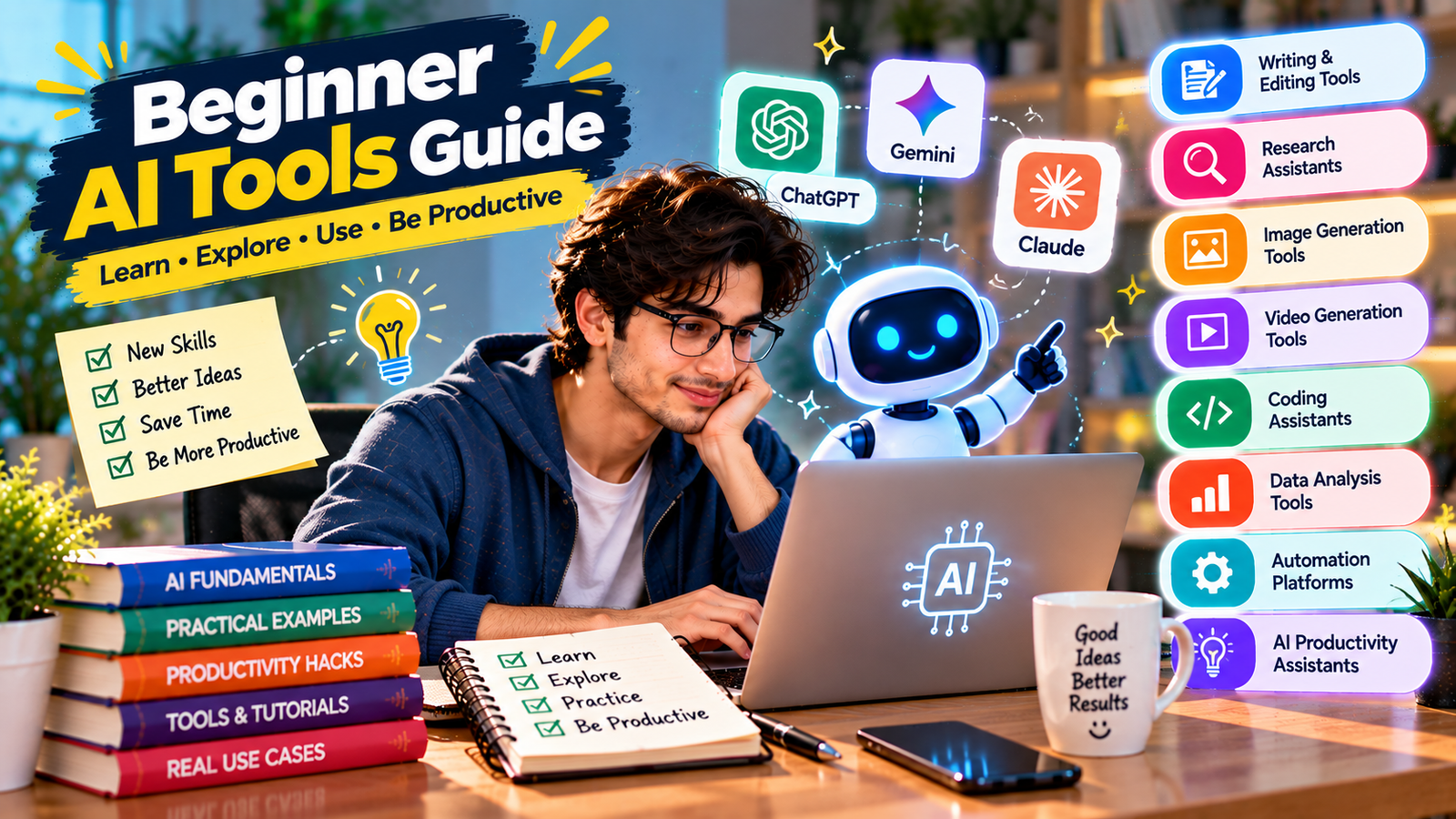
Research assistants are another important category in a Beginner AI Tools Guide. They can help users organize questions, summarize information, identify terminology, and understand complicated subjects more quickly.
A Better Research Process
- Define the exact question.
- Ask AI to identify useful concepts and terminology.
- Look for authoritative sources.
- Request source-backed information when available.
- Open and verify important sources.
- Separate evidence from AI-generated interpretation.
For health, legal, financial, scientific, or other high-stakes topics, important decisions should not rely entirely on an unverified AI response.
8. AI Image Generation Tools
Image generation is one of the most creative areas in a Beginner AI Tools Guide. AI image tools can create new visuals from text instructions and, depending on the platform, may also edit existing images.
Possible applications include:
- Advertising concepts
- Social media visuals
- Product presentation ideas
- Illustrations
- Storyboards
- Concept art
- Creative experimentation
Better Image Prompts
Describe the subject, environment, composition, lighting, camera angle, colors, mood, important details, and anything that should be excluded.
Specific visual direction usually produces more useful results than a vague instruction such as “make a good image.”
9. AI Design Tools
AI-assisted design applications are useful additions to a Beginner AI Tools Guide because they can help people create graphics, presentations, documents, and marketing material without advanced design software knowledge.
They can help with:
- Social media designs
- Presentations
- Marketing graphics
- Simple advertisements
- Visual concepts
- Document layouts
AI may speed up the first draft, but good design still depends on hierarchy, readability, spacing, branding, and visual judgment.
10. AI Video Tools
Video tools belong in a modern Beginner AI Tools Guide because AI can now assist with scripting, scene generation, subtitles, editing, voiceovers, and other parts of video production.
Beginners can experiment with short social videos, product concepts, educational clips, storyboards, or simple marketing material.
Start with short and clearly defined scenes before trying complex multi-scene projects. Video generation often requires experimentation with prompts, timing, movement, and reference material.
11. AI Coding Tools
AI coding assistants are useful even for people learning programming. A Beginner AI Tools Guide should treat them as learning and development aids rather than automatic replacements for understanding code.
Useful tasks include:
- Explaining code
- Generating starter examples
- Finding possible bugs
- Explaining error messages
- Writing documentation
- Creating test cases
- Refactoring code
- Explaining programming concepts
Generated code should be reviewed and tested because an AI response can contain logical, performance, or security problems.
12. AI for Data Analysis
Data tools are another useful part of a Beginner AI Tools Guide. AI may assist with spreadsheets, formulas, SQL, chart suggestions, summaries, and exploratory analysis.
A beginner might ask AI to explain a formula, identify a trend, suggest a suitable chart, generate a SQL query, or explain a statistical concept.
Important calculations and conclusions should always be checked against the original data.
13. AI for Students
For students, a Beginner AI Tools Guide should focus on learning rather than simply generating completed assignments.
Useful learning applications include:
- Explaining difficult concepts
- Creating quizzes
- Generating flashcards
- Summarizing personal notes
- Practicing languages
- Comparing theories
- Creating study plans
- Receiving feedback on writing
Students should follow the academic integrity policies of their school, college, or university when using AI.
14. AI for Small Businesses
A Beginner AI Tools Guide can also help small-business owners identify routine activities where AI may save time without requiring a custom AI system.
Examples include:
- Marketing ideas
- Product descriptions
- Customer-service drafts
- Business planning
- Research
- Social media ideas
- Internal documentation
- Sales message drafts
- Workflow automation
Start with repetitive tasks where the result can be reviewed easily by a person.
15. AI for Freelancers
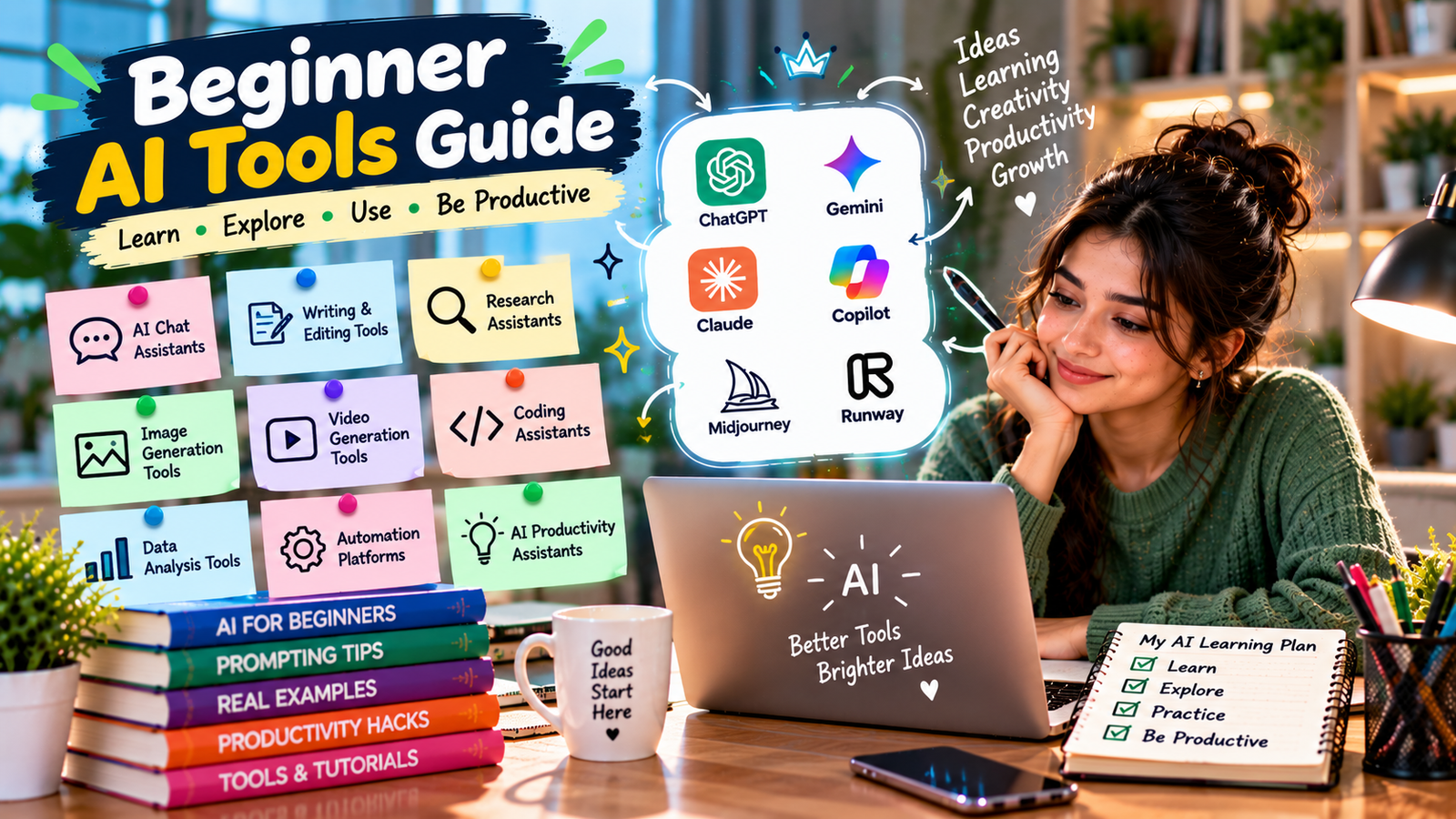
Freelancers can use the methods in this Beginner AI Tools Guide to improve research, planning, communication, and repetitive parts of project delivery.
AI system may help with proposals, project outlines, requirement summaries, content ideas, research, checklists, and client communication.
Generic AI output should not be passed directly to clients without professional review and customization.
16. AI for Office Work
An office-focused Beginner AI Tools Guide should include writing, meeting preparation, document review, information organization, and data-related use cases.
Employees must also follow company security policies. Confidential business data, customer records, contracts, passwords, and sensitive financial information should not be entered into unapproved AI systems.
17. Free vs Paid AI Tools
A Beginner AI Tools Guide does not require you to immediately purchase several subscriptions. Many services provide some form of free access, while paid plans can offer additional features, models, integrations, or higher usage limits.
| Free Access May Suit | Paid Access May Suit |
|---|---|
| Occasional users | Frequent professional users |
| Basic learning | Higher usage needs |
| Testing a platform | Advanced features |
| Simple tasks | Complex workflows |
| Students exploring AI | Business or production use |
Check current official pricing before purchasing because plans and features can change.
18. How to Choose the Right AI Tool
The right platform depends on what you need to accomplish. Following a Beginner AI Tools Guide means choosing tools based on tasks instead of popularity.
Ask yourself:
- What exactly do I need to accomplish?
- Do I need text, images, video, coding, or data support?
- Will I upload private information?
- Do I need current web research?
- Do I need integrations?
- How frequently will I use the platform?
- Can a free option meet my needs?
- Can I verify the result?
19. Learn the Basics of Prompting
Prompting is one of the core skills in a Beginner AI Tools Guide. A prompt is simply the instruction or information you give an AI system.
A Simple Prompt Formula
- Task: Explain what you need.
- Context: Provide relevant background.
- Audience: Explain who the result is for.
- Constraints: State important requirements.
- Format: Describe how the output should be organized.
Weak Prompt
“Write about marketing.”
Better Prompt
“Create a simple seven-day social media content plan for a local bakery targeting families. Include one post idea per day, a short caption concept, and the goal of each post.”
20. Use Follow-Up Prompts
Another useful lesson from a Beginner AI Tools Guide is that you do not need to get the perfect result on the first attempt.
Useful follow-up instructions include:
- Make this shorter.
- Explain this more simply.
- Give me three alternatives.
- Use a more professional tone.
- Add practical examples.
- Remove repetitive information.
- Check this for logical gaps.
- Turn this into a table.
Iterating through a conversation often produces a better result than repeatedly starting from zero.
21. Give AI Enough Context
A good Beginner AI Tools Guide emphasizes context because an AI system cannot automatically know your exact objectives, audience, restrictions, or preferences.
Useful context might include your goal, industry, audience, preferred tone, examples, existing material, important restrictions, and the decision the output should support.
22. Verify AI-Generated Information
One of the most important rules in this Beginner AI Tools Guide is that fluent AI-generated information should not automatically be treated as factual.
Verification is particularly important for:
- Statistics
- Dates
- Current prices
- Medical information
- Legal information
- Financial information
- Scientific claims
- Product specifications
- Current events
- Quotations and citations
When accuracy matters, compare important claims with reliable primary or authoritative sources.
23. Protect Your Privacy
Privacy is an essential part of a responsible Beginner AI Tools Guide. Before uploading a file or entering information, consider whether the content is confidential or personally sensitive.
Be especially careful with:
- Passwords
- Banking details
- Private customer information
- Confidential contracts
- Medical records
- Identification documents
- Internal business data
Business users should follow organizational policies and approved AI systems.
24. Understand Copyright and Originality
AI can assist with creative work, but users should consider originality, licensing, brand requirements, and applicable intellectual property rules.
For commercial work, review generated material before publication and avoid intentionally requesting copies of protected creative work.
25. Keep Human Judgment in the Workflow
The purpose of AI is not to stop thinking. AI can generate ideas, drafts, explanations, and possible solutions, but humans still need to decide whether the result fits the specific situation.
Professional judgment is especially important when decisions affect customers, employees, finances, safety, reputation, or legal obligations.
Best AI Tool Categories for Beginners
| Category | Useful For | Beginner Example |
|---|---|---|
| AI Chat Assistant | Questions, writing, planning | Explain a difficult topic |
| Research Tool | Finding and organizing information | Research a market topic |
| Image Generator | Visual creation | Create a concept image |
| Design Assistant | Graphics and presentations | Create a social media layout |
| Coding Assistant | Programming support | Explain an error message |
| Data Assistant | Analysis and spreadsheets | Explain a formula |
| Automation Tool | Repetitive workflows | Create a task from a form response |
A 7-Day AI Learning Plan
Day 1: Learn AI Chat Basics
Choose one general AI assistant and practice asking simple questions and follow-up questions.
Day 2: Practice Better Prompts
Give the AI a task, context, audience, constraints, and desired output format.
Day 3: Use AI for Learning
Choose a subject you already understand moderately well and compare different explanations.
Day 4: Try a Creative AI Tool
Experiment with image or design generation and observe how more specific prompts affect the result.
Day 5: Work With a File or Sample Data
Use a platform that supports file analysis and practice on non-sensitive material.
Day 6: Complete a Real Task
Draft an email, organize notes, build a project outline, or solve another practical problem.
Day 7: Review What Actually Helped
Identify the tasks where AI improved quality or saved time and remove workflows that simply created more review work.
Common Beginner AI Mistakes
Using Too Many Tools
Start with one general-purpose assistant. Add specialized platforms only after identifying a clear need.
Writing Vague Prompts
Explain your objective, audience, context, and required output.
Trusting Every Answer
AI systems can make mistakes, so important claims should be verified.
Sharing Sensitive Information
Understand the privacy implications before uploading documents or confidential information.
Publishing AI Content Without Editing
Generated material can be generic, repetitive, inaccurate, or poorly matched to your audience.
Expecting AI to Replace Expertise
AI can support specialists, but it does not automatically provide professional experience, accountability, or context.
Expert Tips for Learning AI Faster
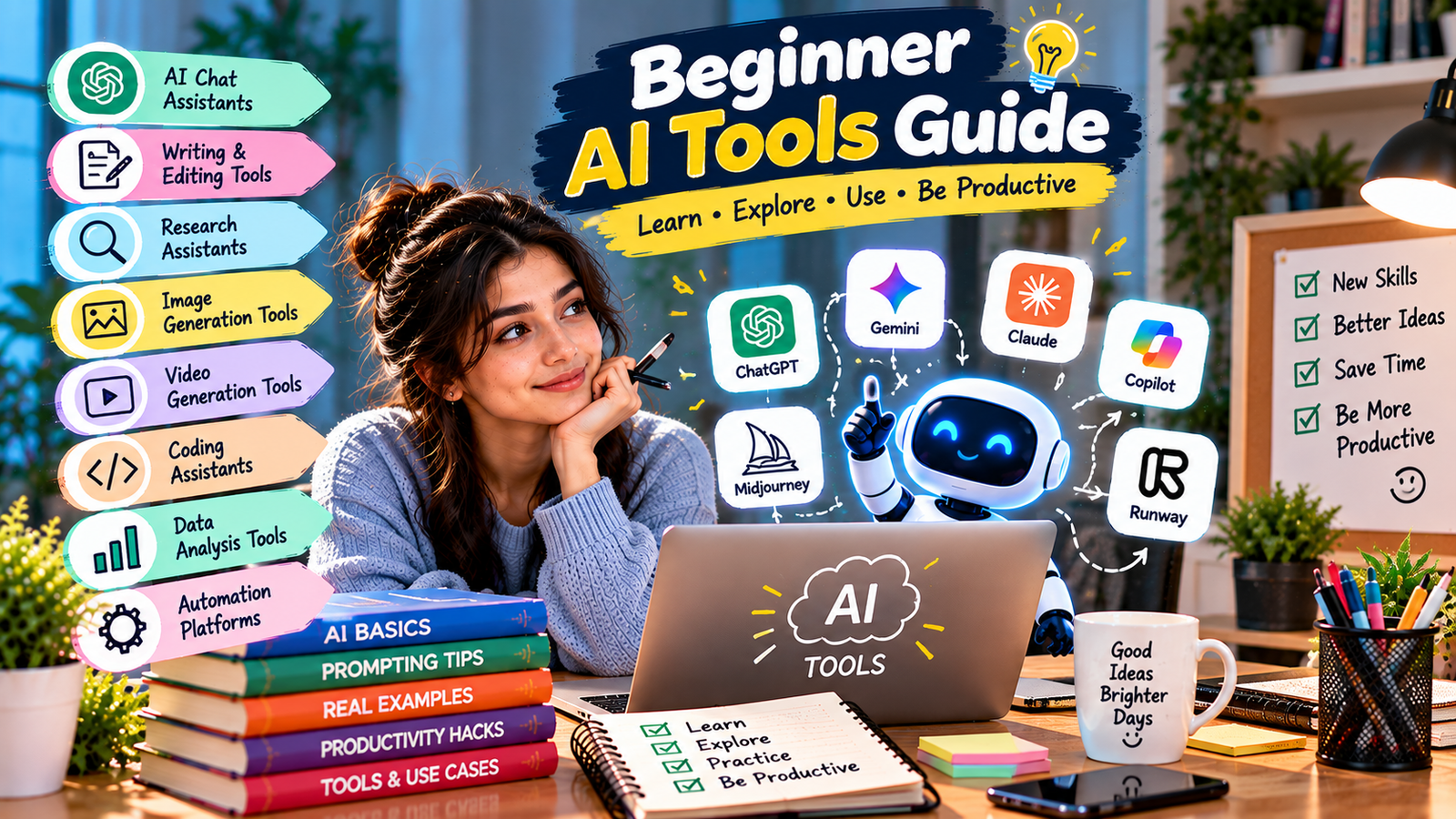
- Start with real tasks: Practice using work you genuinely need to complete.
- Master one assistant first: Avoid constantly switching platforms.
- Save useful prompts: Keep instructions that consistently produce useful results.
- Provide examples: Show AI the structure or style you want when appropriate.
- Ask for criticism: Use AI to identify weaknesses in drafts and plans.
- Verify facts: Fluent language does not guarantee accuracy.
- Protect private information: Know what data you are sharing.
- Measure value: Keep AI in workflows where it genuinely saves time or improves quality.
Frequently Asked Questions
What should a Beginner AI Tools Guide teach first?
A Beginner AI Tools Guide should first teach clear prompting, context, follow-up instructions, fact verification, privacy awareness, and how to choose a tool based on the task rather than popularity.
What is the best AI tool for a beginner?
A general-purpose conversational assistant is usually a practical starting point because it can support explanations, writing, planning, brainstorming, and many everyday tasks.
Do I need coding skills to use AI?
No. Mainstream AI assistants accept natural-language instructions. Coding is useful for technical development but is not required for everyday AI use.
Are free AI tools enough for beginners?
Free access is often enough to learn basic prompting and test common workflows. Paid plans may become useful when you need additional capabilities or higher usage limits.
Can AI tools make mistakes?
Yes. AI can produce incorrect, incomplete, outdated, or misleading answers. Important information should be verified independently.
How should a beginner practice AI?
Use AI for real but low-risk tasks, compare the result with what you expected, provide follow-up feedback, and gradually learn which tasks benefit most from AI assistance.
Conclusion
This Beginner AI Tools Guide shows that getting started with artificial intelligence does not require advanced technical knowledge. The most valuable first steps are learning how to provide clear instructions, choose tools based on real needs, evaluate results, and protect sensitive information.
Begin with one general AI assistant and gradually explore specialist tools for research, design, images, video, coding, data, or automation when those tools solve a specific problem.
Keep human judgment at the center of your workflow. Verify important information, follow privacy and workplace rules, edit generated content, and use AI where it genuinely helps you learn, create, or work more effectively.
**Exact focus keyword count: 30 times.**