
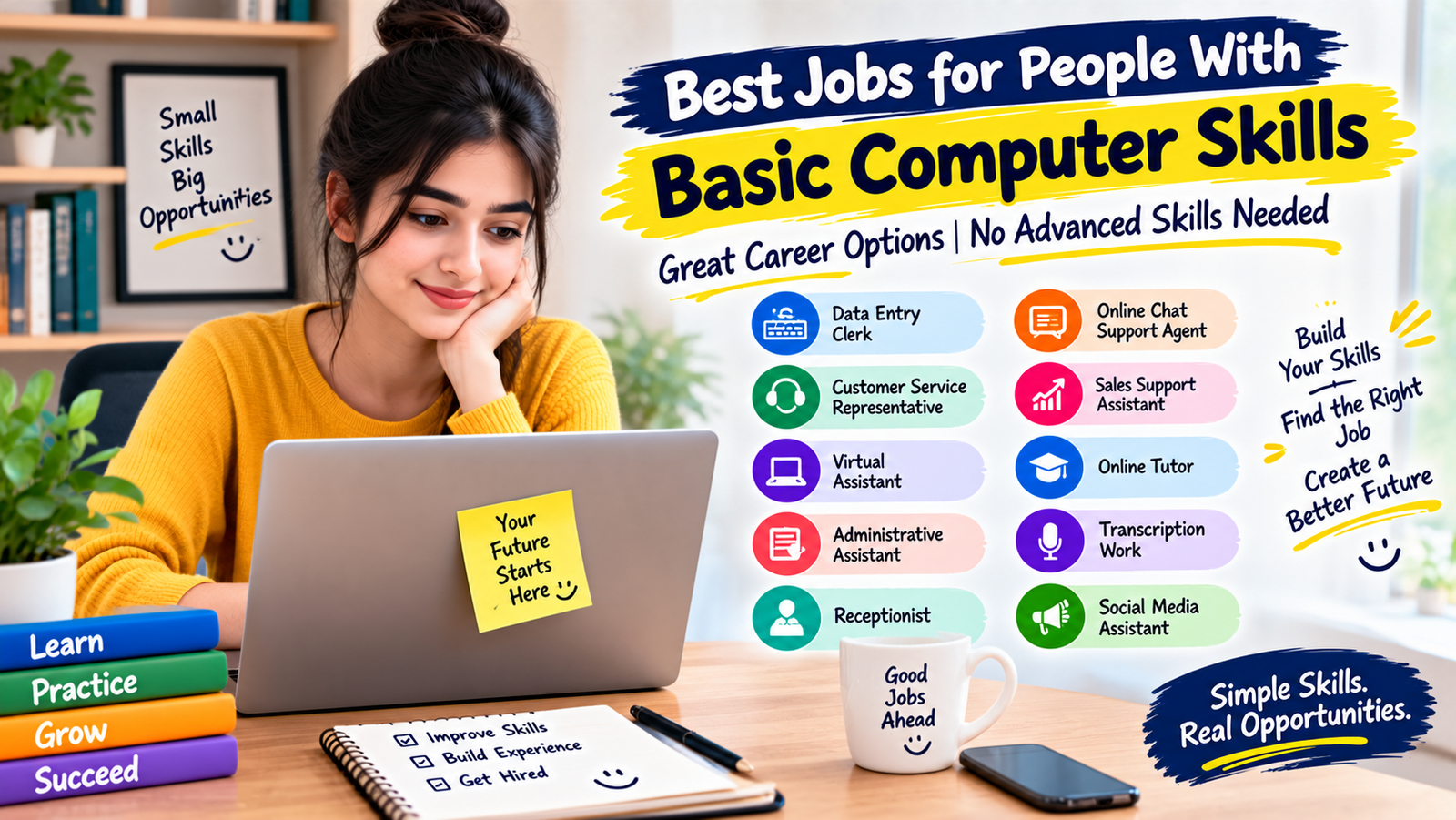
People with basic computer skills can qualify for many entry-level positions without needing advanced programming or technical knowledge. Basic Computer Skills Jobs can include data entry, customer service, virtual assistance, administrative support, online tutoring, and other roles that rely on everyday digital abilities. These positions often require skills such as typing, email, web browsing, document editing, and basic spreadsheet use.
This guide explains the most useful Basic Computer Skills Jobs, what each role involves, which abilities employers commonly look for, and how beginners can improve their chances of getting hired.
What Are Basic Computer Skills Jobs?
Basic Computer Skills Jobs are positions where employees use computers for everyday workplace tasks without necessarily needing advanced technical knowledge. They may involve entering information, communicating with customers, managing documents, scheduling appointments, or using common business software.
For many entry-level positions, you do not need to know coding, computer networking, or software development. Employers may simply expect you to complete digital tasks accurately, communicate professionally, and learn new workplace systems when needed.
Best Basic Computer Skills Jobs
1. Data Entry Clerk
Data entry is one of the most accessible options for beginners. Basic Computer Skills Jobs in data entry usually involve entering information into spreadsheets, databases, forms, or business systems.
Common tasks include typing information, checking records, updating customer details, organizing files, and reviewing data for errors. Accuracy and attention to detail are often more important than advanced technical knowledge.
Useful skills: typing, spreadsheets, file management, attention to detail, and basic internet use.
2. Customer Service Representative
Customer service representatives help customers through phone calls, email, chat, or online support systems. Many Basic Computer Skills Jobs in customer service require employees to enter customer information into a computer while communicating with customers.
Good communication and patience are important. You may also need to learn a company’s customer relationship management system or support platform.
Useful skills: email, web browsing, typing, communication, basic software navigation, and problem-solving.
3. Virtual Assistant
Virtual assistants provide administrative support remotely. Their tasks can include managing emails, scheduling appointments, organizing documents, updating spreadsheets, researching information, and preparing simple reports.
For people interested in Basic Computer Skills Jobs that can sometimes be performed remotely, virtual assistance can be a practical starting point.
Useful skills: email management, word processing, calendars, spreadsheets, online research, and organization.
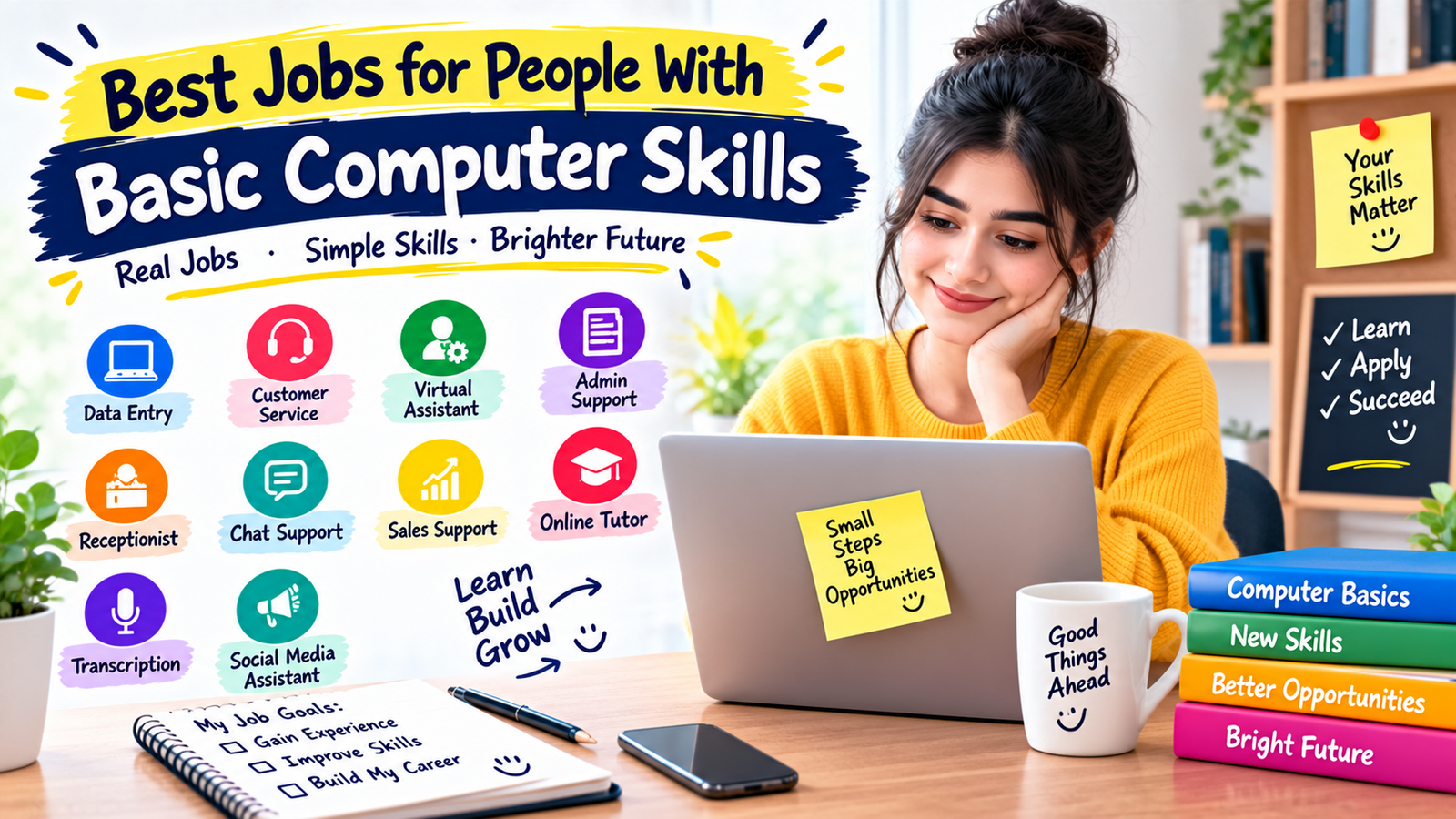
4. Administrative Assistant
Administrative assistants help businesses keep daily operations organized. They may prepare documents, schedule meetings, answer emails, maintain records, and enter information into company systems.
Many Basic Computer Skills Jobs in administration are suitable for people who have basic office software knowledge and strong organizational skills.
5. Receptionist
Receptionists often use computers to schedule appointments, manage visitor information, respond to emails, and update records. Although the role may involve face-to-face communication, computer skills are an important part of many receptionist positions.
This is another example of Basic Computer Skills Jobs where communication and reliability can be just as important as technical knowledge.
6. Online Chat Support Agent
Online chat support agents communicate with customers through website chat or messaging systems. They may answer questions, troubleshoot basic issues, process requests, and document customer interactions.
These Basic Computer Skills Jobs can suit people who type comfortably and can communicate clearly in writing.
Useful skills: typing, written communication, web browsing, customer service, and basic software use.
7. Sales Support Assistant
Sales support assistants help sales teams with administrative and digital tasks. Depending on the company, they may update customer records, prepare simple documents, organize contact information, schedule meetings, and track sales activities.
Some Basic Computer Skills Jobs in sales support do not require advanced technical knowledge, but accuracy and organization are important.
8. Online Tutor
Online tutoring can be an option for people who have strong knowledge of a particular subject and basic computer skills. Tutors may use video calls, digital whiteboards, presentation software, and online learning platforms.
Among Basic Computer Skills Jobs, online tutoring is different because subject knowledge and communication ability can be more important than advanced computer expertise.
9. Transcription Work
Transcription involves converting audio or video into written text. Beginners may find opportunities involving interviews, meetings, educational recordings, or other general content.
Strong listening ability, accurate typing, concentration, and familiarity with word-processing software can make transcription one of the useful Basic Computer Skills Jobs for detail-oriented beginners.
10. Social Media Assistant
Small businesses sometimes hire assistants to help with basic social media tasks. These may include scheduling posts, responding to simple messages, organizing content, and updating profiles.
Basic computer skills combined with good writing and familiarity with social media platforms can help you qualify for some entry-level Basic Computer Skills Jobs.
Skills Employers Commonly Look For
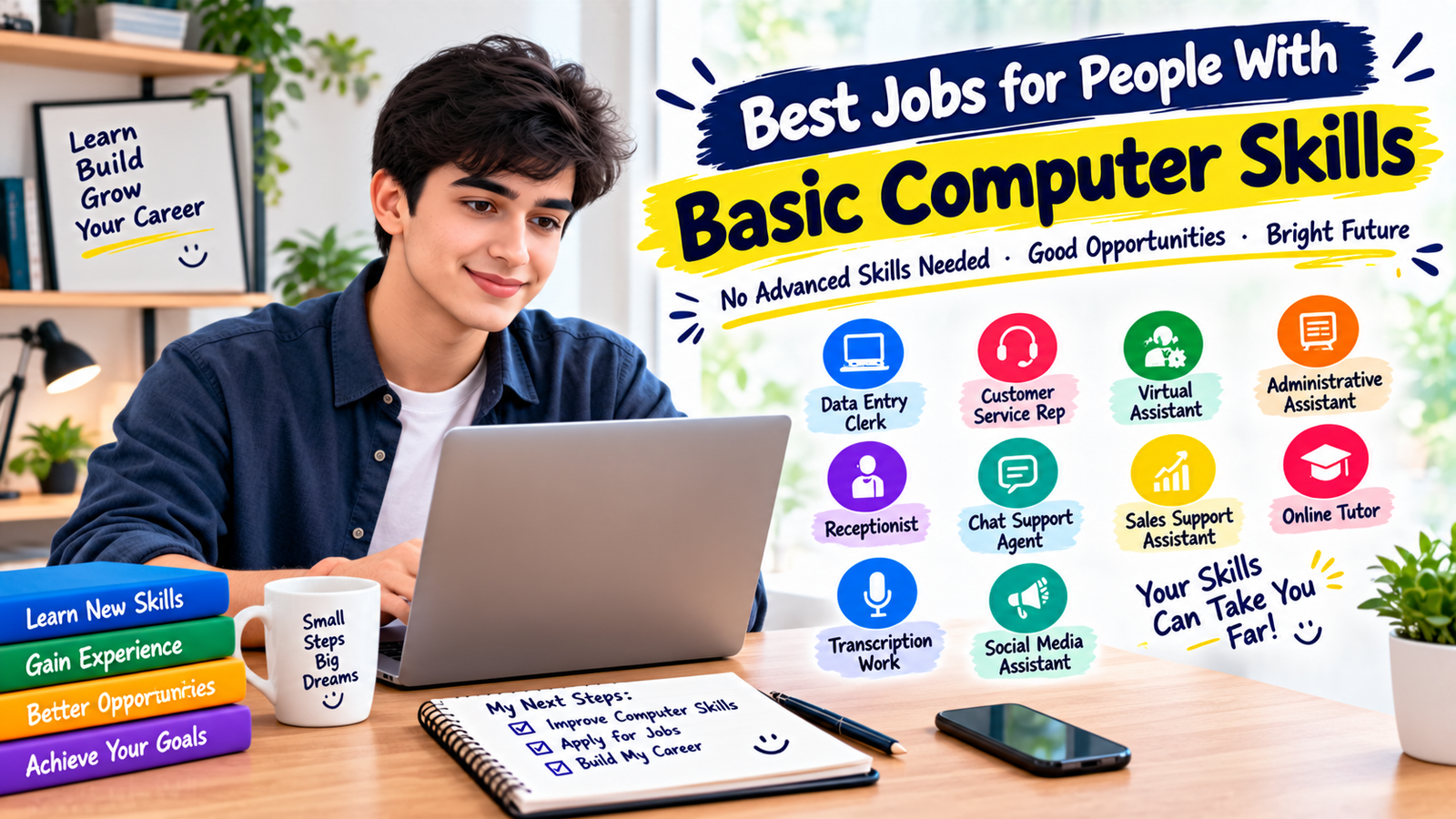
Although requirements vary by employer, many Basic Computer Skills Jobs involve a similar set of abilities. Building these skills can make your resume useful across different entry-level roles.
- Typing: Ability to type accurately and efficiently.
- Email: Sending, receiving, organizing, and replying to professional messages.
- Web browsing: Finding and verifying information online.
- Word processing: Creating and formatting basic documents.
- Spreadsheets: Entering information and performing simple calculations.
- File management: Creating folders, naming files, and locating documents.
- Video calls: Joining meetings and using basic microphone and camera controls.
- Online safety: Recognizing suspicious links, messages, and requests for information.
Best Jobs for Beginners With Limited Experience
If you have little or no professional experience, focus on roles where employers value reliability, communication, accuracy, and willingness to learn. Data entry, customer support, reception, administrative support, and some virtual assistant positions can provide opportunities to build workplace experience.
When applying for Basic Computer Skills Jobs, do not focus only on previous job titles. School projects, volunteer activities, freelance tasks, internships, and personal projects can also demonstrate useful abilities.
Remote Basic Computer Skills Jobs
Some Basic Computer Skills Jobs can be performed remotely, although availability depends on the employer and location. Virtual assistance, customer support, transcription, online tutoring, and certain administrative roles may offer remote opportunities.
Remote work requires more than computer knowledge. You should also be comfortable managing your time, communicating through digital channels, following instructions independently, and protecting company information.
How to Improve Your Computer Skills
You do not need to master every computer program before applying for entry-level positions. Start with the tools that appear most often in the job descriptions you want to pursue.
- Practice typing: Work on accuracy first and gradually improve speed.
- Learn word processing: Practice creating professional documents and formatting text.
- Practice spreadsheets: Learn basic formulas, sorting, filtering, and simple tables.
- Improve email skills: Practice writing clear and professional messages.
- Learn video meetings: Become comfortable joining calls and sharing your screen.
- Practice file organization: Create folders and use clear file names.
- Learn online safety: Understand phishing, suspicious attachments, and unsafe links.
How to Show Basic Computer Skills on Your Resume
Instead of simply writing “computer skills,” list the specific abilities you can use. This gives employers a clearer idea of what you can do.
For example, you could mention word processing, spreadsheet basics, email communication, online research, data entry, file management, and video conferencing if you genuinely have those skills.
Keep your resume focused on the requirements of the position. If a job emphasizes spreadsheets, highlight your spreadsheet experience rather than listing every application you have ever opened.
How to Find Entry-Level Computer Jobs
Search job boards, company career pages, local employment resources, and professional networking platforms. Use specific search terms based on the type of role you want.
When looking for Basic Computer Skills Jobs, useful searches may include:
- Entry-level data entry jobs
- Administrative assistant jobs
- Customer service representative jobs
- Virtual assistant jobs
- Remote customer support jobs
- Receptionist jobs
- Online tutoring jobs
Read the complete job description before applying. Check the required skills, working hours, location, experience requirements, and application process.
How to Choose the Right Role
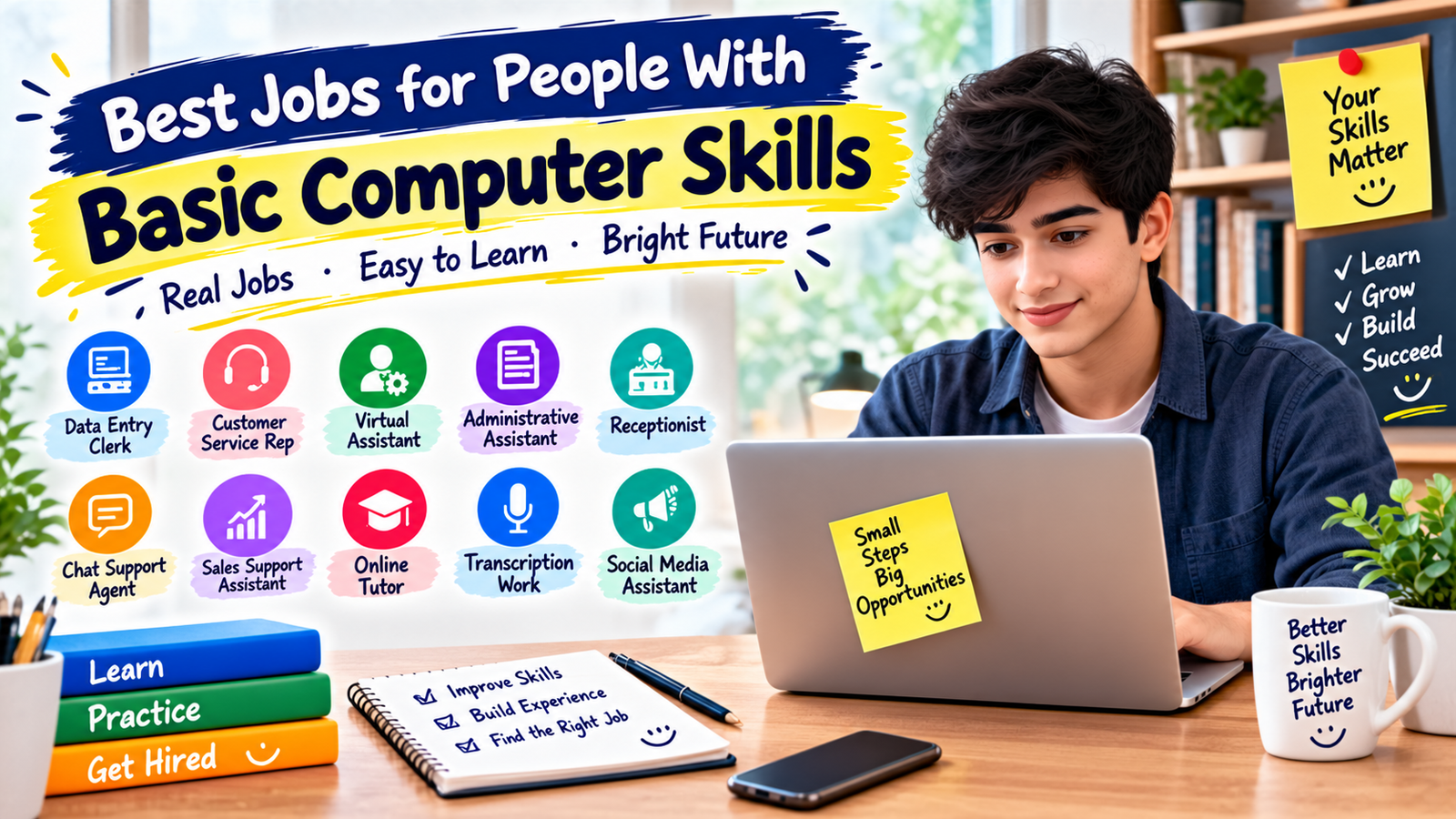
The best option depends on your strengths and the type of work environment you prefer. If you enjoy accuracy and repetitive tasks, data entry may be suitable. If you enjoy communication, customer service may be a better fit. If you prefer organization and independent work, administrative support or virtual assistance may be worth exploring.
When comparing Basic Computer Skills Jobs, also consider schedule, location, training requirements, growth opportunities, and whether the employer provides the software or equipment needed for the position.
Common Mistakes to Avoid
- Applying without reading the requirements: Make sure your skills match the role.
- Overstating your abilities: Only list skills you can actually demonstrate.
- Ignoring typing and accuracy: These can matter greatly in data-focused roles.
- Using the same resume everywhere: Adjust your resume to the position.
- Ignoring online safety: Be careful with suspicious job advertisements and requests for money or sensitive information.
- Stopping after one application: Job searching often requires consistent applications and improvement.
FAQ
What are the best Basic Computer Skills Jobs for beginners?
Data entry, customer service, reception, administrative support, virtual assistance, and some online tutoring roles can be suitable starting points, depending on your communication skills and experience.
Can I get a computer job without knowing coding?
Yes. Many office, customer service, administrative, data entry, and support positions do not require programming. They may instead require everyday computer skills and the ability to learn workplace software.
What computer skills should I learn first?
For people targeting Basic Computer Skills Jobs, start with typing, email, word processing, spreadsheets, file management, web browsing, and basic online safety. These skills can apply to many entry-level positions.
Can Basic Computer Skills Jobs be done from home?
Some can. Virtual assistance, customer support, transcription, online tutoring, and certain administrative roles may be available remotely, depending on the employer and location.
How can I get experience if I have never had a computer-based job?
Practice relevant tasks through personal projects, volunteer work, school activities, freelance assignments, or short-term opportunities. You can then describe these experiences on your resume when they are relevant to the job.
Conclusion
Basic Computer Skills Jobs can provide a practical starting point for people who want to enter the workforce without advanced technical training. Data entry, customer service, administrative support, virtual assistance, reception, tutoring, and other roles can help beginners develop valuable workplace experience.
The best approach is to identify the type of Basic Computer Skills Jobs you want, strengthen the computer skills required for that role, create a focused resume, and apply consistently. As your experience grows, you can build more advanced skills and move toward higher-level opportunities.