
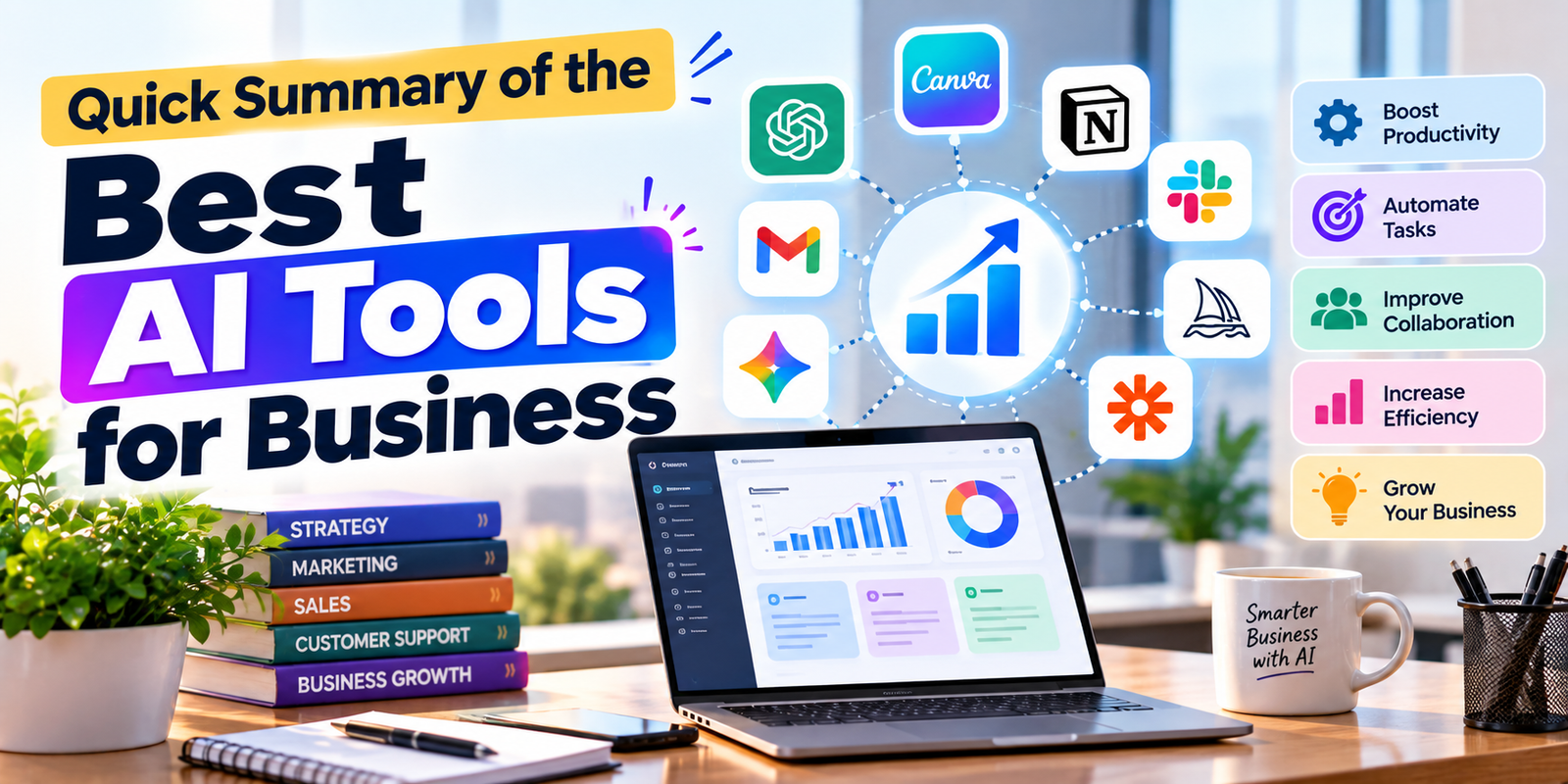
Choosing the right AI tools for business can help companies save time, organize information, improve communication, create content, automate repetitive work, and support better day-to-day decisions. In 2026, businesses have more options than ever, but having too many tools can create another problem: complexity.
The best solution is not necessarily to use every popular AI platform. Instead, businesses should choose tools that match their actual workflows, team size, budget, data requirements, and business goals. Some platforms are better for writing and research, while others focus on workplace productivity, design, project management, or automation.
This guide covers some of the most useful AI tools for business in 2026 and explains what each tool is best suited for. It also covers practical use cases, limitations, selection criteria, and ways businesses can introduce AI without creating unnecessary workflow problems.
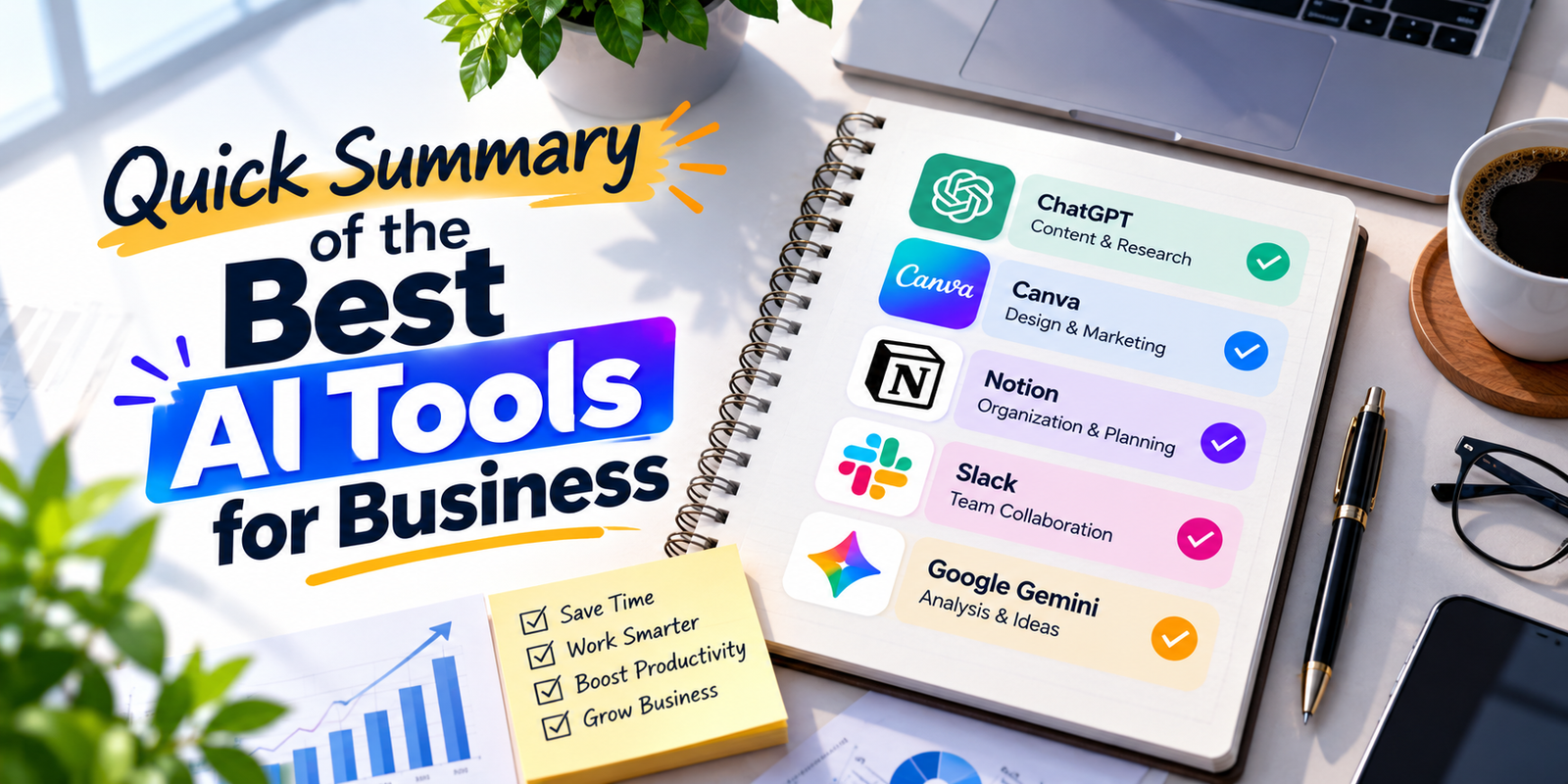
Quick Summary of the Best AI Tools for Business
The most useful AI tools for business generally fall into several categories. General-purpose assistants can support writing, research, brainstorming, analysis, and document work. Workplace AI platforms can work directly inside email, documents, spreadsheets, meetings, and collaboration software. Design platforms help create visual content, while automation platforms connect different applications and reduce manual tasks.
| Tool | Best For | Main Business Use |
|---|---|---|
| ChatGPT | General business work | Writing, research, analysis, brainstorming, documents |
| Microsoft 365 Copilot | Microsoft users | Word, Excel, PowerPoint, Outlook, Teams and workplace tasks |
| Google Gemini | Google Workspace users | Gmail, Docs, Sheets, Meet and business productivity |
| Claude | Professional knowledge work | Writing, analysis, coding and complex business tasks |
| Canva | Marketing and design | Social graphics, presentations, visual campaigns and branded content |
| Notion AI | Knowledge management | Notes, documentation, research and team information |
| Zapier | Automation | Connecting apps and automating repetitive workflows |
How to Choose AI Tools for Business
Before subscribing to several AI tools for business, identify the tasks that consume the most time. A company may need AI for customer support, while another may benefit more from content creation, spreadsheet analysis, sales research, or workflow automation.
Start by looking at five factors: the business problem, existing software, team size, security requirements, and total cost. A tool that works well for a marketing team may not be the right choice for an accounting department. Similarly, a small company may prefer a simple platform instead of a complex enterprise system.
- Business need: Choose a tool that solves a real problem.
- Integration: Check whether it works with your existing applications.
- Ease of use: Employees should be able to learn the basic workflow quickly.
- Security: Review privacy, access controls, and data-handling policies.
- Cost: Consider both subscription fees and the time required to manage the tool.
1. ChatGPT for Business Work
ChatGPT is one of the most flexible AI tools for business because it can support many different types of knowledge work from one interface. Businesses can use it for brainstorming, drafting emails, creating outlines, summarizing documents, analyzing information, preparing meeting materials, writing customer responses, and developing ideas.
For a small business, ChatGPT can act as a general-purpose assistant for tasks that do not require a specialized application. A marketing professional can use it to develop campaign ideas, while a sales employee can use it to prepare outreach drafts. A manager can use it to organize meeting notes or turn rough ideas into a structured plan.
Best Uses for ChatGPT
- Business writing and editing
- Brainstorming and idea development
- Research assistance
- Document summarization
- Customer communication drafts
- Data analysis and explanation
- Planning and business documentation
ChatGPT is particularly useful when employees need a flexible assistant rather than a tool dedicated to only one task. Businesses should still review important outputs before using them with customers or making decisions based on them.
2. Microsoft 365 Copilot
Microsoft 365 Copilot is among the AI tools for business worth considering for organizations that already rely heavily on Microsoft applications. Its value comes from working alongside familiar tools such as Word, Excel, PowerPoint, Outlook, and Teams.
For example, an employee can use AI assistance while working on a document, preparing a presentation, reviewing spreadsheet information, or managing email. This can reduce the need to move information between several separate applications.
Who Should Consider Microsoft Copilot?
Microsoft-focused companies may find Copilot especially useful when their employees already spend most of their working day inside Microsoft 365. It can make more sense to add AI to an existing software environment than to introduce an entirely separate platform for every task.
Businesses should still review licensing requirements, available features, usage limits, security settings, and organizational policies before deployment because AI capabilities can vary by plan and can change over time.
3. Google Gemini for Workspace
Google Gemini is another important option among AI tools for business, particularly for organizations that use Google Workspace. Gemini can support work across services such as Gmail, Docs, Sheets, Drive, and Meet.
For example, Gemini can help summarize lengthy email conversations, draft messages, improve documents, analyze information, and assist with productivity tasks. This makes it useful for companies that already keep much of their work inside Google’s ecosystem.
Why Google Workspace Integration Matters
Integration can be more important than having the most advanced standalone AI model. When an AI assistant can work within the applications employees already use, there may be less friction during adoption.
Google Workspace users should check their specific plan before assuming that every Gemini feature is included. Google continues to update AI capabilities and may apply different availability or usage limits depending on the edition and feature.
4. Claude for Professional Work
Claude is a strong option among AI tools for business for organizations that need help with professional writing, analysis, coding, research, and complex knowledge work. Its usefulness can be particularly noticeable when employees need to work through long instructions or substantial amounts of business information.
Claude can help teams draft documents, analyze text, organize information, explore ideas, and support software development. Anthropic has also expanded its business offerings and integrations for small businesses and larger organizations.

Claude Best Use Cases
- Long-form professional writing
- Document analysis
- Research and summarization
- Software development support
- Business planning
- Knowledge-intensive tasks
Companies considering Claude should evaluate the plan, available integrations, administrative controls, and data policies that apply to their organization.
5. Canva for Business Design
Canva is one of the most practical AI tools for business for companies that need frequent visual content but do not have a large professional design department. It can help teams create social media graphics, presentations, advertisements, documents, marketing materials, and other visual assets.
AI features can speed up content creation, but Canva’s broader value comes from combining AI assistance with templates, brand management, collaboration, and visual editing. This makes it useful for marketing teams, online stores, agencies, startups, and small businesses.
What Businesses Can Create with Canva
- Social media posts
- Presentation slides
- Marketing graphics
- Product promotional materials
- Business documents
- Advertising creatives
- Branded visual content
Businesses should create brand guidelines before scaling AI-generated designs. Consistent fonts, colors, logos, messaging, and image styles can help maintain a recognizable identity.
6. Notion AI for Team Knowledge
Notion AI is another useful choice among AI tools for business, especially for teams that use Notion as a workspace for documentation, projects, notes, databases, and internal knowledge.
Notion AI can assist with writing, research, meeting notes, information discovery, and repetitive knowledge-management tasks. Its value becomes greater when a business already keeps important information inside Notion.
Useful Notion AI Applications
- Meeting notes
- Internal documentation
- Project information
- Knowledge search
- Content drafting
- Research summaries
- Database-related work
Businesses should establish clear workspace permissions and information-management practices before connecting AI to internal company data.
7. Zapier for AI Automation
Zapier is one of the most useful AI tools for business when the main objective is connecting different applications and automating repetitive workflows. Instead of asking employees to manually transfer information between systems, businesses can create automated processes based on triggers and actions.
For example, a new form submission could create a lead in a CRM, send a notification to a team member, add information to a spreadsheet, and trigger a follow-up task. AI can also be added to workflows for tasks such as classification, summarization, drafting, or routing.
Business Automation Examples
- Lead collection and routing
- Customer support workflows
- Email summarization
- Form processing
- Task creation
- Content distribution
- Data synchronization
Automation should be introduced carefully. A badly designed workflow can spread incorrect information quickly, so businesses should include human review for sensitive or high-impact processes.
Best AI Tools for Different Business Needs
There is no single platform that is perfect for every company. The most useful AI tools for business depend on the problem you are trying to solve.
| Business Need | Suitable Tool Type | Why It Helps |
|---|---|---|
| Writeing | ChatGPT or Claude | Drafting, rewriting and content development |
| Email proWritingductivity |
Gemini or Microsoft Copilot | Works inside workplace email ecosystems |
| Design | Canva | Visual content and brand management |
| Knowledge management | Notion AI | Organizes and searches team information |
| Automation | Zapier | Connects applications and automates workflows |
| Microsoft workflow | Microsoft 365 Copilot | AI assistance across Microsoft applications |
| Google workflow | Gemini | AI assistance across Google Workspace |
How AI Tools Can Help Small Businesses
Small companies often have limited staff, so AI tools for business can be useful for reducing repetitive work. A small team may use AI to draft customer emails, summarize documents, prepare marketing content, organize ideas, create graphics, and automate administrative tasks.
The goal should not be to replace every human activity. Instead, businesses can use AI for first drafts, repetitive processing, information organization, and routine assistance while employees remain responsible for important decisions and customer-facing quality.
AI Tools for Marketing and Content Creation
Marketing is one of the areas where AI tools for business can provide practical support. Teams can use AI for brainstorming campaigns, preparing content outlines, rewriting copy, generating social media ideas, analyzing customer feedback, and producing visual concepts.
However, AI-generated content should be reviewed before publication. Brand voice, factual accuracy, originality, customer expectations, and legal requirements still need human oversight.
AI Tools for Sales and Customer Support
Sales teams can use AI tools for business to summarize customer information, prepare outreach drafts, organize leads, research prospects, and create follow-up material. Support teams can use AI to summarize conversations, classify requests, draft responses, and identify recurring questions.
Human review becomes especially important when an AI system handles sensitive customer information or generates responses that could affect a customer’s account, payment, contract, or service.
AI Tools for Productivity and Operations
Operations teams can use AI tools for business to summarize meetings, create reports, organize tasks, analyze documents, and identify routine processes that could be automated.
A good starting point is to identify repetitive tasks that follow predictable steps. If employees perform the same sequence every day, there may be an opportunity to simplify part of that process with AI or automation.
Free vs Paid AI Tools for Business
Many AI tools for business provide some form of free access, trial, or limited plan, but free access should not automatically be treated as sufficient for professional use.
Paid plans may provide additional usage, stronger administrative controls, more integrations, higher limits, advanced models, or business-oriented features. The exact limits and pricing can change, so companies should check the official pricing and plan pages before making a purchasing decision.
For a small business, starting with a free or low-cost plan can be a practical way to test whether a tool actually saves time. Once the workflow has been validated, the company can decide whether additional features justify a paid subscription.
Security Considerations Before Using AI
Security should be considered before employees begin entering company information into AI tools for business. Businesses should understand what information can be shared, how accounts are managed, what retention policies apply, and whether the selected plan provides the controls the organization needs.
- Do not upload confidential information without reviewing the provider’s policies.
- Use business accounts where appropriate instead of unmanaged personal accounts.
- Set clear rules for sensitive customer and company data.
- Use strong authentication and access controls.
- Review AI-generated information before making important decisions.
- Train employees on acceptable AI usage.
Common Mistakes When Choosing AI Tools
One of the biggest mistakes is purchasing too many AI tools for business without identifying a specific business problem. A large collection of subscriptions can increase costs and make workflows harder to manage.
Another common mistake is assuming that AI output is automatically accurate. AI can produce useful drafts and summaries, but employees should verify important information, especially when dealing with finance, legal matters, customer commitments, or sensitive business decisions.
Businesses should also avoid implementing AI without employee training. Even a capable tool may produce poor results if users do not understand how to provide context, check outputs, protect sensitive information, or incorporate AI into an existing workflow.
How to Start Using AI in a Business
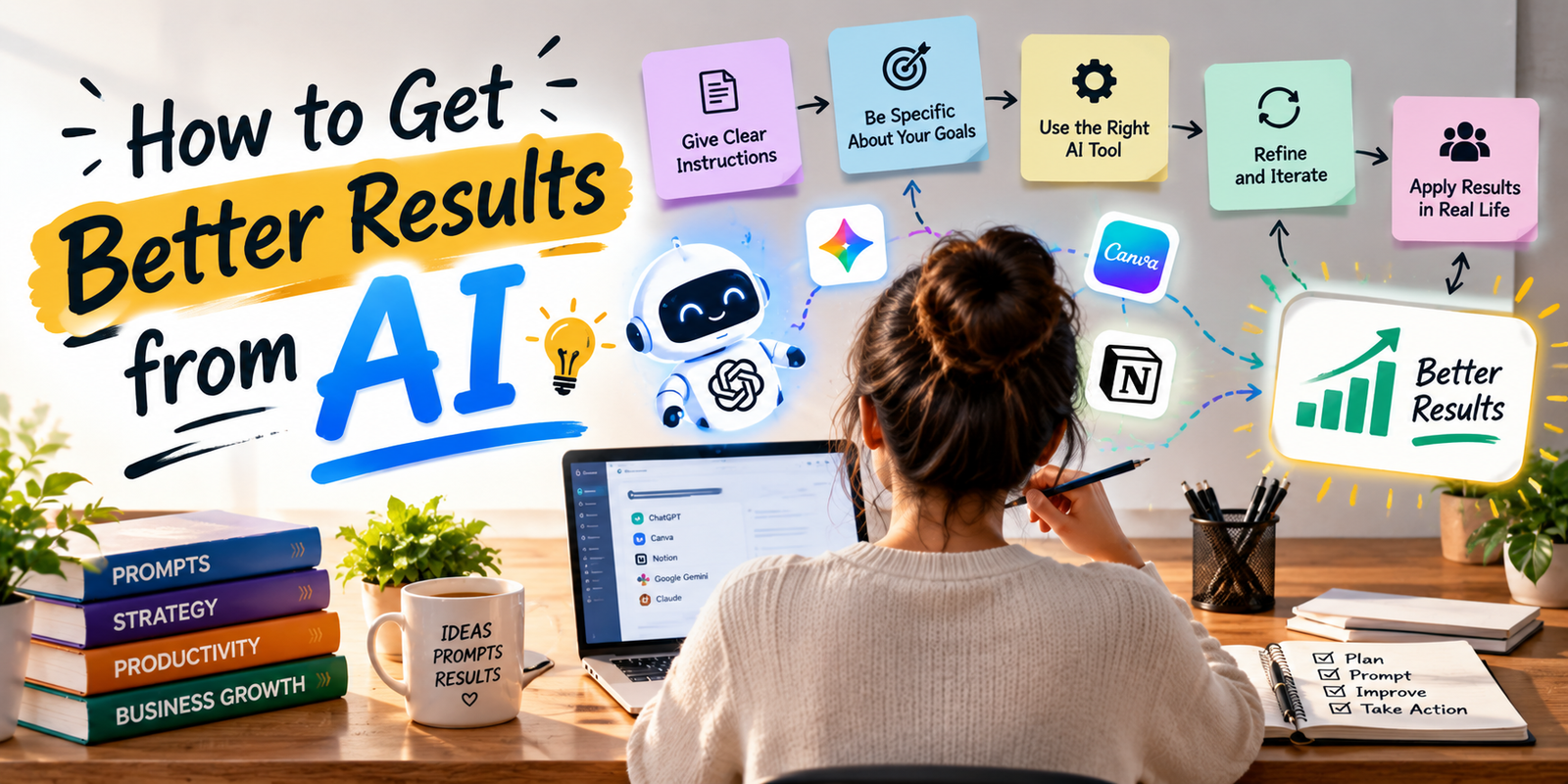
A practical AI rollout can begin with one department and one clearly defined workflow. After identifying a repetitive task, select one of the AI tools for business that matches the task and establish a simple process for testing it.
- Identify a repetitive or time-consuming task.
- Define what a successful result looks like.
- Choose one suitable AI platform.
- Test the workflow with non-sensitive information.
- Review the quality of AI outputs.
- Measure time saved and errors introduced.
- Train employees on the approved process.
- Expand the workflow only after the initial test works reliably.
How to Get Better Results from AI
The quality of AI output often depends on the quality of the instructions. Instead of asking a tool to “write something about sales,” provide the purpose, audience, format, tone, background information, and desired outcome.
For example, a business could ask an AI assistant to create a customer email for existing customers, explain a product update in simple language, keep the message under 150 words, and include a clear next step. Specific instructions usually provide a better starting point than vague prompts.
Are AI Tools Worth It for Small Businesses?
For many companies, AI tools for business can be useful when they reduce repetitive work or help employees complete tasks faster. The value depends on the workflow rather than the number of AI subscriptions a company owns.
A small company might receive more value from one general-purpose AI assistant and one automation platform than from five specialized tools. The right combination depends on existing software, team skills, customer needs, and the type of work performed every day.
Frequently Asked Questions About AI Tools for Business
What are AI tools for business used for?
AI tools for business can support writing, research, customer communication, data analysis, marketing, design, project documentation, automation, meeting summaries, and other repetitive or knowledge-based tasks.
Which AI tool is best for business writing?
ChatGPT and Claude are useful general-purpose options for business writing. The best choice depends on the company’s workflow, preferred integrations, security requirements, and the type of writing employees need to produce.
Can small businesses use AI tools?
Yes. Small businesses can use AI for content creation, customer communication, research, design, documentation, and automation. Starting with one specific workflow can make adoption easier and more measurable.
Are free AI tools enough for business?
Free plans can be useful for testing and basic tasks, but businesses may need paid plans for higher usage, additional features, integrations, administration, or stronger business controls. Always check the provider’s current plan details.
What should businesses consider before using AI?
Businesses should consider privacy, security, data handling, accuracy, integrations, employee training, cost, usage limits, and human review requirements before deploying an AI tool.
Can AI completely replace employees?
AI is better treated as an assistant for many business workflows rather than an automatic replacement for human judgment. Employees should remain involved in tasks that require context, accountability, creativity, sensitive decisions, or direct customer relationships.
Conclusion
The best AI tools for business are the ones that solve real problems without adding unnecessary complexity. ChatGPT and Claude can support general knowledge work, Microsoft 365 Copilot and Google Gemini can strengthen productivity inside familiar workplace ecosystems, Canva can simplify visual content, Notion AI can support team knowledge, and Zapier can connect applications and automate repetitive workflows.
Instead of adopting every new AI product, businesses should start with their most time-consuming tasks and choose tools that fit existing processes. Test one workflow, measure the result, establish security rules, and train employees before expanding.
AI is most useful when it supports people rather than creating another layer of work. With a focused implementation strategy, businesses can use AI to improve productivity, accelerate content creation, organize information, and automate routine processes while keeping human oversight where it matters most.