
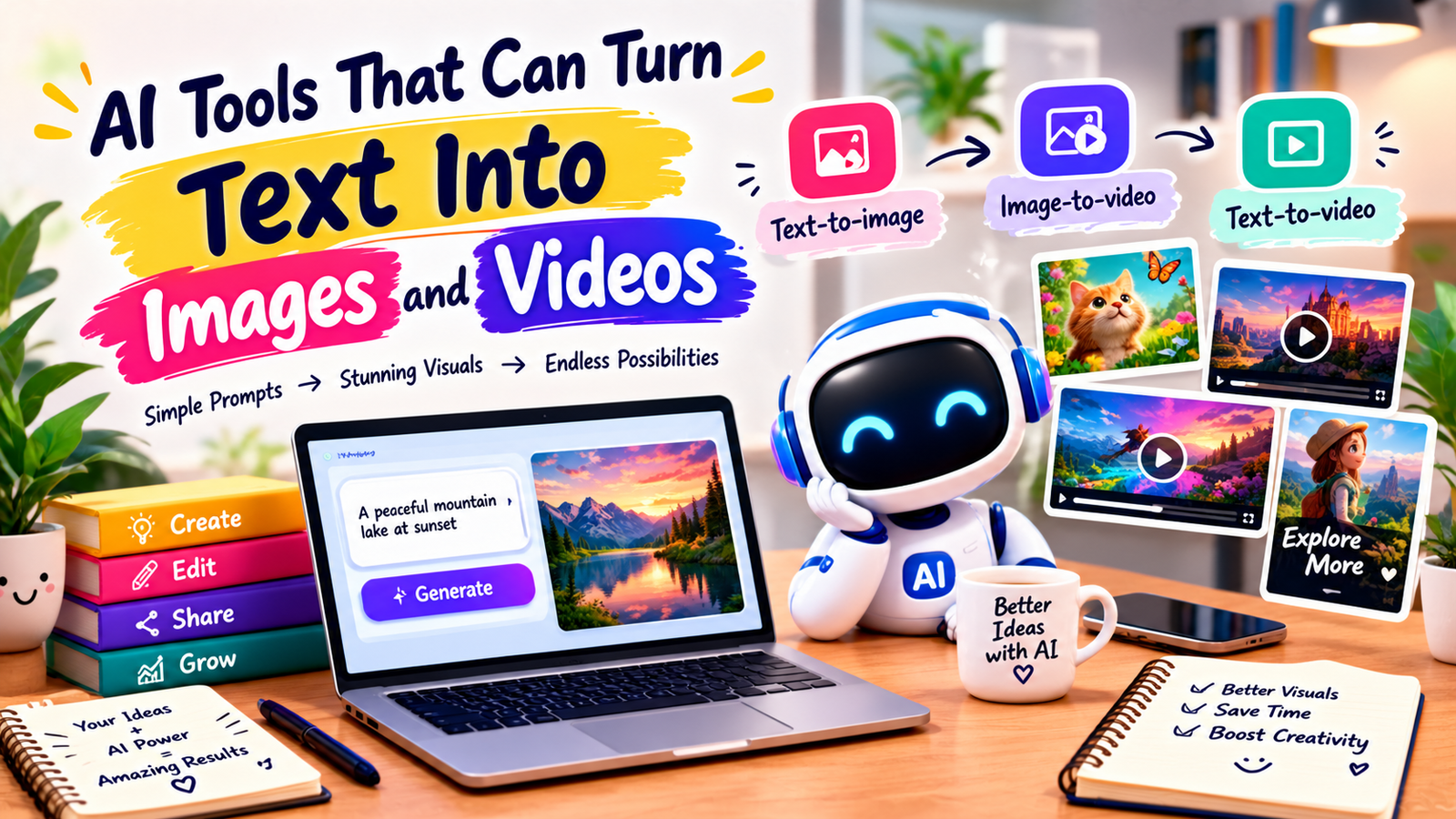
Creating original images and videos from a simple prompt can save time for marketers, creators, bloggers, teachers, and small businesses. AI text-to-image tools can turn written descriptions into illustrations, product concepts, social graphics, and other useful visual assets, while related AI video tools can transform prompts or images into short moving scenes.
The technology is useful, but the best results still depend on clear instructions, careful editing, and human review. In this guide, you will learn how AI text-to-image tools work, what they can create, how image-to-video workflows fit together, which types of tools to consider, and how to choose the right option for your needs.
Quick Summary
| Tool Type | Best For | Main Use |
|---|---|---|
| Text-to-image | Visual concepts and graphics | Creating images from written prompts |
| Image-to-video | Motion and short clips | Animating a still image |
| Text-to-video | Short visual scenes | Generating video from descriptions |
| All-in-one creative tools | Content creators and marketers | Combining generation, editing, and design |
What Are AI Text-to-Image Tools?
AI text-to-image tools are applications that use generative AI models to create images from written instructions called prompts. You might describe a subject, setting, style, lighting, composition, colors, or aspect ratio, and the system produces a visual result based on that description.
Modern AI text-to-image tools can be used for brainstorming as well as finished creative work. A marketer might generate a campaign concept, a designer might explore several visual directions, and a store owner might create a lifestyle concept before producing final product photography.
What Can They Create?
- Illustrations and digital artwork
- Social media graphics
- Concept art and mood boards
- Story scenes and character concepts
- Marketing visuals and ad concepts
- Backgrounds and decorative assets
- Product presentation concepts
The quality of a result depends on the model, prompt, reference material, editing controls, and complexity of the requested scene. For important commercial work, generated visuals should be checked carefully before publication.
How AI Text-to-Image Tools Work
At a high level, AI text-to-image tools interpret the meaning of your prompt and use a trained generative model to produce an image that matches the requested concepts. Different systems use different architectures and workflows, so the exact generation process varies.
A typical workflow looks like this:
- Write a clear prompt describing the desired image.
- Select an available style, format, or image ratio when appropriate.
- Generate one or more visual variations.
- Review the results for composition, details, and accuracy.
- Refine the prompt or edit the image.
- Export the final asset in a suitable format and resolution.
Good prompting does not require complicated language. Specific information about the subject, environment, mood, camera perspective, visual style, and intended use often gives the model more useful direction.

How AI Text-to-Image Tools Connect With Video
AI text-to-image tools are often the first step in a broader visual workflow. Once you have a suitable still image, an image-to-video system can add camera movement, object motion, facial movement, environmental animation, or other effects.
Another approach is direct text-to-video generation. Instead of making a still image first, you describe the scene, action, and visual style in a prompt, and the video model generates a short clip. These approaches are useful for different goals, so creators should choose based on the type of content they need.
Text-to-Image vs. Image-to-Video
| Workflow | Input | Typical Output |
|---|---|---|
| Text-to-image | Written prompt | Still image |
| Image-to-video | Still image plus instructions | Animated clip |
| Text-to-video | Written prompt | Short video |
| Image editing | Existing image plus instructions | Modified image |
A practical workflow can combine all four methods. For example, you can create a concept with AI text-to-image tools, animate the selected image, edit the clip, and then add captions or branding in a video editor.
Popular AI Tools for Creating Images and Videos
The right platform depends on whether you need image generation, video generation, editing, design templates, or a combination of these tasks. Comparing AI text-to-image tools by workflow can make that choice easier.
Canva
Canva combines design templates, editing features, and AI-assisted creative functions in one workspace. It can be useful for social posts, presentations, marketing graphics, and other visual content where generation and layout need to work together.
For users who want AI text-to-image tools inside a broader design workflow, Canva can be convenient because generated visuals can be incorporated into editable designs rather than treated as isolated files.
Best For
- Social media graphics
- Marketing materials
- Quick visual concepts
- Creators who want design and AI features together
Adobe Firefly and Adobe Express
Adobe’s creative ecosystem includes generative AI capabilities alongside familiar image and design workflows. Firefly focuses on generative creative tasks, while Adobe Express provides a more accessible environment for creating and adapting social and marketing content.
This combination can suit users who want AI text-to-image tools but also need editing, templates, resizing, and other production features around the generated asset.
Best For
- Graphic design workflows
- Marketing visuals
- Generative image concepts
- Creators already using Adobe products
Runway
Runway is known for generative video and creative AI workflows. Depending on the available model and product features, creators can use it for generating or transforming visual media and experimenting with motion-based content.
It is especially relevant when the goal is to move beyond still images and build short AI-assisted video scenes. A creator might begin with AI text-to-image tools and then use a video generation workflow to add motion.
Best For
- AI-assisted video creation
- Creative experiments
- Short-form visual concepts
- Image-to-video workflows
Pika
Pika is designed around AI video creation and transformation workflows. Tools in this category can help creators turn ideas or visual inputs into short animated content, making them useful for social media experiments and visual storytelling.
When a project starts with AI text-to-image tools, a video platform such as Pika can be considered for the next stage: introducing motion and turning a still concept into a short clip.
Best For
- Short AI video concepts
- Creative social content
- Animating visual ideas
- Experimenting with motion
Other All-in-One Creative Platforms
Many design and video platforms now combine generative features with traditional editing. This can be useful if you want to generate an asset, make corrections, add text, change the layout, and export the final content without moving between several applications.
For business users, AI text-to-image tools are often most useful when they fit into an existing production process rather than adding another disconnected step.
How to Choose AI Text-to-Image Tools
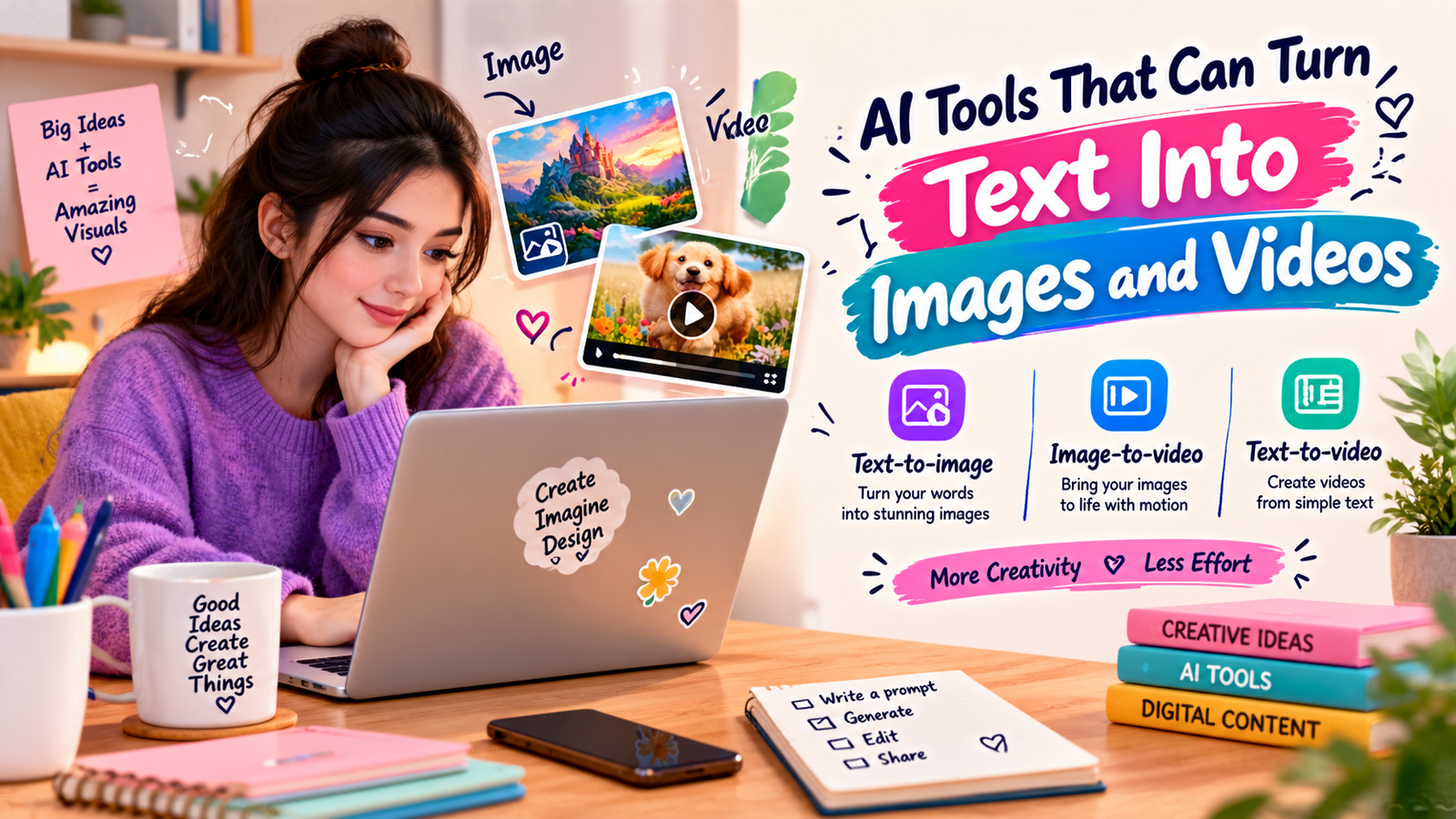
Choosing among AI text-to-image tools is easier when you start with the output you actually need. A person creating blog illustrations may have different requirements from a video creator, ecommerce seller, or social media manager.
1. Define Your Main Output
Decide whether you mainly need still images, short videos, product concepts, social graphics, thumbnails, illustrations, or a mixture. The output determines which generation and editing features matter most.
2. Check Prompt and Editing Controls
Look for controls that help you guide composition, style, aspect ratio, reference images, or variations. More controls can be useful for detailed creative work, while simpler interfaces may be better for quick content.
3. Consider Consistency
If you are creating a series, you may need consistent characters, colors, visual styles, or product presentation. Test whether the tool can support the type of consistency your project requires before building an entire campaign around it.
4. Review Export Options
Check whether the available output quality, file formats, dimensions, and editing workflow match your publishing needs. A beautiful generated image may still be inconvenient if it cannot be prepared properly for your website, print material, or social platform.
5. Consider Commercial Use
Before using generated assets in paid advertising, product packaging, client work, or other commercial projects, read the tool’s current terms and licensing information. Do not assume that every generated asset has identical usage rights.
This is especially important when AI text-to-image tools are used for business content, because licensing, model terms, and platform policies can differ.
How to Write Better Prompts
A strong prompt gives the model enough context to understand what you want without adding unnecessary instructions. When using AI text-to-image tools, try describing the following elements:
- Subject: What should appear in the image?
- Setting: Where is the scene taking place?
- Composition: How should the subject be positioned?
- Style: Should it look photographic, illustrated, cinematic, minimal, or playful?
- Lighting: Should the scene be bright, soft, dramatic, or natural?
- Format: What aspect ratio or orientation do you need?
- Purpose: Where will the image be used?
Instead of writing “a nice business image,” you could describe a professional working at a bright desk, reviewing a laptop dashboard, with a clean modern office background, natural window light, and a horizontal composition suitable for a website banner.
Prompting is usually an iterative process. Generate a draft, identify what is wrong, change one or two important instructions, and generate another version. This method makes AI text-to-image tools easier to control than repeatedly changing many details at once.
Turning Generated Images Into Videos
After creating a strong still image, you can use an image-to-video workflow to introduce movement. Start by deciding what should move and what should remain stable.
- Choose a clear source image.
- Describe the desired camera movement or subject motion.
- Keep the requested movement simple when possible.
- Generate a short clip.
- Check faces, hands, objects, text, and background consistency.
- Edit the final clip with captions, music, branding, or transitions.
For example, a generated travel illustration could become a short scene with a slow camera push, moving clouds, gentle environmental motion, and subtle character movement. Starting with a carefully planned still can give the video workflow a stronger visual foundation.
Common Mistakes to Avoid
Using Vague Prompts
Short prompts can work, but vague instructions often leave important creative decisions to the model. Add the details that matter most to the final result.
Ignoring Text Errors
Generated images can contain misspelled or distorted text. If the graphic includes a headline, price, product name, or other important wording, inspect it carefully and consider adding the text later in a design editor.
Expecting Perfect Results on the First Try
Generative systems can produce different results from similar prompts. Plan for refinement rather than assuming the first output will be publication-ready.
Forgetting Brand Consistency
Randomly generated visuals can look attractive but still feel disconnected from your brand. Use consistent colors, composition, typography, references, and editing practices where appropriate.
Skipping Human Review
Always inspect generated content before publishing. Check visual accuracy, people, logos, product details, text, copyright-sensitive material, and the overall message. AI text-to-image tools can speed up creation, but they do not remove the need for editorial judgment.
Best Uses for AI-Generated Images and Videos
AI text-to-image tools can support many content workflows when they are used for appropriate tasks.
- Blog content: Create custom illustrations and visual concepts.
- Social media: Develop campaign graphics and creative variations.
- Marketing: Explore advertising concepts before production.
- Ecommerce: Create lifestyle concepts and presentation ideas.
- Education: Develop visual explanations and classroom materials.
- Video production: Build storyboards and visual references.
- Brand development: Explore mood boards and creative directions.
For many projects, the strongest workflow is not “generate everything with AI.” Instead, use AI text-to-image tools for ideation and production support, then combine the results with original photography, design, editing, research, and human creative direction.
Are AI Text-to-Image Tools Good for Businesses?
They can be useful for businesses when they reduce repetitive creative work or help teams explore ideas faster. Small businesses may use them for social graphics and campaign concepts, while larger teams may use them during brainstorming, storyboarding, or early-stage visual development.
The value depends on the workflow. If every generated image needs extensive correction, the time savings may be smaller than expected. If a tool helps a team explore ten visual concepts before selecting one direction, it may be more useful.
Businesses using AI text-to-image tools should also establish simple review rules. Decide who checks generated content, how brand guidelines are applied, what information must be verified, and which assets require licensing or legal review.
Free vs Paid AI Image and Video Tools
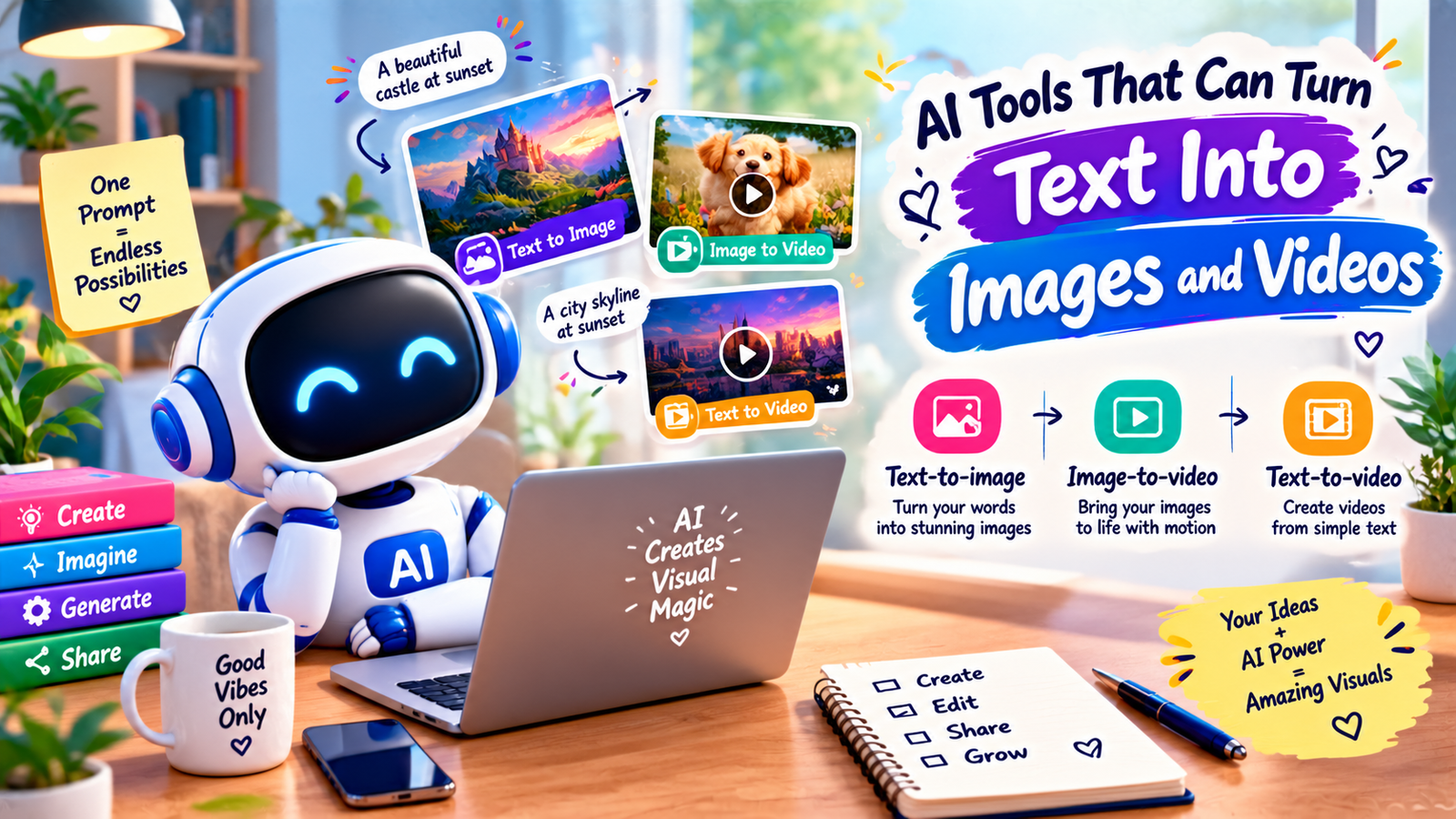
Free plans can be useful for learning, testing prompts, and producing occasional content. For beginners, AI text-to-image tools with simple interfaces can be a practical way to learn prompting.
Paid plans may offer higher usage limits, additional models, faster generation, more editing capabilities, or commercial features, depending on the platform.
Because plans and features change, review the official pricing and licensing pages before subscribing or using generated content commercially. Do not choose a platform only because it has the largest feature list; choose one that fits your actual workflow.
Frequently Asked Questions
Can AI turn text into an image?
Yes. AI text-to-image tools can generate visual content from written prompts, including illustrations, concepts, marketing visuals, and other image types.
Can AI turn text into video?
Yes. Text-to-video systems can generate short video scenes from written descriptions. The exact capabilities and output quality vary by platform and model.
Can I turn an AI-generated image into a video?
Yes. Image-to-video tools can animate a still image by adding movement, camera effects, or other visual changes. This can be useful when AI text-to-image tools are used to create the starting frame.
Are AI-generated images free to use commercially?
Not automatically. Commercial usage depends on the specific platform’s terms, the plan you use, and the content involved. Review the current licensing conditions before using an asset commercially.
How can I make AI-generated visuals look more professional?
Use specific prompts, provide useful references, generate variations, edit the strongest result, and maintain consistent branding. Human review is important even when AI text-to-image tools produce visually impressive results.
Which AI tool should beginners start with?
A beginner should start with a tool whose interface matches the intended task. If you need simple design and editing, an all-in-one creative platform may be easier; if you need advanced generation or video workflows, a specialized tool may be more suitable. Test a few options before committing to a long-term workflow.
Conclusion
AI text-to-image tools have made it easier to turn written ideas into visual concepts, while image-to-video and text-to-video systems extend those ideas into motion. They can support social media, marketing, education, blogging, ecommerce, and creative production, but their usefulness depends on how well they fit the workflow.
Start with a clear goal, write specific prompts, review every result, and check licensing before commercial use. When used thoughtfully, AI text-to-image tools can become a practical part of a larger creative process rather than a replacement for human judgment and editing.