
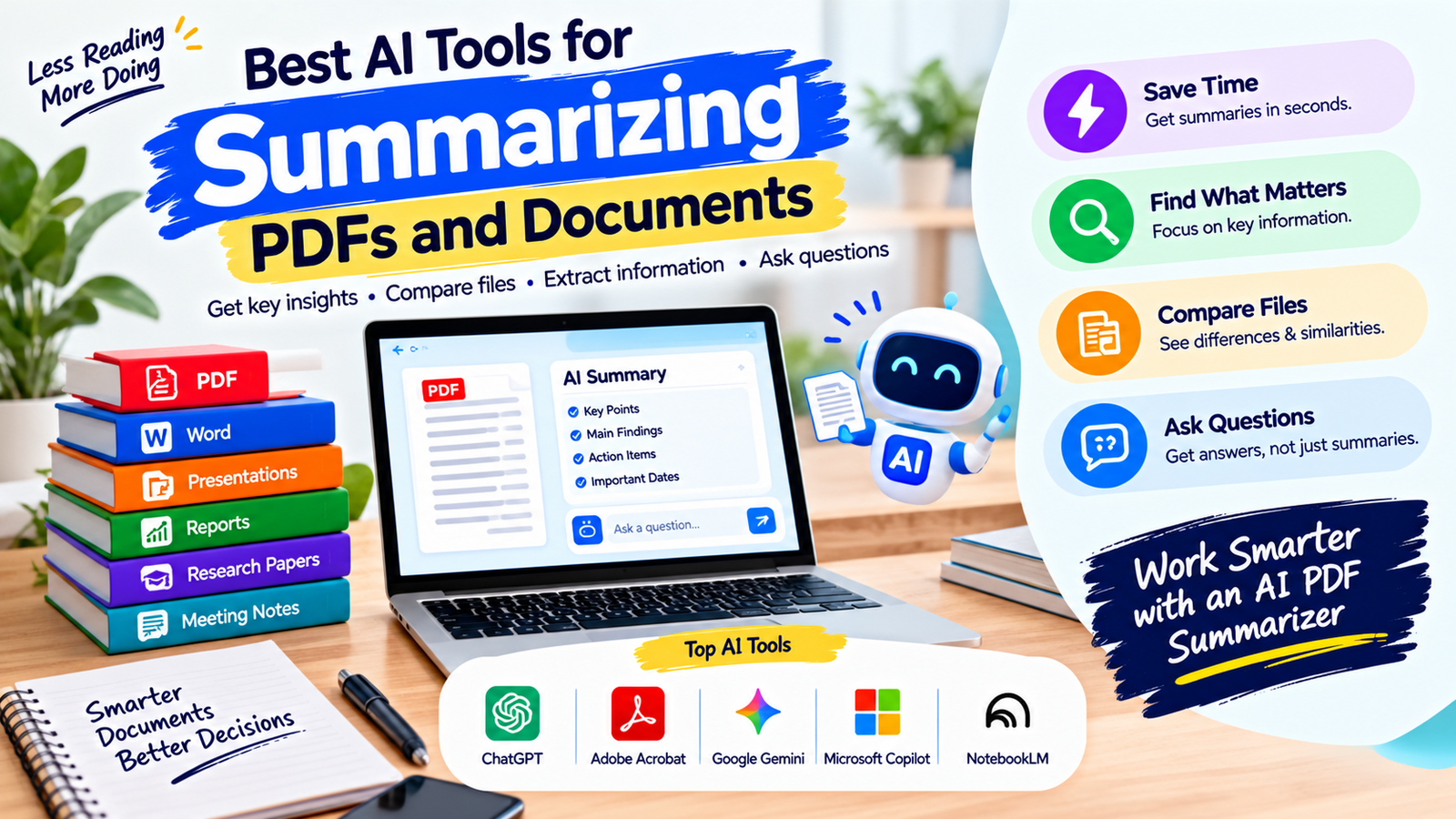
Long PDFs and business documents can take a lot of time to read, especially when you only need the main ideas, key findings, action items, or important sections. An AI PDF summarizer can help turn lengthy documents into shorter, easier-to-understand summaries while letting you ask questions about the content.
Modern AI tools can work with PDFs, Word documents, presentations, reports, research papers, meeting notes, and other files. Depending on the tool, you may be able to summarize one document, compare multiple files, extract important information, or ask follow-up questions. An AI PDF summarizer can make this process faster when you regularly work with lengthy documents.
The best option depends on what you need to do with your documents. Some tools are designed specifically for PDFs, while others are broader AI assistants that can analyze different file types.
Quick Summary
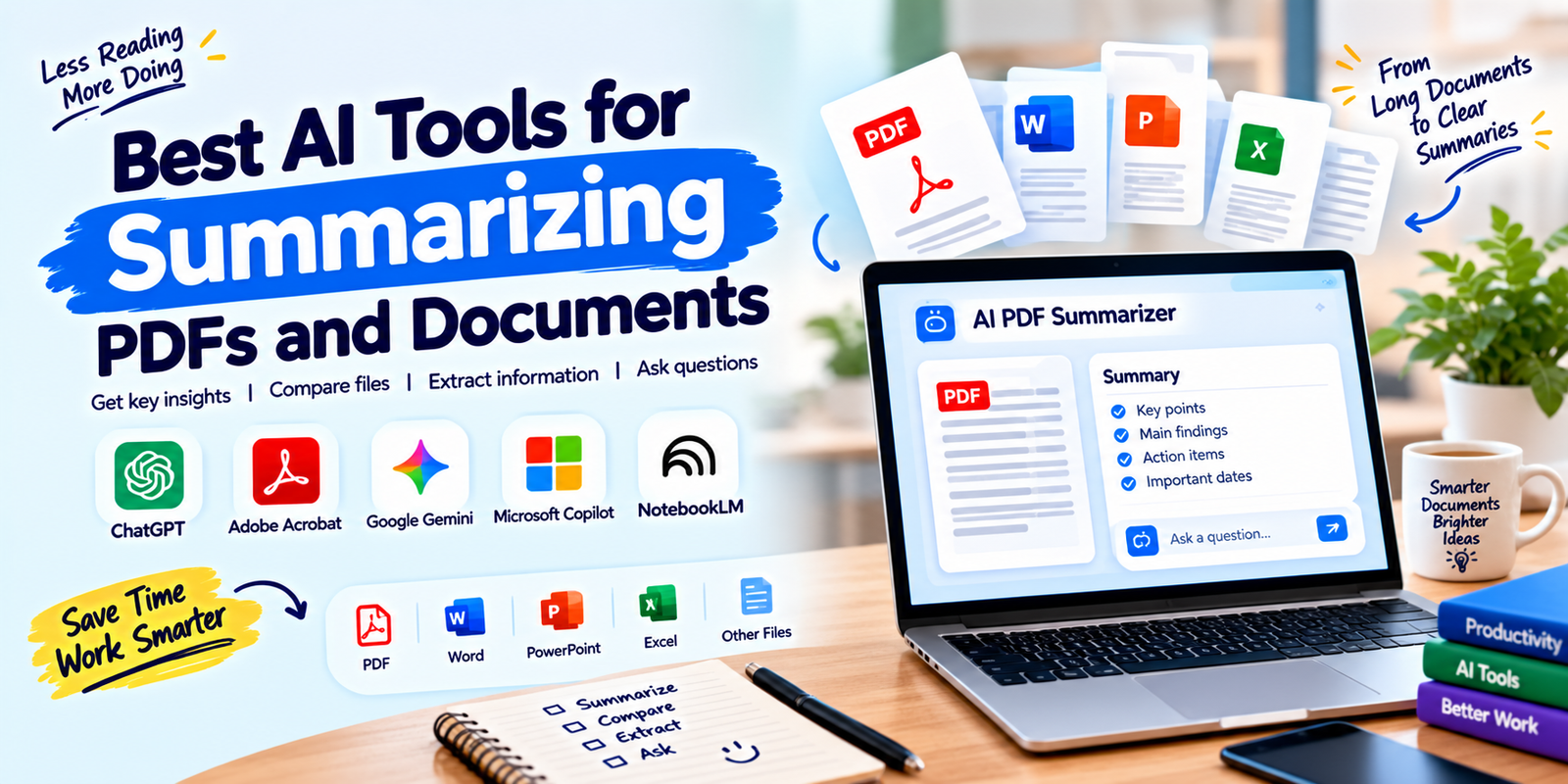
- ChatGPT: Useful for summarizing PDFs, asking questions, extracting information, and turning document content into structured outputs.
- Adobe Acrobat AI Assistant: Designed for working directly with PDFs and document content.
- Google Gemini: Useful for analyzing uploaded files and working with documents within Google’s ecosystem.
- Microsoft Copilot: Helpful for users who already work with Microsoft 365 and OneDrive.
- NotebookLM: Useful when you want to study and ask questions across a collection of source documents.
The right AI PDF summarizer should save reading time without replacing human review. Always check important summaries against the original document.
What Is an AI PDF Summarizer?
An AI PDF summarizer is a software tool that uses artificial intelligence to analyze a PDF and produce a shorter version of its main information.
Instead of reading every page manually, you can use an AI tool to identify important points, summarize sections, answer questions, or extract specific information from the document. An AI PDF summarizer can be especially helpful when a document contains many pages but you only need selected information.
For example, a 50-page business report could be summarized into a few key sections covering its main findings, recommendations, risks, and conclusions.
AI summarization can also be useful for documents such as:
- Research papers
- Business reports
- Company policies
- Contracts
- Meeting documents
- Financial reports
- Product manuals
- Study materials
- White papers
- Project documentation
What Makes a Good AI PDF Summarizer?
Not every document summarization tool works in the same way. A useful tool should make it easier to understand a document while giving you enough control to decide what information matters. A reliable AI PDF summarizer should also make it easy to verify important information.
Accurate Summaries
The tool should preserve the main meaning of the original document instead of removing important context. This is especially important when summarizing technical, financial, legal, or academic material.
Question Answering
A strong document AI tool should let you ask follow-up questions instead of requiring you to create a new summary for every question.
Source References
Source references or citations can make AI-generated answers easier to verify. When a tool shows where information came from, you can return to the original document and check the context.
Multiple File Support
If you regularly work with several reports, comparing multiple documents can be more useful than summarizing each file separately. An AI PDF summarizer with multiple-file capabilities can make document comparison more convenient.
Simple User Experience
A good tool should make uploading a document and requesting a summary straightforward. Complicated workflows can reduce the time savings that AI is supposed to provide.
Best AI Tools for Summarizing PDFs and Documents
1. ChatGPT
ChatGPT is a flexible option for people who want more than a basic PDF summary. You can upload supported files and ask the AI to summarize the content, extract important information, answer questions, organize findings, or transform the material into another format.
For example, instead of simply asking for a summary, you can request:
- A five-point summary
- A section-by-section overview
- Key findings and recommendations
- Important dates and deadlines
- A list of risks and concerns
- Questions that the document answers
- A simplified explanation for beginners
- A table of important information
This makes ChatGPT useful when the goal is not only to shorten a document but also to work with the information inside it. You can use an AI PDF summarizer workflow when you need to move from a long document to organized notes quickly.
Best for: General document analysis, flexible summaries, questions, extraction, and rewriting.
Key advantage: It can handle many document-related tasks beyond basic summarization.
Keep in mind: Important information should still be checked against the original document, particularly when accuracy matters.
2. Adobe Acrobat AI Assistant
Adobe Acrobat is a natural choice for people who work with PDFs regularly. Its AI features are designed around document understanding, allowing users to summarize PDF content and ask questions about documents.
Acrobat can be particularly useful when your workflow already depends on PDF files. Instead of moving the content into another application, you can work with the document within the Acrobat environment.
Its document-focused approach can be useful for reviewing reports, contracts, proposals, research documents, and other long files. For PDF-heavy work, an AI PDF summarizer built into a familiar document application can simplify the review process.
Best for: People and businesses that work heavily with PDF documents.
Key advantage: Strong integration with PDF-based workflows.
Keep in mind: AI features and availability can vary by Acrobat plan and account.
3. Google Gemini
Google Gemini can analyze uploaded files and help users understand document content. It can be useful for summarizing information, asking questions about a file, and extracting relevant details.
Gemini can be especially convenient for people who already use Google services and keep their documents within the Google ecosystem.
For example, a student could use an AI summary to understand a long reading, while a business user could ask questions about a report before preparing a presentation or meeting.
For users already working in Google’s ecosystem, an AI PDF summarizer can provide a convenient way to review documents without changing their existing workflow too much.
Best for: Google users who want AI assistance with documents and files.
Key advantage: Convenient document analysis within Google’s broader ecosystem.
Keep in mind: File support, limits, and available features can depend on the account and service being used.
4. Microsoft Copilot
Microsoft Copilot is another option for people who already use Microsoft products for work and document management.
Microsoft provides Copilot experiences across its productivity ecosystem, and supported document workflows can help users summarize files and extract information.
This can be useful for organizations where documents are already stored and managed through Microsoft 365 services such as OneDrive.
For Microsoft users, an AI PDF summarizer that fits into existing document workflows can reduce the need to move files between different platforms.
Best for: Microsoft 365 users and business teams.
Key advantage: Fits naturally into Microsoft-based work environments.
Keep in mind: Availability and capabilities depend on the Microsoft account, subscription, and application being used.
5. NotebookLM
NotebookLM takes a source-focused approach to AI research and document analysis. Instead of treating an uploaded document as a simple text file, it is designed around working with a collection of sources and asking questions about them.
This makes it useful for students, researchers, writers, and professionals who need to understand information from several documents.
You can use a source-based workflow to identify common themes, compare information, clarify concepts, and create summaries based on the material you provide.
When working with research sources, an AI PDF summarizer can help you quickly identify important sections before reading the full material in detail.
Best for: Research, study, and projects involving multiple source documents.
Key advantage: Useful for exploring information across a set of sources.
Keep in mind: Always verify important conclusions against the original sources.
AI PDF Summarizer Comparison
| Tool | Best For | Main Strength | Useful For |
|---|---|---|---|
| ChatGPT | General document work | Flexible analysis | Summaries, questions, extraction, rewriting |
| Adobe Acrobat AI Assistant | PDF-heavy workflows | PDF-focused features | PDF summaries and document questions |
| Google Gemini | Google users | File and ecosystem integration | Document analysis and summaries |
| Microsoft Copilot | Microsoft 365 users | Microsoft workflow integration | Business documents and file summaries |
| NotebookLM | Research and study | Source-based analysis | Multiple documents and research material |
How to Choose the Right AI PDF Summarizer
The best tool depends on your documents, workflow, and the type of output you need. Before choosing one, consider the following factors.
1. Check the File Types
First, make sure the tool supports the files you regularly use. If you work with PDFs, DOCX files, spreadsheets, presentations, and scanned documents, choose a tool that fits your actual workflow.
2. Consider Document Length
Some tools may have limits on file size, pages, uploads, or usage. If you regularly work with long reports, check the current limits before selecting a tool.
3. Look for Source Citations
Source references can be valuable when accuracy matters. They allow you to check an AI-generated statement against the original document instead of accepting the summary blindly.
4. Think About Privacy
Documents may contain confidential business information, personal data, financial details, customer records, or proprietary material. Before uploading sensitive files, review the provider’s privacy policies, data controls, retention practices, and account settings.
5. Consider Your Workflow
If your team already uses Adobe Acrobat, Microsoft 365, Google Workspace, or another document platform, an AI tool that fits into the existing workflow may be easier to adopt.
6. Check the Output You Need
A short summary is not always enough. You may need a table, list of action items, comparison, timeline, executive brief, or answers to specific questions.
Choose a tool that can produce the type of output you actually use. The best AI PDF summarizer for you should match the way you normally read, organize, and use document information.
How to Summarize a PDF With AI
Using an AI PDF summarizer is usually straightforward, but the quality of the result depends heavily on how you ask for the summary.
- Upload or open the document. Add the PDF or supported file to the AI tool.
- Define your goal. Decide whether you want a general summary, key findings, action items, or answers to specific questions.
- Give a clear prompt. Tell the tool exactly what information you want.
- Review the result. Check important statements against the original document.
- Ask follow-up questions. If something is unclear, ask the AI to explain or locate the relevant information.
- Use the summary as a working document. Turn useful information into notes, tasks, reports, or other outputs as needed.
Useful Prompts for PDF Summarization
A clear prompt can produce a more useful summary than simply saying “summarize this PDF.” Try prompts such as:
- “Summarize this document in 10 key points.”
- “Give me a section-by-section summary of this report.”
- “Identify the main findings and recommendations.”
- “List all important dates, deadlines, and responsibilities.”
- “Explain this document in simple language.”
- “Create a table showing the most important facts from this document.”
- “Identify the main risks mentioned in this report.”
- “What are the three most important conclusions in this document?”
- “Compare the main arguments in these documents.”
- “Summarize this document for a business executive who has only two minutes to read it.”
These prompts can help an AI PDF summarizer produce an output that is more relevant to your specific purpose instead of generating only a general overview.
Best AI PDF Summarizer for Students
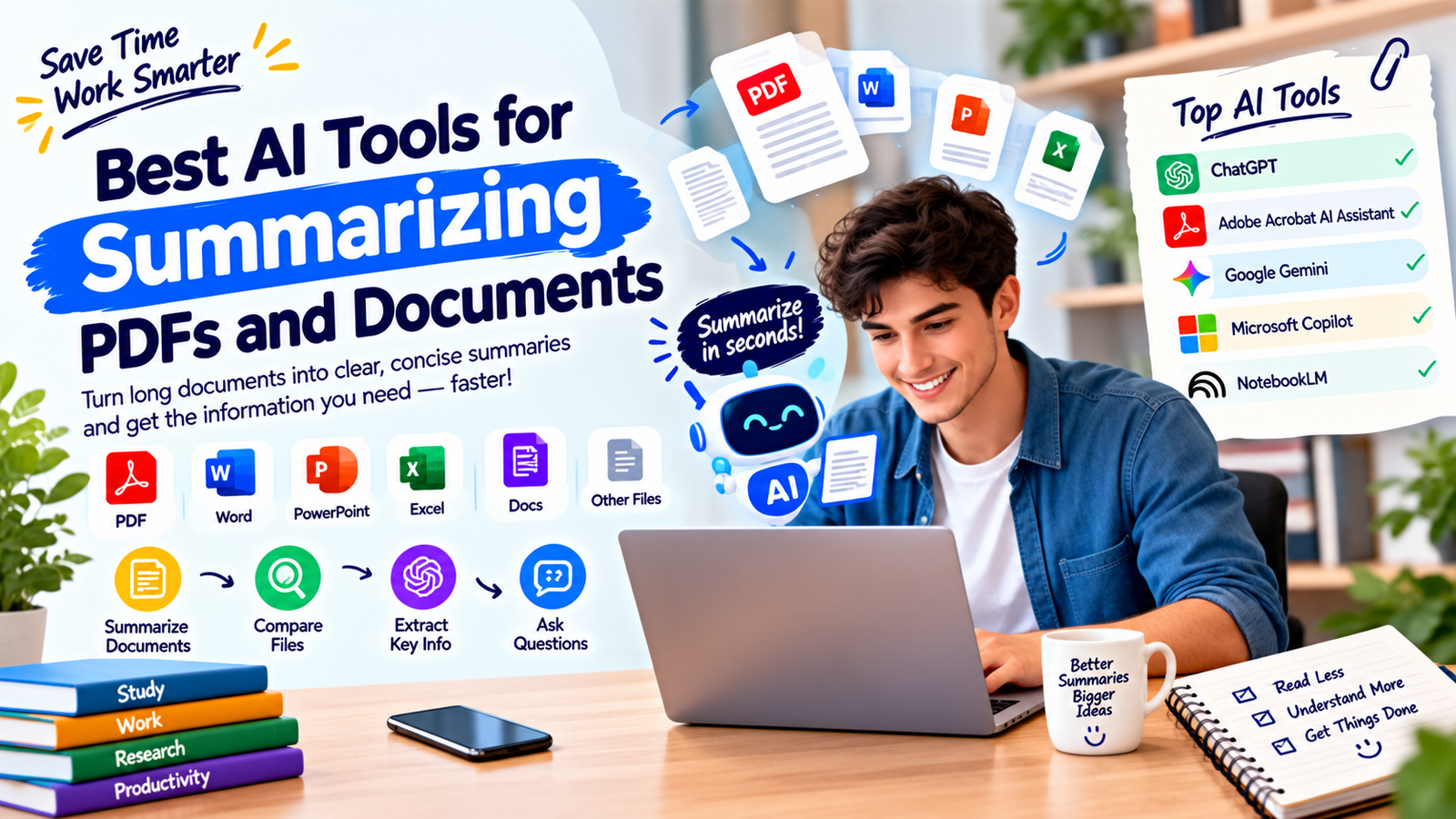
Students often need to summarize research papers, textbooks, lecture notes, academic articles, and study materials. A useful tool should make difficult material easier to understand without removing important concepts.
ChatGPT, Gemini, and NotebookLM can be useful for this type of workflow because students can ask follow-up questions instead of relying only on a short summary.
For academic work, however, AI-generated summaries should support learning rather than replace reading completely. Important definitions, arguments, quotations, references, and evidence should be checked against the original source.
Best AI PDF Summarizer for Business
Businesses often deal with reports, proposals, contracts, policies, presentations, customer documents, and internal files. In these situations, an AI summarization tool can help employees quickly understand documents before making decisions.
Adobe Acrobat can be a natural fit for PDF-heavy workflows, while Microsoft Copilot may make sense for organizations already working extensively with Microsoft 365. ChatGPT can be useful when teams need flexible analysis and structured outputs.
For businesses handling large amounts of documentation, an AI PDF summarizer can help employees review information faster while still keeping human oversight in the process.
The most important consideration for business users is not simply how short the summary is. Accuracy, privacy, access controls, document handling, and the ability to verify important information should also be considered.
Best AI PDF Summarizer for Research
Researchers may need to review many papers or reports before identifying the information that matters most. Source-focused tools can help organize information and answer questions across a collection of documents.
NotebookLM can be useful for source-based research workflows, while ChatGPT and other general AI assistants can help extract information and create structured notes.
When researching, keep the original sources available. An AI summary can help you find relevant information faster, but it should not become the only source you rely on for important conclusions.
Can AI Summarize Scanned PDFs?
It depends on the tool and the document. A scanned PDF may contain images of pages rather than selectable text. Tools with document recognition or OCR capabilities may be able to interpret this content, while other tools may have difficulty.
If the summary seems incomplete or inaccurate, check whether the document contains selectable text and whether the AI service supports scanned or image-based PDFs.
Can AI Summarize Multiple PDFs?
Yes, some AI document tools support workflows involving multiple files. This can be especially useful when you need to compare reports, research papers, proposals, or other related documents.
For example, you could ask an AI tool to identify similarities and differences between two reports, summarize several research papers, or extract common recommendations from a group of documents.
When comparing multiple files, clearly identify what you want the AI to compare. A focused instruction usually produces a more useful result than a broad request.
Common Mistakes When Using AI for PDF Summaries
Relying on the Summary Without Checking the Source
AI can misunderstand context or leave out details. Important information should be verified against the original document.
Using Vague Prompts
“Summarize this” may produce a general overview when you actually need specific information. Tell the tool what you want to find.
Ignoring Privacy
Do not upload sensitive documents without understanding how the service handles uploaded information. Business and personal documents may require additional privacy controls.
Summarizing Before Defining the Purpose
A summary for an executive meeting is different from a summary for studying. Define the intended use before asking for the output.
Using AI as the Final Authority
AI summaries are useful for speeding up document review, but they should not automatically replace the original source. This is particularly important for legal, financial, medical, academic, and business-critical documents.
How to Get Better AI Summaries
You can improve the usefulness of AI-generated summaries by giving the tool more context.
- Tell it who the summary is for.
- Specify the desired length.
- Identify the sections that matter most.
- Ask for bullet points when scanning information quickly.
- Request citations or source locations when available.
- Ask the AI to separate facts from recommendations.
- Request a list of unanswered questions.
- Ask for important numbers, dates, names, or terms to be extracted separately.
For example, instead of asking for a generic summary, you could request a 300-word executive summary followed by five key findings, three risks, and a list of recommended actions. This gives an AI PDF summarizer a clearer structure to follow.
Free vs Paid AI PDF Summarizers
Many AI platforms offer some level of free access, while more advanced document features may require a paid plan. The exact limits and features can change over time.
Free options can be suitable for occasional document summaries. Paid plans may be more useful for people who regularly work with large files, multiple documents, higher usage limits, or advanced document features.
Before paying for a tool, test whether it handles your actual documents well. A tool that works perfectly for short text may not be the best choice for your longer or more complex files.
Are AI PDF Summaries Accurate?
AI summaries can be useful, but they are not guaranteed to be perfect. The quality can depend on the document structure, language, formatting, tables, images, scanned pages, and the complexity of the information.
For low-risk tasks, a quick AI summary may be enough to understand the general topic. For high-stakes information, use the summary as a starting point and verify important details in the original document.
Using an AI PDF summarizer should therefore be part of a review process rather than a replacement for checking the source material.
Frequently Asked Questions
What is the best AI PDF summarizer?
There is no single tool that is ideal for every user. ChatGPT is useful for flexible document analysis, Adobe Acrobat AI Assistant is suited to PDF-focused workflows, Gemini fits well with Google’s ecosystem, Microsoft Copilot can work well for Microsoft users, and NotebookLM is useful for source-based research.
Can AI summarize a long PDF?
Yes. Many modern AI document tools can summarize long PDFs, although file size, page limits, usage limits, and supported formats vary by service and plan. An AI PDF summarizer can be useful for getting a quick overview before reading the full document.
Can AI summarize multiple documents at once?
Some tools support multiple documents or source collections. This is useful when you need to compare reports, research papers, proposals, or other related files.
Is it safe to upload private PDFs to AI tools?
Privacy depends on the specific service, account type, settings, and document. Before uploading confidential information, review the provider’s privacy and data-handling policies and use appropriate business controls.
Can AI summarize a PDF and answer questions about it?
Yes. Many modern document AI tools allow users to summarize a file and then ask follow-up questions about its contents. This makes an AI PDF summarizer more useful when you need both a quick overview and deeper information from the same document.
Should I trust an AI-generated PDF summary?
Use it as a helpful starting point rather than an unquestionable final answer. For important information, compare the summary with the original document and verify critical details.
Conclusion
The best AI PDF summarizer is the one that fits your documents, workflow, and reason for summarizing. ChatGPT, Adobe Acrobat AI Assistant, Google Gemini, Microsoft Copilot, and NotebookLM each approach document analysis differently.
If you need flexible analysis, a general AI assistant may be useful. If most of your work happens inside PDFs, a PDF-focused platform can be more convenient. For research involving multiple sources, a source-based tool may provide a better workflow.
Whatever tool you choose, focus on accuracy, privacy, source verification, supported file types, and ease of use. AI can significantly speed up document review, but the original document should remain the final reference when accuracy matters.