
Artificial intelligence is becoming a practical part of everyday work. From writing emails and creating documents to researching information, designing visuals, organizing tasks, and automating repetitive processes, AI apps for everyday work can help people save time and work more efficiently.
The best AI apps for everyday work are not necessarily the tools with the most features. The right choice depends on what you need to accomplish. A writer may need an AI writing assistant, while a business owner may benefit more from automation. Someone working with Microsoft 365 may prefer an AI assistant that works directly with Word, Excel, Outlook, and PowerPoint.
This guide covers some of the most useful AI apps for everyday work and explains how they can fit into different workflows. Whether you are a freelancer, business owner, marketer, student, office worker, or content creator, the right AI tools can help you handle repetitive tasks and organize your work more efficiently.
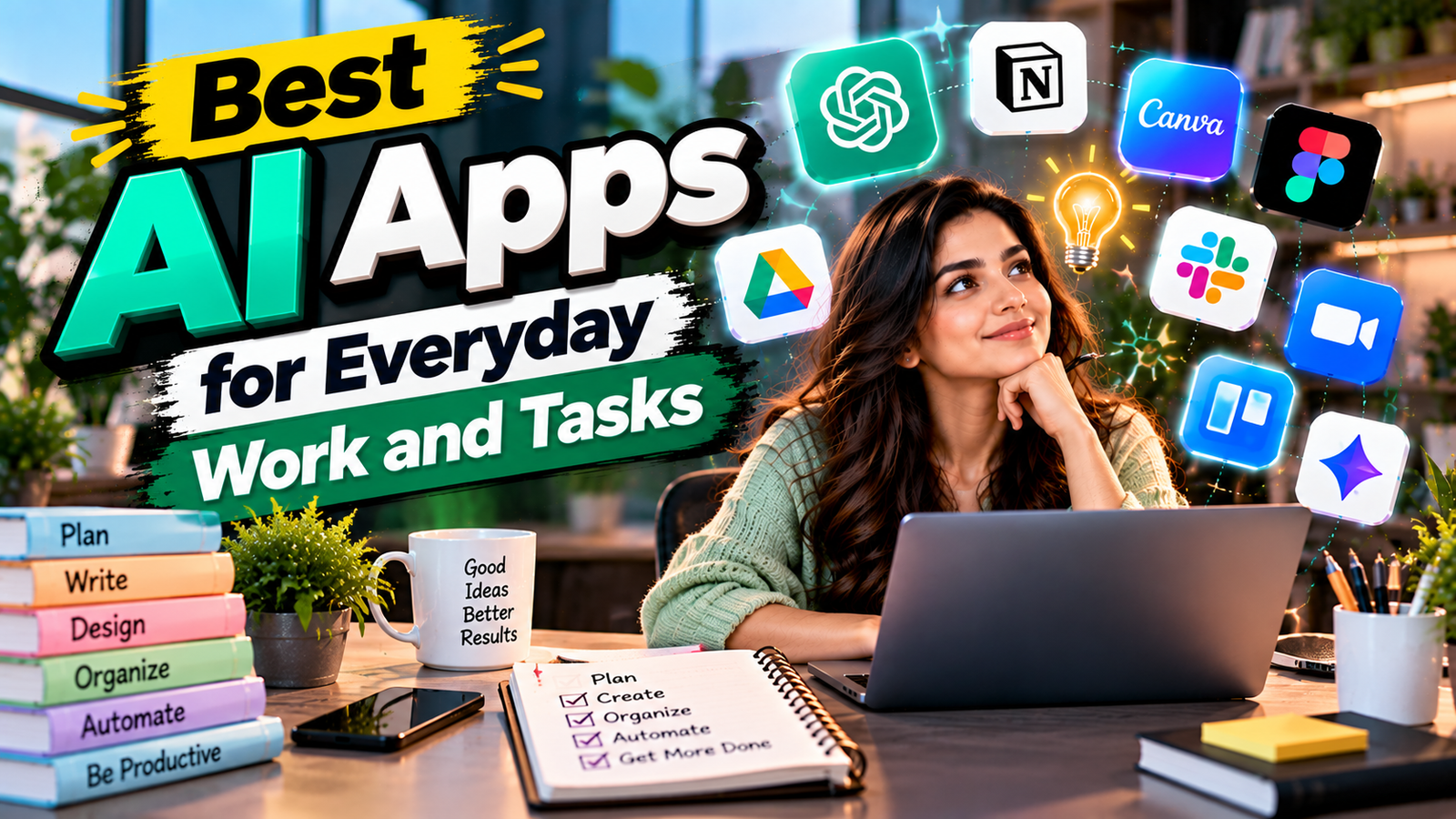
Quick Summary of AI Apps for Everyday Work
| AI App | Best For | Common Work Uses |
|---|---|---|
| ChatGPT | General productivity | Writing, research, analysis, brainstorming |
| Microsoft Copilot | Office productivity | Documents, spreadsheets, presentations |
| Google Gemini | Google Workspace users | Research, writing, planning |
| Claude | Writing and analysis | Long documents, reasoning, summaries |
| Canva AI | Visual content | Presentations, graphics, social media |
| Grammarly | Writing improvement | Editing, rewriting, communication |
| Zapier | Automation | Connecting apps and automating tasks |
What Can AI Apps for Everyday Work Do?
Modern AI apps for everyday work can support many routine tasks that previously required significant manual effort.
Depending on the tool, AI can help you:
- Draft emails and business messages
- Summarize long documents
- Brainstorm ideas
- Research topics
- Analyze information
- Create presentations
- Improve written communication
- Generate visual content
- Organize information
- Automate repetitive workflows
- Create reports and project materials
- Turn rough ideas into structured content
The important point is that AI should usually support human judgment rather than completely replace it. Generated information still needs to be reviewed, especially when accuracy, business decisions, privacy, or important customer information is involved.
1. ChatGPT — One of the Most Flexible AI Apps for Everyday Work
ChatGPT is one of the most flexible AI apps for everyday work because it can support many different types of tasks from a single interface.
You can use it to brainstorm ideas, draft emails, summarize information, organize notes, create outlines, analyze documents, write reports, prepare meeting materials, and develop first drafts.
OpenAI’s current guidance explains that ChatGPT Work can turn existing work inputs such as emails, documents, spreadsheets, calendars, dashboards, trackers, and messages into useful outputs such as briefs, summaries, plans, and process documents.
You can learn more about using ChatGPT for everyday work through OpenAI’s ChatGPT Work guide.
Useful AI Apps for Everyday Work Tasks With ChatGPT
- Drafting professional emails
- Creating meeting summaries
- Brainstorming content ideas
- Researching topics
- Creating reports and outlines
- Analyzing documents
- Rewriting unclear text
- Preparing presentations
- Creating project plans
ChatGPT can be particularly useful when a task begins with scattered information and needs to become a structured document or actionable plan.
2. Microsoft Copilot — AI Apps for Everyday Work in Microsoft 365
Microsoft Copilot is particularly useful for people who already work inside the Microsoft ecosystem.
Microsoft describes Copilot as an AI tool built for work that can connect with work content and familiar applications. Its current capabilities include creating documents, spreadsheets, presentations, answering questions, and helping with multi-step tasks, although available features can vary by account and subscription.
You can explore the latest features through Microsoft Copilot.
Copilot can be useful when your work already involves Word, Excel, PowerPoint, Outlook, Teams, or other Microsoft tools.
Everyday Work Tasks You Can Do With Microsoft Copilot
- Drafting Word documents
- Creating presentation content
- Working with spreadsheets
- Summarizing information
- Preparing meeting notes
- Brainstorming ideas
- Finding information across work content
- Creating structured work materials
For organizations already using Microsoft 365, AI capabilities connected to familiar workplace applications can make it easier to work with existing files and information.
3. Google Gemini — Useful AI Apps for Everyday Work for Google Users
Google Gemini is another useful option for people who regularly use Google’s ecosystem.
It can help with brainstorming, writing, research, summarization, planning, and other general productivity tasks. Its usefulness can increase when your workflow already revolves around Google’s productivity environment.
Google Gemini Tasks for Everyday Work
- Writing and rewriting
- Brainstorming
- Research assistance
- Summarizing information
- Planning projects
- Creating content ideas
- Organizing information
- Answering questions
Google users should consider how well the AI tool fits their existing workflow rather than choosing an app simply because it has a long feature list.

4. Claude — AI Apps for Everyday Work for Writing and Analysis
Claude is designed for conversational AI tasks and can be useful for writing, analysis, brainstorming, and working with larger amounts of information.
It can help users turn rough ideas into structured content, summarize documents, compare information, and improve the clarity of written material.
Claude Tasks for Everyday Work
- Long-form writing
- Document analysis
- Summarization
- Brainstorming
- Research support
- Editing
- Content planning
- Information organization
Claude can be especially useful when a task requires careful organization of text or a detailed explanation rather than a short answer.
5. Canva AI — AI Apps for Everyday Work for Visual Content
Canva AI is useful for people who need to create presentations, social media graphics, marketing materials, documents, and other visual content.
Canva’s current AI tools allow users to create and refine designs through conversation. Canva AI 2.0 also introduces conversational creation, editable outputs, research, connectors, and other AI-powered workflows.
You can explore the latest capabilities through Canva AI.
Canva AI Tasks for Everyday Work
- Creating social media graphics
- Designing presentations
- Creating marketing materials
- Generating visual concepts
- Improving existing designs
- Creating content for campaigns
- Developing branded materials
- Creating visual reports
For marketers and small businesses, Canva AI can help shorten the distance between an idea and a finished visual asset.
6. Grammarly — AI Apps for Everyday Work for Writing and Editing
Grammarly is designed to help people communicate more clearly and efficiently.
Its AI writing features can help with drafting, rewriting, improving clarity, adjusting tone, and correcting common writing issues.
Grammarly can be especially useful for professionals who write emails, proposals, reports, product descriptions, website content, and other business materials.
Grammarly Tasks for Everyday Work
- Proofreading emails
- Improving sentence clarity
- Rewriting professional messages
- Adjusting tone
- Correcting grammar
- Creating first drafts
- Improving business communication
- Editing marketing copy
For anyone who writes frequently, Grammarly can work as a final quality-control layer after creating a first draft with another AI tool.
7. Zapier — AI Apps for Everyday Work for Automation
Zapier is different from traditional AI writing tools because its main strength is connecting applications and automating workflows.
Zapier currently describes its platform as infrastructure for AI-powered automation and supports thousands of applications. Its AI features can help users build workflows and add AI-powered steps for tasks such as summarizing, classifying, drafting, and processing information.
You can explore its automation capabilities through Zapier’s AI resources.
Zapier Tasks for Everyday Work
- Moving information between apps
- Automating lead management
- Sending automatic notifications
- Creating follow-up workflows
- Organizing customer information
- Automating repetitive administrative tasks
- Connecting AI tools to business applications
For example, a business could create a workflow where a new form submission triggers an AI step, organizes the information, and then sends the result to another application.
How to Choose AI Apps for Everyday Work
Choosing among different AI apps for everyday work becomes easier when you start with the task rather than the technology.
Ask yourself:
What Everyday Work Task Takes the Most Time?
If you spend hours writing emails, an AI writing assistant may be useful. If you repeatedly move information between applications, automation may provide more value.
What Tools Do You Already Use for Everyday Work?
An AI application that works naturally with your existing software may be easier to adopt than a separate tool that requires constant copying and pasting.
Do You Need AI Creation or Automation for Everyday Work?
Some AI apps are primarily designed to generate or improve content. Others can automate processes and connect different applications.
How Important Is Accuracy in Your Everyday Work?
For routine brainstorming, AI can provide quick ideas. For financial, legal, medical, business, or other high-impact information, you should verify important outputs with reliable sources and qualified professionals when appropriate.
What Happens to Your Data?
Before uploading confidential business documents or customer information, check the tool’s privacy, security, data-use, and account settings.
AI Apps for Everyday Work for Different Types of Workers
| Type of Worker | Useful AI Apps | Common Tasks |
|---|---|---|
| Freelancers | ChatGPT, Grammarly, Canva | Writing, proposals, content |
| Marketers | ChatGPT, Canva, Zapier | Campaigns, graphics, automation |
| Office Workers | Copilot, ChatGPT, Grammarly | Documents, email, analysis |
| Designers | Canva AI, ChatGPT | Design ideas, content planning |
| Business Owners | ChatGPT, Copilot, Zapier | Planning, operations, automation |
| Students | ChatGPT, Gemini, Grammarly | Research, writing, organization |
| Content Creators | ChatGPT, Canva, Grammarly | Scripts, graphics, editing |
How to Build a Simple AI Apps for Everyday Work Workflow
You do not need dozens of AI tools to create a useful workflow. A simple combination of AI apps for everyday work can be enough to improve a repetitive process.
Step 1: Collect Information
Gather emails, notes, documents, customer questions, or other relevant information.
Step 2: Use AI for the First Draft
Ask an AI tool to organize the information and create a structured first version.
Step 3: Review the Result
Check facts, numbers, names, instructions, and important details.
Step 4: Improve the Output
Use a writing or design tool to polish the final material.
Step 5: Automate Repetitive Everyday Work
If the process happens regularly, consider connecting the applications through an automation platform such as Zapier. Zapier supports workflows that connect apps and can add AI-powered steps to those workflows.
This approach keeps AI apps for everyday work focused on specific tasks instead of trying to make one tool handle everything.
Common Mistakes When Using AI Apps for Everyday Work
Using Too Many AI Apps for Everyday Work
Installing every new AI application can create more complexity instead of improving productivity.
Start with one or two tools that solve an actual problem.
Trusting Every AI Output
AI can produce incorrect or incomplete information. Always review important outputs before using them.
Giving Vague Instructions to AI Apps
AI usually performs better when you provide context, goals, audience, format, and limitations.
Instead of saying:
“Write an email.”
Try:
“Write a short professional follow-up email for a client who has not responded to a project proposal.”
The second request provides more useful context and gives the AI a clearer goal.
Ignoring Privacy
Do not automatically upload sensitive customer, financial, business, or personal information. Review the relevant privacy and security settings before using AI with confidential data.
Automating Everything
Automation is useful for repetitive tasks, but some decisions still require human judgment.
A good AI apps for everyday work workflow usually combines automation with review rather than removing people from the process completely.
Practical Tips for Getting Better Results From AI Apps for Everyday Work
You can improve your experience with AI apps for everyday work by following a few simple practices.
Give AI Context
Explain what you are working on, who the audience is, and what the final result should look like.
Provide Examples
If you want a particular writing style or format, give the AI an example.
Break Large Tasks Into Steps
Instead of asking an AI application to complete a complicated project in one prompt, divide it into smaller stages.
Review Before Publishing
Always review AI-generated content before sending it to customers, publishing it online, or using it for important decisions.
Create Reusable Prompts
If you perform the same task every week, create a reusable prompt template. This can make your workflow faster and more consistent.
Combine AI Apps for Everyday Work Carefully
You might use ChatGPT for brainstorming, Grammarly for editing, Canva for visual design, and Zapier for automation. The goal is not to use every tool but to create a workflow where each tool has a clear purpose.
Are AI Apps for Everyday Work Worth Using?
For many people, AI apps for everyday work can reduce repetitive work and help move tasks from an initial idea to a usable first draft more quickly.
The biggest benefit often comes from using AI for specific bottlenecks rather than trying to automate an entire job.
For example, a freelancer might use AI to brainstorm article ideas, prepare a first draft, improve an email, create a presentation, and automate repetitive administrative tasks.
A business owner might use AI to summarize information, prepare reports, organize customer requests, create marketing materials, and connect different business applications.
The most useful approach is to keep people responsible for reviewing information, making decisions, and adding the experience and judgment that AI cannot reliably provide.
Frequently Asked Questions About AI Apps for Everyday Work
What Are the Best AI Apps for Everyday Work?
The right AI apps for everyday work depend on the task. ChatGPT can support general productivity, Copilot is useful within the Microsoft ecosystem, Canva AI focuses on visual creation, Grammarly supports communication, and Zapier focuses on automation.
Can AI Apps for Everyday Work Save Time?
Yes. AI apps for everyday work can reduce time spent on repetitive activities such as drafting, summarizing, organizing, brainstorming, editing, and moving information between applications.
Are AI Apps for Everyday Work Free?
Some AI apps provide free plans or limited free features, while others require paid subscriptions for advanced capabilities. Features and pricing can change, so check the provider’s current plans before making a purchasing decision.
Can AI Apps for Everyday Work Replace Office Work?
AI can automate or assist with some routine tasks, but many jobs still require human judgment, communication, creativity, accountability, and decision-making.
Which AI Apps for Everyday Work Are Useful for Writing?
Tools such as ChatGPT, Claude, and Grammarly can all support writing. The most appropriate option depends on whether you need brainstorming, long-form drafting, editing, rewriting, or final proofreading.
Which AI Apps for Everyday Work Are Useful for Automation?
Zapier is designed around connecting applications and automating workflows. Its AI features can also help users build and manage automated processes.

Conclusion: Choosing the Right AI Apps for Everyday Work
The growing number of AI apps for everyday work gives professionals more ways to improve productivity. Whether you need help writing an email, analyzing a document, creating a presentation, designing marketing content, or automating repetitive tasks, there is likely an AI tool that can support the process.
The key is to choose AI apps for everyday work based on your actual workflow. Start with a specific problem, select an application that addresses it, and measure whether it genuinely saves time or improves the quality of your work.
AI is most useful when it works alongside human expertise. Use AI apps for everyday work to handle repetitive work, generate first drafts, organize information, and accelerate creative tasks while keeping human review and decision-making at the center.