
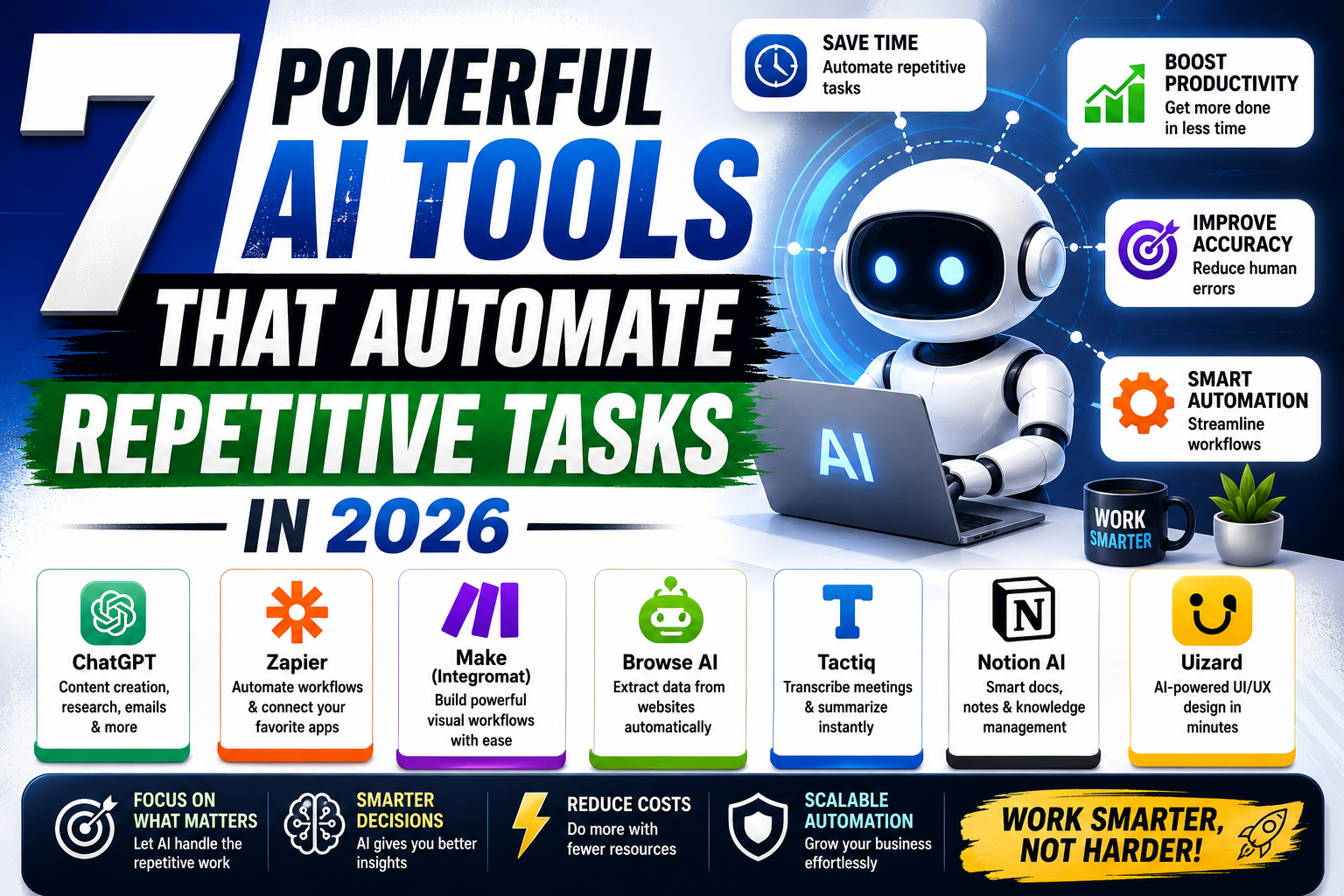
Repetitive tasks can quietly consume hours each week, from moving data between apps and sorting emails to creating reports, updating records, and sending routine notifications. AI automation tools can handle many of these workflows with less manual effort, allowing individuals and businesses to focus on more valuable work.
The best tools do more than perform a single automated action. They can connect different applications, interpret information, trigger workflows, and in some cases use AI to make decisions within a process. This guide covers the best AI tools for automating repetitive tasks, what each tool is best for, and how to choose the right option for your workflow.
If you also want to explore AI tools for broader daily productivity, see our guide to AI productivity tools.
What Are AI Automation Tools?
AI automation tools combine workflow automation with artificial intelligence to reduce manual work. Traditional automation usually follows predefined rules, while AI-powered systems can also process text, classify information, extract data, or help create workflows from natural-language instructions.
For example, instead of manually copying new customer information from a form into a spreadsheet and notifying your sales team, an automation can perform those steps automatically.
Common tasks that can be automated include:
- Moving information between applications
- Sorting and responding to routine emails
- Extracting information from documents
- Creating and updating records
- Sending notifications and reminders
- Generating routine reports
- Organizing customer information
- Processing repetitive administrative tasks
- Routing leads and support requests
- Synchronizing data between business tools
Benefits of Automating Repetitive Tasks
Automation is most useful when a task happens frequently and follows a predictable process.
Save Time
Automating repetitive steps reduces the amount of time employees spend on manual data entry, file transfers, notifications, and routine updates.
Reduce Manual Errors
Copying information between systems can lead to missed fields or incorrect entries. Automated workflows can perform the same steps consistently when they are configured correctly.
Improve Productivity
When routine work happens automatically, employees can spend more time on customer service, strategy, creative work, and other tasks that require human judgment.
Keep Workflows Consistent
Automation can ensure that the same process happens every time. For example, a new lead can automatically enter a CRM, receive an acknowledgment email, and notify the appropriate team member.
Scale Repetitive Processes
A workflow that works for 20 tasks per day may become difficult to manage manually at 200 or 2,000 tasks. Automation can help businesses handle higher volumes without adding the same amount of manual work.
Best AI automation tools Repetitive Tasks
Different automation platforms are designed for different needs. Some are ideal for connecting popular business apps, while others are better for Microsoft environments, visual workflows, self-hosting, or enterprise automation.
| Tool | Best For | Standout Feature | Free Option |
|---|---|---|---|
| Zapier | General workflow automation | Connects thousands of apps and supports AI-assisted workflow creation | Yes |
| Make | Visual workflow automation | Visual builder for complex multi-step workflows | Yes |
| Microsoft Power Automate | Microsoft users | Automation across Microsoft 365 and Windows | Limited/free options available |
| n8n | Self-hosted workflows | Flexible workflows with data and infrastructure control | Community edition |
| UiPath | Enterprise and RPA | Automates desktop and legacy applications | Trial/free options vary |
| IFTTT | Simple personal automations | Easy app and device connections | Yes |
1. Zapier
Zapier is one of the most versatile choices for automating repetitive tasks across business applications. It connects thousands of apps and allows users to create automated workflows without building integrations from scratch.
Its AI features can also help users create workflows by describing what they want to automate in natural language. Zapier’s current AI functionality includes an AI Zap builder, troubleshooting assistance, and AI-powered formatting features.
Best for: Businesses, marketers, freelancers, and teams that need to connect multiple applications.
Useful for:
- Lead management
- Email notifications
- Spreadsheet updates
- CRM workflows
- Customer onboarding
- Marketing automation
- Data synchronization
Pros:
- Large app ecosystem
- No-code workflow creation
- AI-assisted workflow building
- Suitable for many business processes
Cons:
- Costs can increase as automation usage grows
- Complex workflows may require more planning
Free plan: Available, with limitations depending on the workflow and usage.
2. Make
Make is a strong choice for users who want more visual control over their automations. Its visual workflow builder lets you see how information moves between different steps, which can be particularly useful for complex processes.
Recent comparisons identify Make as a strong option for visual workflow building, with support for branching logic, iterators, aggregators, and direct API connections.
Best for: Users who need detailed control over multi-step workflows.
Useful for:
- Data processing
- Lead routing
- Marketing workflows
- API integrations
- Multi-step business processes
- Automated notifications
Pros:
- Visual workflow design
- Flexible automation logic
- Good control over complex processes
- Free plan available
Cons:
- Learning curve can be higher than simpler automation tools
- Complex workflows require careful configuration
3. Microsoft Power Automate
Microsoft Power Automate is particularly useful for organizations already working with Microsoft 365. It can automate workflows involving applications such as Outlook, Excel, SharePoint, Teams, and other Microsoft services.
It also supports desktop automation and AI-assisted workflow creation. Current Microsoft guidance highlights that Copilot and automation can help with workflow delegation, but users remain responsible for reviewing and approving automated work.
Best for: Microsoft 365 users and businesses that rely heavily on Windows and Microsoft applications.
Useful for:
- Email workflows
- Excel data processing
- SharePoint automation
- Approval processes
- Document workflows
- Desktop tasks
Pros:
- Strong Microsoft 365 integration
- Supports desktop automation
- Useful for business approval workflows
- AI-assisted workflow creation
Cons:
- Most valuable within the Microsoft ecosystem
- Advanced automation can require additional technical knowledge
4. n8n
n8n is a flexible workflow automation platform that appeals to technical users and businesses that want greater control over their automation environment.
Its self-hosted Community edition can be useful for organizations that want to manage their own infrastructure and data. Current automation comparisons also position n8n as a strong choice for self-hosted workflows.
Best for: Technical teams and businesses that want flexible or self-hosted automation.
Useful for:
- API-based workflows
- Data processing
- AI workflows
- Custom integrations
- Internal business automation
Pros:
- Flexible workflow design
- Self-hosting option
- Strong customization potential
- Suitable for technical users
Cons:
- Less beginner-friendly than simple no-code tools
- Self-hosting requires technical knowledge
5. UiPath
UiPath is designed for more advanced automation, particularly robotic process automation (RPA). It can automate repetitive work across applications, including older systems that may not provide modern APIs.
UiPath describes its RPA technology as suitable for repetitive, high-volume work and supports automation across modern and legacy interfaces.
Best for: Enterprises and organizations with complex or legacy systems.
Useful for:
- Data entry
- Document processing
- Legacy software
- Repetitive desktop tasks
- High-volume business processes
Pros:
- Strong RPA capabilities
- Works with legacy applications
- Suitable for enterprise-scale automation
- Can combine AI and robotic automation
Cons:
- More complex than beginner automation tools
- May be excessive for simple workflows
6. IFTTT
IFTTT is a simpler option for connecting apps, devices, and personal services. It is particularly useful for straightforward automations where a specific trigger should cause an action.
Best for: Beginners and simple personal or smart-device automation.
Useful for:
- Smart home tasks
- Notifications
- Personal reminders
- Social media actions
- Simple app connections
Pros:
- Easy to use
- Beginner-friendly
- Simple automation setup
- Free option available
Cons:
- Less suitable for complex business workflows
- Advanced business automation may require another platform
What Tasks Can AI automation tools?
The best automation opportunity is usually a task that is repetitive, predictable, and based on clear rules.
Email Management
AI and automation can help classify incoming messages, route requests, create follow-up tasks, and trigger notifications.
For example, a customer inquiry could automatically be categorized and assigned to the appropriate team.
Data Entry
Instead of manually transferring information between systems, automation can move data from forms, spreadsheets, CRM systems, and other applications.
Document Processing
AI can extract information from invoices, forms, receipts, and other documents before sending the data into another workflow.
Lead Management
A new lead can automatically be added to a CRM, assigned to a salesperson, placed into a follow-up sequence, and recorded in a reporting system.
Reporting
Automated workflows can collect information from different applications and prepare recurring reports, reducing repetitive spreadsheet work.
Customer Support
AI can classify support requests, suggest responses, route tickets, and identify messages that require human attention.
File Management
Automation can rename, organize, move, or process files based on predefined rules and triggers.
How to Choose the Right AI Automation Tool
The best AI automation tool depends on the task you want to automate, the applications you already use, and how much control you need.
1. Identify Your Most Repetitive Tasks
Start by listing tasks that happen every day or every week.
Look for processes involving:
- Copying and pasting
- Repeated emails
- Manual data entry
- File transfers
- Notifications
- Spreadsheet updates
- Routine approvals
2. Check Your Existing Apps
Choose an automation platform that works with the applications your business already uses.
For example, Microsoft-heavy organizations may benefit from Power Automate, while businesses working across many different SaaS applications may prefer Zapier or Make.
3. Consider Workflow Complexity
A simple task may only require one trigger and one action.
A more complicated workflow may involve multiple applications, conditions, approvals, data transformations, and AI processing.
Choose a tool that matches your current needs rather than selecting the most powerful platform available.
4. Review Pricing and Usage Limits
Free plans can be useful for testing an automation, but businesses should understand how tasks, operations, credits, or workflow runs are counted before building processes at scale.
5. Consider Security and Human Review
Automation should not remove human oversight from sensitive processes.
Microsoft specifically notes that delegating work to Copilot or an agent does not transfer accountability; users remain responsible for reviewing and approving automated work.
For workflows involving payments, customer data, financial decisions, or important communications, include appropriate approval steps.
Free vs Paid AI Automation Tools
Free Tools Are Best When
- You are testing automation for the first time.
- Your workflows have low usage.
- You only need basic integrations.
- You are automating personal tasks.
- You want to understand a platform before paying.
Paid Tools Are Better When
- Your business depends on automation.
- You run many workflows.
- You need advanced integrations.
- You require higher usage limits.
- You need team management or enterprise controls.
- Automation is part of an important business process.
A free plan is a good starting point, but the cheapest option is not always the best long-term choice. Consider the time saved, reliability, integrations, and scalability alongside the subscription cost.
Common Mistakes When Automating Repetitive Tasks
Automating a Bad Process
Automation does not fix a poorly designed workflow. Review the process first and remove unnecessary steps before automating it.
Automating Everything at Once
Start with one repetitive task, measure the result, and expand gradually. Building too many workflows at once can make troubleshooting difficult.
Ignoring Human Oversight
Some tasks require judgment, approval, or context that automation cannot reliably provide. Keep human review where mistakes could have significant consequences.
Choosing a Tool Based Only on Popularity
A popular platform may not be the right fit for your workflow. Compare integrations, complexity, pricing, security, and scalability before choosing.
Forgetting About Maintenance
Apps change their APIs, permissions, and features. Review important automations periodically to make sure they continue working correctly.
Best AI Automation Tool for Different Needs
There is no single best option for every user.
Best overall for connecting business apps: Zapier
Best for visual workflows: Make
Best for Microsoft 365 users: Microsoft Power Automate
Best for self-hosted automation: n8n
Best for enterprise RPA: UiPath
Best for simple personal automations: IFTTT
The right choice depends more on your workflow than on the number of features a platform offers.
Frequently Asked Questions
What are AI automation tools?
AI automation tools combine artificial intelligence with workflow automation to perform repetitive tasks, process information, connect applications, and reduce manual work.
What is the best AI automation tool?
Zapier is a strong general-purpose option for connecting business applications, while Make is useful for visual workflows, Power Automate works well within Microsoft environments, and UiPath is better suited to enterprise RPA.
Can AI automate repetitive office tasks?
Yes. AI and automation can help with tasks such as data entry, email classification, document processing, reporting, notifications, lead management, and routine workflow steps.
Are AI automation tools free?
Many automation platforms offer free plans or free versions, but they typically include usage or feature limitations. Paid plans are generally more suitable for larger workflows and business use.
Is AI automation safe for business tasks?
AI automation tools can be used safely when workflows are properly configured, sensitive data is protected, and appropriate human review is maintained. Important financial, customer, or business decisions should not be blindly delegated to automation.
How do I start automating repetitive tasks?
Begin by identifying one repetitive task that happens frequently, document the steps, choose a tool that supports the applications involved, and test the workflow before expanding automation to more important processes.
Conclusion
AI automation tools can turn repetitive manual work into reliable workflows that run with far less human intervention. Whether you need to move data between apps, organize documents, manage leads, automate emails, or process routine business tasks, there are tools designed for different levels of complexity.
For most businesses, the best approach is to start small. Choose one repetitive process, automate it, monitor the results, and then expand to other workflows. The goal is not to automate everything—it is to automate the right tasks while keeping people involved wherever judgment, accuracy, or accountability matters.